Age Rating
4+
Apps in this category do not contain restricted content.
9+
Apps in this category may contain mild or occasional cartoon, fantasy or real-life violence, as well as occasional or mild adult, sexually suggestive or horrifying content and may not be suitable for children under 9 years of age.
12+
Apps in this category may contain occasional mild indecent language, frequent or intense cartoon or real-life violence, minor or occasional adult or sexually suggestive material, and simulated gambling, and may be for children under 12 years of age.
17+
You must be at least 17 years old to access this App.
Apps in this category may contain frequent and intense offensive language; Frequent and intense cartoon, fantasy or realistic violence: frequent and intense adult, scary and sexually suggestive subjects: as well as sexual content, nudity, tobacco, alcohol and drugs, may not be suitable for children under 17 years of age.
LanguageScreen Screenshots
LanguageScreen posterLanguageScreen posterLanguageScreen posterLanguageScreen posterLanguageScreen posterLanguageScreen posterLanguageScreen posterLanguageScreen poster

About LanguageScreen

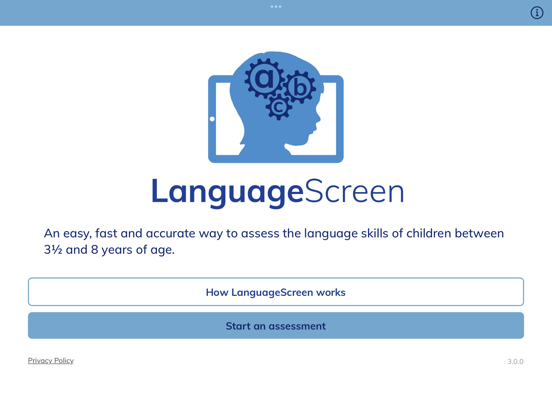
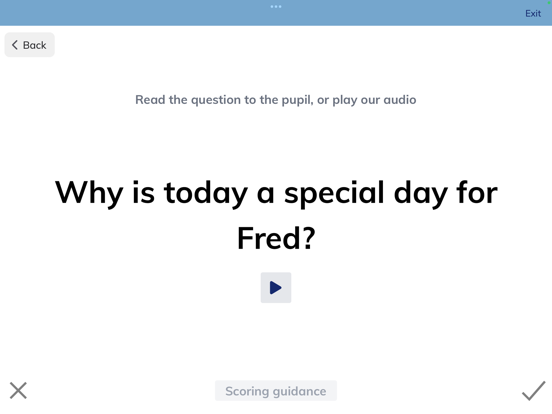
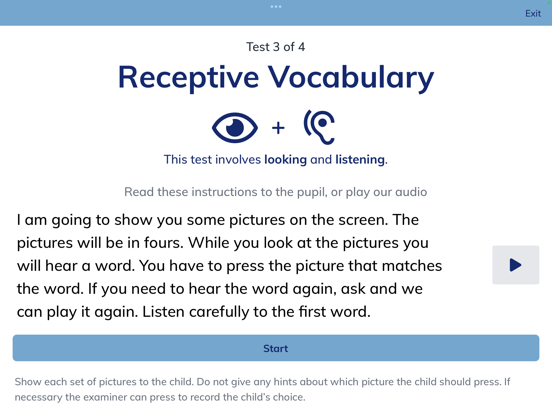
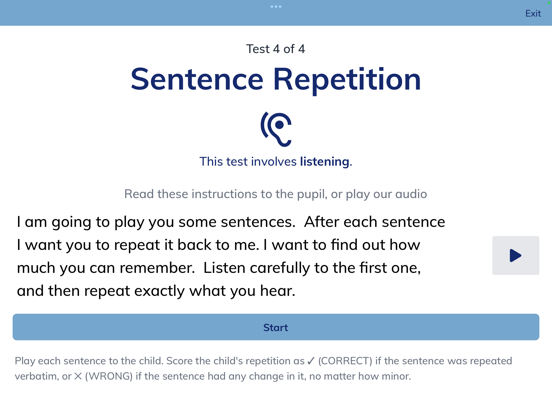
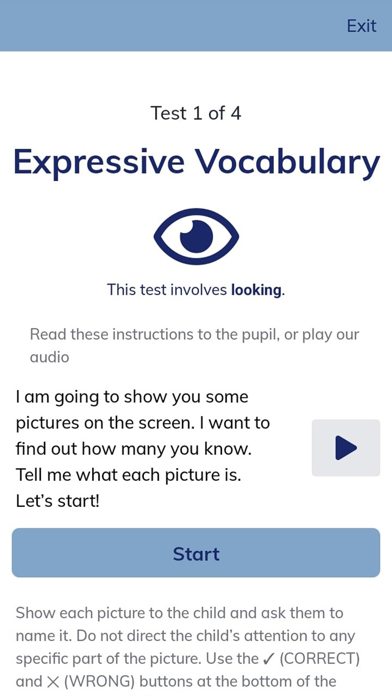
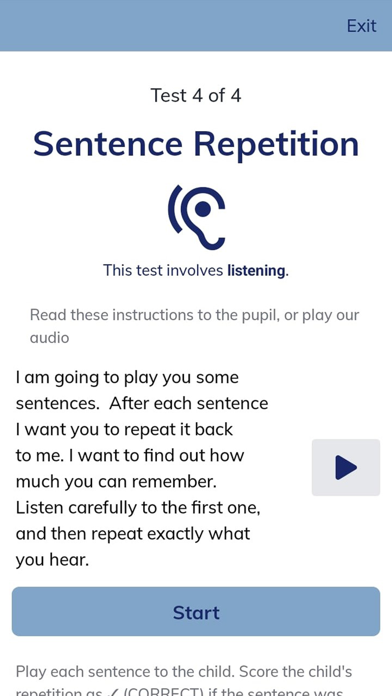
LanguageScreen enables education professionals to assess young children’s oral language skills accurately and quickly. LanguageScreen is the product of extensive research by a team at the University of Oxford.

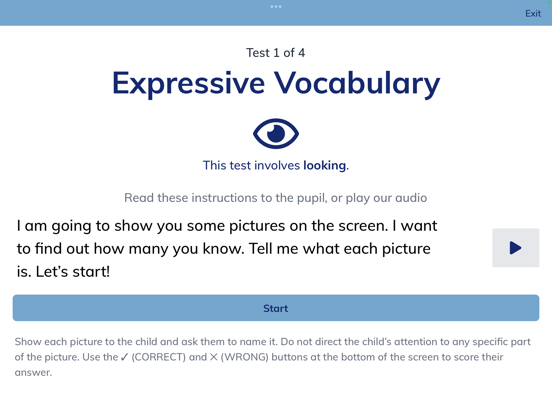
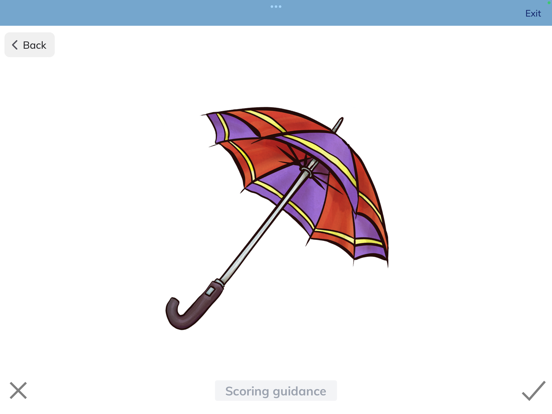
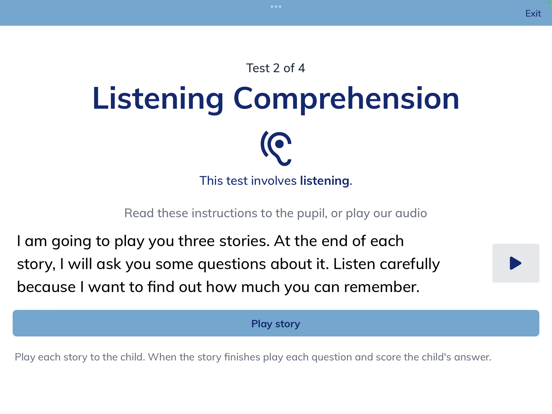
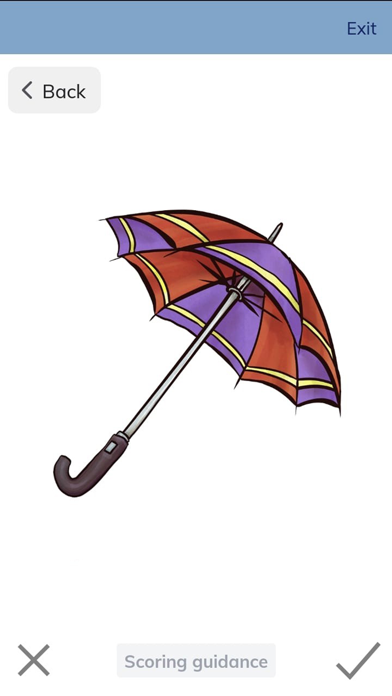
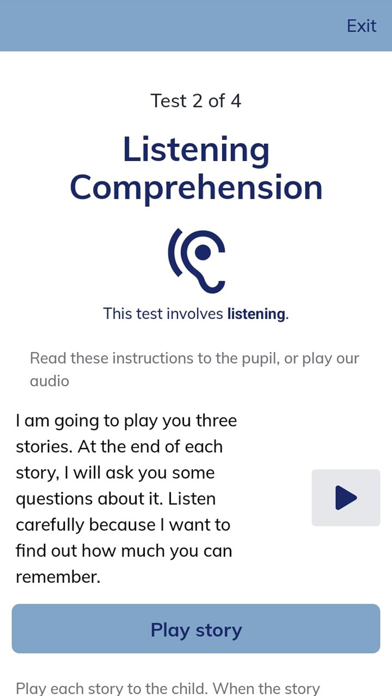
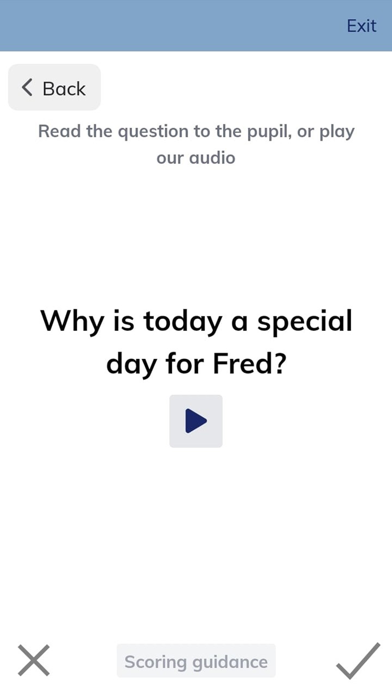
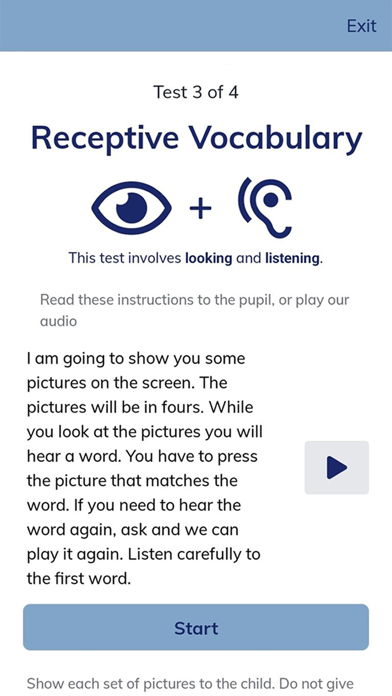
LanguageScreen assesses four components of oral language skills by guiding the examiner through a series of activities. In these activities the child is presented with pictures and sound clips and is asked to perform simple tasks. Depending on the activity, the app either directly records the child’s responses, or the examiner’s scoring of their responses. Assessment data is uploaded to oxedandassessment.com which generates individual and class assessment reports. In order to use LanguageScreen a school must register for a free trial on oxedandassessment.com.

Show More

What's New in the Latest Version 3.3.10

Last updated on Nov 25, 2025
Old Versions
A new modal has been added to inform users about restricted access in the mobile applications and the recommendation to switch to the web version.
Show More
Version History
3.3.10
Nov 25, 2025
A new modal has been added to inform users about restricted access in the mobile applications and the recommendation to switch to the web version.

LanguageScreen FAQ

Click here to learn how to download LanguageScreen in restricted country or region.
Check the following list to see the minimum requirements of LanguageScreen.
iPhone
iPad

LanguageScreen Alternative

You May Also Like

Get more from OxEd and Assessment Ltd