Learn HTML easily with the best offline HTML tutorial app for beginners and web developers. Build modern websites, learn HTML5 coding, and master web development step by step without internet connection.
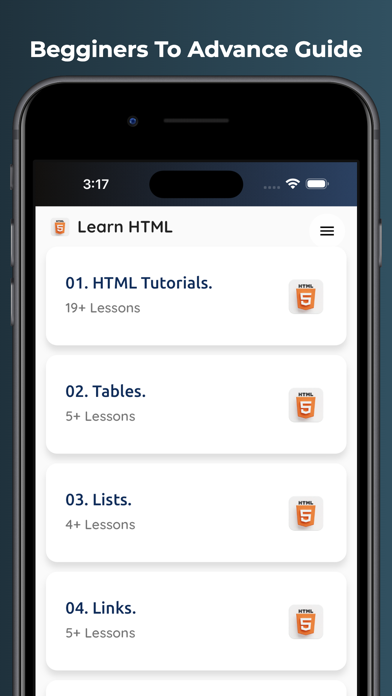
Learn HTML - Offline Tutorial is a complete learning app designed for students, beginners, programmers, and anyone who wants to create websites from scratch. The app includes easy HTML lessons, practical examples, interview questions, HTML tags reference, and real-world coding tutorials.
Whether you are starting your web development journey or improving your coding skills, this app helps you learn HTML quickly and efficiently.
Key Features
Learn HTML Offline
Beginner Friendly Tutorials
HTML5 Complete Guide
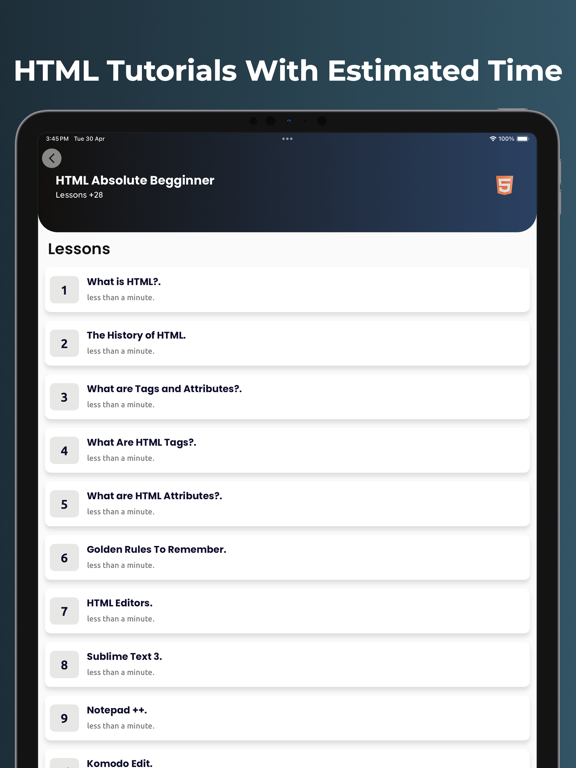
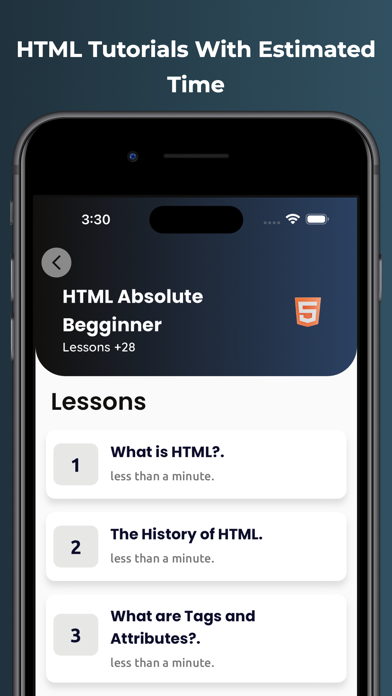
Step-by-Step Lessons
HTML Tags & Attributes
Website Creation Tutorials
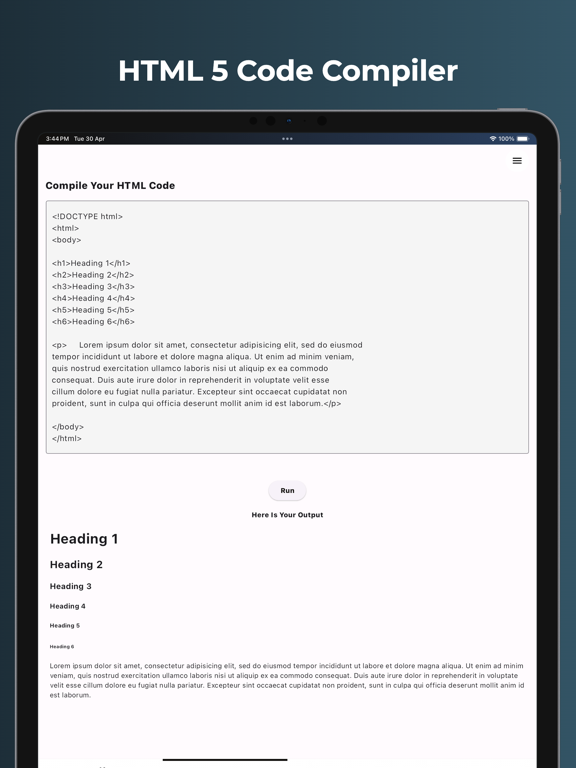
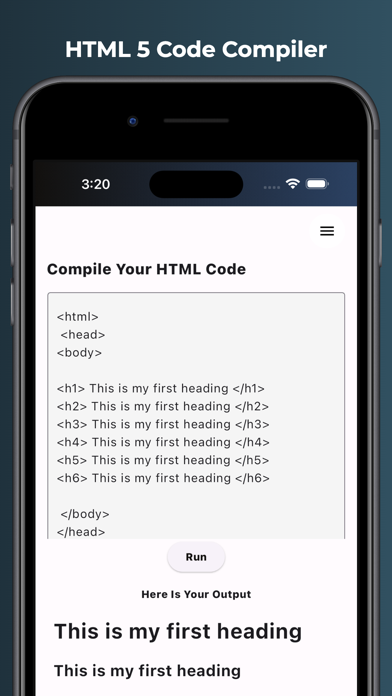
Practical Code Examples
Easy User Interface
Fast Learning Experience
Web Development Basics
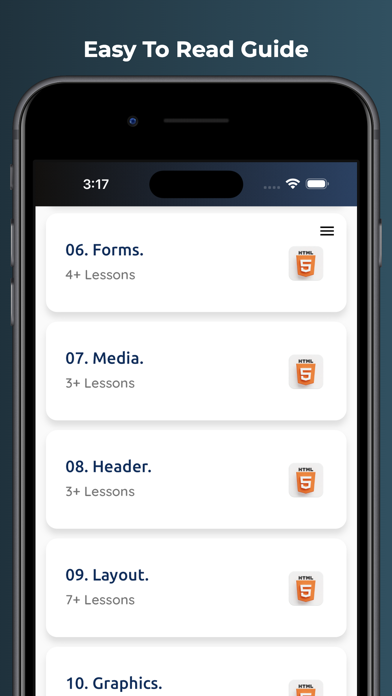
HTML Forms, Tables & Media
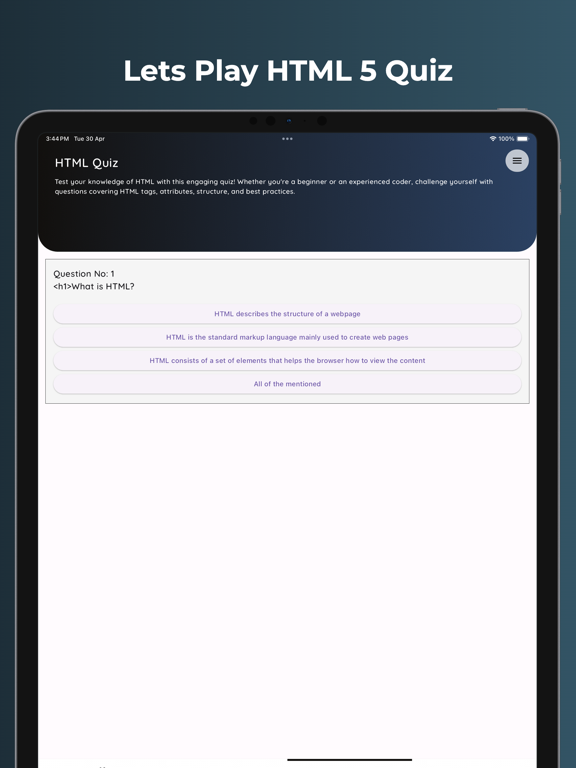
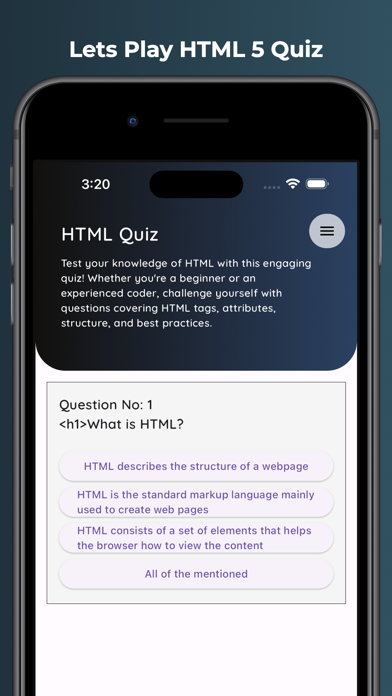
Interview Questions & Answers
Responsive Web Design Basics
Code Practice Examples
Regular Learning Updates
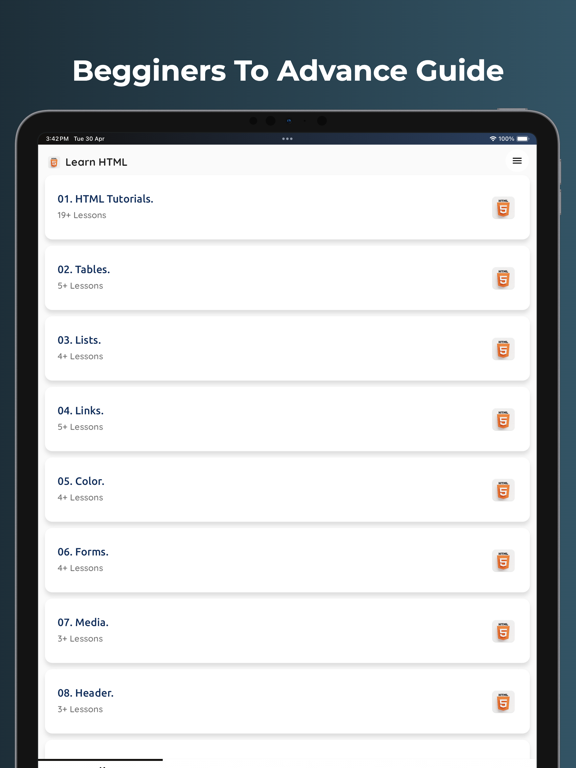
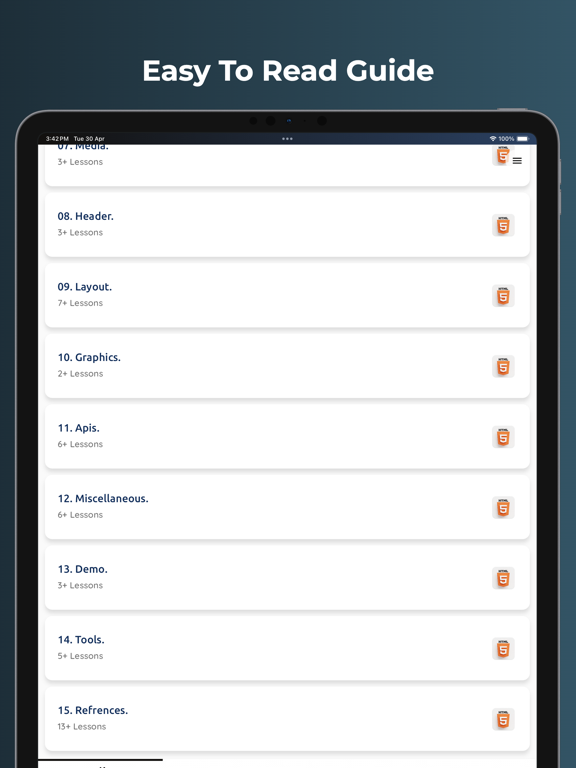
Topics Covered
Introduction to HTML
HTML Document Structure
HTML Tags & Elements
HTML Attributes
Headings & Paragraphs
Images & Links
Lists & Tables
Forms & Input Fields
Audio & Video
Semantic HTML5
Div & Layouts
Buttons & Navigation
HTML Classes & IDs
Responsive Design Basics
Beginner Website Projects
Why Choose Learn HTML - Offline Tutorial?
This app is perfect for beginners who want to learn coding and web development in a simple way. All tutorials are written in easy language with examples to help users understand HTML quickly.
You can study anytime and anywhere without internet access. The app is lightweight, fast, and designed for smooth learning on mobile devices.
If you want to become a web developer, create websites, learn HTML5, or start programming, this app is a great choice.
Perfect For
Students
Beginners
Web Development Learners
Coding Enthusiasts
Computer Science Students
Freelancers
Future Frontend Developers
Download Learn HTML - Offline Tutorial now and start building websites with easy HTML5 lessons and practical coding examples.