LearnLevelUp
Free
1.0for iPhone, iPad
Age Rating
LearnLevelUp Screenshots
About LearnLevelUp
Learn & Level Up features an impressive array of games developed by the Game Creation Studio prominently displayed on the homepage. The platform offers several notable features, including:
- L&L Trivia: Presents diverse trivia challenges for users to engage with.
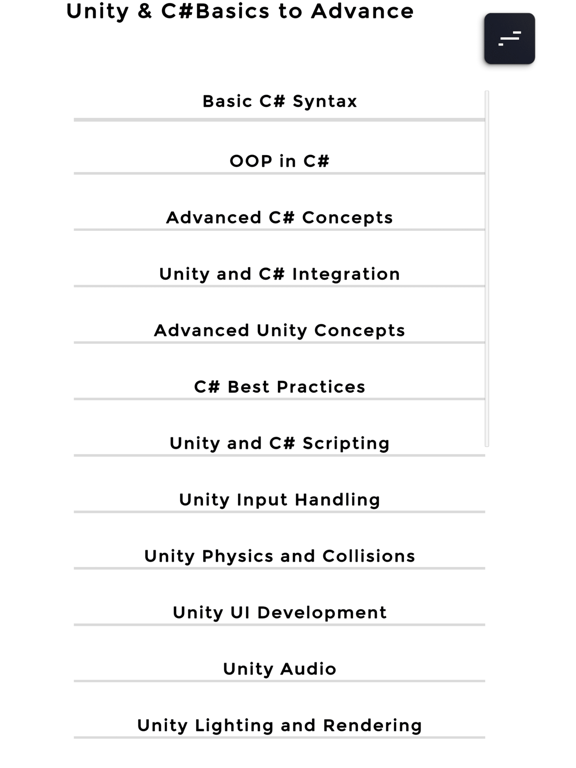
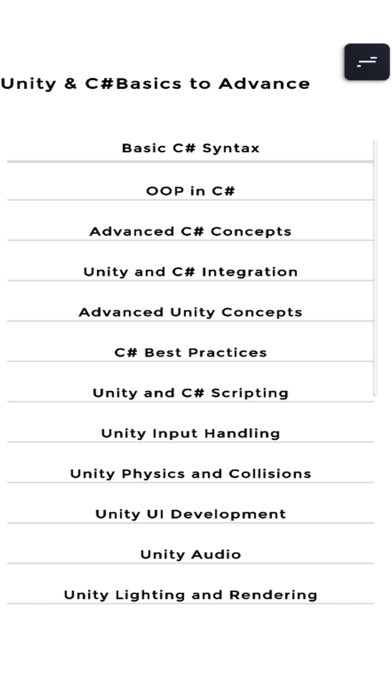
- C# & Unity Basic To Advance: Provides comprehensive coverage of essential vocabulary and concepts related to C# and Unity.
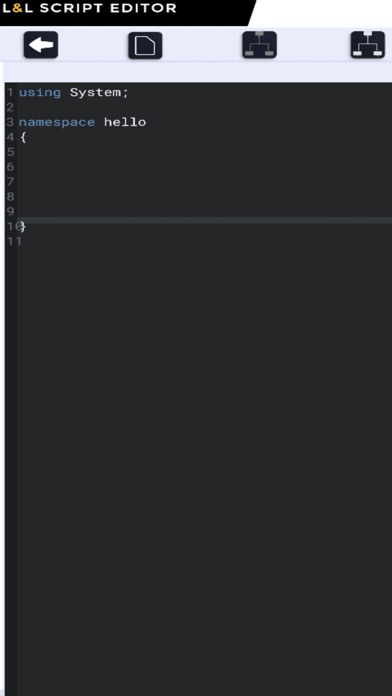
- C# Editor: Enables users to write and visualize C# scripts effectively.
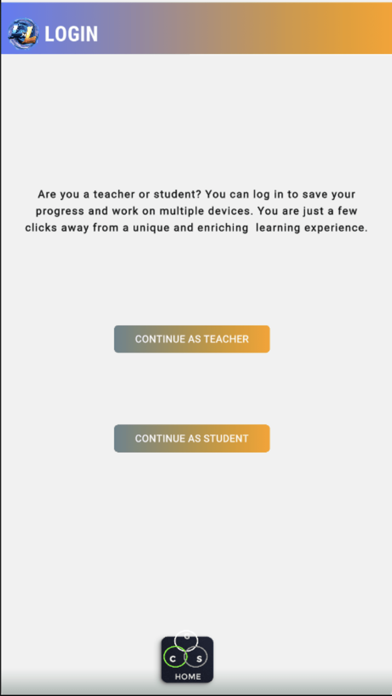
This app has helpful tools for both educators and students. Based on your choice, the following features will displayed to you. There are two account options available: student or educator. Upon account selection, a series of questions will be presented to ensure the user is directed to the appropriate account features.
Key features include:
- A panel displaying options for registration or login.
- For students and educators logging in, the system will prompt them to enter their email and password.
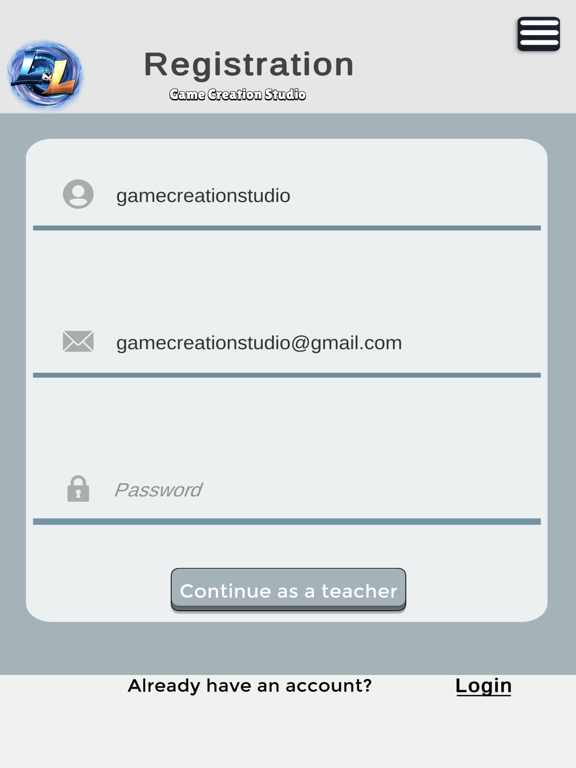
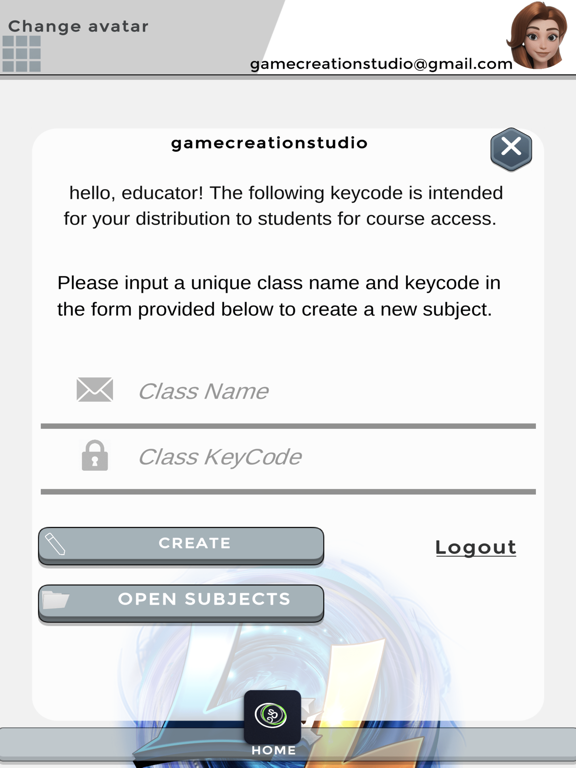
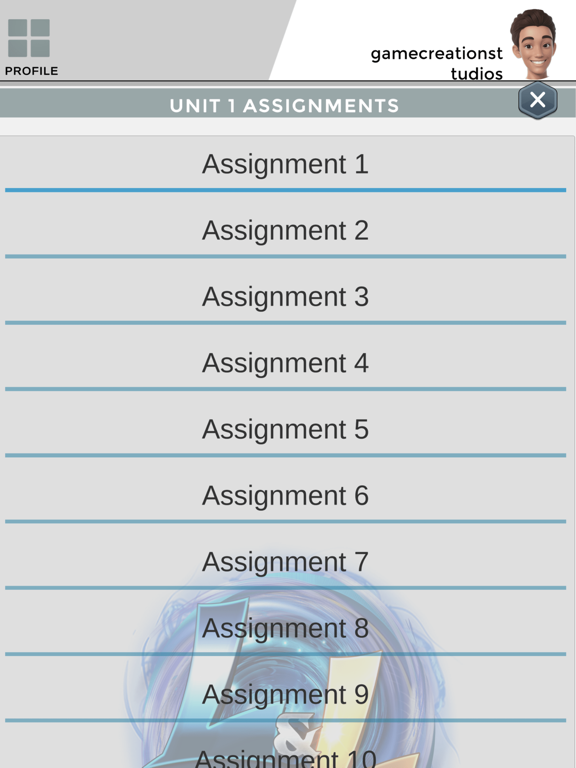
- Educators registering for the app will be required to provide their username, email, and password. Additionally, educators seeking to assign assignments to students will be prompted for their course name and course key, which is essential for student enrollment in the class.
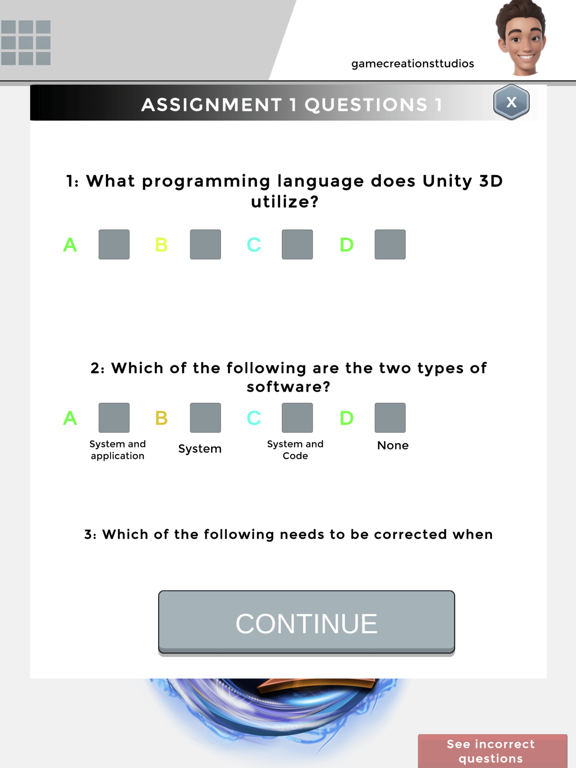
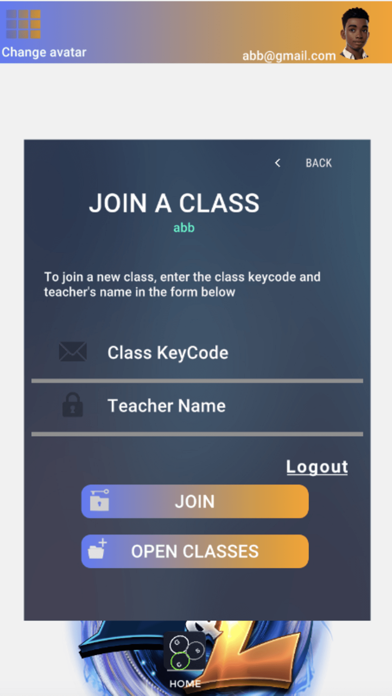
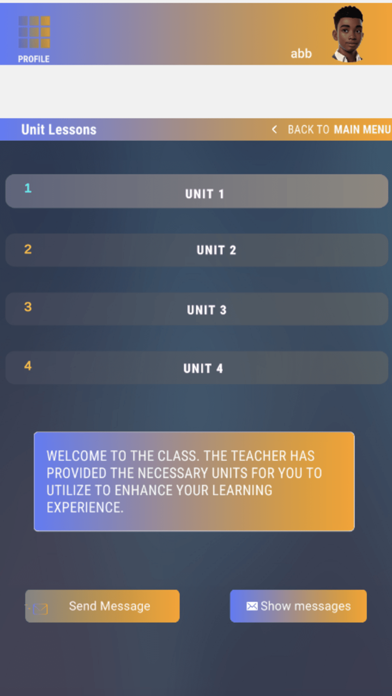
- Students registering for the app will be required to provide their username, email, and password. Furthermore, students possessing the course name and code will be able to input this information to access assignments assigned by their teacher.

- L&L Trivia: Presents diverse trivia challenges for users to engage with.
- C# & Unity Basic To Advance: Provides comprehensive coverage of essential vocabulary and concepts related to C# and Unity.
- C# Editor: Enables users to write and visualize C# scripts effectively.
This app has helpful tools for both educators and students. Based on your choice, the following features will displayed to you. There are two account options available: student or educator. Upon account selection, a series of questions will be presented to ensure the user is directed to the appropriate account features.
Key features include:
- A panel displaying options for registration or login.
- For students and educators logging in, the system will prompt them to enter their email and password.
- Educators registering for the app will be required to provide their username, email, and password. Additionally, educators seeking to assign assignments to students will be prompted for their course name and course key, which is essential for student enrollment in the class.
- Students registering for the app will be required to provide their username, email, and password. Furthermore, students possessing the course name and code will be able to input this information to access assignments assigned by their teacher.

Show More
What's New in the Latest Version 1.0
Last updated on Sep 10, 2024
Version History
1.0
Sep 10, 2024
LearnLevelUp FAQ
Click here to learn how to download LearnLevelUp in restricted country or region.
Check the following list to see the minimum requirements of LearnLevelUp.
iPhone
iPad