Create your comping* songbook or study book.
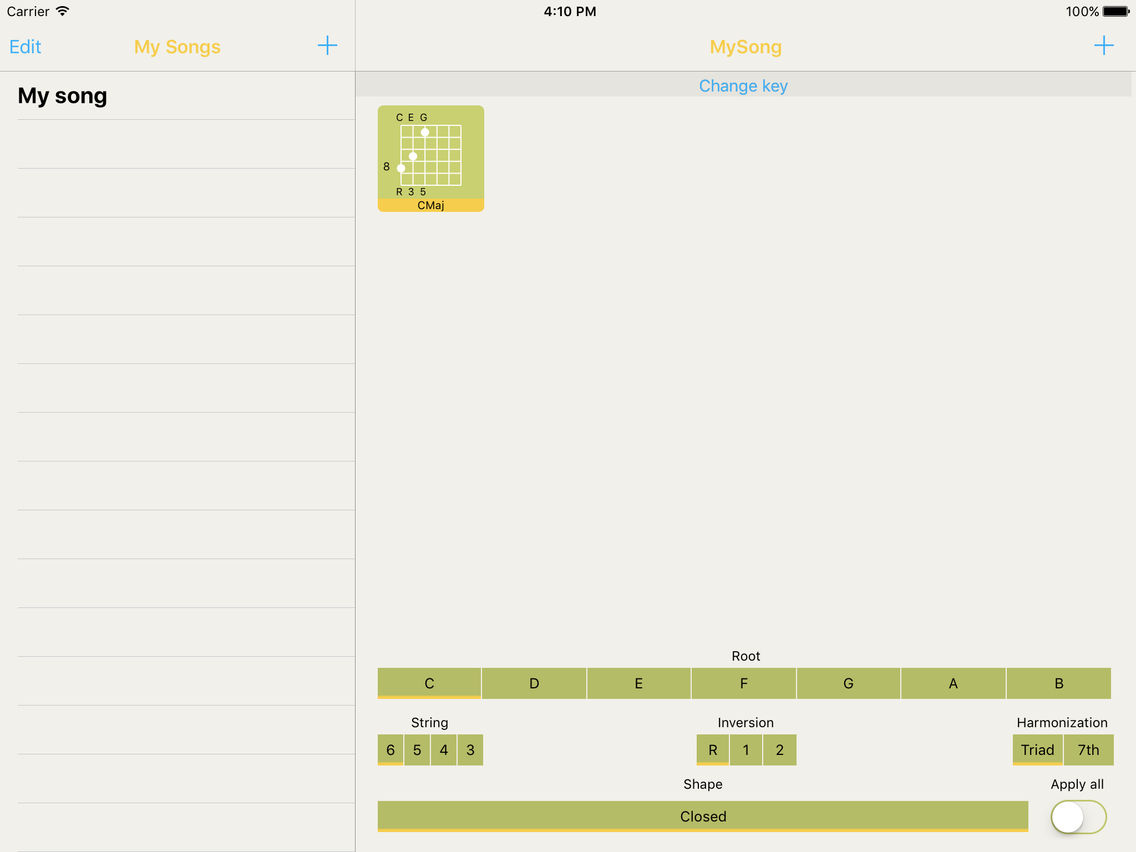
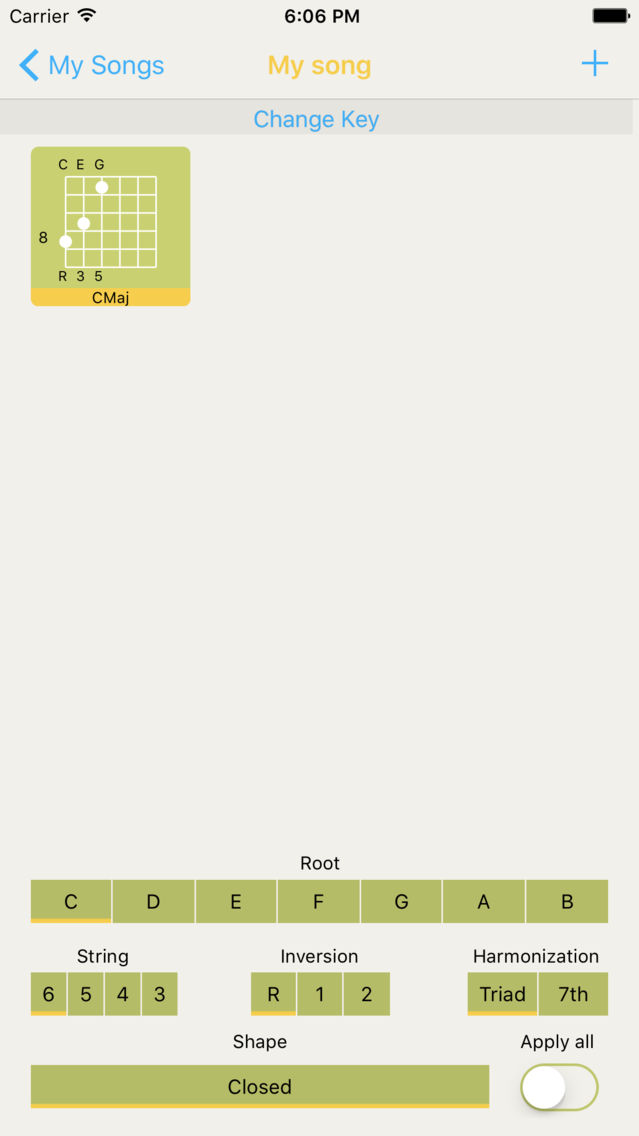
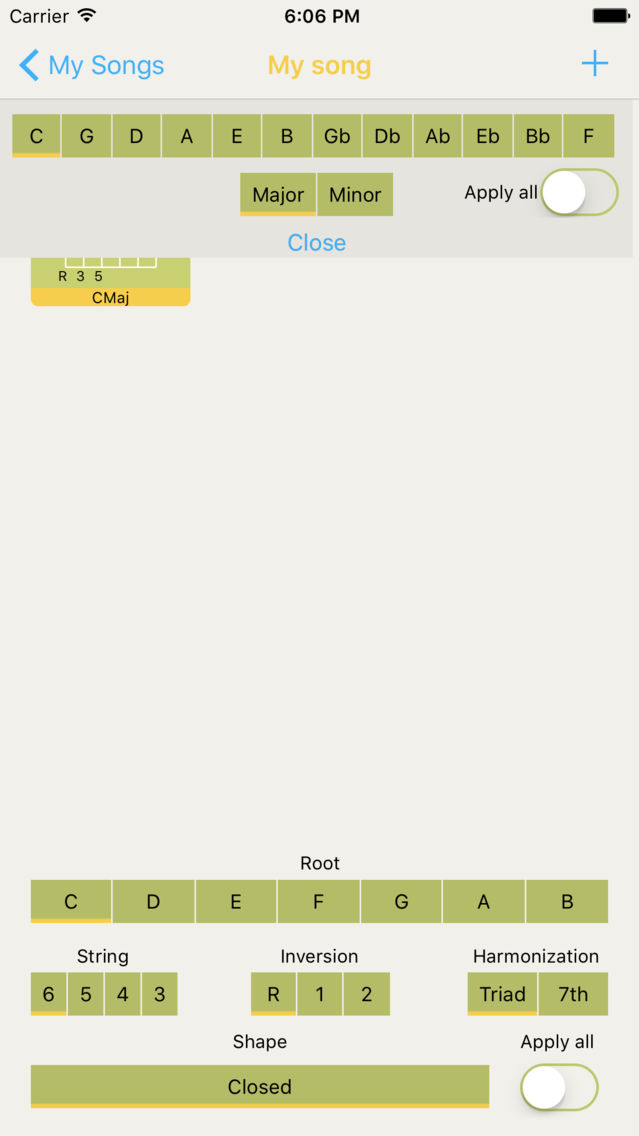
Start by selecting a Song key. LetsComp will display the chords for that key. Experiment different possibilities by choosing a chord its shape, inversion and bass string.When you add chords to your song LetsComp will search for the best inversion, so that the fingering for the next chord is as close as possible to the previous one.
LetsComp app doesn't rely on a database of chords it computes fingerings on the fly.
LetsComp does not need an internet connection, use it while commuting in the tube. No data is shared it stays in your device.
Benefits
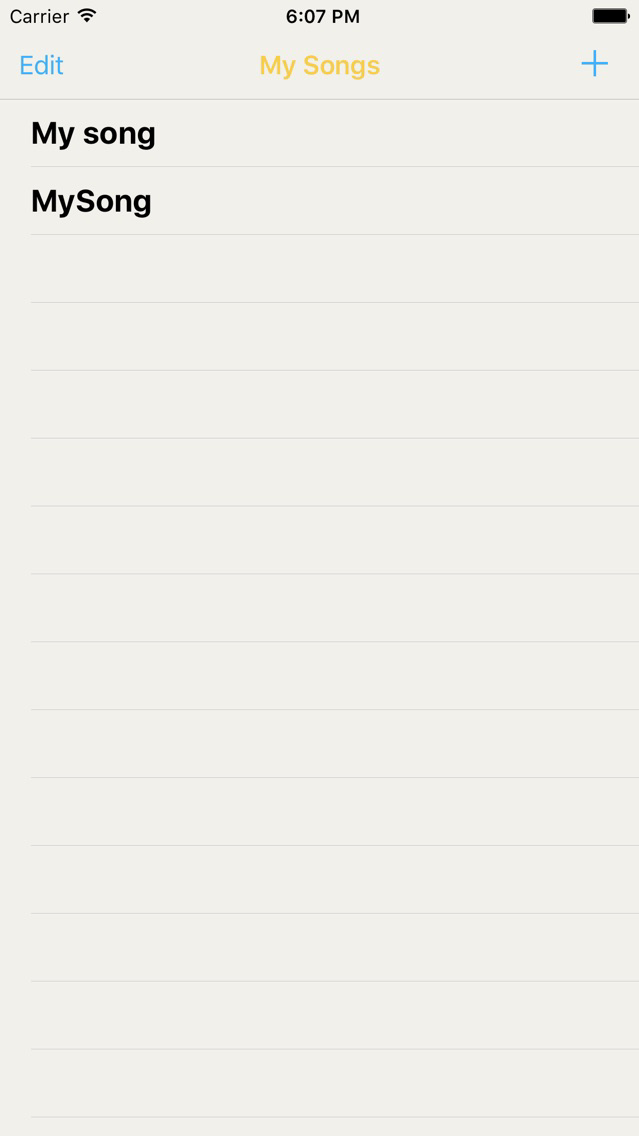
- Have your comping songbook in your pocket.
- Play with song compings*
- Experiment with alternate chord shapes, inversions, harmonies and bass strings
- Automatic voice leading** generation
- No internet connection required.
- Not limited by database of chords.
Notes:
* “Comping (an abbreviation of accompanying - or possibly from the verb, to complement) is a term used in music to describe the chords, rhythms, and countermelodies that guitar players use to support solos or melody lines.” Wikipedia https://en.wikipedia.org/wiki/Comping.
** ”Voice leading is the smooth movement of the notes (or voices) from one chord to the next, and it applies to any type of voicing. The art of connecting chord to chord in the smoothest manner possible. Each voice in the texture is led from one pitch to the next in a way that forms a pleasing melodic line while producing in consort with the other voices a pleasing succession of harmonies.” Wikipedia https://en.wikipedia.org/wiki/Voice_leading.






![LetsBasket [Free! Your Hoop Stats and Score Book, Scoreboard, Timer and Scouting for coach & parents]](https://image.winudf.com/v2/image1/MjIzODk3MzFfMTY4MjE2NzI4OF8wMDc/screen-0.png?fakeurl=1&type=png&w=106)
![LetsBasket+ [Your Hoop Stats and Score Book, Scoreboard, Timer and Scouting for coach & parents]](https://image.winudf.com/v2/image1/MjI5MjE1MjFfMTY4MjE5ODA0NV8wNjg/screen-0.png?fakeurl=1&type=png&w=106)