Lightwright Touch
$49.99
1.3.6for iPhone, iPad and more
Age Rating
Lightwright Touch Screenshots
About Lightwright Touch
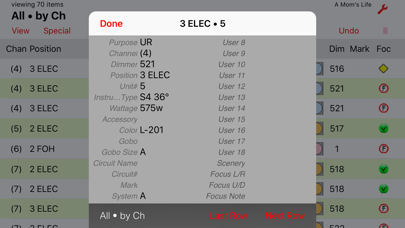
Lightwright Touch provides mobile viewing and editing of Lightwright® 5 or 6 lighting equipment data. If you use Lightwright, or schedules and hookups printed from Lightwright, this is the portable, navigable, editable worksheet tool you have been waiting for.
+Export your show from Lightwright and sync to Lightwright Touch through iTunes, or email, or file sharing
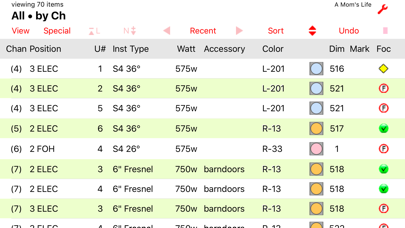
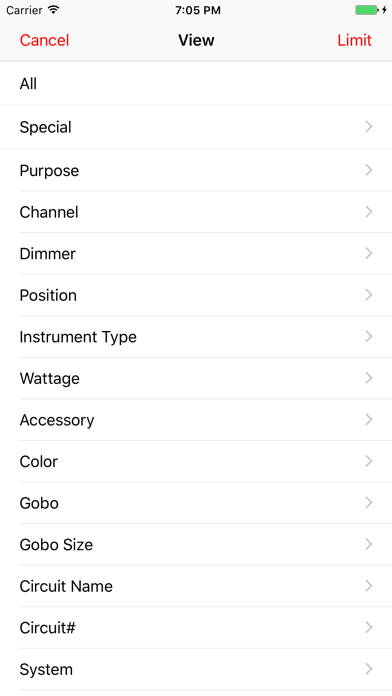
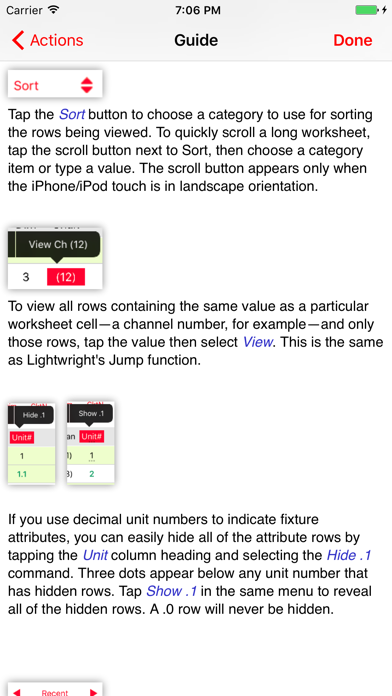
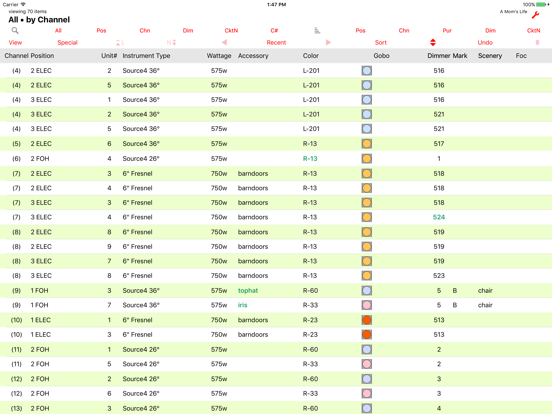
+View and Sort your worksheet using familiar Lightwright functions
+Columns can be added, removed, and rearranged to best suit your mobile needs
+"Log" feature speeds selection of prior view/sort displays
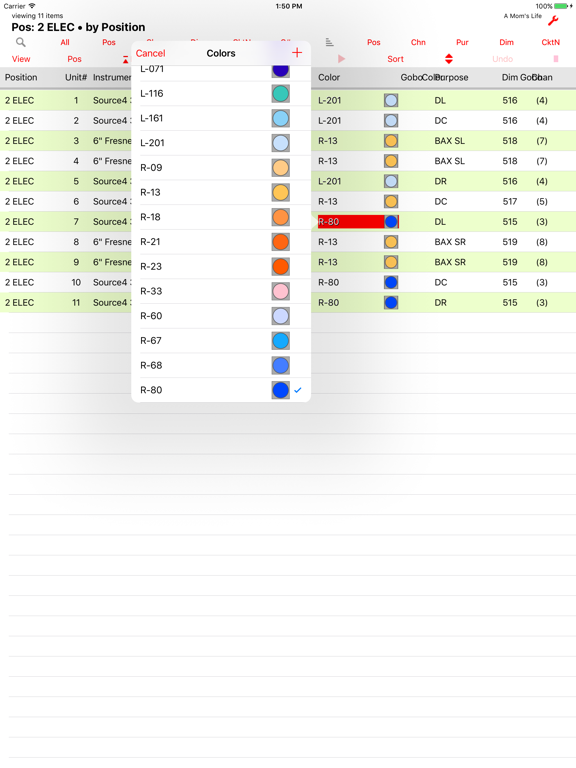
+Edit worksheet data quickly with item pick-lists
+Add a note to any worksheet row, or to a general notes page
+Store multiple shows on Lightwright Touch
+Transfer shows back to Lightwright for reconciliation with the original show file
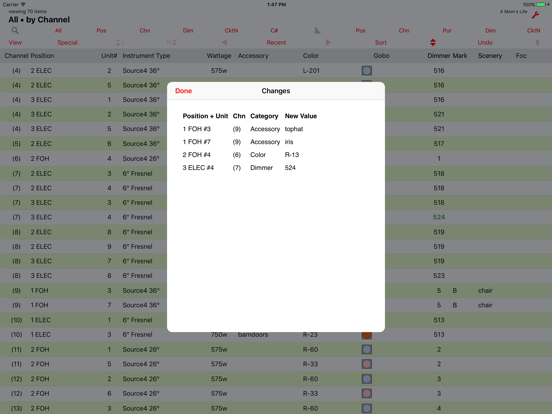
+View and email notes or your changes
+Supports any device orientation, and multiple font sizes
Please note that Lightwright Touch does not do everything that Lightwright does. (The fact that it costs 1/10 as much might have been be a clue.) This version does not support focus charts and worknotes. Also you cannot start a new show on Lightwright Touch. It's great for viewing existing shows and doing minor editing on the fly, but heavy-duty worksheet management is better left to Lightwright at this time. Lightwright Touch is an accessory to Lightwright, not a replacement for it.
Works with files exported from Lightwright 5.0.22 or later, and Lightwright 6.0.13 or later.

+Export your show from Lightwright and sync to Lightwright Touch through iTunes, or email, or file sharing
+View and Sort your worksheet using familiar Lightwright functions
+Columns can be added, removed, and rearranged to best suit your mobile needs
+"Log" feature speeds selection of prior view/sort displays
+Edit worksheet data quickly with item pick-lists
+Add a note to any worksheet row, or to a general notes page
+Store multiple shows on Lightwright Touch
+Transfer shows back to Lightwright for reconciliation with the original show file
+View and email notes or your changes
+Supports any device orientation, and multiple font sizes
Please note that Lightwright Touch does not do everything that Lightwright does. (The fact that it costs 1/10 as much might have been be a clue.) This version does not support focus charts and worknotes. Also you cannot start a new show on Lightwright Touch. It's great for viewing existing shows and doing minor editing on the fly, but heavy-duty worksheet management is better left to Lightwright at this time. Lightwright Touch is an accessory to Lightwright, not a replacement for it.
Works with files exported from Lightwright 5.0.22 or later, and Lightwright 6.0.13 or later.
Show More
What's New in the Latest Version 1.3.6
Last updated on Aug 31, 2020
Old Versions
Resolves conflict with dark display appearance setting.
Show More
Version History
1.3.6
Aug 31, 2020
Resolves conflict with dark display appearance setting.
Lightwright Touch FAQ
Lightwright Touch is available in regions other than the following restricted countries:
Malta,Latvia,Finland,Slovakia,Luxembourg,Croatia,Italy,Slovenia,Denmark,Hungary,Ireland,Cyprus,Spain,Portugal,Romania,Lithuania,Poland,Estonia,Bulgaria,Sweden,Russia,Czech Republic,Austria,Belgium,Germany,Netherlands,Greece,France
Lightwright Touch supports Englisch
Click here to learn how to download Lightwright Touch in restricted country or region.
Check the following list to see the minimum requirements of Lightwright Touch.
iPhone
Nécessite iOS 9.0 ou version ultérieure.
iPad
Nécessite iPadOS 9.0 ou version ultérieure.
iPod touch
Nécessite iOS 9.0 ou version ultérieure.