Math Flash Pro

Math Flash Pro


Free

V2for iPhone, iPad
Age Rating
4+
Apps in this category do not contain restricted content.
9+
Apps in this category may contain mild or occasional cartoon, fantasy or real-life violence, as well as occasional or mild adult, sexually suggestive or horrifying content and may not be suitable for children under 9 years of age.
12+
Apps in this category may contain occasional mild indecent language, frequent or intense cartoon or real-life violence, minor or occasional adult or sexually suggestive material, and simulated gambling, and may be for children under 12 years of age.
17+
You must be at least 17 years old to access this App.
Apps in this category may contain frequent and intense offensive language; Frequent and intense cartoon, fantasy or realistic violence: frequent and intense adult, scary and sexually suggestive subjects: as well as sexual content, nudity, tobacco, alcohol and drugs, may not be suitable for children under 17 years of age.
Math Flash Pro Screenshots
Math Flash Pro posterMath Flash Pro posterMath Flash Pro posterMath Flash Pro posterMath Flash Pro posterMath Flash Pro posterMath Flash Pro posterMath Flash Pro poster

About Math Flash Pro

MATH FLASH PRO

Teacher and parent approved!

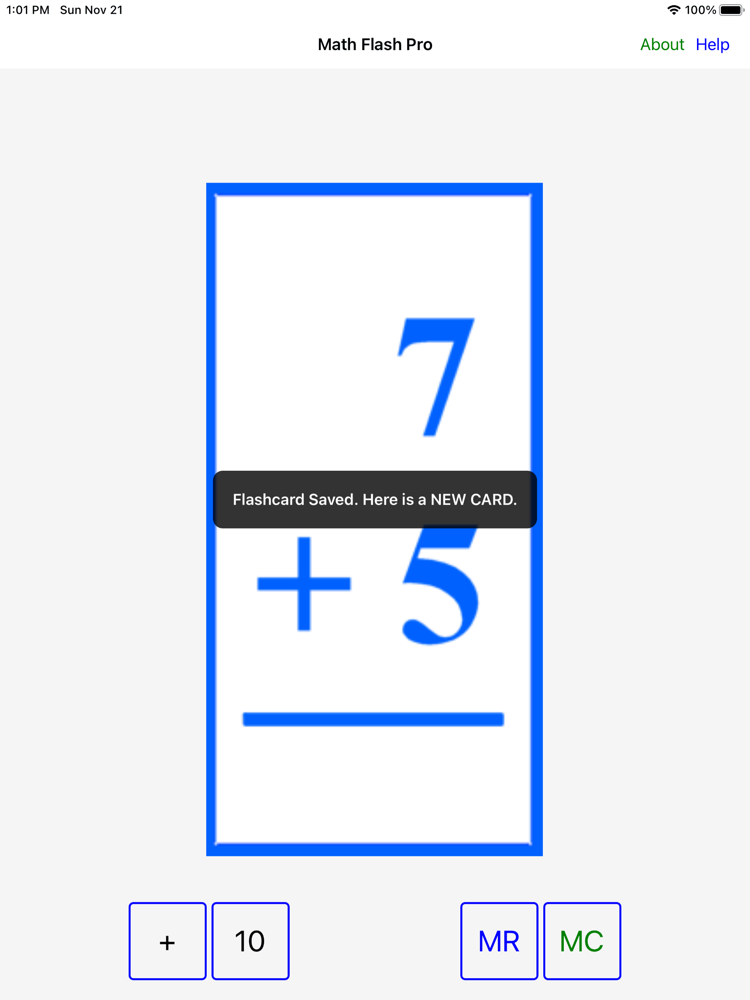
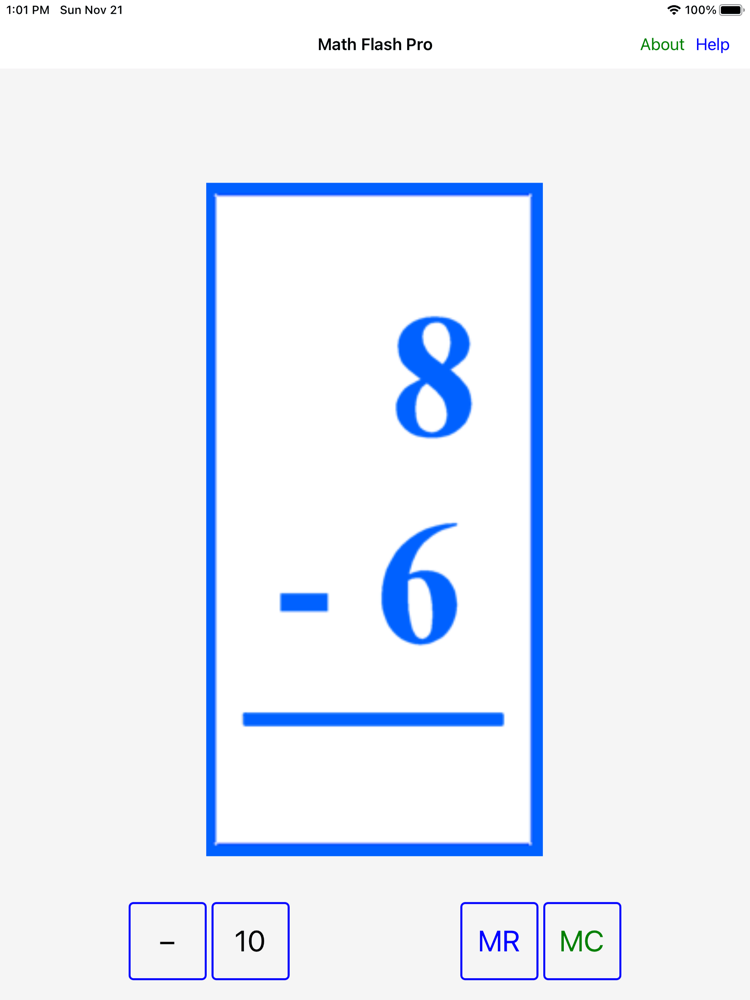
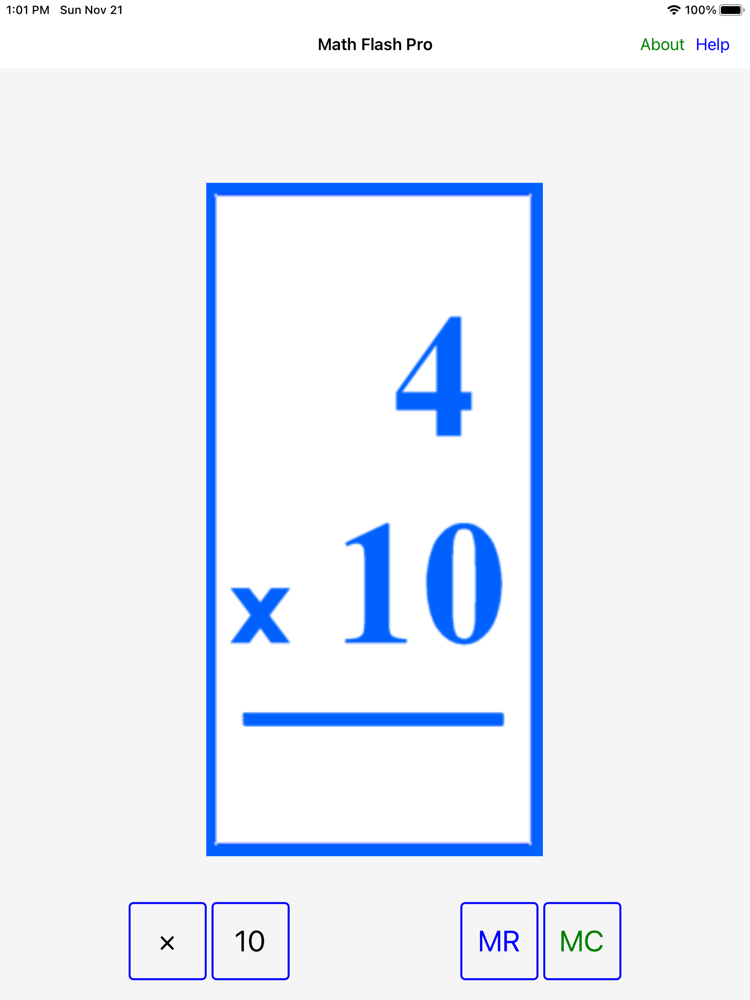
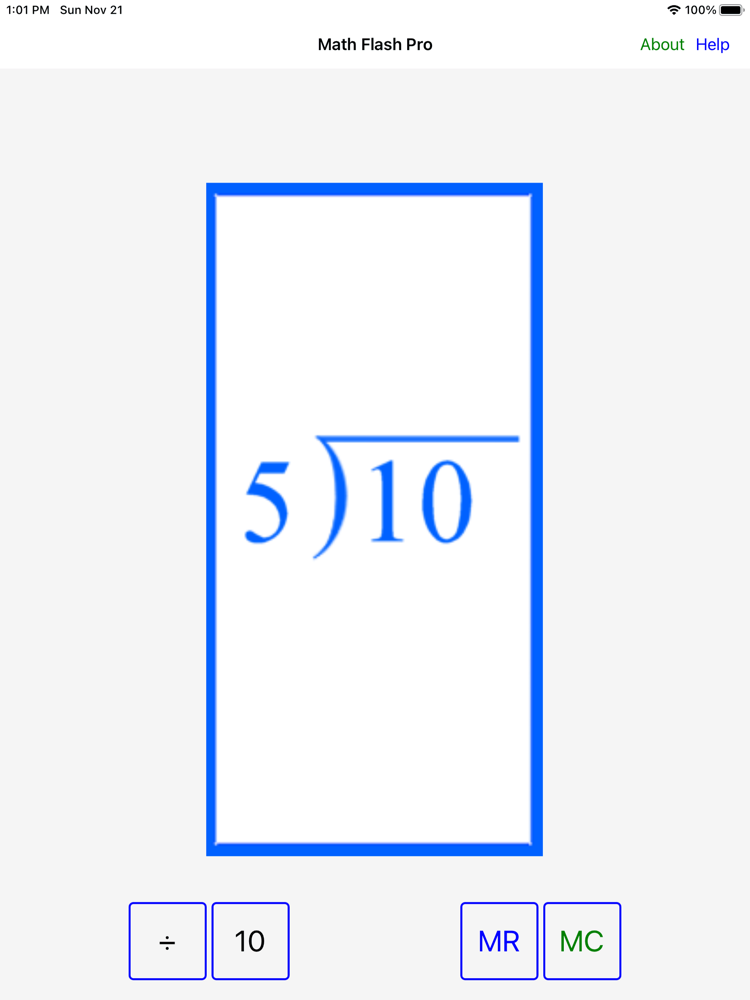
Flash Cards... JUST free Flash Cards. No sound effects, quiz options, timers, ads or in-app purchases. Kids can use the app with minimal parent or teacher supervision.

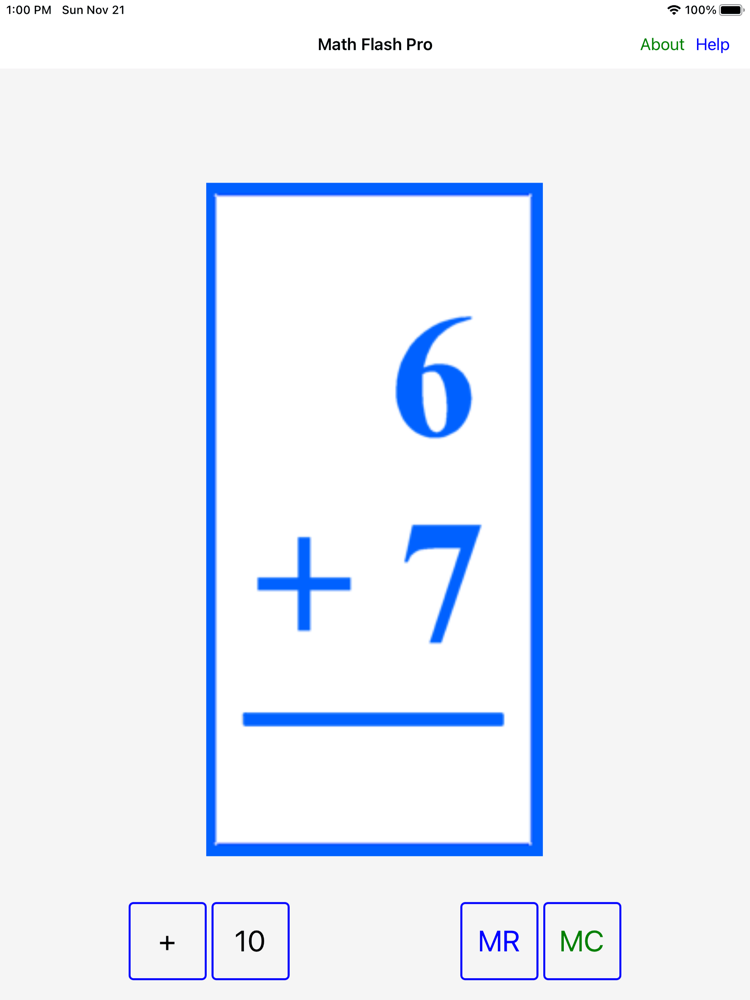
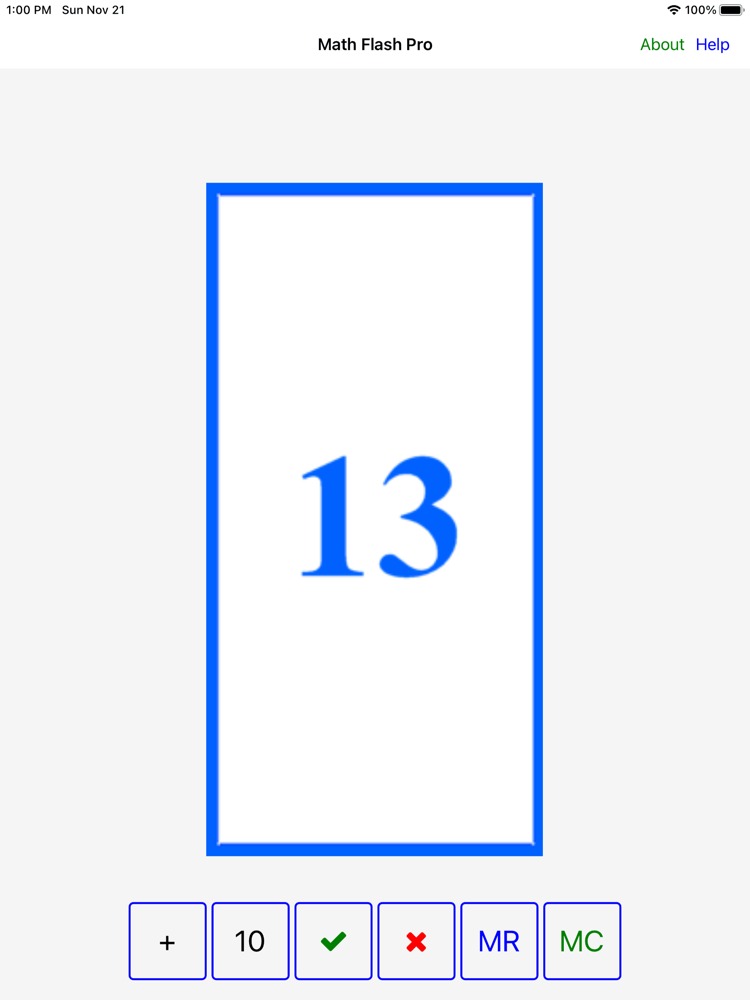
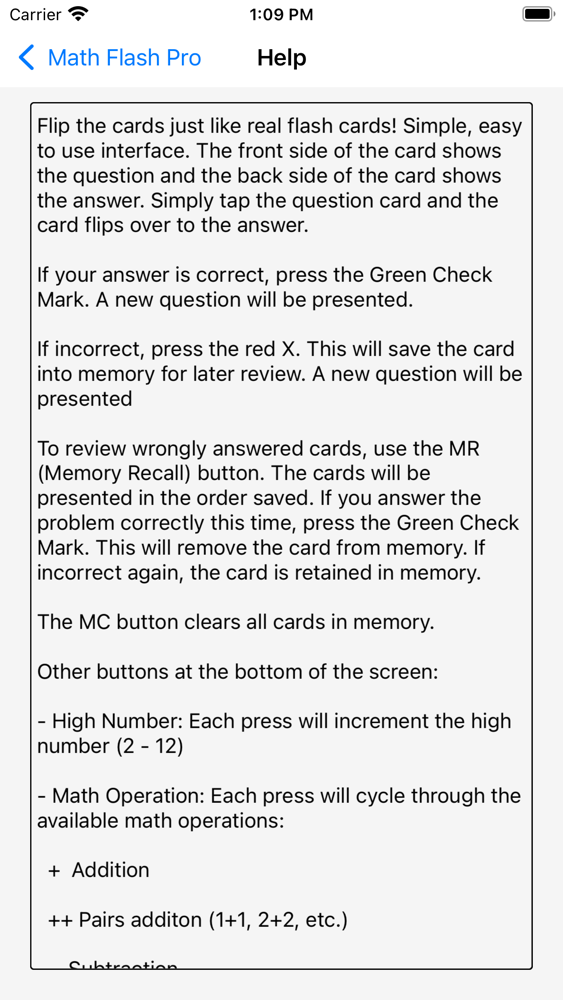
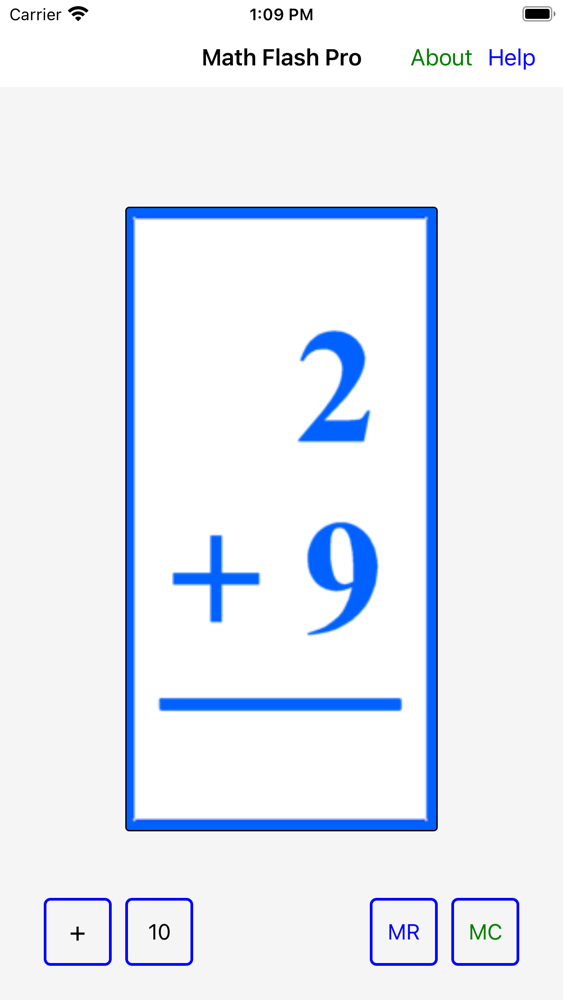
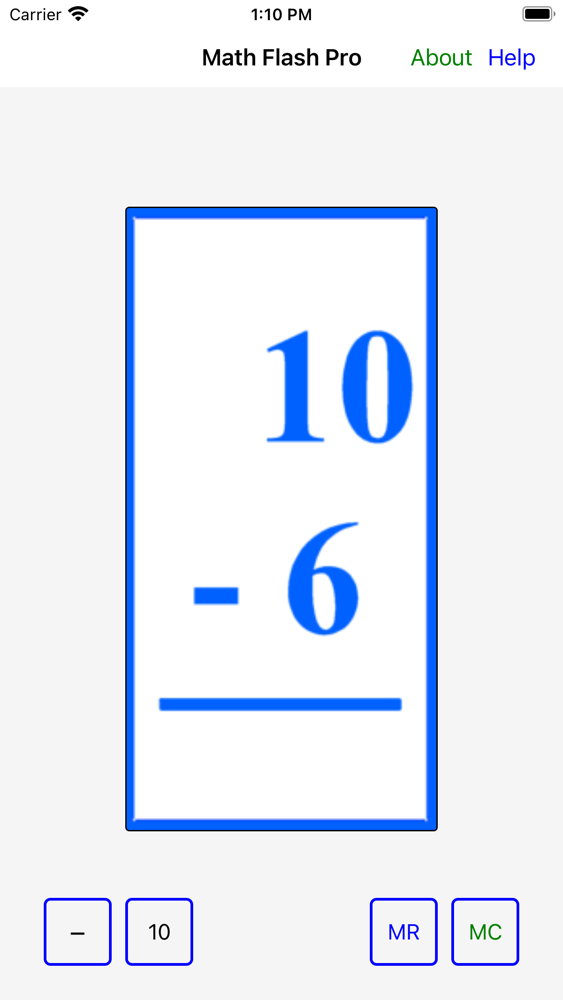
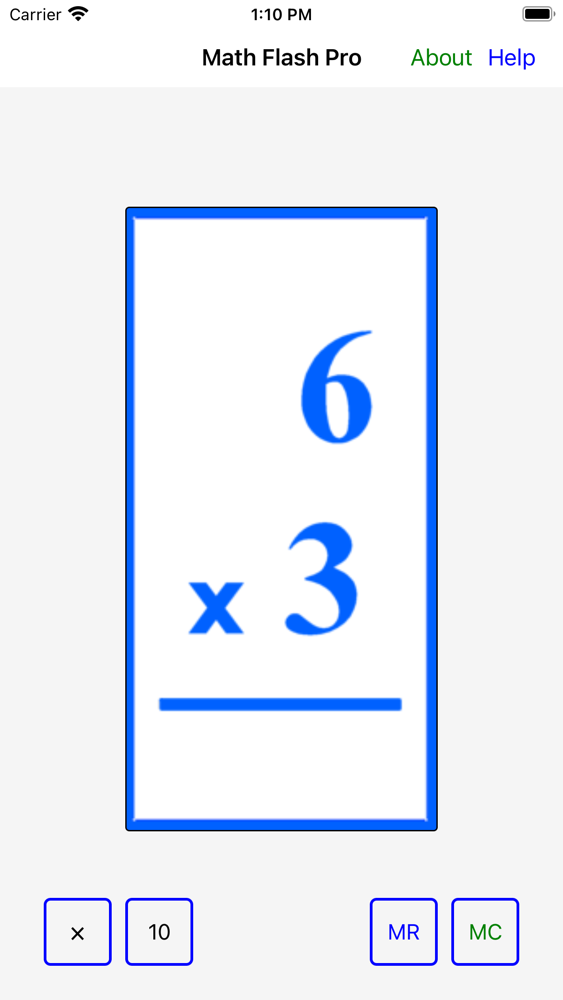
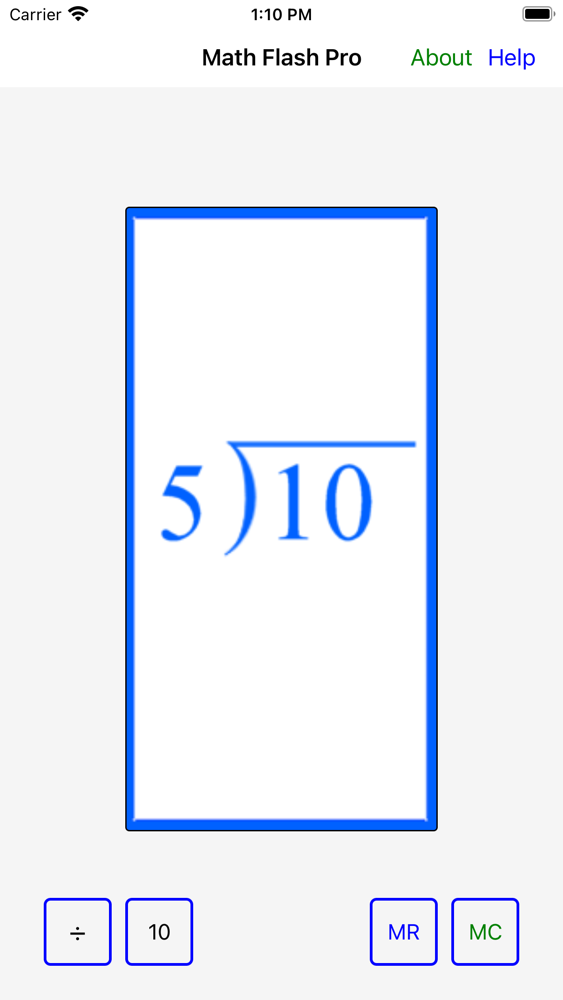
Flip the cards just like real flash cards! Simple, easy to use interface. The front side of the card shows the question and the back side of the card shows the answer. Simply tap the question card and the card flips over to the answer.

If your answer is correct, press the Green Check Mark. A new question will be presented.

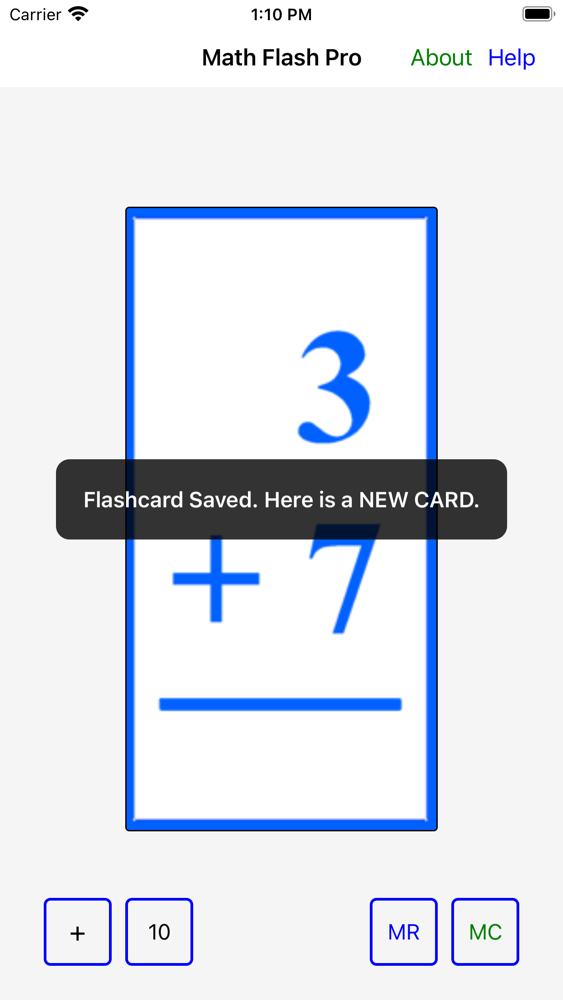
If incorrect, press the red X. This will save the card into memory for later review. A new question will be presented.

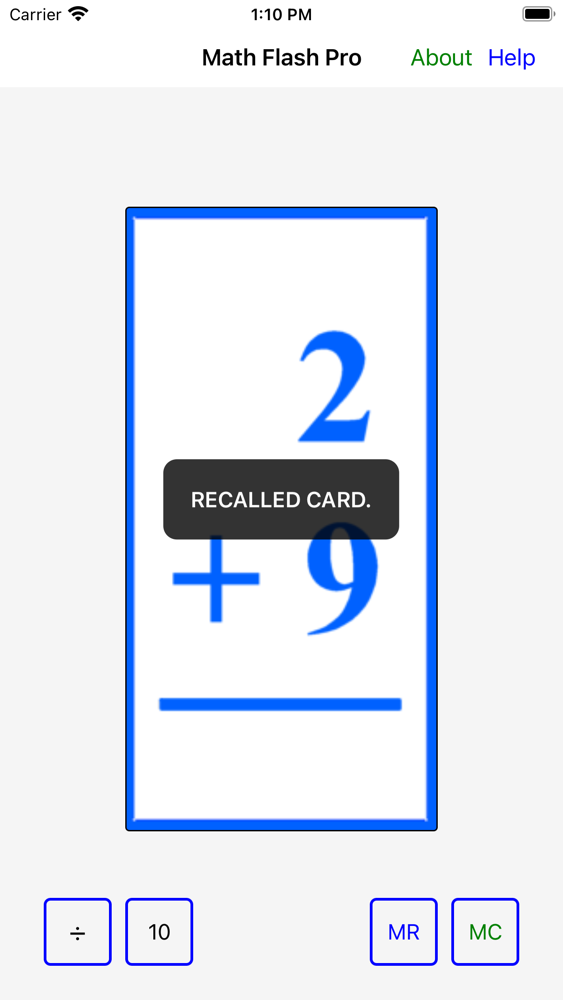
To review wrongly answered cards, use the MR (Memory Recall) button to step through the saved cards in the order saved. If you answer the problem correctly this time, press the Green Check Mark. This will remove the card from memory. If incorrect again, the card is retained in memory.

The MC button clears all cards in memory.

Other buttons at the bottom of the screen:

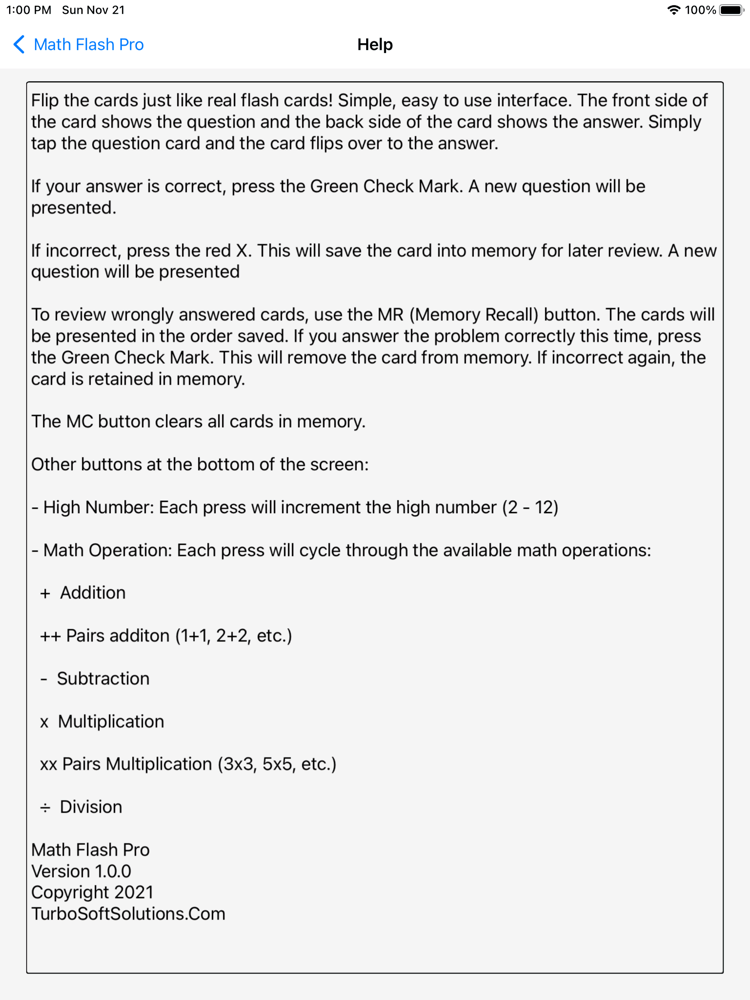
- High Number: Each press will increment the high number (2 - 12)

- Math Operation: Each press will cycle through the available math operations:

+ Addition

++ Pairs addition (1+1, 2+2, etc.)

- Subtraction

x Multiplication

xx Pairs Multiplication (3x3, 5x5, etc.)

÷ Division


Features:

- POSITIVE INTEGER Addition, Subtraction, Multiplication, Division. No negative numbers, no fractional quotients.

- Excellent support for iPhone, 7" tablets and 12" iPads.

- Memory Save/Recall/Clear

- User selected High Number


Math Flash Pro
Copyright 2021
TurboSoftSolutions

Show More

What's New in the Latest Version V2

Last updated on Dec 13, 2021
Old Versions
Added splash screen for Math Scholar Pro app which incorporates features of Math Flash Pro.
Show More
Version History
V2
Dec 13, 2021
Added splash screen for Math Scholar Pro app which incorporates features of Math Flash Pro.

Math Flash Pro FAQ

Click here to learn how to download Math Flash Pro in restricted country or region.
Check the following list to see the minimum requirements of Math Flash Pro.
iPhone
iPad
Math Flash Pro supports English

Math Flash Pro Alternative

You May Also Like

Get more from Neil Rohan