micro:bit
Free
3.1.1for iPhone, iPad
Age Rating
micro:bit Screenshots
About micro:bit
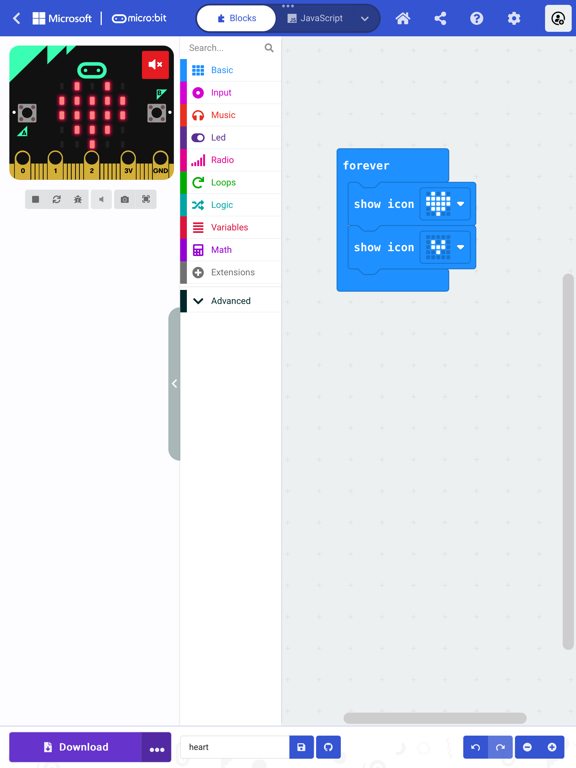
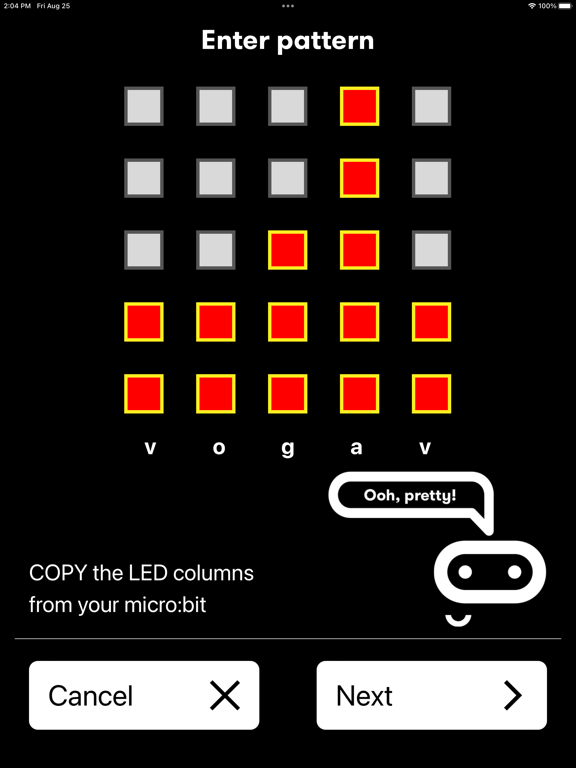
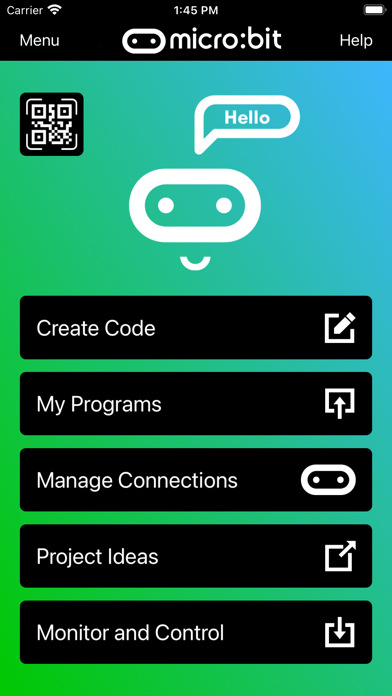
The micro:bit app is the essential companion to the BBC micro:bit, the pocket sized programmable computer. The app allows you to flash any micro:bit hex file to your device, as well as including online access to the Microsoft MakeCode editor for simple block-based programming. When your program is ready, the app beams it to the micro:bit via Bluetooth wirelessly. Easy-to-follow screens lead you through the process of pairing your iPad (or iPhone) to the micro:bit and then transferring your program code.
Compared with previous versions, the micro:bit app Version 3.1 contains these additional features:
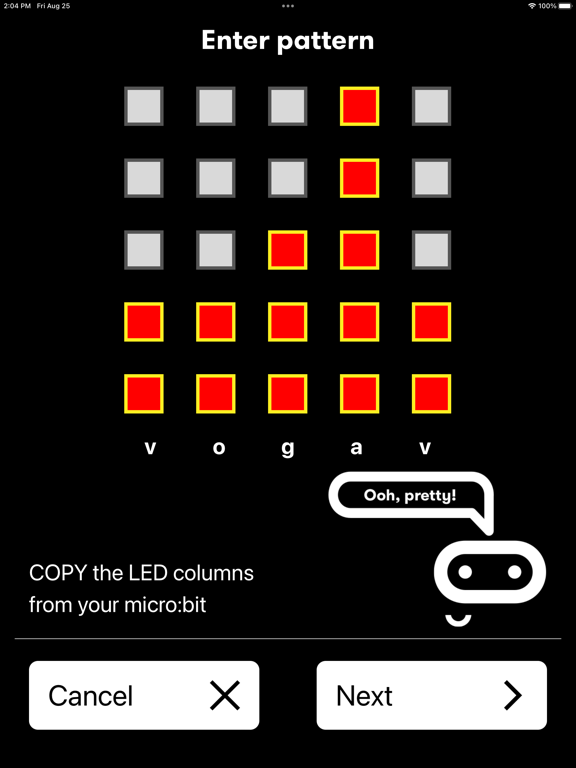
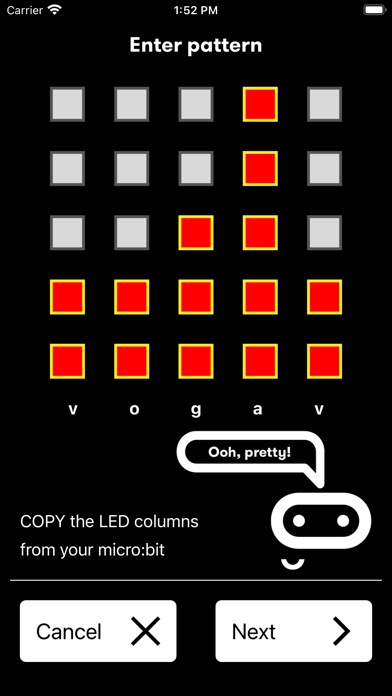
• A simpler pairing and micro:bit discovery flow
• The micro:bit V2 can be put into pairing mode by triple-tapping the reset button
• Retrieval of the micro:bit data log files from off your micro:bit
• Pair with any number of micro:bits
• Choose which micro:bit is currently connected
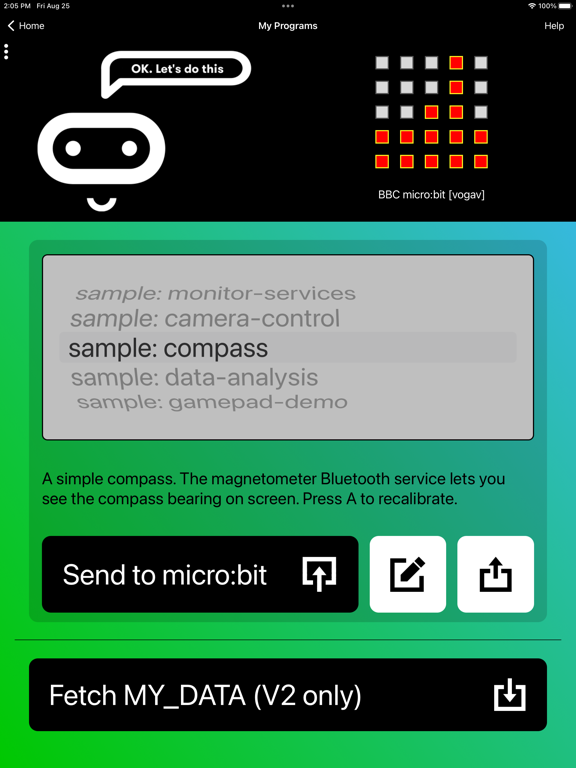
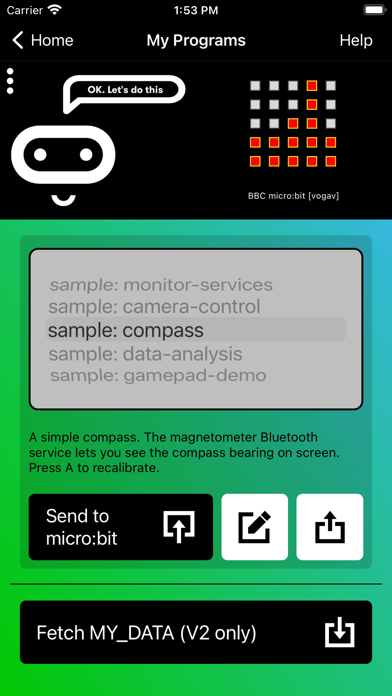
• Store HEX files in the app
• Choose a HEX file for flashing
• Export and delete HEX files
• Import stored HEX files directly into JavaScript Blocks editor
• Rapid download from JavaScript Blocks editor
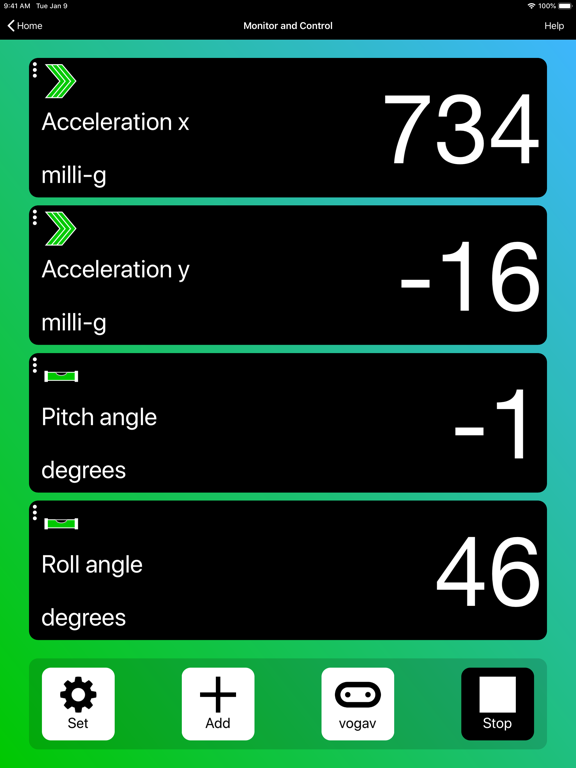
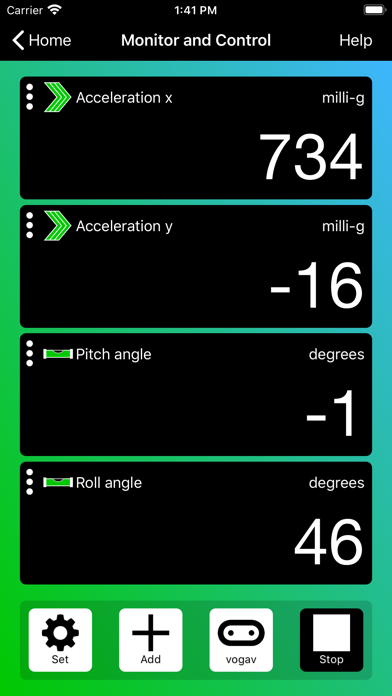
• Monitor data detected by micro:bit sensors
• Use the range of micro:bit Bluetooth services in real time
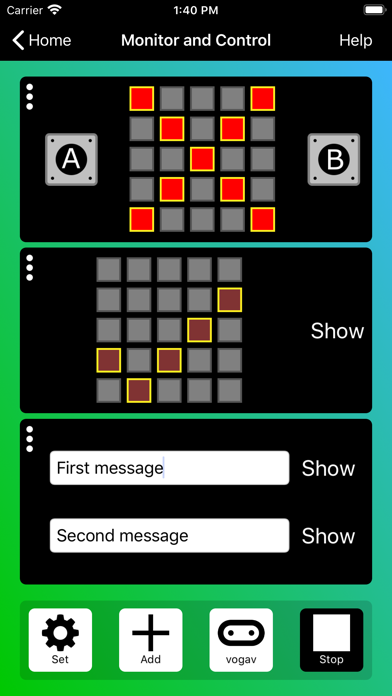
• Display messages on the micro:bit LEDs
• Send control commands to the micro:bit buttons and pins
• De-bug your program code while it is running in the micro:bit
• Use a simulated gamepad to send commands to the micro:bit
• View camera images ready for taking photos or video
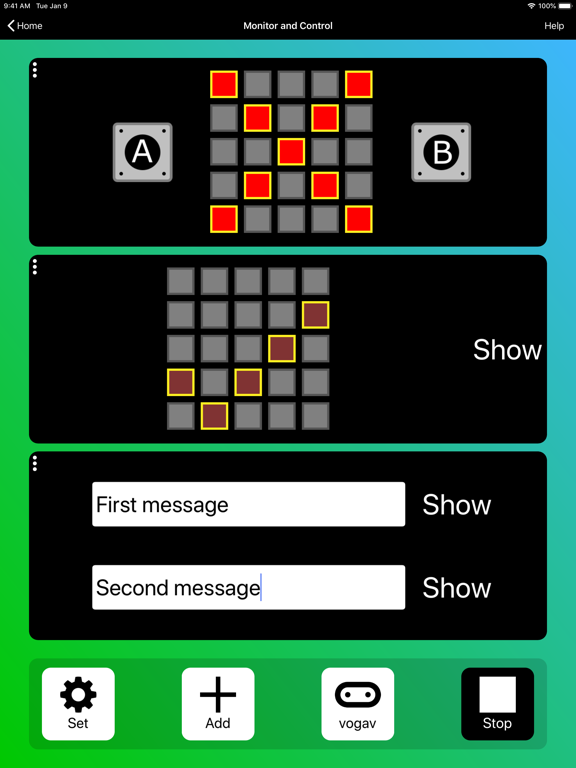
As well as providing more flexible handling of your program scripts and HEX files, a major addition in Version 3 is the Monitor and Control page. This lets you observe real-time data from the micro:bit sensors, send messages directly to the LEDs and control the micro:bit buttons and pins from your iPad or iPhone. Monitor is ideal for exploiting Bluetooth services in real time, and for de-bugging your program code while it is running in the micro:bit.
The MakeCode code editor now requires iOS 13 or later.

Compared with previous versions, the micro:bit app Version 3.1 contains these additional features:
• A simpler pairing and micro:bit discovery flow
• The micro:bit V2 can be put into pairing mode by triple-tapping the reset button
• Retrieval of the micro:bit data log files from off your micro:bit
• Pair with any number of micro:bits
• Choose which micro:bit is currently connected
• Store HEX files in the app
• Choose a HEX file for flashing
• Export and delete HEX files
• Import stored HEX files directly into JavaScript Blocks editor
• Rapid download from JavaScript Blocks editor
• Monitor data detected by micro:bit sensors
• Use the range of micro:bit Bluetooth services in real time
• Display messages on the micro:bit LEDs
• Send control commands to the micro:bit buttons and pins
• De-bug your program code while it is running in the micro:bit
• Use a simulated gamepad to send commands to the micro:bit
• View camera images ready for taking photos or video
As well as providing more flexible handling of your program scripts and HEX files, a major addition in Version 3 is the Monitor and Control page. This lets you observe real-time data from the micro:bit sensors, send messages directly to the LEDs and control the micro:bit buttons and pins from your iPad or iPhone. Monitor is ideal for exploiting Bluetooth services in real time, and for de-bugging your program code while it is running in the micro:bit.
The MakeCode code editor now requires iOS 13 or later.
Show More
What's New in the Latest Version 3.1.1
Last updated on Feb 13, 2025
Old Versions
Improved interface for Fetch MY_DATA.
Catalan and Dutch translations.
Maintenance and minor bug fixes.
Catalan and Dutch translations.
Maintenance and minor bug fixes.
Show More
Version History
3.1.1
Feb 13, 2025
Improved interface for Fetch MY_DATA.
Catalan and Dutch translations.
Maintenance and minor bug fixes.
Catalan and Dutch translations.
Maintenance and minor bug fixes.
micro:bit FAQ
Click here to learn how to download micro:bit in restricted country or region.
Check the following list to see the minimum requirements of micro:bit.
iPhone
iPad