My HTML Pro

My HTML Pro


$1.99

4.0for iPhone, iPad
Age Rating
4+
Apps in this category do not contain restricted content.
9+
Apps in this category may contain mild or occasional cartoon, fantasy or real-life violence, as well as occasional or mild adult, sexually suggestive or horrifying content and may not be suitable for children under 9 years of age.
12+
Apps in this category may contain occasional mild indecent language, frequent or intense cartoon or real-life violence, minor or occasional adult or sexually suggestive material, and simulated gambling, and may be for children under 12 years of age.
17+
You must be at least 17 years old to access this App.
Apps in this category may contain frequent and intense offensive language; Frequent and intense cartoon, fantasy or realistic violence: frequent and intense adult, scary and sexually suggestive subjects: as well as sexual content, nudity, tobacco, alcohol and drugs, may not be suitable for children under 17 years of age.
My HTML Pro Screenshots
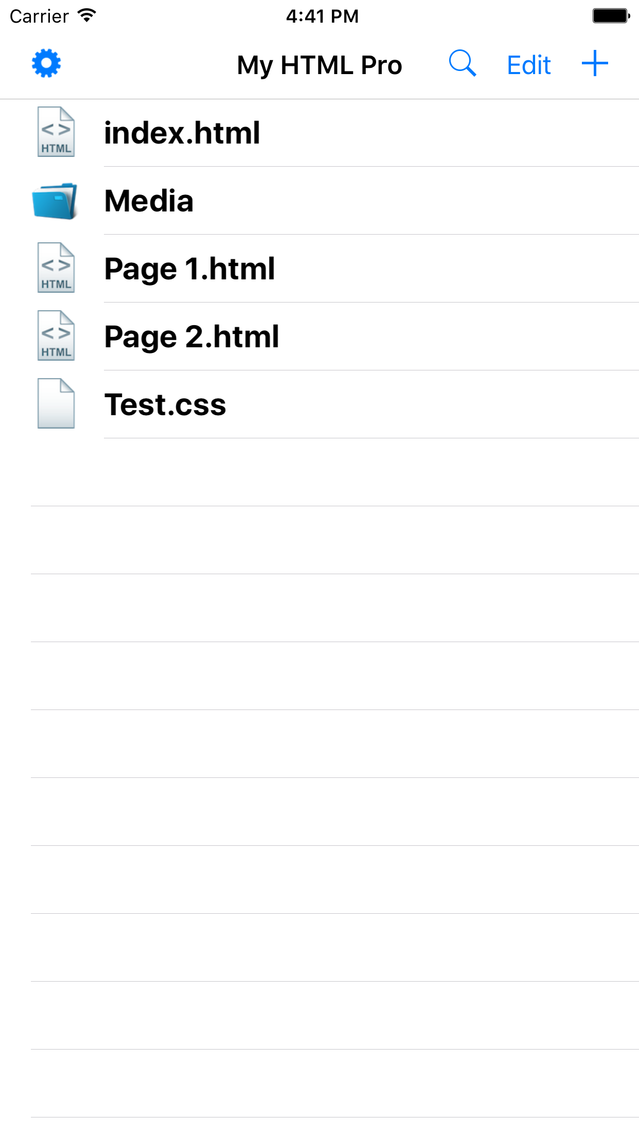
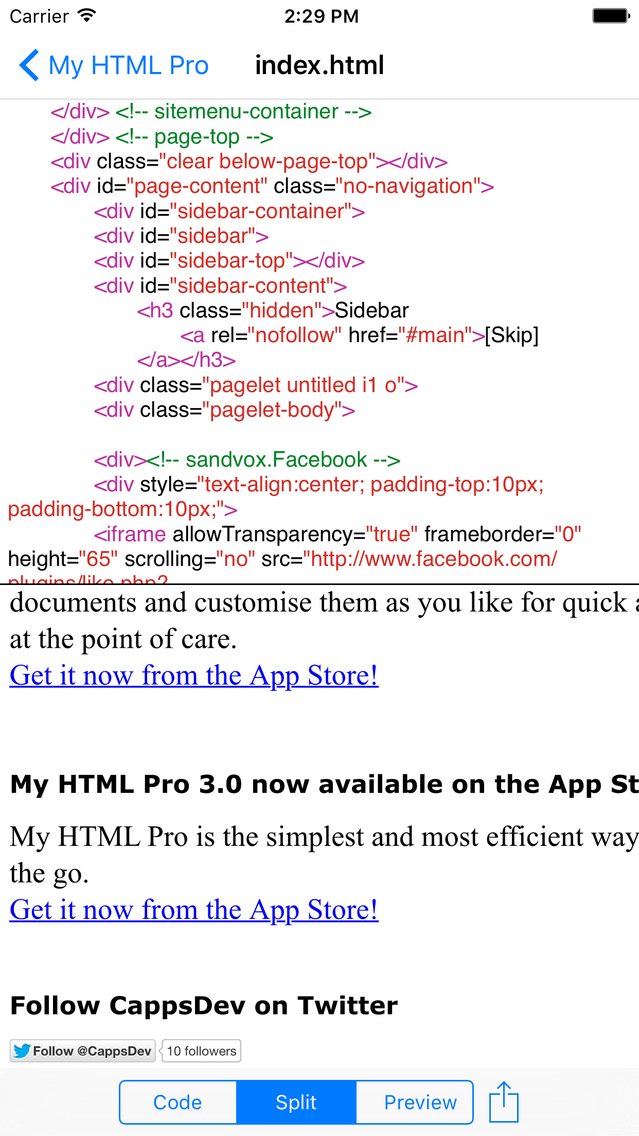
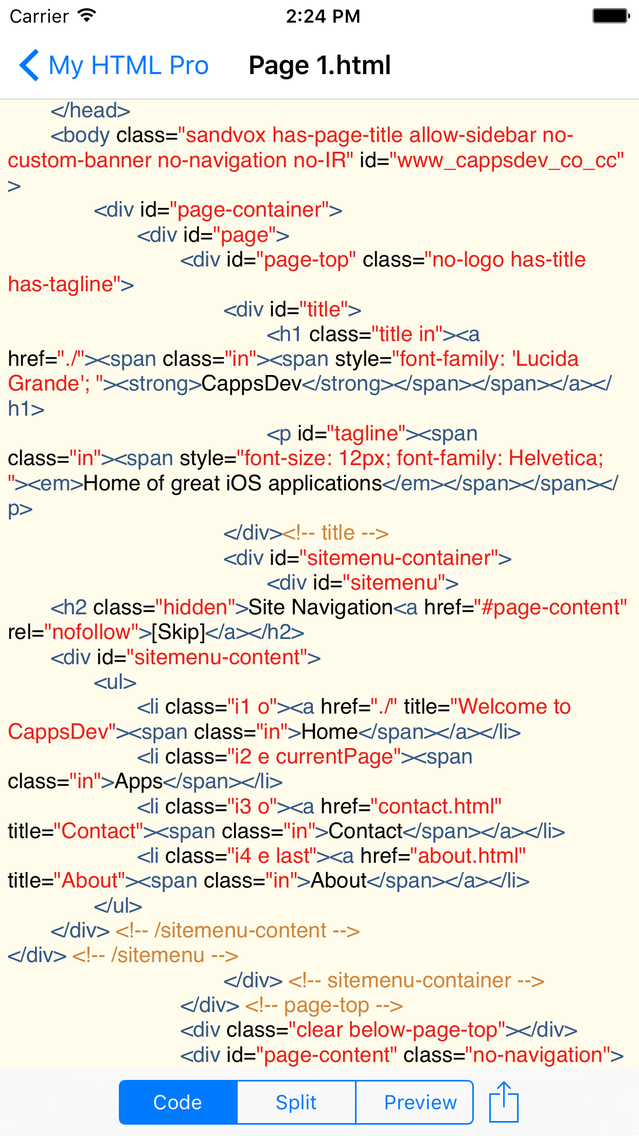
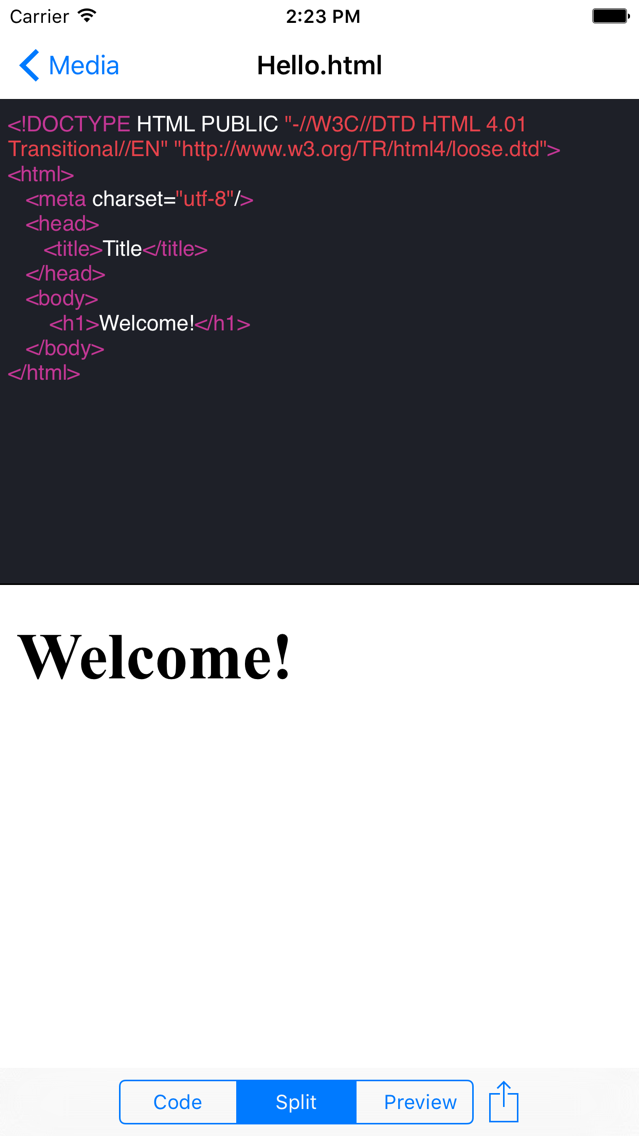
My HTML Pro posterMy HTML Pro posterMy HTML Pro posterMy HTML Pro poster

About My HTML Pro

My HTML Pro is the simplest and most efficient way to edit web pages on the go. With its intuitive interface, full syntax highlighting and many other useful features editing HTML code on your iOS device has never been this easy. It is also a universal app so you can use it on both your iPhone and iPad at no extra charge.

FEATURES
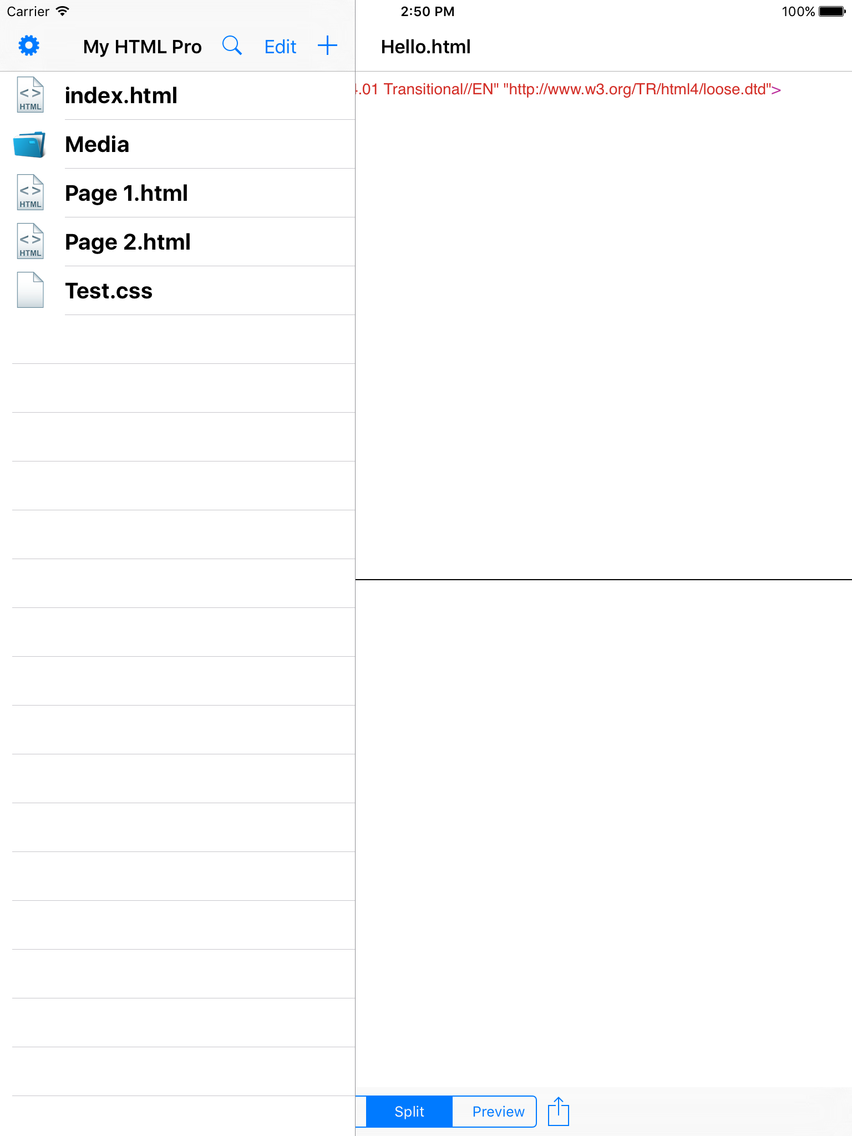
• Simple intuitive interface to quickly edit and manage files
• Easily find any file or folder with the search tool
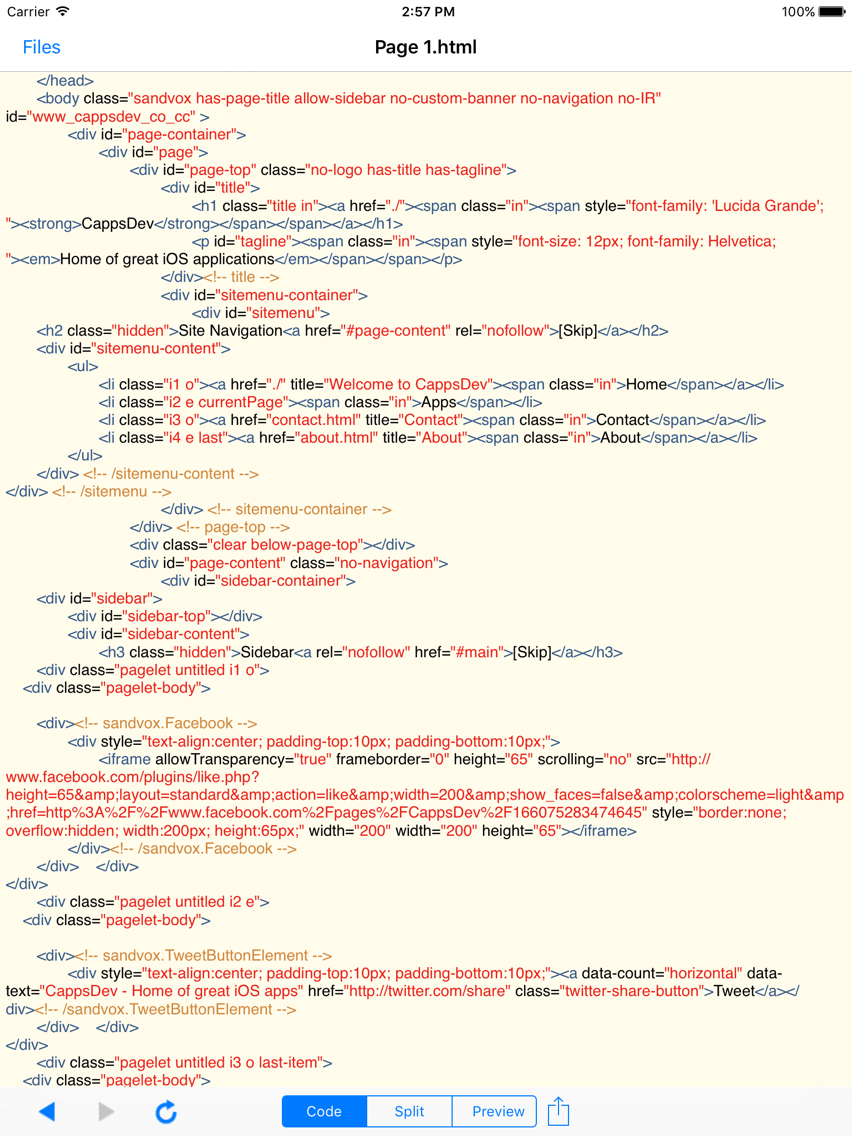
• Full syntax highlighting for many different file types
• Auto-indentation
• Many useful keys easily accessible from a swipe keypad (iPad)
• Fleksy keyboard integration
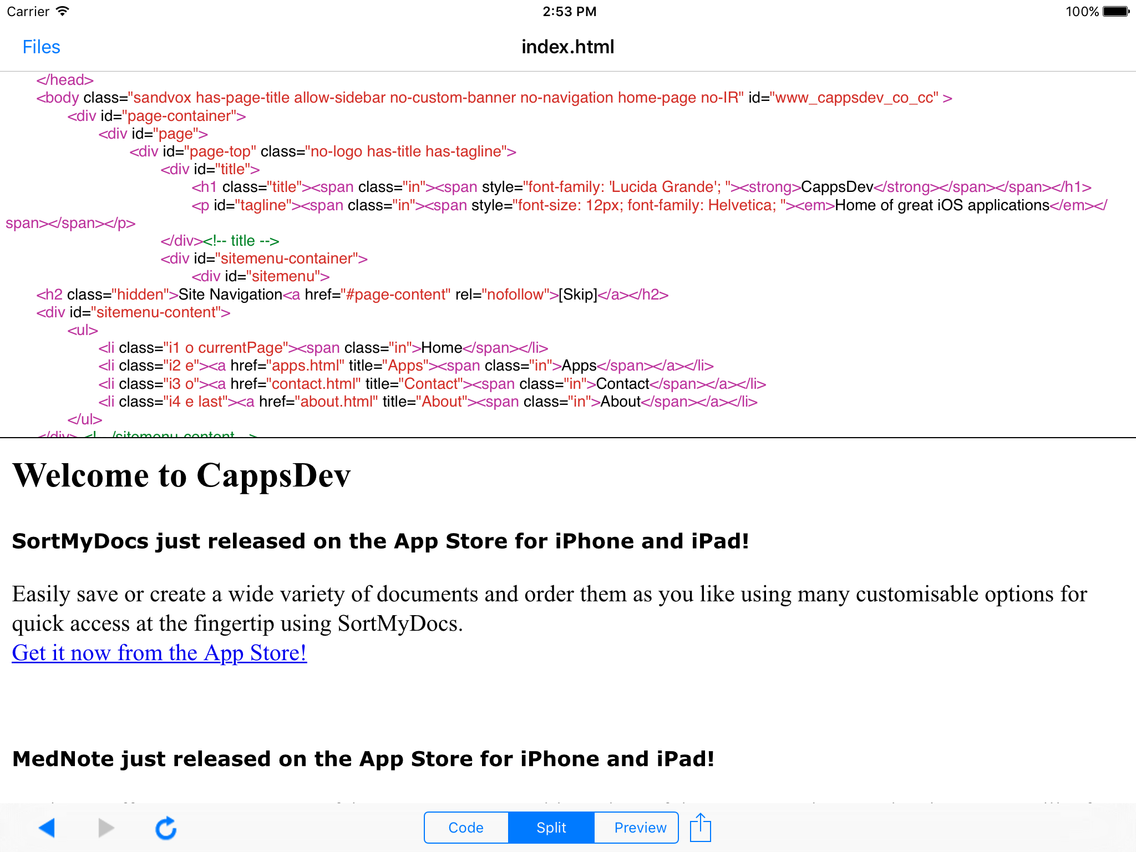
• Automatically preview your webpages
• Choose your preferred default DOCTYPE
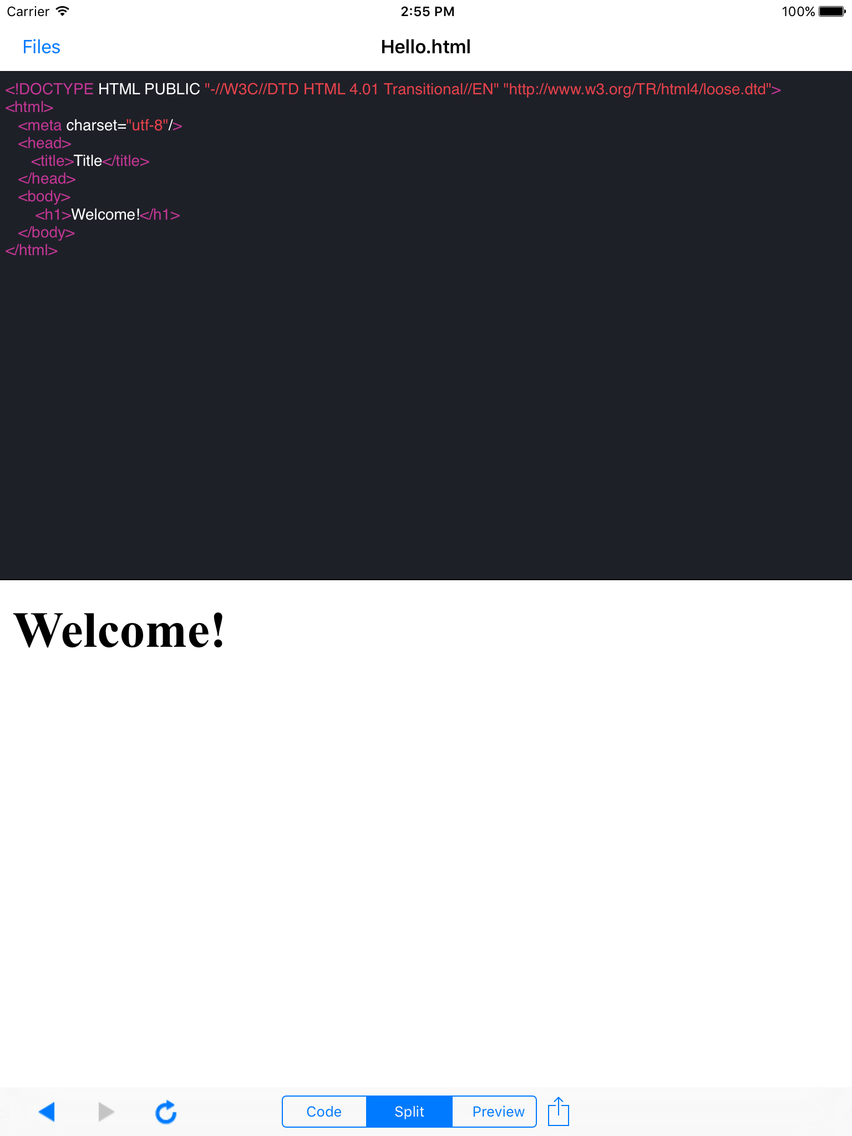
• 7 different great themes to choose from
• 3 different views in the editor including split, code and preview
• Choose a preferred font type and font size from the settings
• Open any text based files
• Load and save files from a URL
• Import files using iTunes file sharing or other supported apps
• Export files using iTunes file sharing, other apps or via email

Email us at cyril@cappsdev.com if you have any questions, suggestions or problems with the app.

Show More

What's New in the Latest Version 4.0

Last updated on Oct 21, 2015
Old Versions
*Don't forget to rate it on the App Store to keep great free updates coming*

• iOS 9 compatibility!
• Optimized for the new iPhone 6S and 6S Plus
• Hide the file manager in any orientation on the iPad
• Files are now autosaved
• Ability to instantly name downloaded files
• Tweaked user interface
• Improved syntax highlighting
• Fixed a bug where files would be saved with the wrong encoding
• Many other bug fixes and improvements

Like us on Facebook at http://www.facebook.com/CappsDev
Follow us on Twitter at http://twitter.com/CappsDev
Show More
Version History
4.0
Oct 21, 2015
*Don't forget to rate it on the App Store to keep great free updates coming*

• iOS 9 compatibility!
• Optimized for the new iPhone 6S and 6S Plus
• Hide the file manager in any orientation on the iPad
• Files are now autosaved
• Ability to instantly name downloaded files
• Tweaked user interface
• Improved syntax highlighting
• Fixed a bug where files would be saved with the wrong encoding
• Many other bug fixes and improvements

Like us on Facebook at http://www.facebook.com/CappsDev
Follow us on Twitter at http://twitter.com/CappsDev

My HTML Pro FAQ

Click here to learn how to download My HTML Pro in restricted country or region.
Check the following list to see the minimum requirements of My HTML Pro.
iPhone
iPad
My HTML Pro supports English

My HTML Pro Alternative

You May Also Like