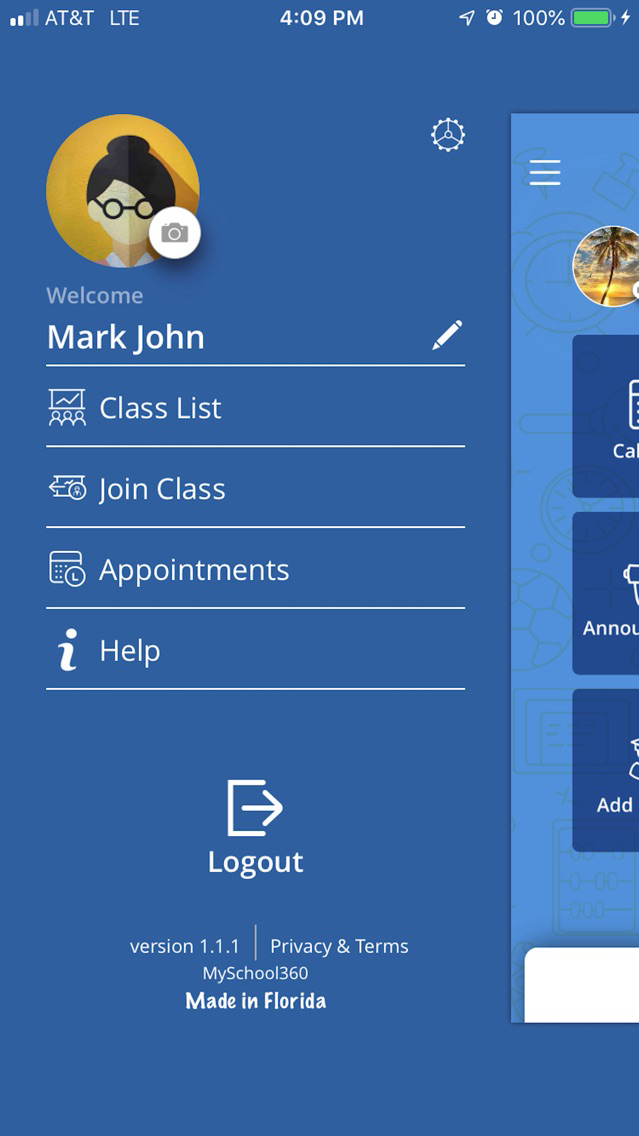
Get more with just a tap of our app. Your fingerprint will give you instant, secure access and collaborative platform to your school or institution so you can easily manage your school/ class and seamless interaction between teachers and parents.
Features include:
Calendar:
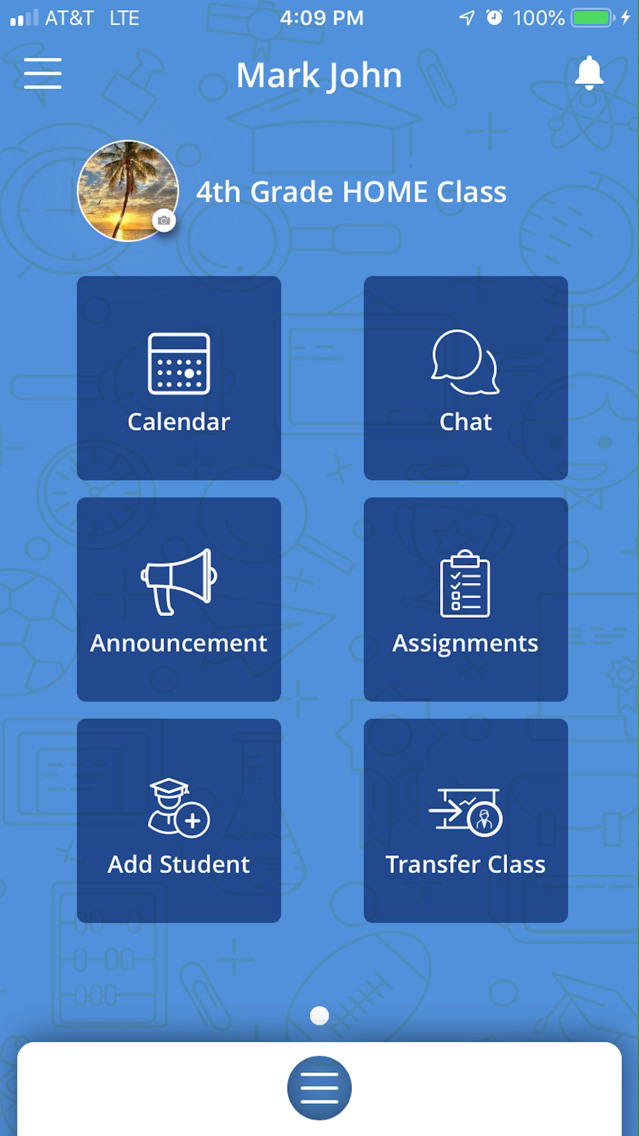
Shows all activities. Drill down the monthly interface to specific date. Parent and student can only view. Teachers can add events and send reminders, parents and students can view these events.
Schedule appointment:
Option for teachers to set time and date bands for appointments. Parents view available slots and request appointment. Teacher dashboard feature buttons to accept or decline requested appointments..
Chat:
Parent and teachers communicate through the chat dashboard, a handy way to keep track of all interactions through a single integrated platform and preserve a log of all conversations.
Announcements:
The announcements option allows teachers and admins to post notifications, in text, video, or voice. Parents may view and comment on such announcements, and students may view relevant announcements.
Assignment:
listing of all assignments. Teachers get an easy interface to create single or multiple assignments, issue notifications and reminders to all or selected students and parents.
Feeds:
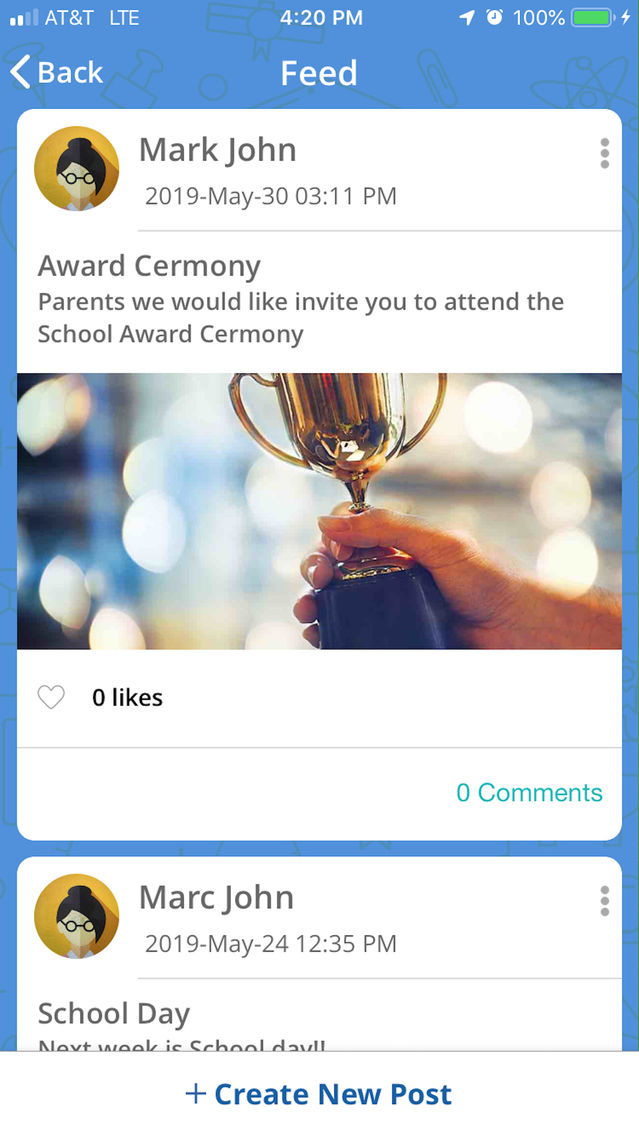
The intuitive “Feeds” feature offers teachers, parents and students a lively way to view all relevant notification, and act on it. The feed collates all notifications from all sources, offering a centralized, single pane view. Every information will thus be available at a glance making it easy for parents or teachers to get all the latest updates.
Add a student:
Add new students to the class and send the code to parents and students to join the class.
Transfer a class:
At the end of the term, or at any fixed time, the admin may transfer the class to a new teacher. All associated data is transferred automatically. The new teacher receives relevant notifications.