Apps in this category do not contain restricted content.
9+
Apps in this category may contain mild or occasional cartoon, fantasy or real-life violence, as well as occasional or mild adult, sexually suggestive or horrifying content and may not be suitable for children under 9 years of age.
12+
Apps in this category may contain occasional mild indecent language, frequent or intense cartoon or real-life violence, minor or occasional adult or sexually suggestive material, and simulated gambling, and may be for children under 12 years of age.
17+
You must be at least 17 years old to access this App.
Apps in this category may contain frequent and intense offensive language; Frequent and intense cartoon, fantasy or realistic violence: frequent and intense adult, scary and sexually suggestive subjects: as well as sexual content, nudity, tobacco, alcohol and drugs, may not be suitable for children under 17 years of age.
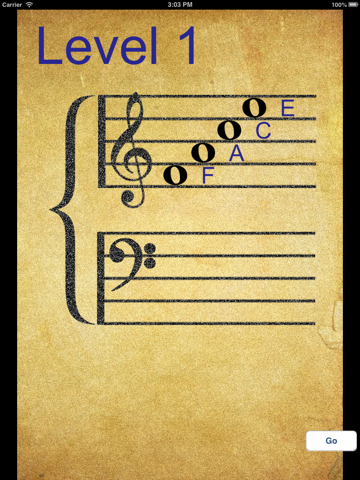
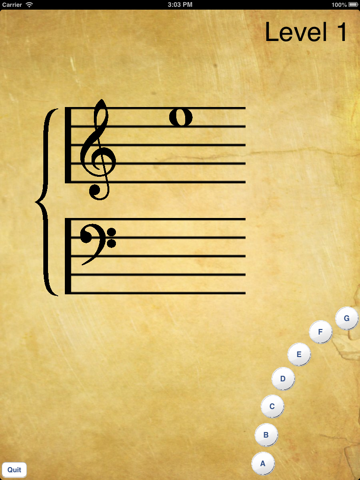
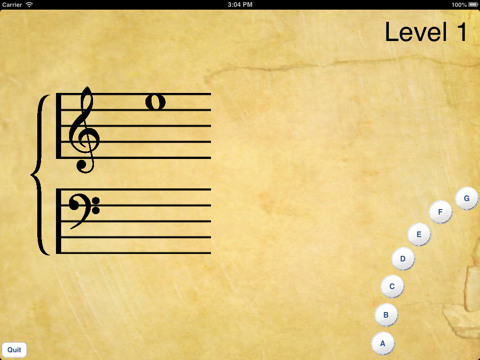
Note Training Screenshots
About Note Training
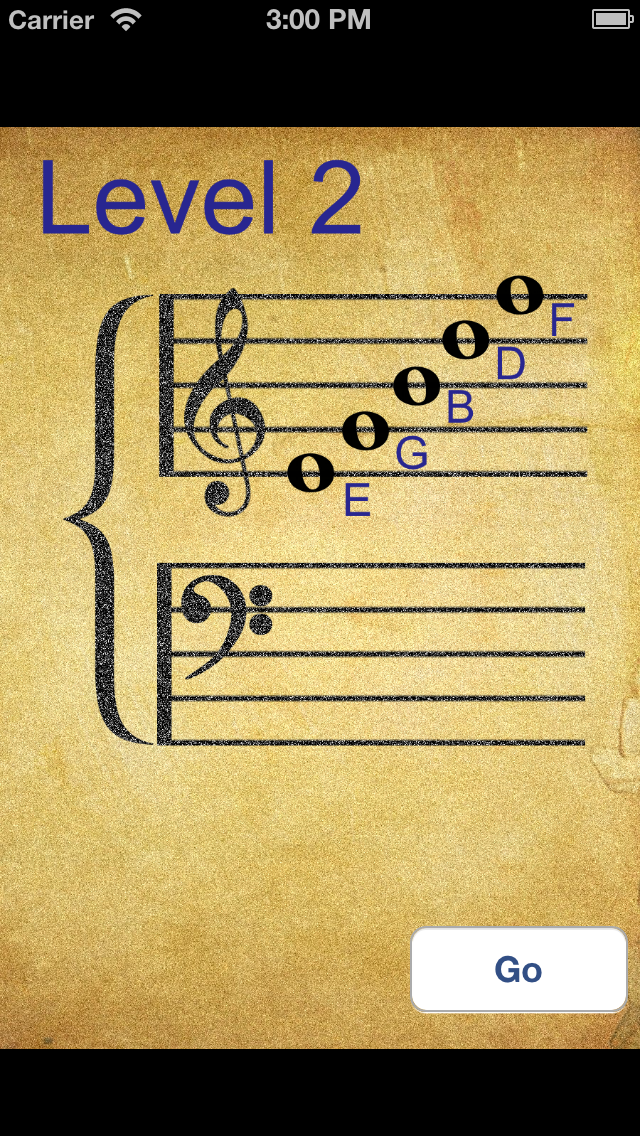
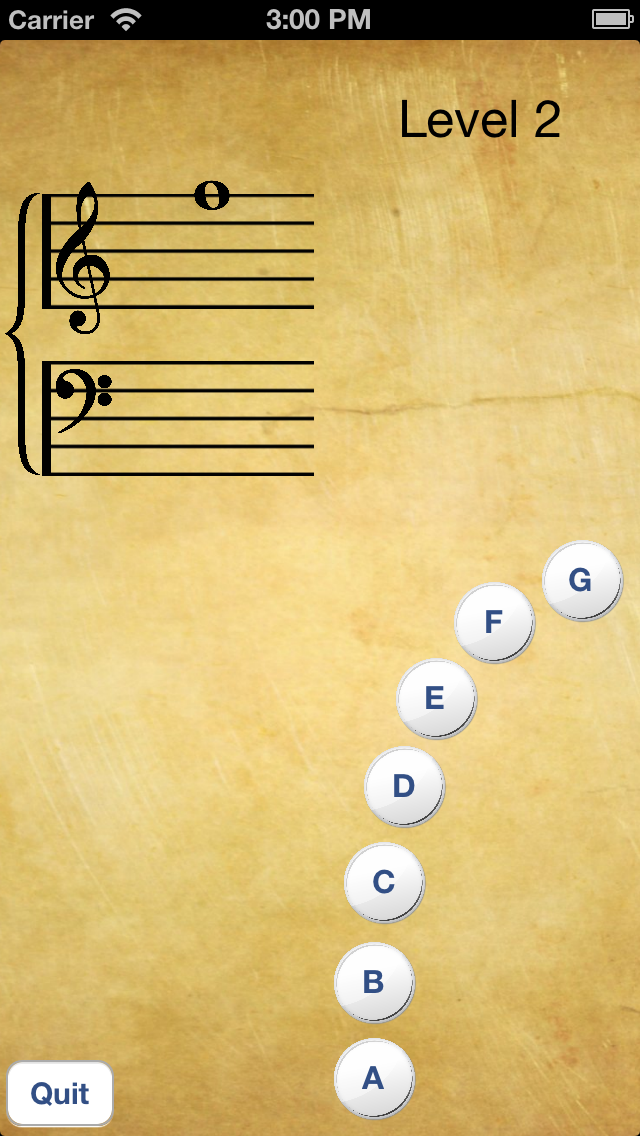
Memorize the notes on the musical staff! Starting with just a few notes, more notes are progressively added as you develop proficiency. Increase your note identification speed and improve your ability to read sheet music.
Show More
Show Less
What's New in the Latest Version 2.2.1
Last updated on May 1, 2016
Old Versions
This app has been updated by Apple to display the Apple Watch app icon.
Fix Timed mode that was broken in version 2.2.
Show More
Show Less
Version History
2.2.1
May 1, 2016
This app has been updated by Apple to display the Apple Watch app icon.
Fix Timed mode that was broken in version 2.2.
2.2
Apr 26, 2016
- Bug fixes. - Compatible with iOS 9.
2.1
Apr 12, 2013
- Timed training mode is back! The timed mode of the original Note Training is back by popular demand. Now you can choose between the Timed and Proficiency modes.
- Revised Proficiency algorithm that determines when you can move to the next level.
- Added a Proficiency indicator so you can tell how close you are to reaching the next level.
- Bug fixes.
2.0
Mar 13, 2013
Major reworking of entire app! - Simplified use. New notes are added as you progressively master more notes. - All notes shown on a single grand staff (treble and bass). - Note buttons are laid out for easy thumb reach. - High resolution images for Retina displays. - iPhone 5 and iPad support. - Portrait and Landscape orientations supported on all devices.
1.2
Jul 21, 2010
- Redesigned Interface - Changed scoring to report Notes per Minute - Changed button labels to more clearly identify the Show Scale and Settings functions. - The correct note button will now highlight in green after a wrong note is selected - Added option to restrict the random note generation to just the notes on the basic staff for beginners - Changed default settings to just the basic treble clef notes for beginners - Changing the duration of the test/game will no longer reset the High Score (now Best Speed)
1.1
Jun 2, 2010
- New help screens show the names of the notes.
- Expanded note range to include 4 ledger lines above and below the basic staff.