Notecards
Study using virtual flashcards
Free
3.9.0for iPhone, iPad
Age Rating
Notecards Screenshots
About Notecards
Study Effectively:
• Study smarter whenever you have a few minutes with 5 powerful study algorithms as we track your progress automatically
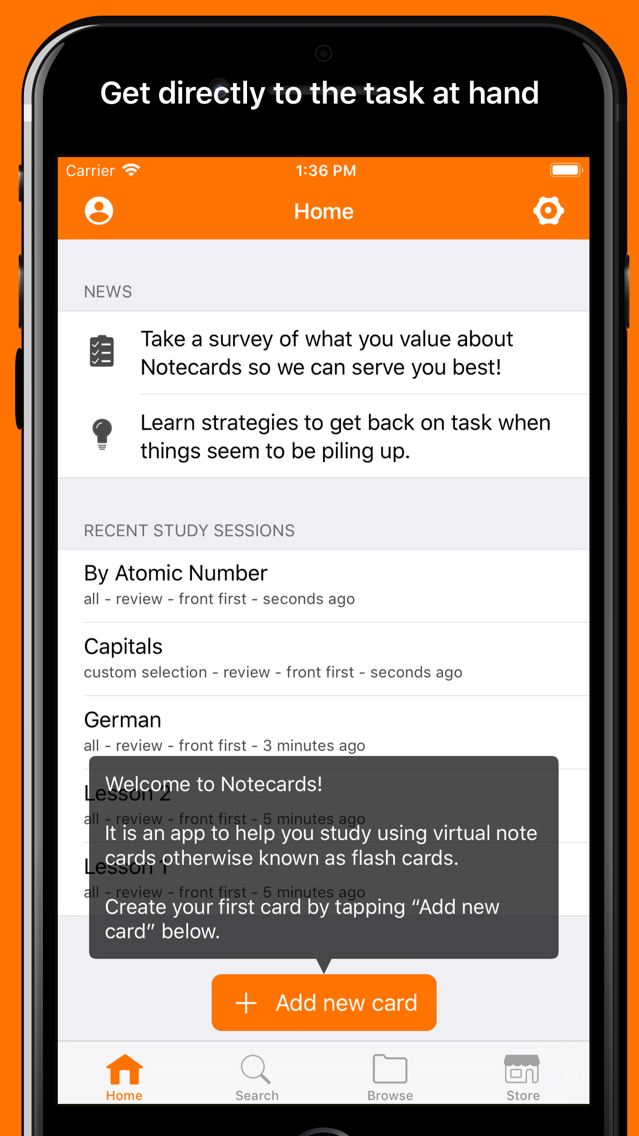
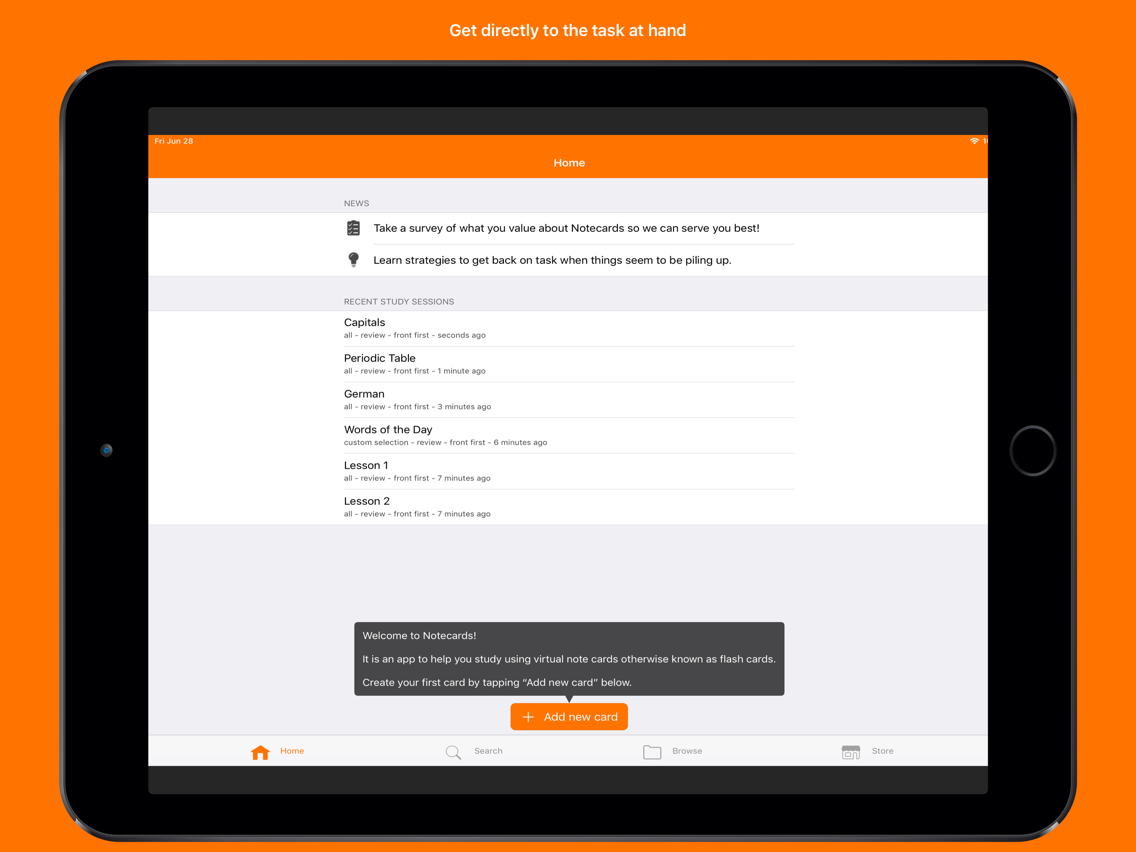
• Study faster in our distraction free app designed to get you directly to the task at hand
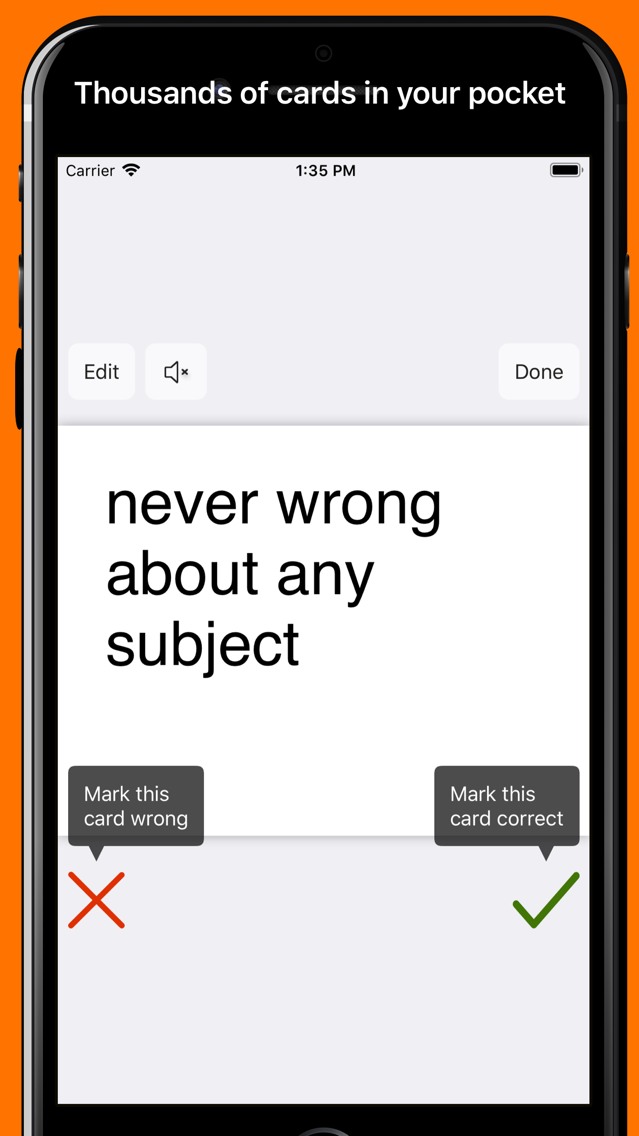
• Study easier using our simple but powerful functionality with the ability to carry around thousands of cards in your pocket
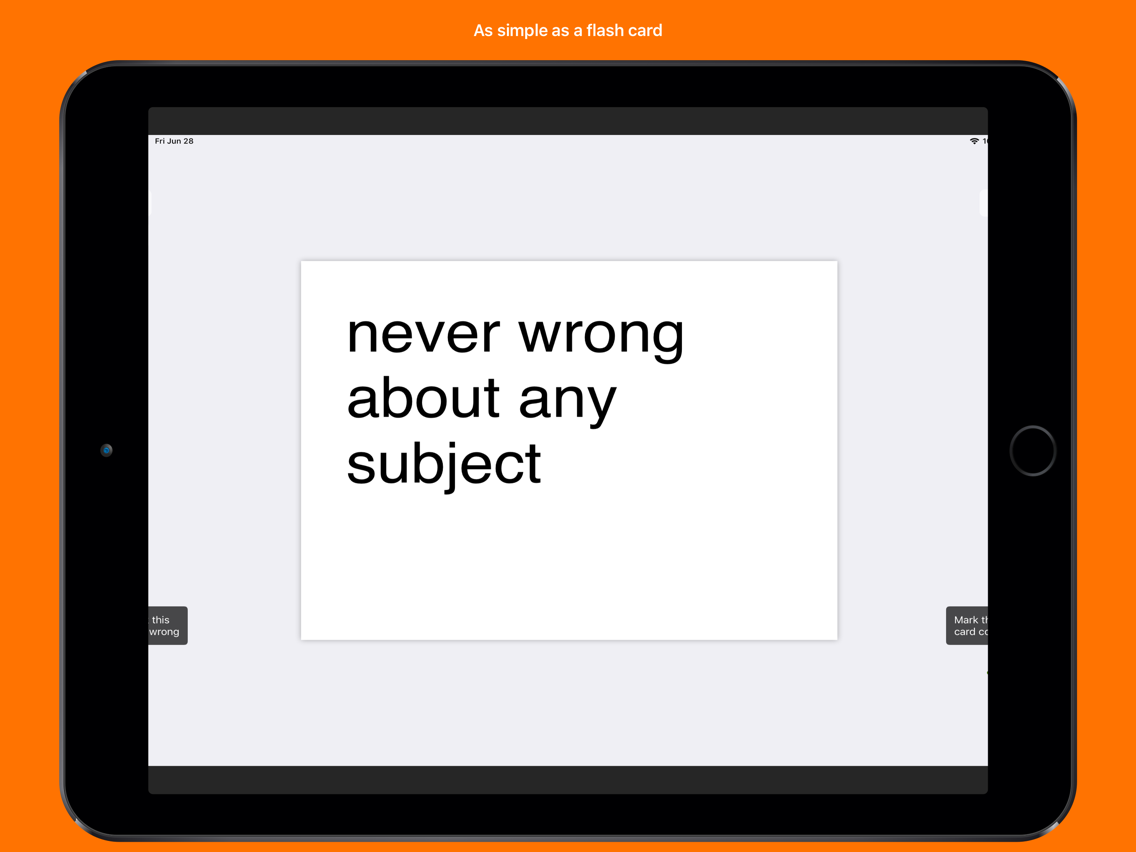
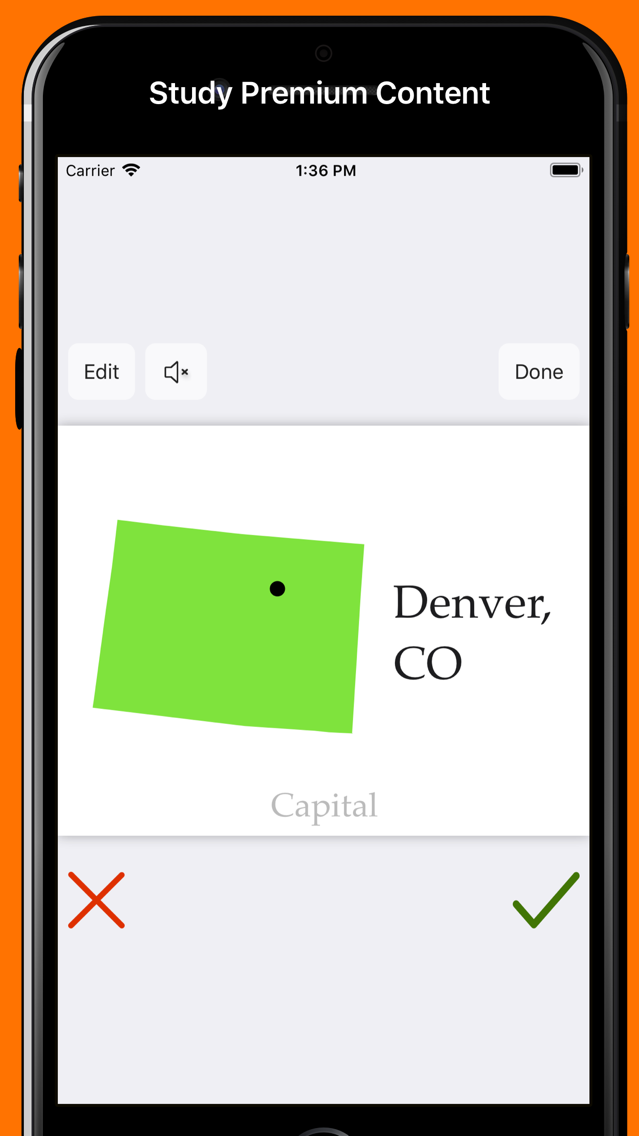
One of the most powerful and popular tools for studying has always been 2-sided index cards otherwise known as flash cards or note cards. Notecards is an application to help you study through the use of virtual flash cards. We let you study your way, while enhancing your experience with the power of the digital world.
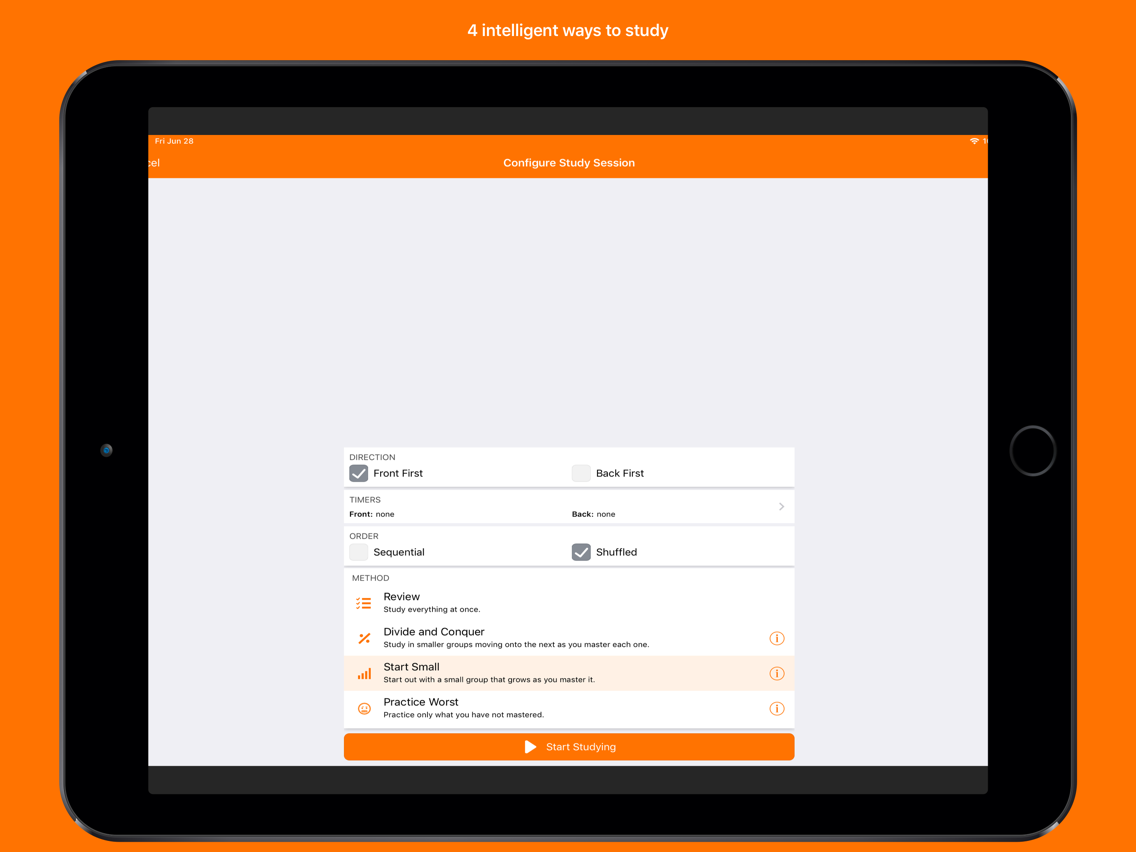
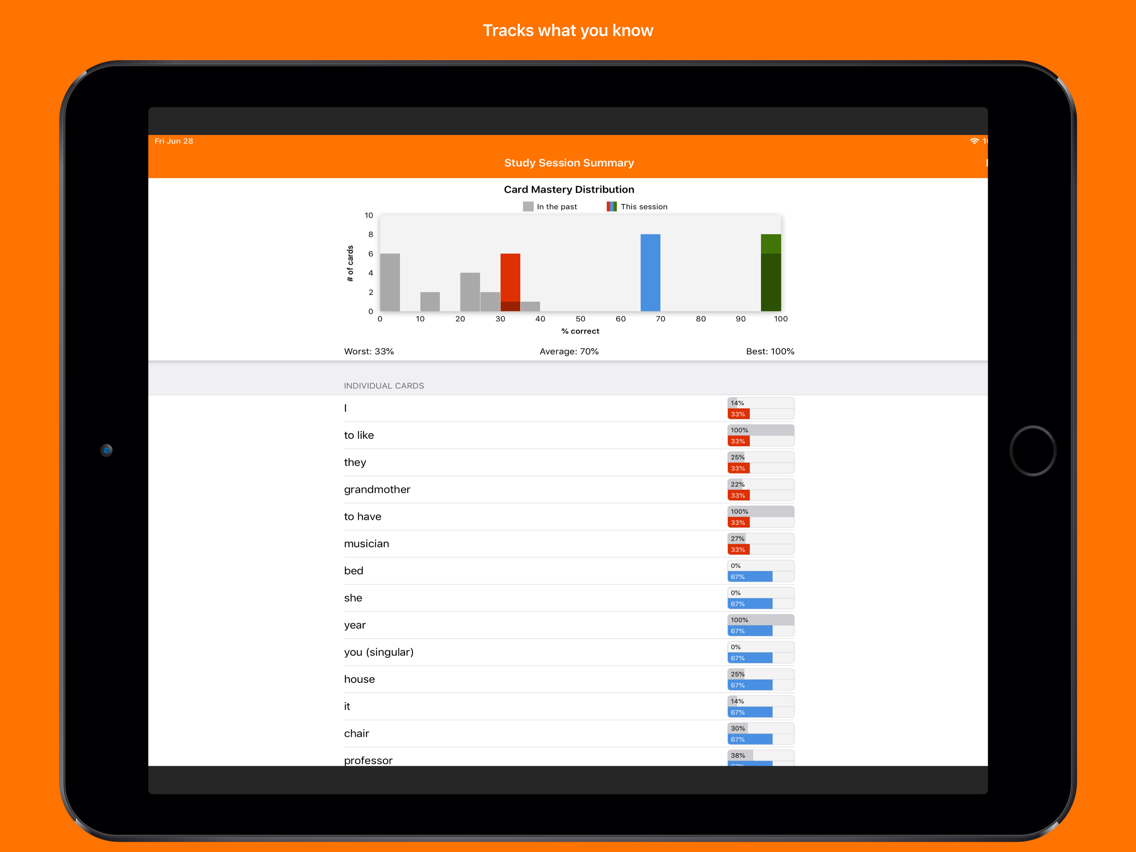
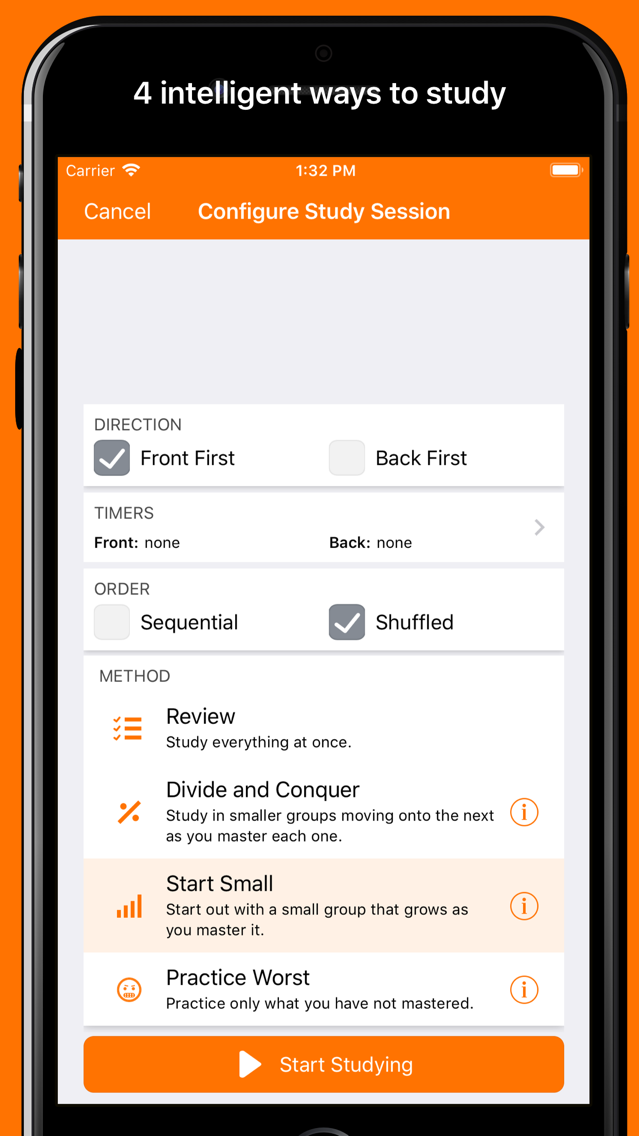
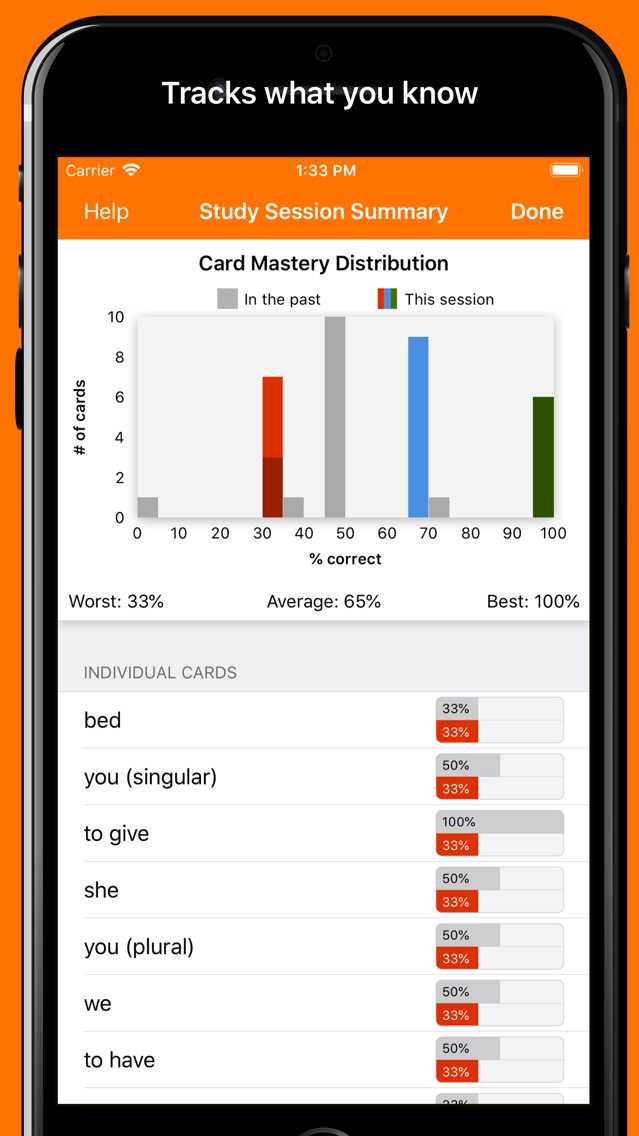
While you are studying, Notecards tracks how well you do so you can easily find what cards you are worst and best at. We use those statistics to create 4 powerful and configurable study algorithms:
1. Review: Study all the cards at once
2. Divide and Conquer: Cards are divided into smaller groups. Once you have mastered a group, move on to the next group.
3. Start Small: Start out with a small number of cards. Once that group has been mastered, more cards are added to the group until you are studying all the cards.
4. Practice Worst: Practice all your worst cards until you master them.
You can also customize your study sessions with the following options:
• Study in a fixed or shuffled order
• Study front-to-back or back-to-front
• Have the cards spoken out to you
• Use timers to study without looking or force you to remember things more quickly
Notecards also contains the following features to make creating and organizing your content easier:
• Organize your content into as many folders and subfolders as you like. You can even choose to study all of the content in a parent folder at one time.
• Search across all of your content at once
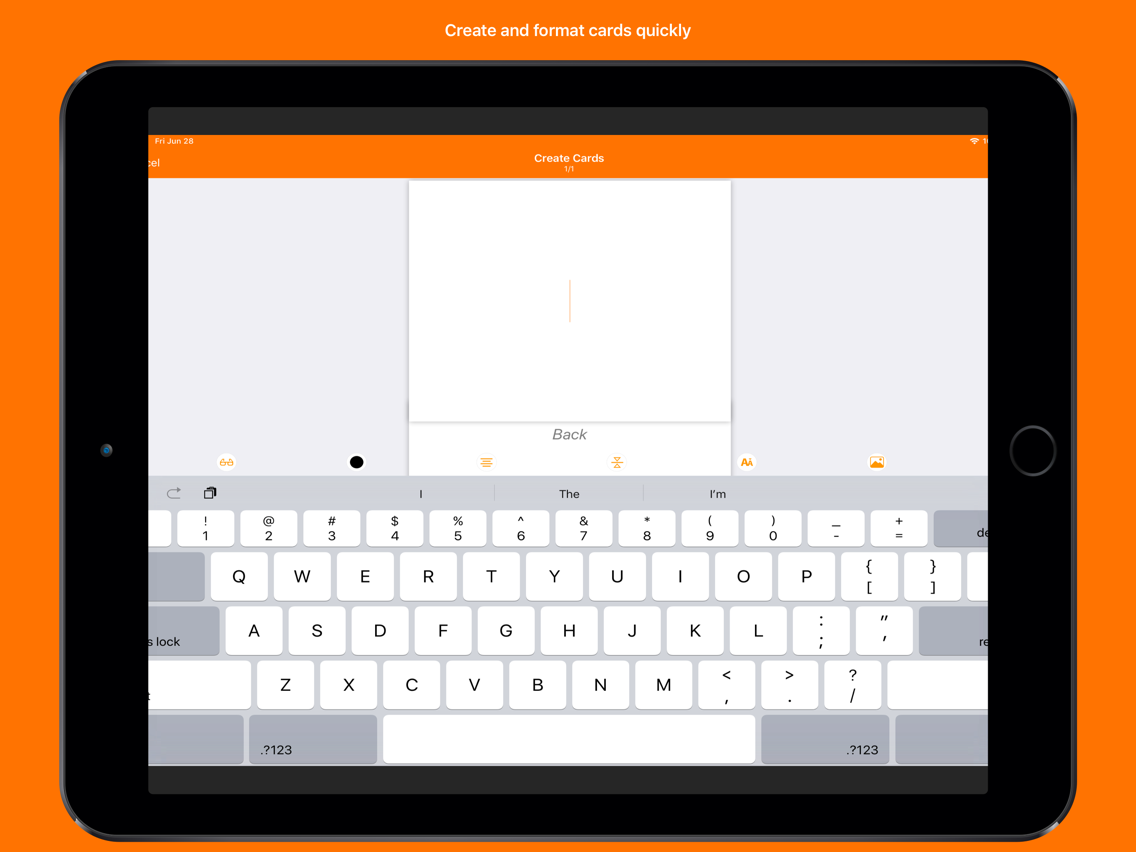
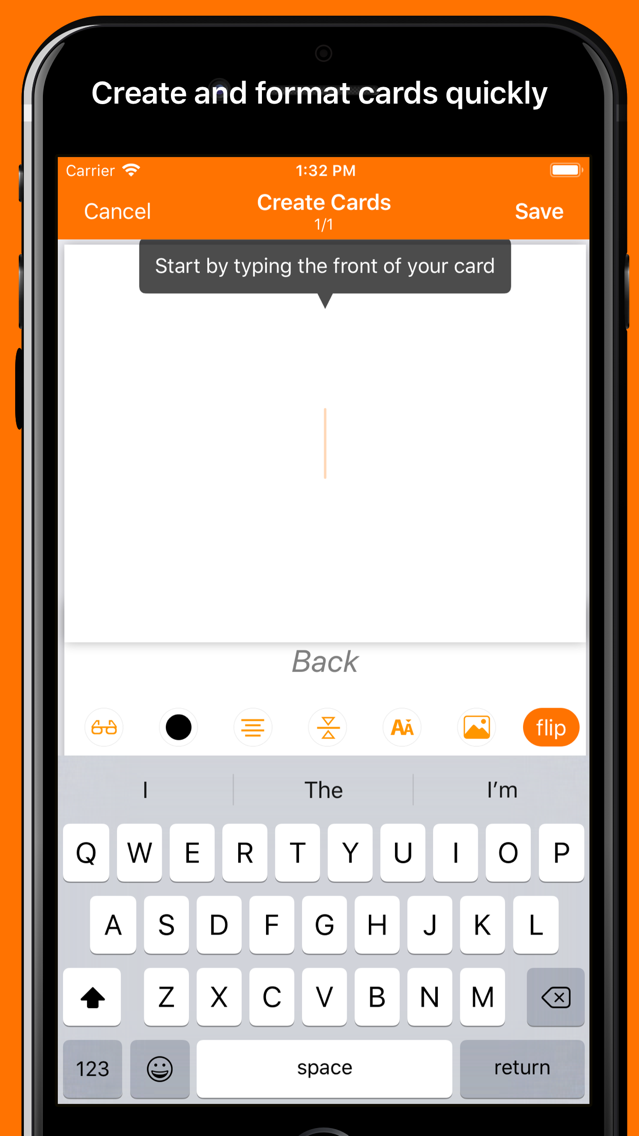
• An interface optimized to create many cards at once
• Send your cards to another user
• Quickly resume studying content you recently studied, right from the apps home screen
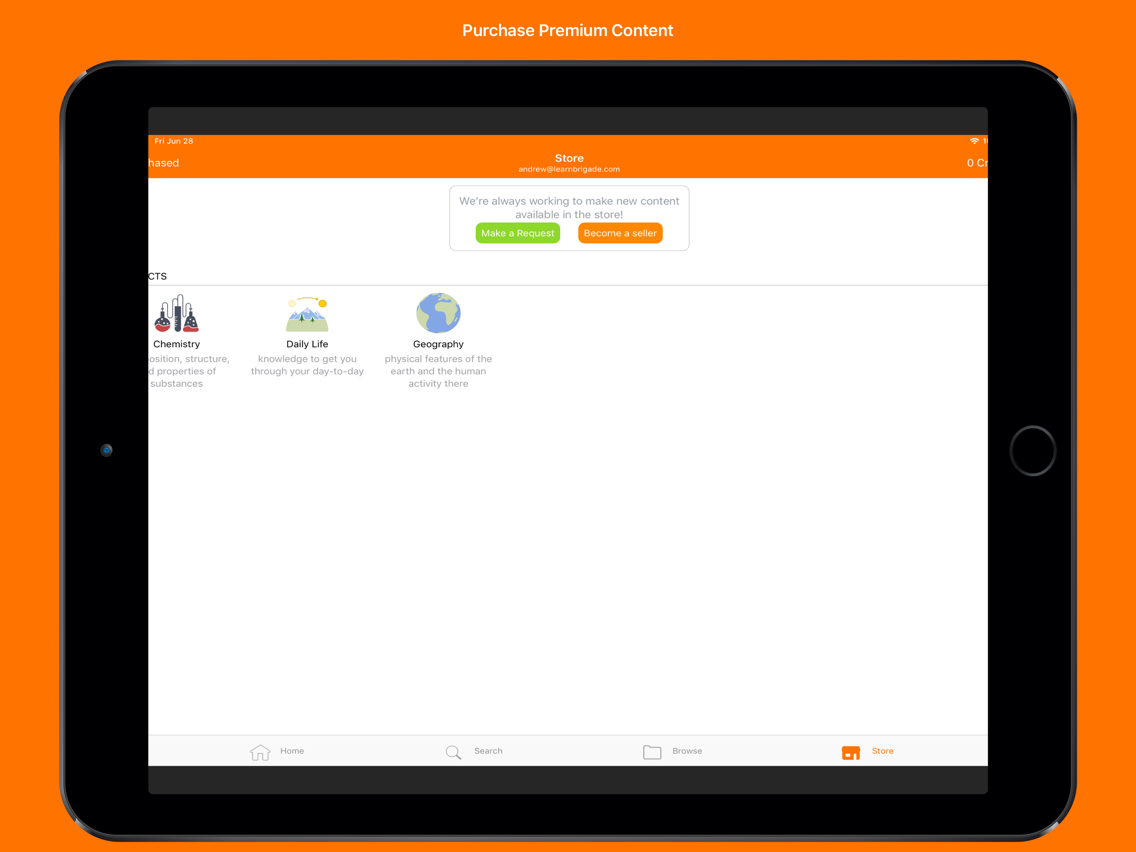
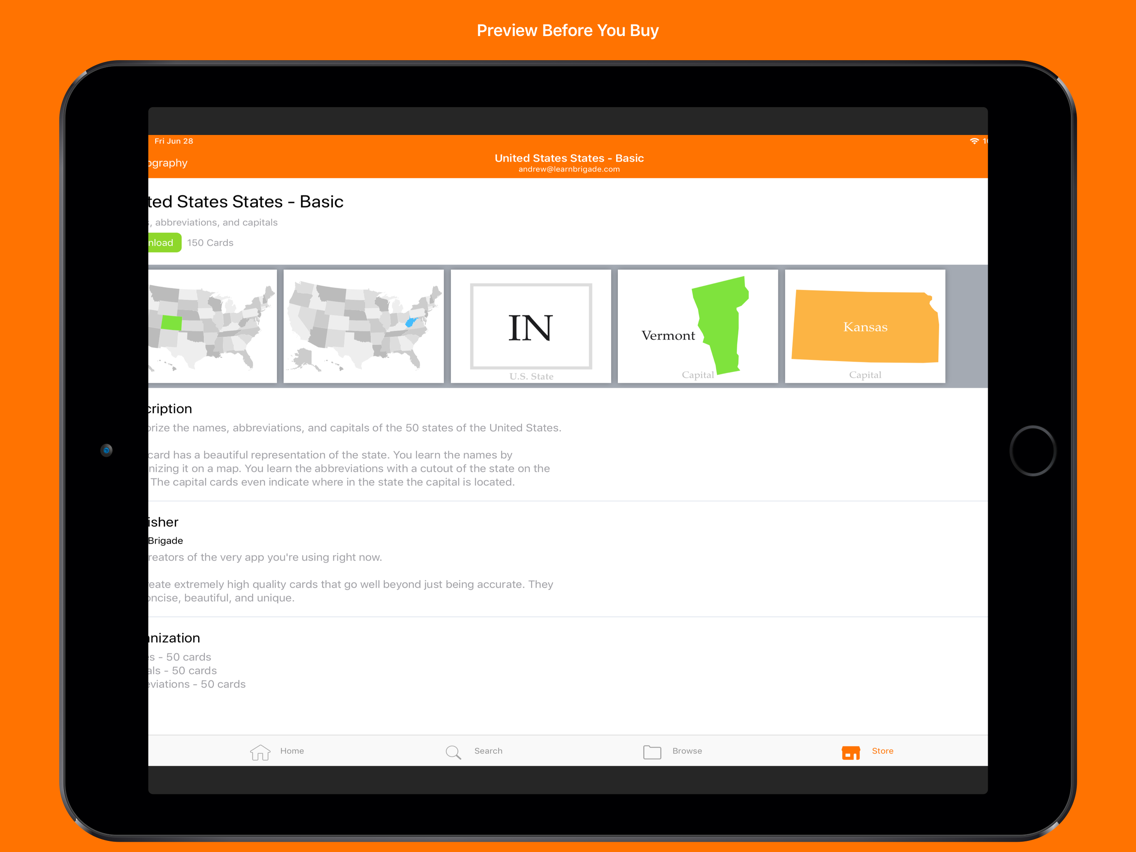
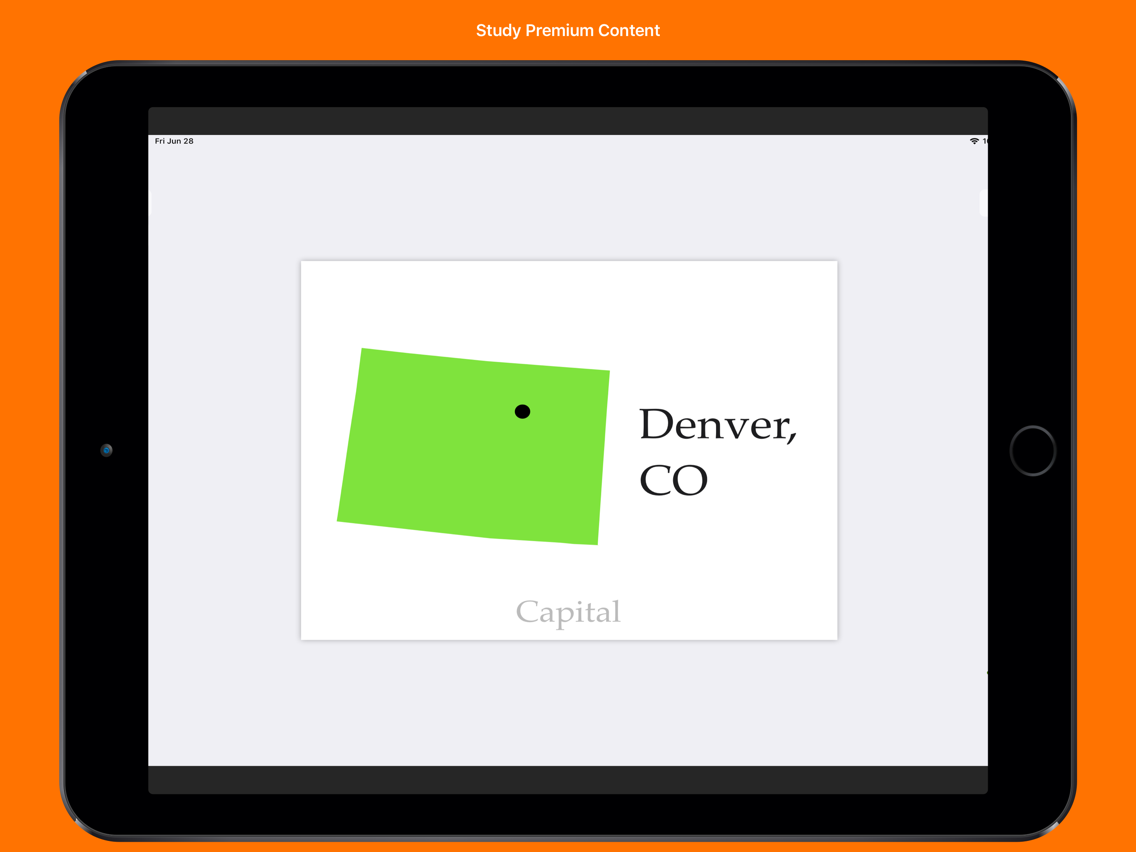
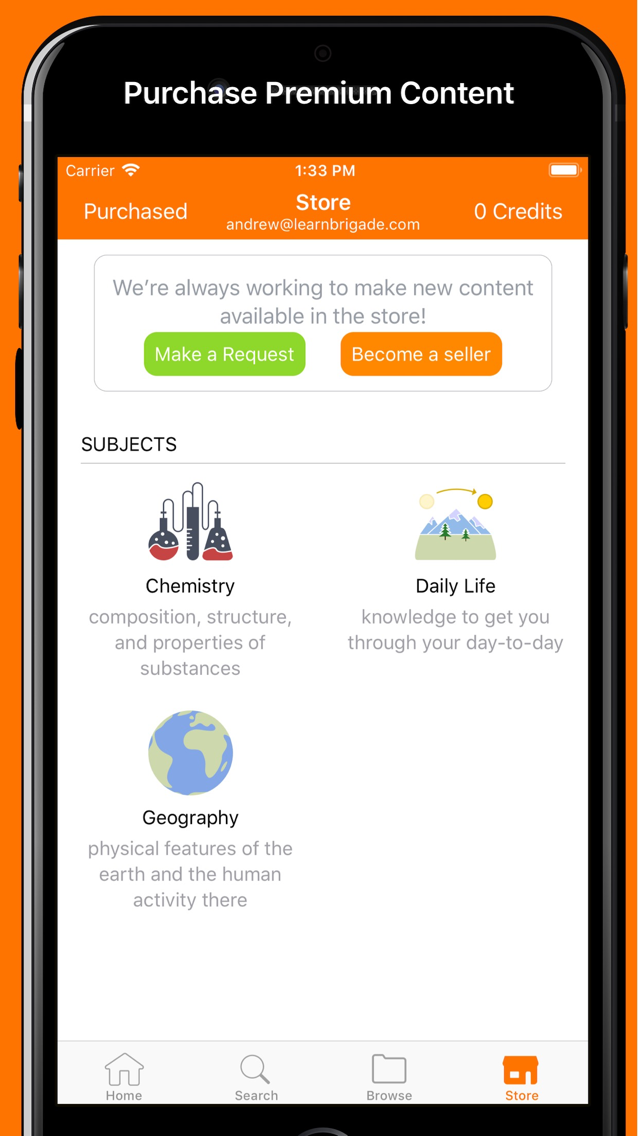
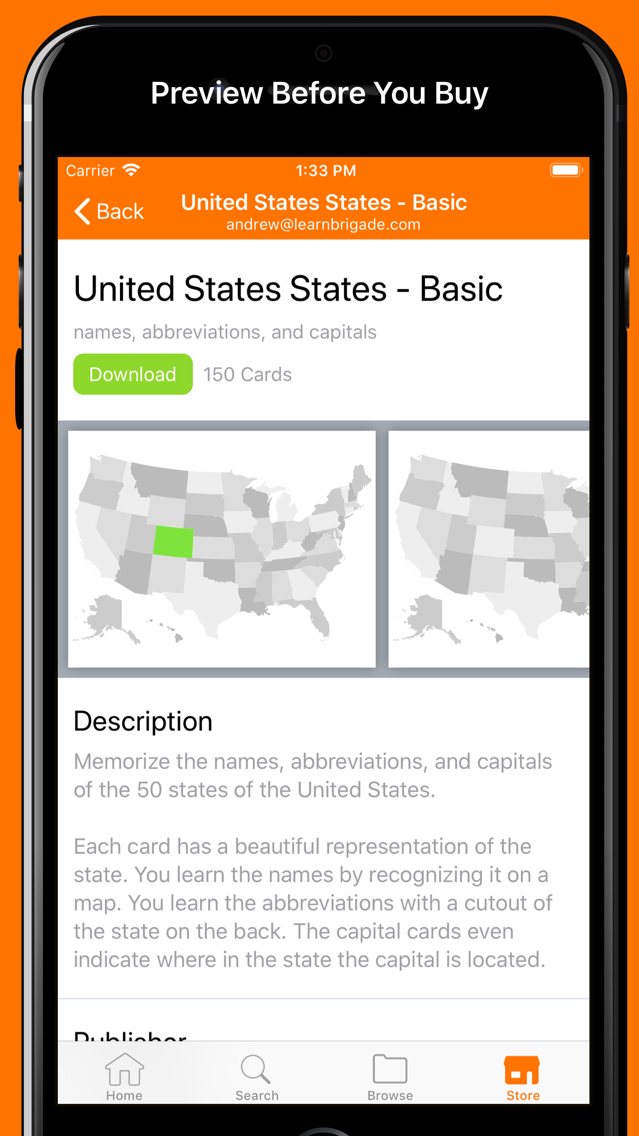
It can be extremely valuable to create your own cards, however, sometimes it makes sense to save time by purchasing premium study content. For that, we have an ever growing catalog of content that goes well beyond what most users can or should create for themselves.
• Study smarter whenever you have a few minutes with 5 powerful study algorithms as we track your progress automatically
• Study faster in our distraction free app designed to get you directly to the task at hand
• Study easier using our simple but powerful functionality with the ability to carry around thousands of cards in your pocket
One of the most powerful and popular tools for studying has always been 2-sided index cards otherwise known as flash cards or note cards. Notecards is an application to help you study through the use of virtual flash cards. We let you study your way, while enhancing your experience with the power of the digital world.
While you are studying, Notecards tracks how well you do so you can easily find what cards you are worst and best at. We use those statistics to create 4 powerful and configurable study algorithms:
1. Review: Study all the cards at once
2. Divide and Conquer: Cards are divided into smaller groups. Once you have mastered a group, move on to the next group.
3. Start Small: Start out with a small number of cards. Once that group has been mastered, more cards are added to the group until you are studying all the cards.
4. Practice Worst: Practice all your worst cards until you master them.
You can also customize your study sessions with the following options:
• Study in a fixed or shuffled order
• Study front-to-back or back-to-front
• Have the cards spoken out to you
• Use timers to study without looking or force you to remember things more quickly
Notecards also contains the following features to make creating and organizing your content easier:
• Organize your content into as many folders and subfolders as you like. You can even choose to study all of the content in a parent folder at one time.
• Search across all of your content at once
• An interface optimized to create many cards at once
• Send your cards to another user
• Quickly resume studying content you recently studied, right from the apps home screen
It can be extremely valuable to create your own cards, however, sometimes it makes sense to save time by purchasing premium study content. For that, we have an ever growing catalog of content that goes well beyond what most users can or should create for themselves.
Show More
What's New in the Latest Version 3.9.0
Last updated on Nov 8, 2020
Old Versions
Updated for iOS 14, but more importantly, we're sad to say we've removed functionality that depends on ongoing costs for us:
- Sharing
- Content Store
We will be shutting down our servers soon as we can no longer justify running them so this functionality will break in existing versions. However, all of your existing content, including content you've purchased in the past, will continue to function as normal.
- Sharing
- Content Store
We will be shutting down our servers soon as we can no longer justify running them so this functionality will break in existing versions. However, all of your existing content, including content you've purchased in the past, will continue to function as normal.
Show More
Version History
3.9.0
Nov 8, 2020
Updated for iOS 14, but more importantly, we're sad to say we've removed functionality that depends on ongoing costs for us:
- Sharing
- Content Store
We will be shutting down our servers soon as we can no longer justify running them so this functionality will break in existing versions. However, all of your existing content, including content you've purchased in the past, will continue to function as normal.
- Sharing
- Content Store
We will be shutting down our servers soon as we can no longer justify running them so this functionality will break in existing versions. However, all of your existing content, including content you've purchased in the past, will continue to function as normal.
3.8.1
Jan 22, 2020
Bug fixes and improvements.
3.8.0
Sep 17, 2019
Support for iOS 13
3.7.5
Aug 18, 2019
Fixed bug configuring study methods
3.7.4
Aug 4, 2019
Minor bug fixes and improvements.
3.7.3
Jul 30, 2019
• Fixed error when adding a folder to subfolder
• Fixed reusing latest card style when adding more cards
Thank you so much for the bug reports!
• Fixed reusing latest card style when adding more cards
Thank you so much for the bug reports!
3.7.2
Jul 20, 2019
• Display number of cards in a folder
• Provide several fixed font sizes while editing
• Bug fixes and improvements
• Provide several fixed font sizes while editing
• Bug fixes and improvements
3.7.1
Jul 9, 2019
• Paste images onto cards
• Fixed a crash on iPads when trying to add an image to a card
• Allow sharing bigger cards
• Fixed a crash on iPads when trying to add an image to a card
• Allow sharing bigger cards
3.7.0
Jul 4, 2019
We're extremely happy to announce that image support has been added to Notecards! We're equally excited to introduce a store for buying premium content!
Here is a full list of what is new in this version:
• Image support – Add images to the front and/or back of your cards
• Store – Purchase premium study content
• Improved card aspect ratio – Most of our users study in portrait mode so we've increased the height of cards to make better use of the available screen real estate
• Optimizations – We drastically improved the performance when sharing and browsing many of cards at once
Here is a full list of what is new in this version:
• Image support – Add images to the front and/or back of your cards
• Store – Purchase premium study content
• Improved card aspect ratio – Most of our users study in portrait mode so we've increased the height of cards to make better use of the available screen real estate
• Optimizations – We drastically improved the performance when sharing and browsing many of cards at once
3.6.0
Dec 10, 2018
Share organized cards by sharing folders and decks themselves.
3.5.1
Nov 4, 2018
Bug fixes and enhancements.
3.5.0
Oct 29, 2018
Deleted items will now be moved to a "Recently Deleted" folder and can be restored within 30 days.
3.4.1
Apr 7, 2018
Minor bug fixes and stability improvements
3.4.0
Apr 1, 2018
Users have been asking and shall now receive iPad support!
We also improved the way that study sessions are resumed if you left the app in the middle of a session. The app now allows you to pick up exactly where you left off.
3.3.6
Mar 21, 2018
That bittersweet moment when a user gives us a bad review that includes enough information for us to find and fix the problem...Nobody likes bad reviews but we are really happy to squash the bug! Also, we can be much more helpful and responsive when you reach out through our various contact forms in and out of the app.
More specifically, we fixed a crash when using character modifiers in Arabic and also improved the stability of editing cards in general.
3.3.5
Mar 18, 2018
Nothing is so perfect that it can't be improved! This version focuses on small usability improvements.
3.3.4
Feb 22, 2018
• Allow sorting cards alphabetically or by when they were created (thanks CUINROCHESTER for the feedback!)
• Minor bug fixes and stability improvements
3.3.3
Feb 15, 2018
Minor bug fixes and stability improvements.
3.3.2
Jan 30, 2018
• Allow resuming in-progress study sessions
• Added tutorials and study tips to help section of settings
• Minor bug fixes
Changes in 3.3:
In this release we focused on adding more flexibility in the way you can study your cards. In particular, we enhanced studying with the following features:
• Spoken cards - Have the cards read to you
• Sequential in all study methods - Sequential v.s. shuffled is now a global option applied to any of the study methods
• Study timers - You can set timers for each side that will automatically either flip the card, mark it correct, or mark it wrong after the specified time.
• Improved international keyboard support - The keyboard you used to create a side is remembered for that side. So for example, if you are creating cards with one language on the front and a different one on the back, the appropriate keyboards will be remembered and automatically changed back and forth for you while editing. This also helps us read out your cards in the correct language when it comes time to study. As a bonus, you can set the language for a certain side of many cards at once from the Actions menu in browse mode.
We also made a few bug fixes/improvements:
• Fixed multistage text input support for keyboards like Japanese Romaji (a shout-out to our user Cesar for bringing this to our attention)
• Added a quicker way to share your cards directly from the folder header
• Other behind the scenes improvements
• Added tutorials and study tips to help section of settings
• Minor bug fixes
Changes in 3.3:
In this release we focused on adding more flexibility in the way you can study your cards. In particular, we enhanced studying with the following features:
• Spoken cards - Have the cards read to you
• Sequential in all study methods - Sequential v.s. shuffled is now a global option applied to any of the study methods
• Study timers - You can set timers for each side that will automatically either flip the card, mark it correct, or mark it wrong after the specified time.
• Improved international keyboard support - The keyboard you used to create a side is remembered for that side. So for example, if you are creating cards with one language on the front and a different one on the back, the appropriate keyboards will be remembered and automatically changed back and forth for you while editing. This also helps us read out your cards in the correct language when it comes time to study. As a bonus, you can set the language for a certain side of many cards at once from the Actions menu in browse mode.
We also made a few bug fixes/improvements:
• Fixed multistage text input support for keyboards like Japanese Romaji (a shout-out to our user Cesar for bringing this to our attention)
• Added a quicker way to share your cards directly from the folder header
• Other behind the scenes improvements
3.3.1
Jan 24, 2018
• Fixed keyboard sometimes reverting back to lowercase after typing a character
• Added setting to disable News
Changes in 3.3:
In this release we focused on adding more flexibility in the way you can study your cards. In particular, we enhanced studying with the following features:
• Spoken cards - Have the cards read to you
• Sequential in all study methods - Sequential v.s. shuffled is now a global option applied to any of the study methods
• Study timers - You can set timers for each side that will automatically either flip the card, mark it correct, or mark it wrong after the specified time.
• Improved international keyboard support - The keyboard you used to create a side is remembered for that side. So for example, if you are creating cards with one language on the front and a different one on the back, the appropriate keyboards will be remembered and automatically changed back and forth for you while editing. This also helps us read out your cards in the correct language when it comes time to study. As a bonus, you can set the language for a certain side of many cards at once from the Actions menu in browse mode.
We also made a few bug fixes/improvements:
• Fixed multistage text input support for keyboards like Japanese Romaji (a shout-out to our user Cesar for bringing this to our attention)
• Added a quicker way to share your cards directly from the folder header
• Other behind the scenes improvements
• Added setting to disable News
Changes in 3.3:
In this release we focused on adding more flexibility in the way you can study your cards. In particular, we enhanced studying with the following features:
• Spoken cards - Have the cards read to you
• Sequential in all study methods - Sequential v.s. shuffled is now a global option applied to any of the study methods
• Study timers - You can set timers for each side that will automatically either flip the card, mark it correct, or mark it wrong after the specified time.
• Improved international keyboard support - The keyboard you used to create a side is remembered for that side. So for example, if you are creating cards with one language on the front and a different one on the back, the appropriate keyboards will be remembered and automatically changed back and forth for you while editing. This also helps us read out your cards in the correct language when it comes time to study. As a bonus, you can set the language for a certain side of many cards at once from the Actions menu in browse mode.
We also made a few bug fixes/improvements:
• Fixed multistage text input support for keyboards like Japanese Romaji (a shout-out to our user Cesar for bringing this to our attention)
• Added a quicker way to share your cards directly from the folder header
• Other behind the scenes improvements
3.3.0
Jan 16, 2018
In this release we focused on adding more flexibility in the way you can study your cards. In particular, we enhanced studying with the following features:
• Spoken cards - Have the cards read to you
• Sequential in all study methods - Sequential v.s. shuffled is now a global option applied to any of the study methods
• Study timers - You can set timers for each side that will automatically either flip the card, mark it correct, or mark it wrong after the specified time.
• Improved international keyboard support - The keyboard you used to create a side is remembered for that side. So for example, if you are creating cards with one language on the front and a different one on the back, the appropriate keyboards will be remembered and automatically changed back and forth for you while editing. This also helps us read out your cards in the correct language when it comes time to study. As a bonus, you can set the language for a certain side of many cards at once from the Actions menu in browse mode.
We also made a few bug fixes/improvements:
• Fixed multistage text input support for keyboards like Japanese Romaji (a shout-out to our user Cesar for bringing this to our attention)
• Added a quicker way to share your cards directly from the folder header
• Other behind the scenes improvements
• Spoken cards - Have the cards read to you
• Sequential in all study methods - Sequential v.s. shuffled is now a global option applied to any of the study methods
• Study timers - You can set timers for each side that will automatically either flip the card, mark it correct, or mark it wrong after the specified time.
• Improved international keyboard support - The keyboard you used to create a side is remembered for that side. So for example, if you are creating cards with one language on the front and a different one on the back, the appropriate keyboards will be remembered and automatically changed back and forth for you while editing. This also helps us read out your cards in the correct language when it comes time to study. As a bonus, you can set the language for a certain side of many cards at once from the Actions menu in browse mode.
We also made a few bug fixes/improvements:
• Fixed multistage text input support for keyboards like Japanese Romaji (a shout-out to our user Cesar for bringing this to our attention)
• Added a quicker way to share your cards directly from the folder header
• Other behind the scenes improvements
3.2.0
Dec 10, 2017
Added the ability to share your cards with other people!
We also made some small improvements to the iPhone X interface now that we've been using it for a while.
3.1.3
Nov 15, 2017
Fixed dictation getting cut off while editing cards.
3.1.2
Nov 4, 2017
This is a big change that we are extremely excited about! Its primary purpose is to pave the way for major improvements and desirable features in the future, but it already includes some compelling new features and changes.
3.1.2 Changes:
• Minor bug fixes
3.1 Changes:
• Fixed the ability to use dictation for card creation
• Global search for cards, decks, and folders
• View the collective stats for any selected cards
• User interface refinements
3.0 Changes:
• Use the app more quickly and easily with a re-imagined user interface
• Rename decks
• Organize your decks within folders and subfolders (and subfolders and subfolders...)
• Edit cards while studying
• Customize text alignment, color, and size
• Quickly study recent study sessions again
• Analyze your study sessions more efficiently with a brand new "Card Mastery Graph"
3.1.2 Changes:
• Minor bug fixes
3.1 Changes:
• Fixed the ability to use dictation for card creation
• Global search for cards, decks, and folders
• View the collective stats for any selected cards
• User interface refinements
3.0 Changes:
• Use the app more quickly and easily with a re-imagined user interface
• Rename decks
• Organize your decks within folders and subfolders (and subfolders and subfolders...)
• Edit cards while studying
• Customize text alignment, color, and size
• Quickly study recent study sessions again
• Analyze your study sessions more efficiently with a brand new "Card Mastery Graph"
3.1.1
Nov 2, 2017
This is a big change that we are extremely excited about! Its primary purpose is to pave the way for major improvements and desirable features in the future, but it already includes some compelling new features and changes.
3.1.1 Changes:
• Performance improvements
• Minor bug fixes
3.1 Changes:
• Fixed the ability to use dictation for card creation
• Global search for cards, decks, and folders
• View the collective stats for any selected cards
• User interface refinements
3.0 Changes:
• Use the app more quickly and easily with a re-imagined user interface
• Rename decks
• Organize your decks within folders and subfolders (and subfolders and subfolders...)
• Edit cards while studying
• Customize text alignment, color, and size
• Quickly study recent study sessions again
• Analyze your study sessions more efficiently with a brand new "Card Mastery Graph"
3.1.1 Changes:
• Performance improvements
• Minor bug fixes
3.1 Changes:
• Fixed the ability to use dictation for card creation
• Global search for cards, decks, and folders
• View the collective stats for any selected cards
• User interface refinements
3.0 Changes:
• Use the app more quickly and easily with a re-imagined user interface
• Rename decks
• Organize your decks within folders and subfolders (and subfolders and subfolders...)
• Edit cards while studying
• Customize text alignment, color, and size
• Quickly study recent study sessions again
• Analyze your study sessions more efficiently with a brand new "Card Mastery Graph"
3.1.0
Nov 1, 2017
This is a big change that we are extremely excited about! Its primary purpose is to pave the way for major improvements and desirable features in the future, but it already includes some compelling new features and changes.
3.1 Changes:
• Fixed the ability to use dictation for card creation
• Global search for cards, decks, and folders
• View the collective stats for any selected cards
• User interface refinements
3.0 Changes:
• Use the app more quickly and easily with a re-imagined user interface
• Rename decks
• Organize your decks within folders and subfolders (and subfolders and subfolders...)
• Edit cards while studying
• Customize text alignment, color, and size
• Quickly study recent study sessions again
• Analyze your study sessions more efficiently with a brand new "Card Mastery Graph"
3.1 Changes:
• Fixed the ability to use dictation for card creation
• Global search for cards, decks, and folders
• View the collective stats for any selected cards
• User interface refinements
3.0 Changes:
• Use the app more quickly and easily with a re-imagined user interface
• Rename decks
• Organize your decks within folders and subfolders (and subfolders and subfolders...)
• Edit cards while studying
• Customize text alignment, color, and size
• Quickly study recent study sessions again
• Analyze your study sessions more efficiently with a brand new "Card Mastery Graph"
3.0.0
Oct 30, 2017
This is a big change that we are extremely excited about! Its primary purpose is to pave the way for major improvements and desirable features in the future, but it already includes some compelling new features and changes:
• Use the app more quickly and easily with a re-imagined user interface
• Rename decks
• Organize your decks within folders and subfolders (and subfolders and subfolders...)
• Edit cards while studying
• Customize text alignment, color, and size
• Quickly study recent study sessions again
• Analyze your study sessions more efficiently with a brand new "Card Mastery Graph"
• Use the app more quickly and easily with a re-imagined user interface
• Rename decks
• Organize your decks within folders and subfolders (and subfolders and subfolders...)
• Edit cards while studying
• Customize text alignment, color, and size
• Quickly study recent study sessions again
• Analyze your study sessions more efficiently with a brand new "Card Mastery Graph"
2.1.6
Jun 3, 2017
Added support for all of the latest phone sizes
2.1.5
Jan 17, 2014
Fixed crash when studying a single card and made start studying options clearer.
2.1.4
Jan 9, 2014
Shake to return to previous card while studying and bug fixes
2.1.3
Jan 2, 2014
Bug fixes and UI Tweaks
2.1.2
Dec 20, 2013
Updated the Icon and don't restore study session when selecting "Organize"
2.1.1
Dec 12, 2013
Restore study session more reliably and fixed study help overlays in landscape mode.
2.1.0
Dec 5, 2013
Improved usability and enhanced card organization ability
Usability
- Added main menu for quick acess to common functionality
- Allow for quick creation of many cards at once
- Removed help cards and replaced them with helpful overlays
Features
- Delete Decks
- Mass delete cards
- Move cards to different deck

Usability
- Added main menu for quick acess to common functionality
- Allow for quick creation of many cards at once
- Removed help cards and replaced them with helpful overlays
Features
- Delete Decks
- Mass delete cards
- Move cards to different deck
Notecards FAQ
Click here to learn how to download Notecards in restricted country or region.
Check the following list to see the minimum requirements of Notecards.
iPhone
iPad
Notecards supports English