PC Authenticator
Free
1.0.2for iPhone, iPad
Age Rating
PC Authenticator Screenshots
About PC Authenticator
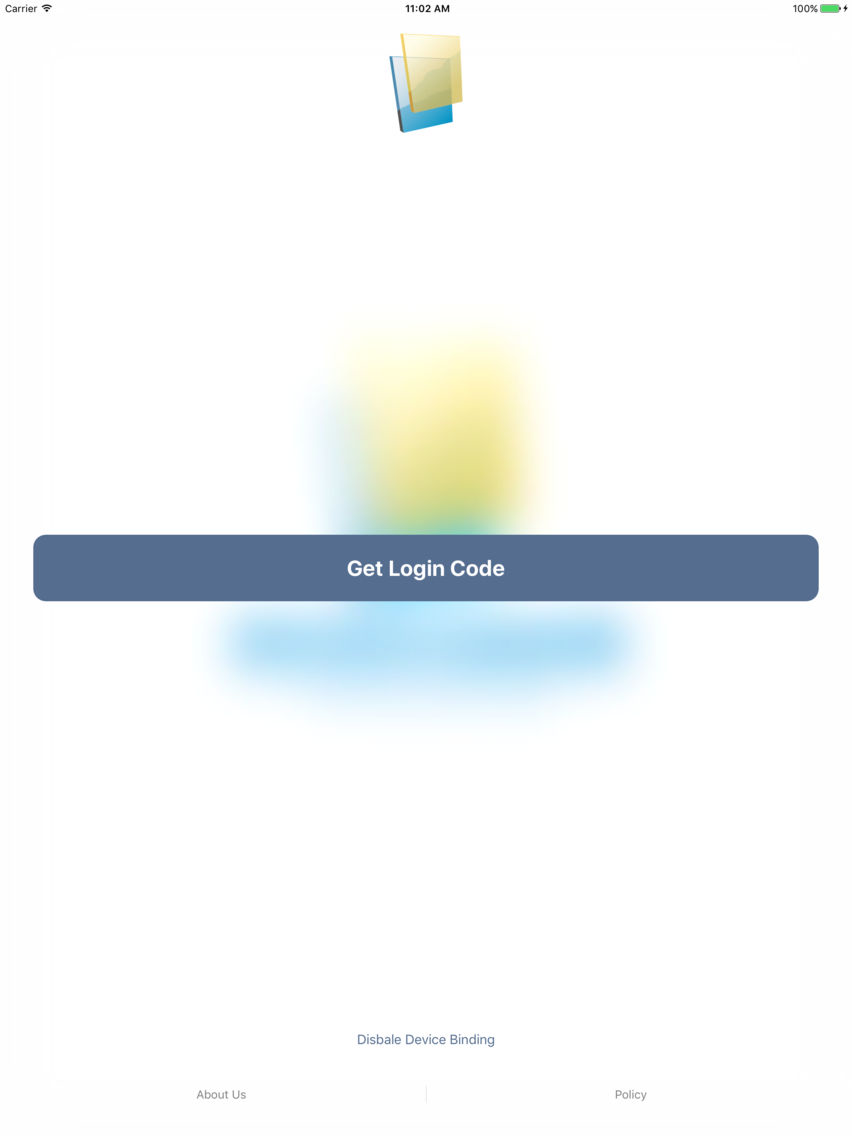
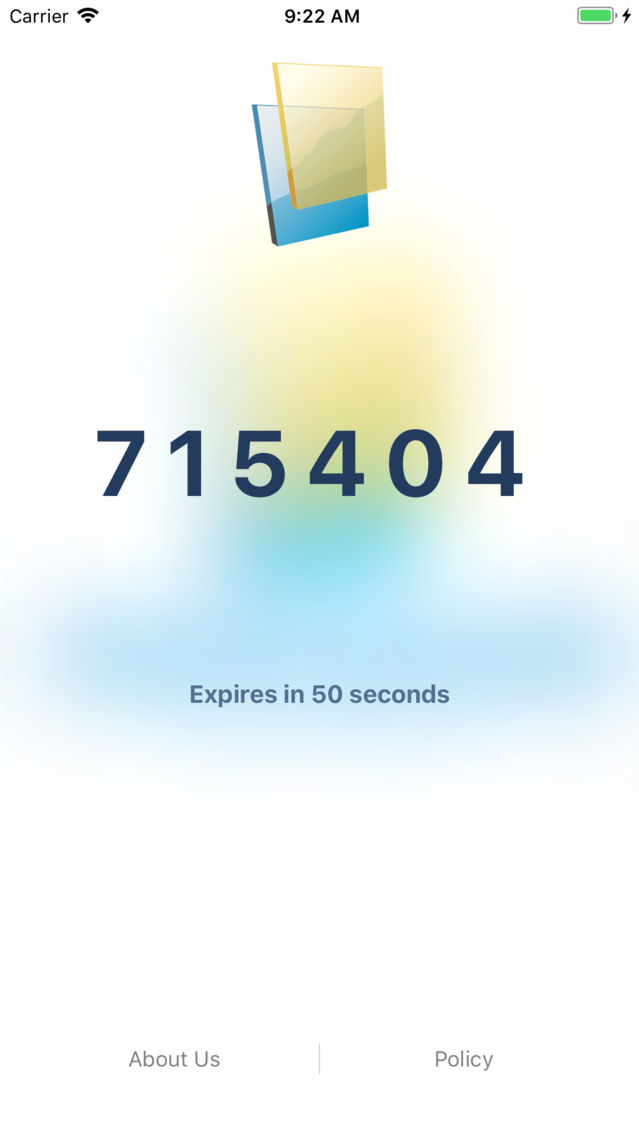
PC Authenticator works with Two-Step Verification for your Paochu Account to provide an additional layer of security when logging in.
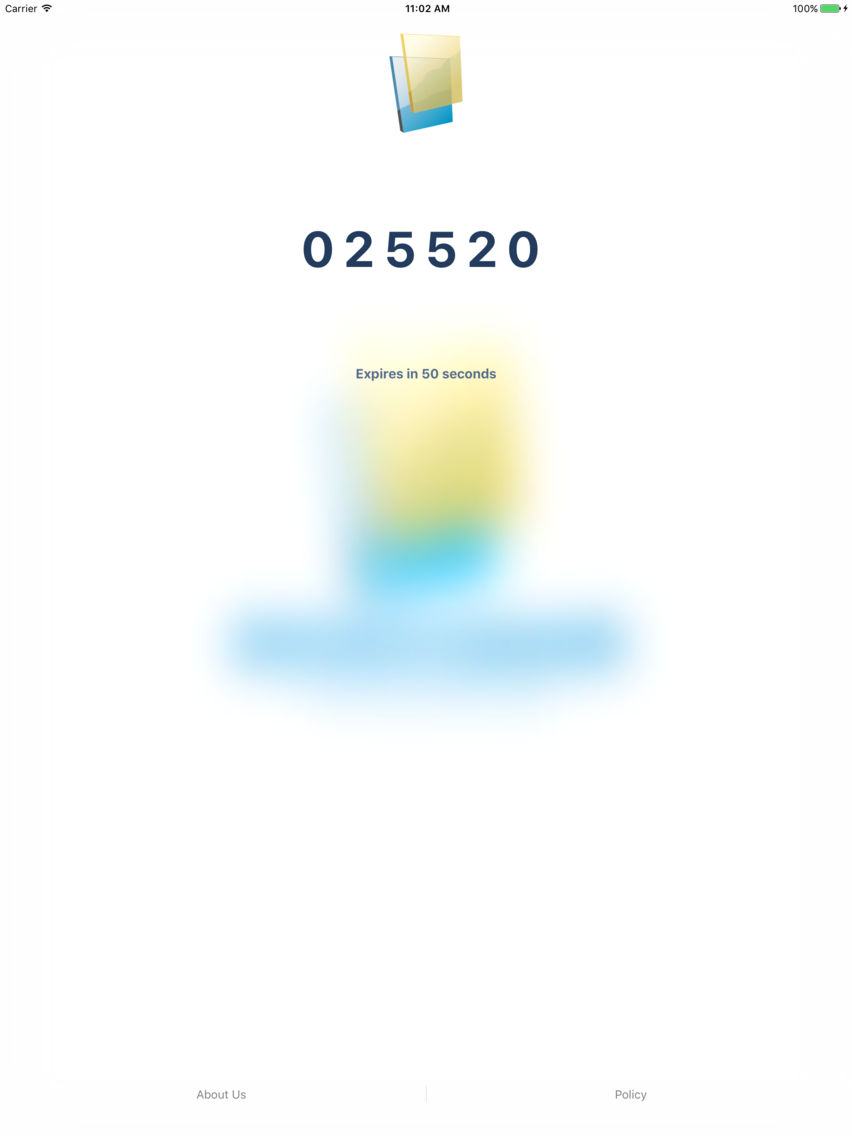
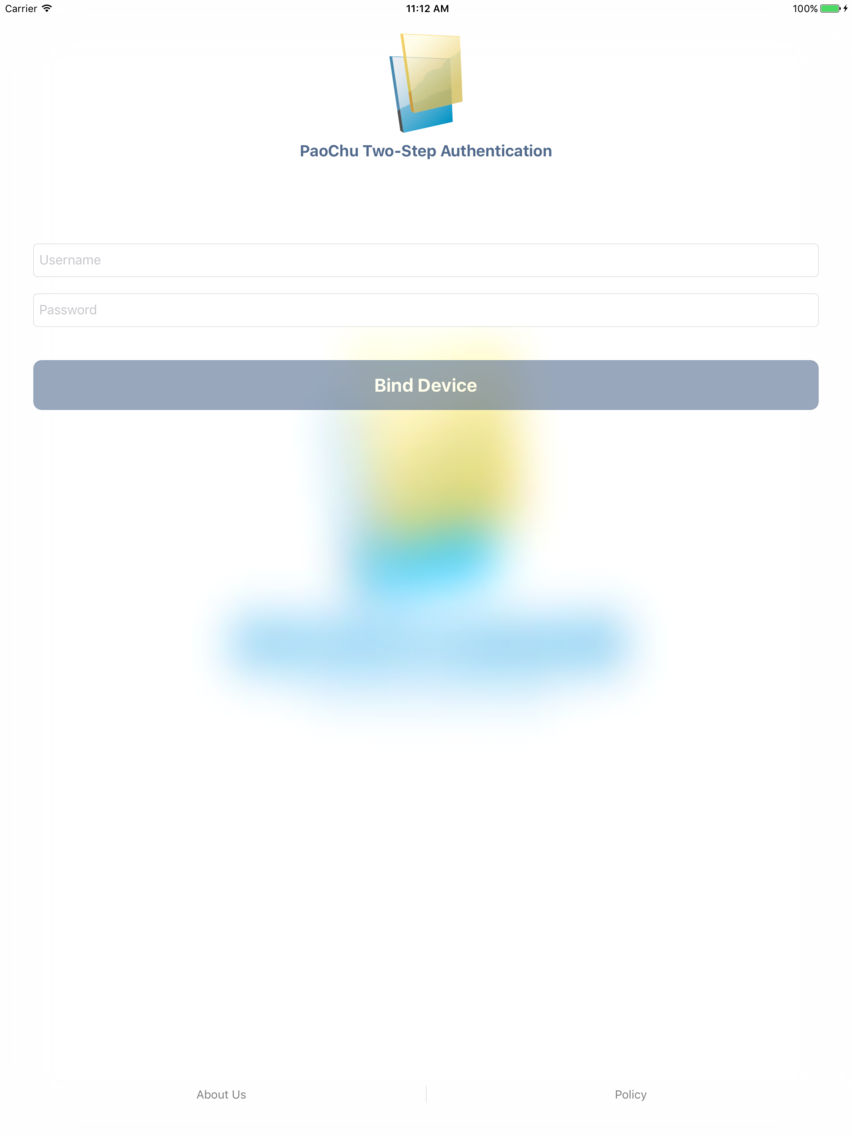
With Two-Step Verification, logging into your account will require both your password and a verification code which you can generate with this app. Once configured, you can get verification codes without the need of network or cellular connection.
Features include:
- Easy setup
- Support offline code generation
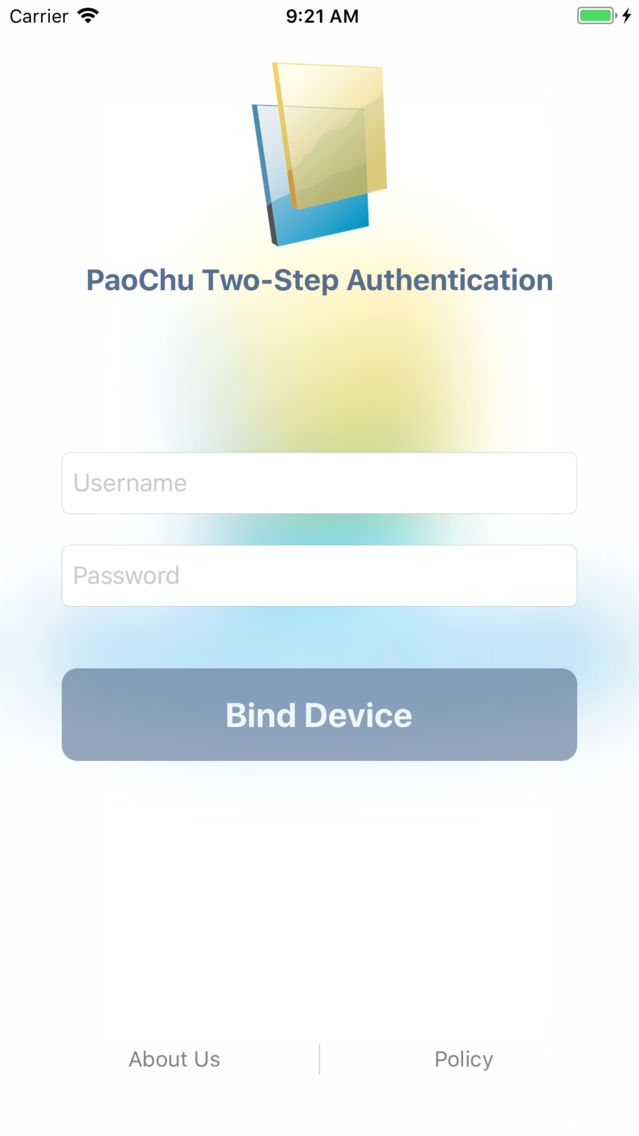
Important: You can bind ONLY ONE device for your Paochu Account!

With Two-Step Verification, logging into your account will require both your password and a verification code which you can generate with this app. Once configured, you can get verification codes without the need of network or cellular connection.
Features include:
- Easy setup
- Support offline code generation
Important: You can bind ONLY ONE device for your Paochu Account!
Show More
What's New in the Latest Version 1.0.2
Last updated on Apr 9, 2018
Version History
1.0.2
Apr 9, 2018
PC Authenticator FAQ
Click here to learn how to download PC Authenticator in restricted country or region.
Check the following list to see the minimum requirements of PC Authenticator.
iPhone
iPad
PC Authenticator supports Chinese, English