ProgLingo
Free
0.2.9for iPhone, iPad
Age Rating
ProgLingo Screenshots
About ProgLingo
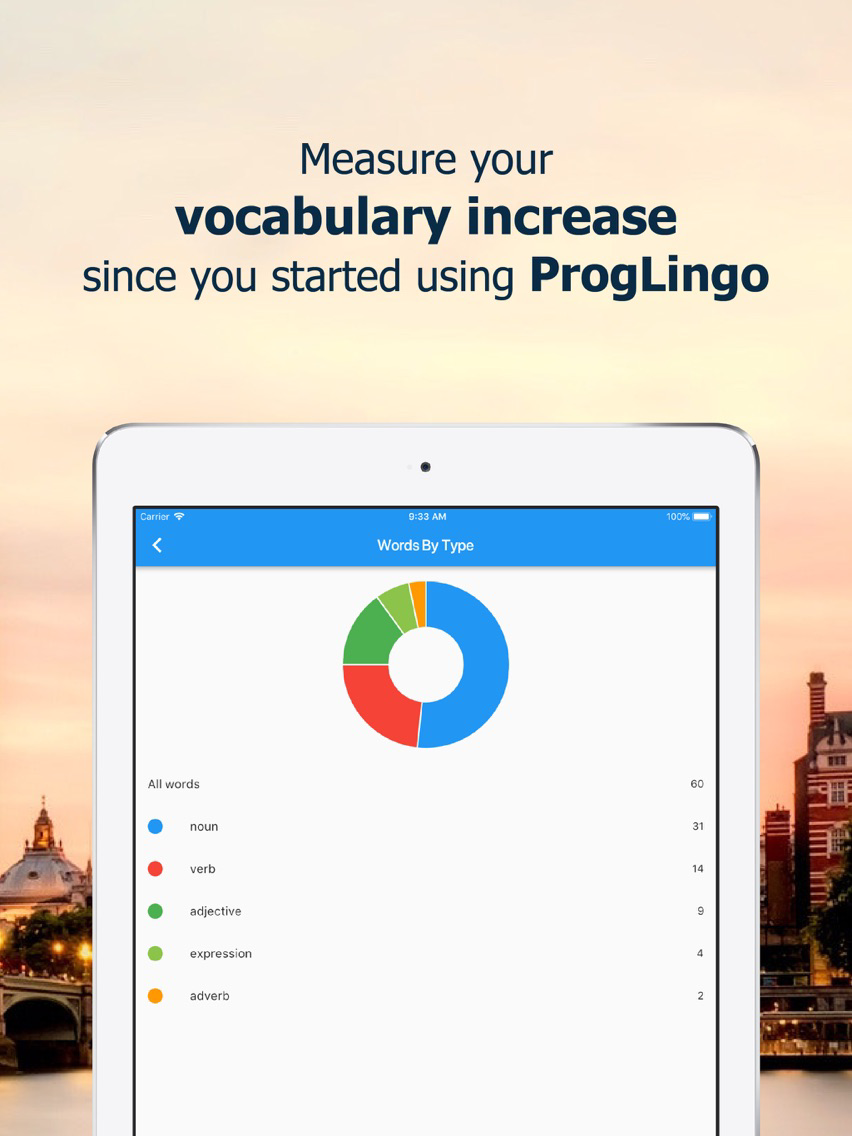
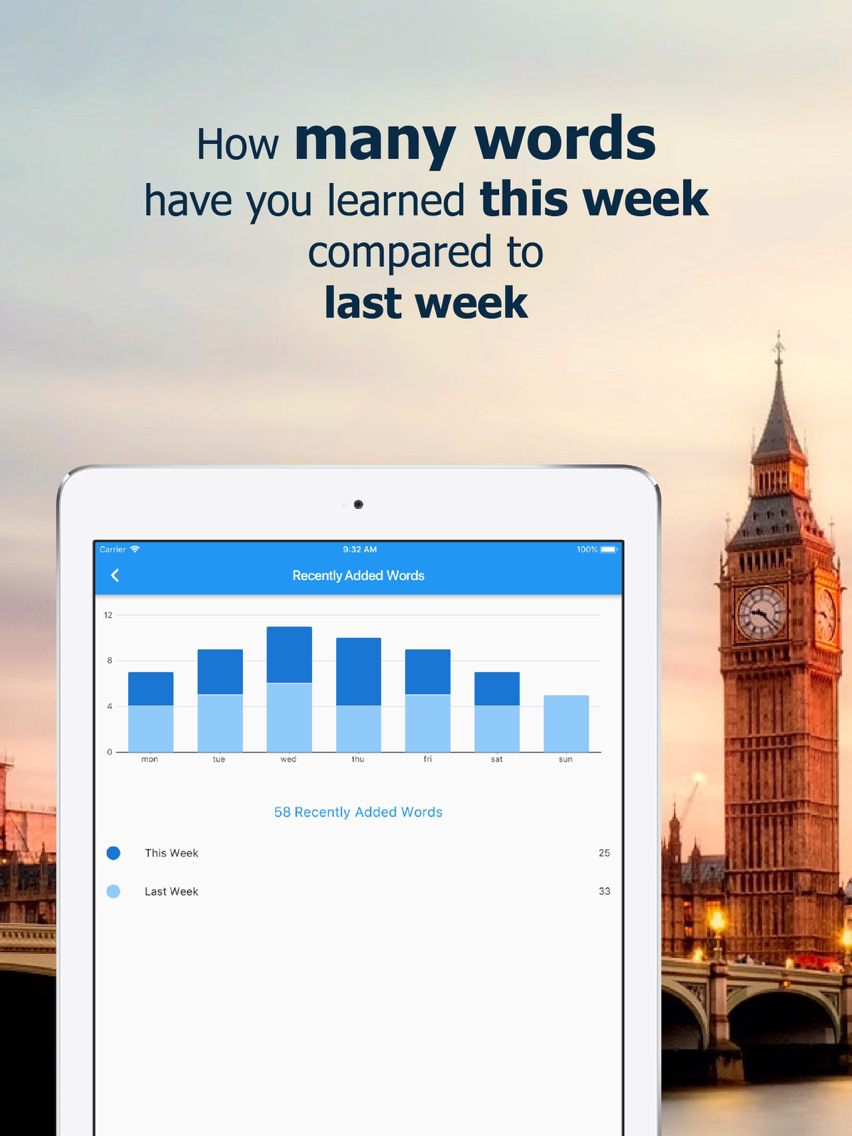
It helps you monitor your progress as your vocabulary in a foreign language such as English, Spanish, Portuguese, German, Italian, French, etc.
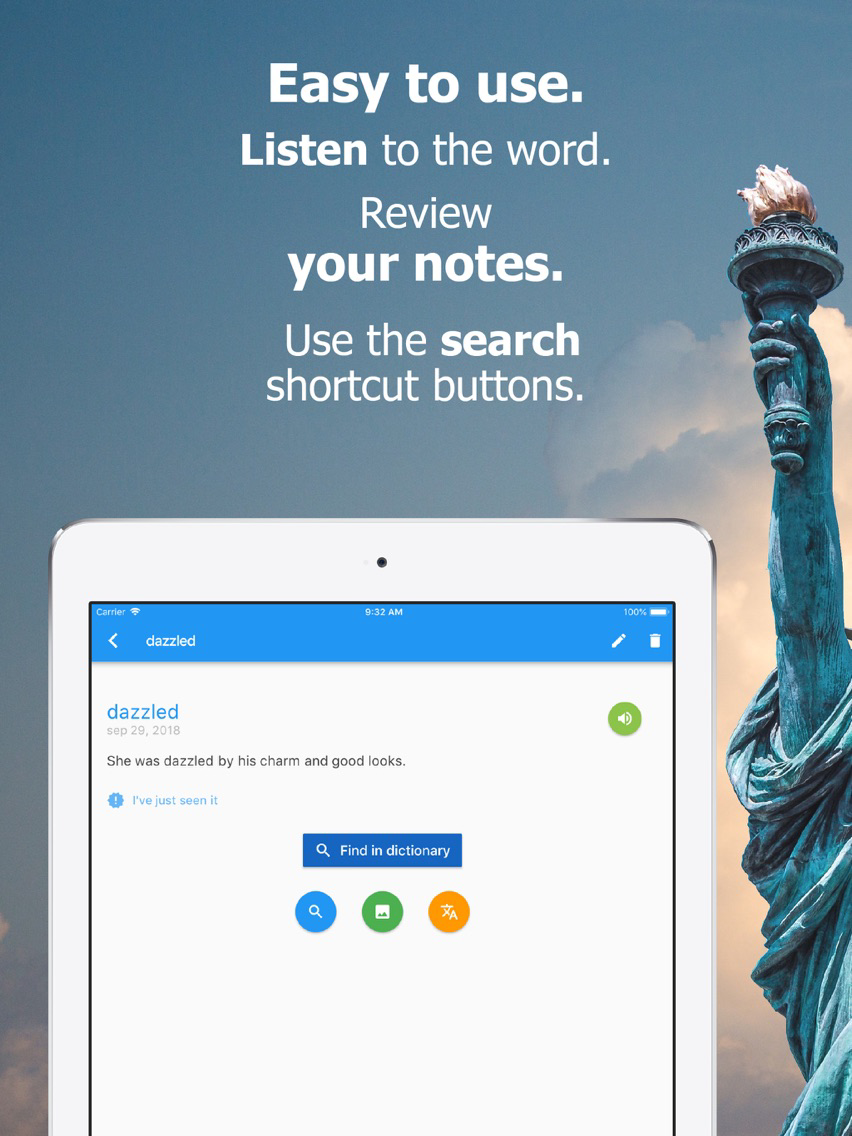
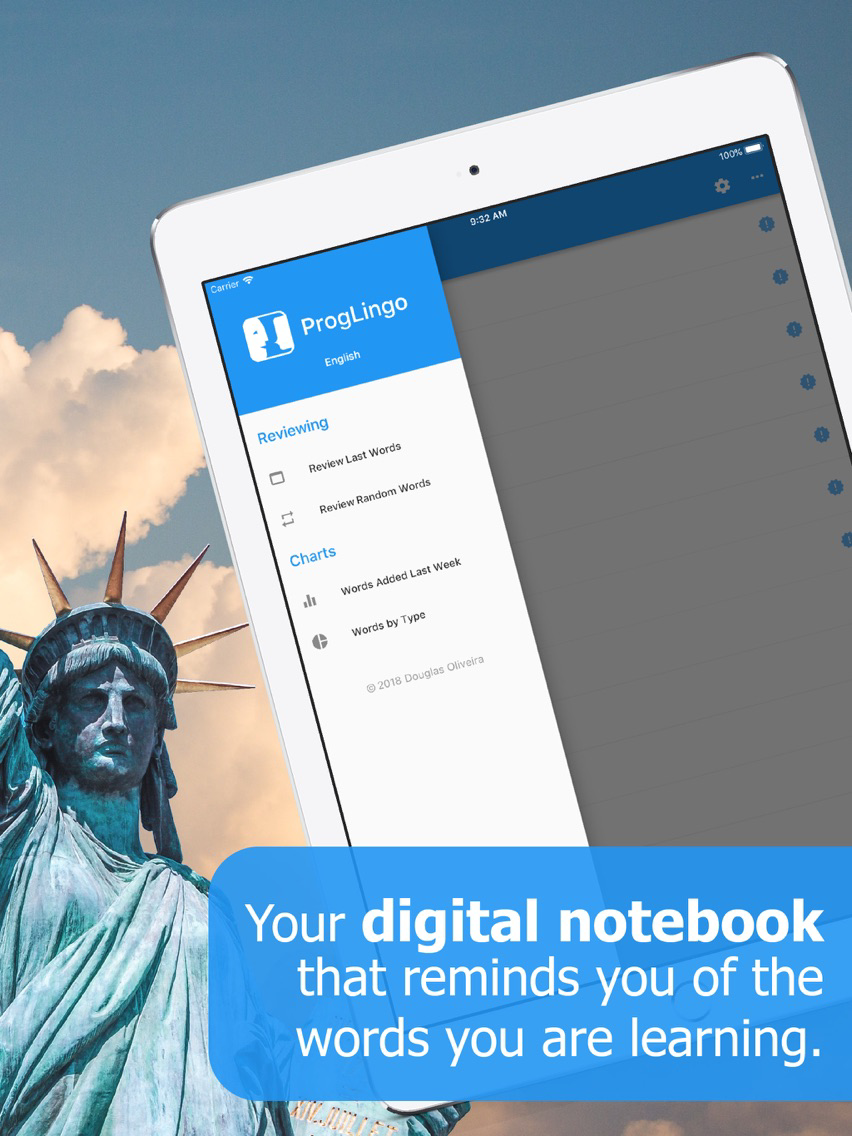
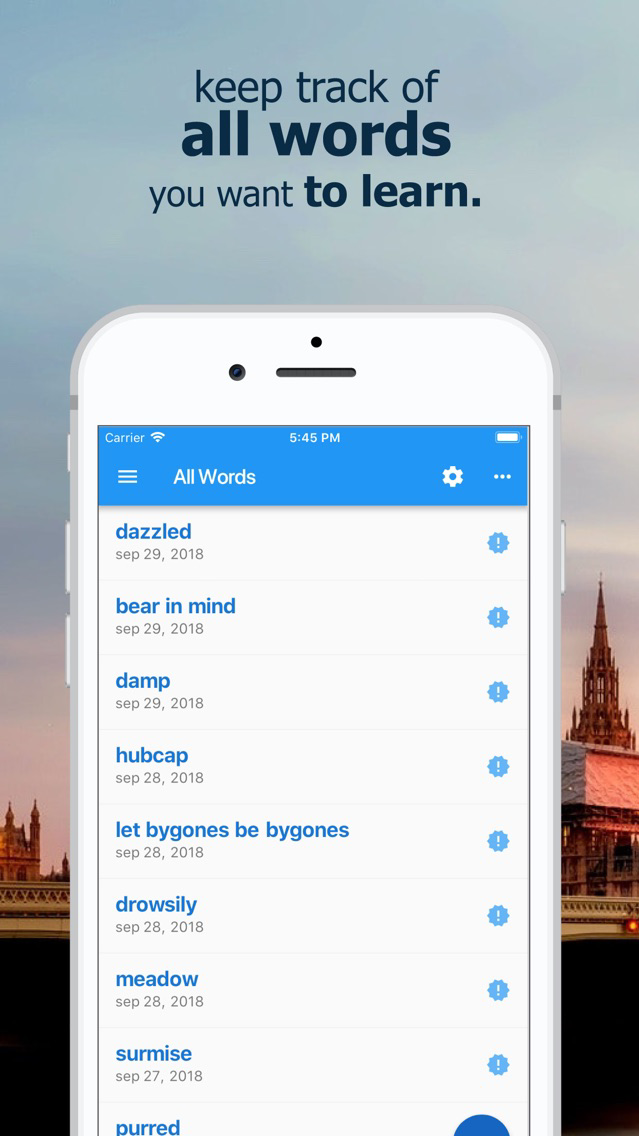
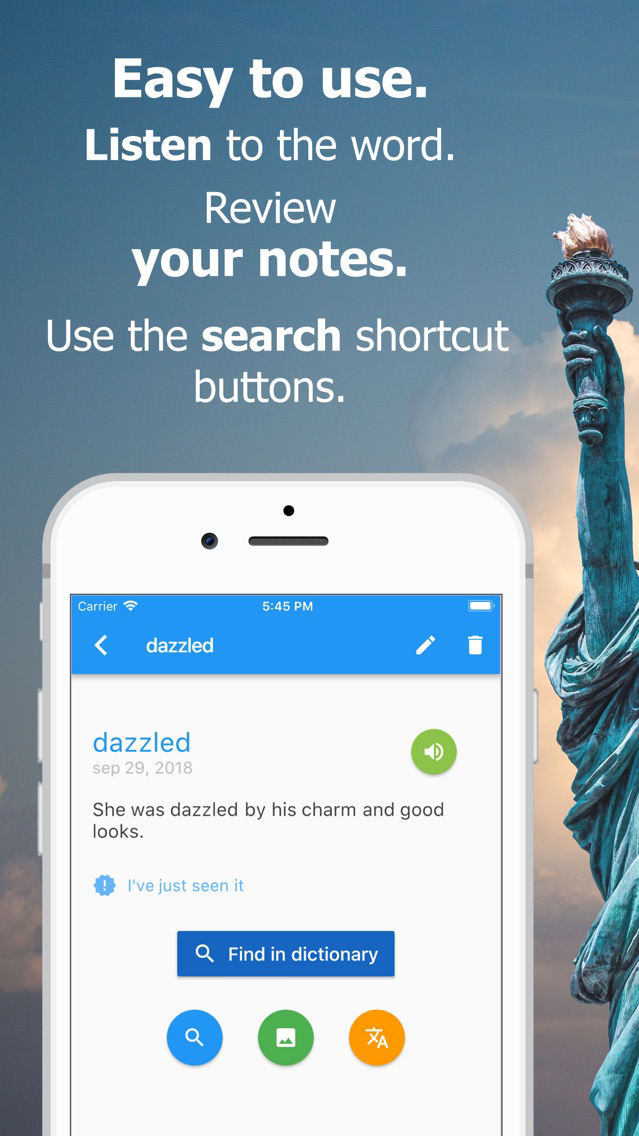
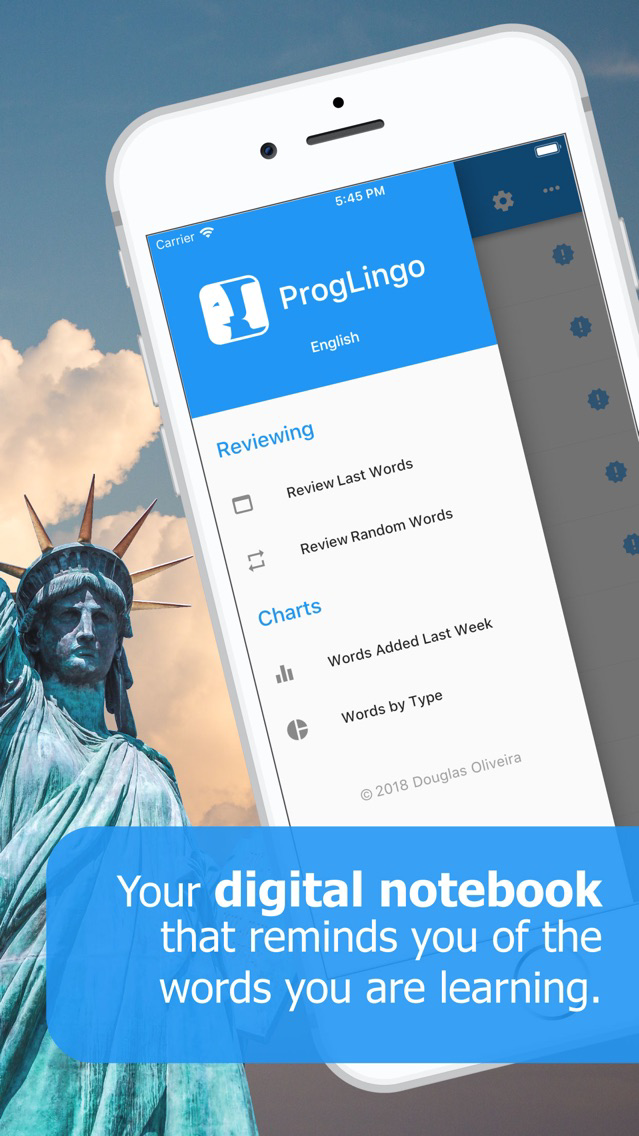
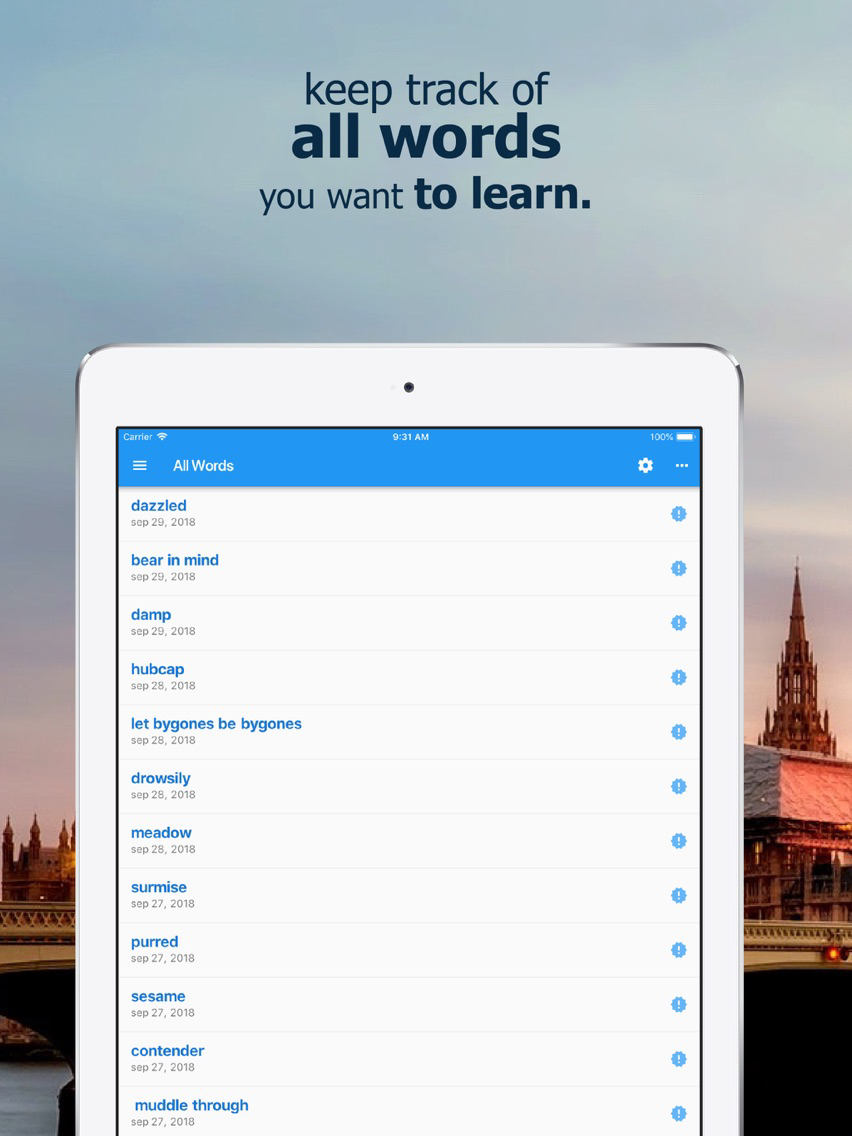
Imagine it as a little notebook to record the words or expressions you have just learned helping you keeping track of them. During the next days you can access them, see their definition in your favorite dictionary, search images and related results at Google’s site will be just one tap away. Helping you memorize all words, you had registered.
You can choose the word based on a book you are reading, a TV show or YouTube channel you are watching, or even a video game you are playing.
Add the new word, search for its meaning at the moment, or later.
The best part of the app is it does not suggest any word. You pick all the words yourself. The words you enter are meaningful for you. They can come from a podcast you like, a book that you like, or TV series, etc. If you type in notes fields the original sentence were you first seen the word, it will be easier to you to remember the emotion of the scene, the context where it was used and so on. Making it much easier to remember and incorporate it into your own vocabulary.
If you already use some flash card app such as Anki, for example, try ProgLingo.

Imagine it as a little notebook to record the words or expressions you have just learned helping you keeping track of them. During the next days you can access them, see their definition in your favorite dictionary, search images and related results at Google’s site will be just one tap away. Helping you memorize all words, you had registered.
You can choose the word based on a book you are reading, a TV show or YouTube channel you are watching, or even a video game you are playing.
Add the new word, search for its meaning at the moment, or later.
The best part of the app is it does not suggest any word. You pick all the words yourself. The words you enter are meaningful for you. They can come from a podcast you like, a book that you like, or TV series, etc. If you type in notes fields the original sentence were you first seen the word, it will be easier to you to remember the emotion of the scene, the context where it was used and so on. Making it much easier to remember and incorporate it into your own vocabulary.
If you already use some flash card app such as Anki, for example, try ProgLingo.
Show More
What's New in the Latest Version 0.2.9
Last updated on Sep 28, 2020
Old Versions
There is a bunch of new features available:
- Now you can tag expressions to easily group them. So you can access them in a very handy way.
- Custom Dictionaries - Add your favorite dictionaries.
- Selection Mode - apply actions to a group of words (share, review, remove, etc).
- Review Screen was improved. Now you can edit a word directly from the review screen.
- Start Page summarizes your progress, gives you some hints about the app and language articles.
- Now you can tag expressions to easily group them. So you can access them in a very handy way.
- Custom Dictionaries - Add your favorite dictionaries.
- Selection Mode - apply actions to a group of words (share, review, remove, etc).
- Review Screen was improved. Now you can edit a word directly from the review screen.
- Start Page summarizes your progress, gives you some hints about the app and language articles.
Show More
Version History
0.2.9
Sep 28, 2020
There is a bunch of new features available:
- Now you can tag expressions to easily group them. So you can access them in a very handy way.
- Custom Dictionaries - Add your favorite dictionaries.
- Selection Mode - apply actions to a group of words (share, review, remove, etc).
- Review Screen was improved. Now you can edit a word directly from the review screen.
- Start Page summarizes your progress, gives you some hints about the app and language articles.
- Now you can tag expressions to easily group them. So you can access them in a very handy way.
- Custom Dictionaries - Add your favorite dictionaries.
- Selection Mode - apply actions to a group of words (share, review, remove, etc).
- Review Screen was improved. Now you can edit a word directly from the review screen.
- Start Page summarizes your progress, gives you some hints about the app and language articles.
0.2.0
Aug 8, 2019
A new review mode called Smart Review was added to our app. It uses a spaced repetition algorithm which allows ProgLingo to remind you of the words you are about to forget.
Now you will also be able to add Japanese and Chinese expressions.
General bug fixes.
Now you will also be able to add Japanese and Chinese expressions.
General bug fixes.
0.1.9
Jul 30, 2019
A new review mode called Smart Review was added to our app. It uses a spaced repetition algorithm which allows ProgLingo to remind you of the words you are about to forget.
Now you will also be able to add Japanese and Chinese expressions.
0.1.8
Oct 4, 2018
New review mode allows user to see word full details after tapping it. Swipe to go to the next or the previous word.
ProgLingo FAQ
Click here to learn how to download ProgLingo in restricted country or region.
Check the following list to see the minimum requirements of ProgLingo.
iPhone
iPad
ProgLingo supports English