Random Student - teachers
Free
3.13.3for iPhone, iPad
Age Rating
Random Student - teachers Screenshots
About Random Student - teachers
Main Features
• Classes of up to 200 students each
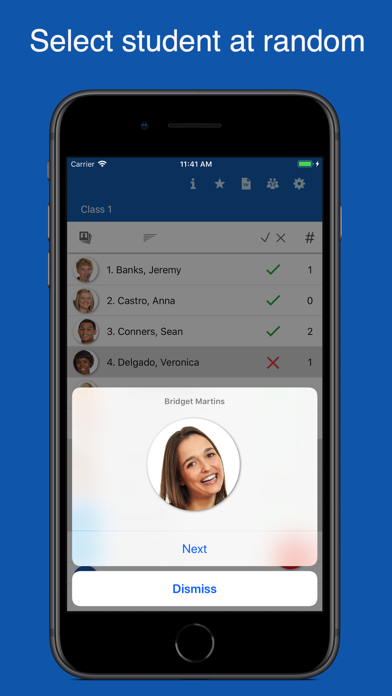
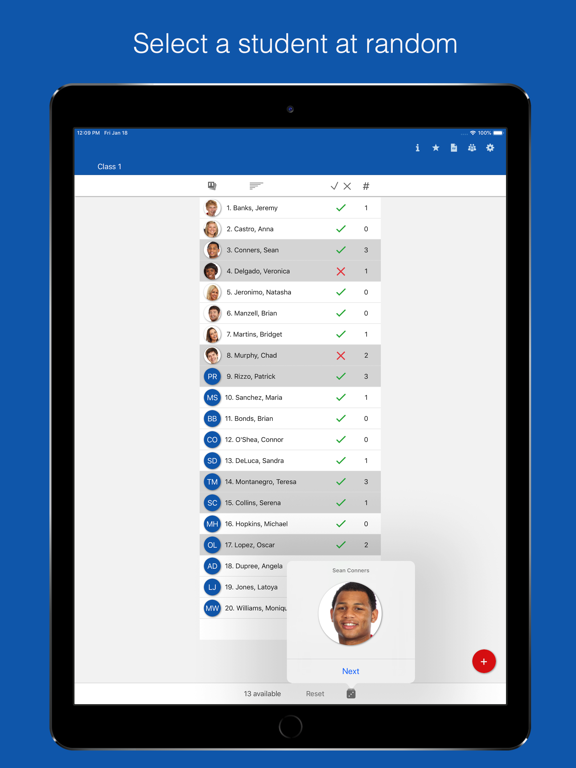
• Select a student at random. Track correct responses
• Easily import student lists from Google Classroom
• Device speaks name aloud
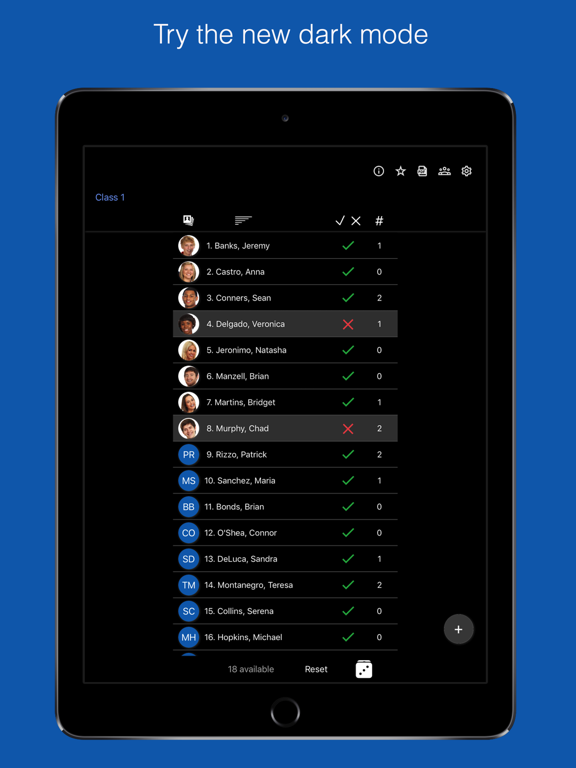
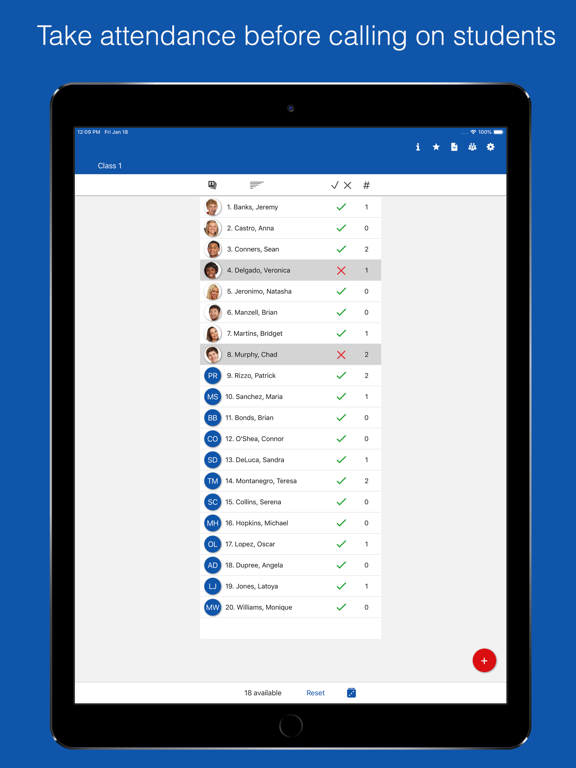
• Take attendance so absent students are not called
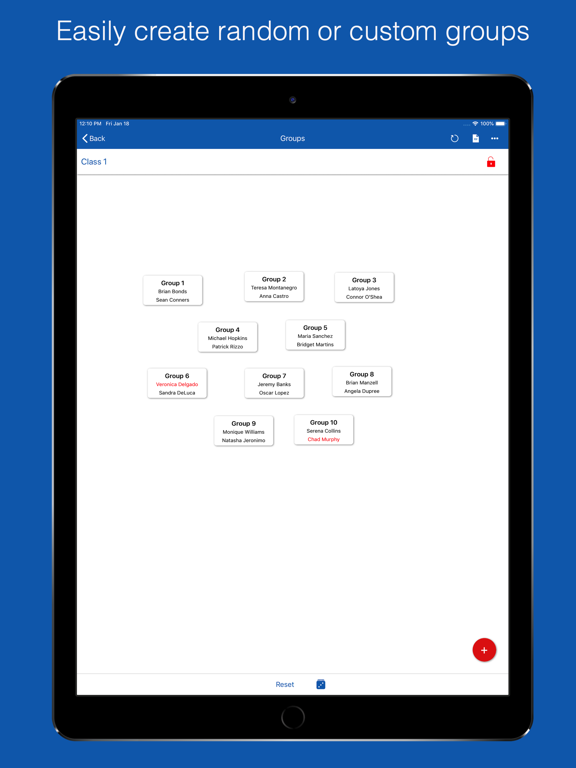
• Create random groups
Now there is no need for teachers to use popsicle sticks or playing cards to call on students in class. Instead, use your iOS device to call on students in a truly random manner. For student enjoyment, use the 'speak aloud' option so students can hear their name called. The free version allows the use of 1 class while the premium upgrade supports up to 20 classes.
In my classroom I allow the last selected student to push the random call button. This really takes teacher bias out of the selection process and the students feel a need to participate when the device speaks their name.
Support information
Facebook: http://www.facebook.com/randomstudentapp

• Classes of up to 200 students each
• Select a student at random. Track correct responses
• Easily import student lists from Google Classroom
• Device speaks name aloud
• Take attendance so absent students are not called
• Create random groups
Now there is no need for teachers to use popsicle sticks or playing cards to call on students in class. Instead, use your iOS device to call on students in a truly random manner. For student enjoyment, use the 'speak aloud' option so students can hear their name called. The free version allows the use of 1 class while the premium upgrade supports up to 20 classes.
In my classroom I allow the last selected student to push the random call button. This really takes teacher bias out of the selection process and the students feel a need to participate when the device speaks their name.
Support information
Facebook: http://www.facebook.com/randomstudentapp
Show More
What's New in the Latest Version 3.13.3
Last updated on Jun 2, 2026
Old Versions
User interface updates to support latest Apple updates.
Learner characteristic colors are shown on the main screen below the student name
Show More
Version History
3.13.3
Jun 2, 2026
User interface updates to support latest Apple updates.
Learner characteristic colors are shown on the main screen below the student name
Random Student - teachers FAQ
Click here to learn how to download Random Student - teachers in restricted country or region.
Check the following list to see the minimum requirements of Random Student - teachers.
iPhone
iPad
Related Videos
Latest introduction video of Random Student - teachers on iPhone