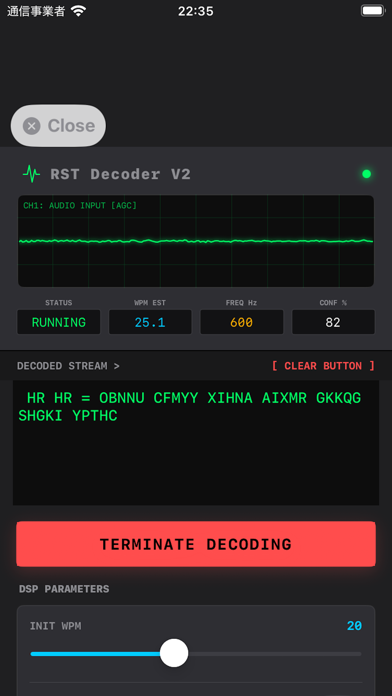
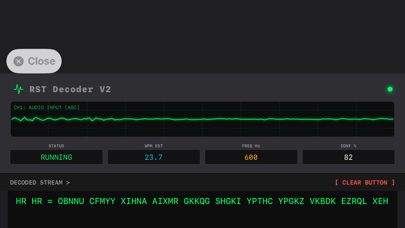
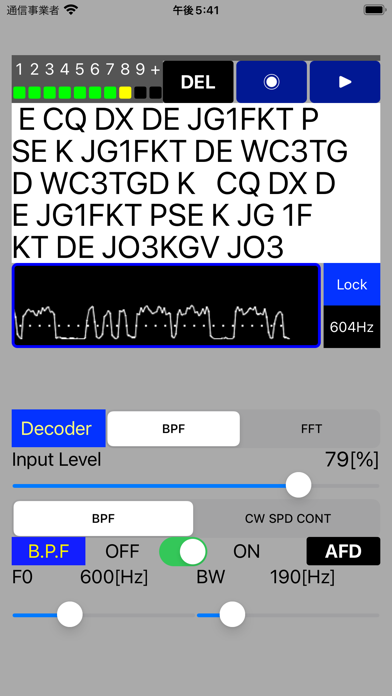
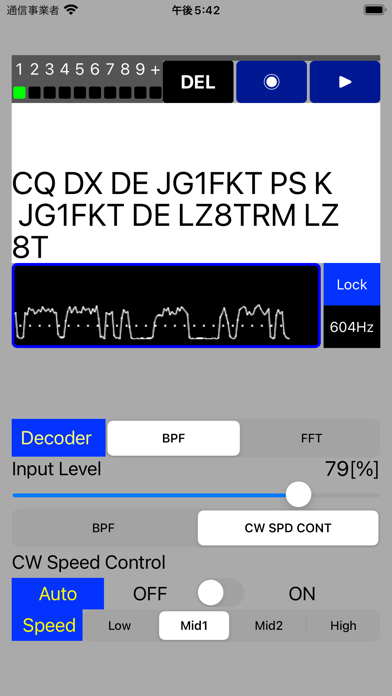
This is an App that decodes Morse code input from the microphone.
It is a Morse practice App that you can use to check if you are keying the correct code.
Signals with good S/N can be decoded correctly, but signals with bad S/N cannot be decoded correctly.
Also, the performance will be degraded for extremely slow or fast signals.
Usually about 5 to 10 characters are required for speed synchronization of Morse Code.
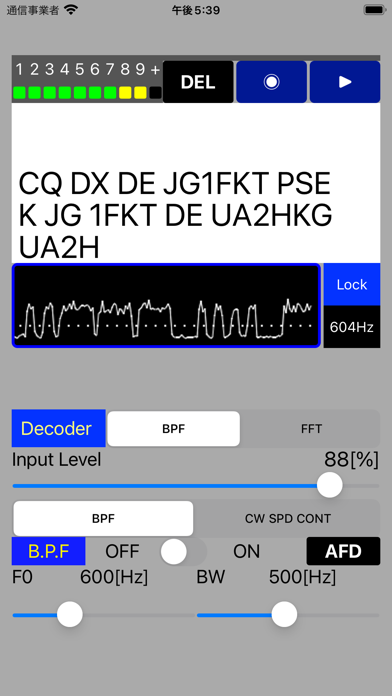
Adjust the input signal so that the peak value changes from level 6 to level 7.
Make fine adjustments to each parameter according to the reception status.
[Additional Functions]
-In addition to the decoder using BPF, a new decoder using FFT has been added so that it can be switched according to the usage.
-AFD (Auto Frequency Detector) function has been added to the decoder using BPF, and BPF can be set automatically by pressing the AFD button.
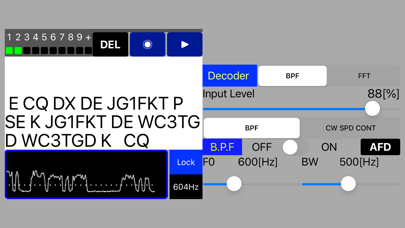
-The decoder using FFT automatically follows the strongest signal in the band by AFD (Auto Frequency Detector) and AGC (Auto Gain Control). You can also hold the AFD / AGC parameters by pressing the Lock button.
* There will be a time lag of about 1 to 2 seconds for AFD tracking.
[Control parameters]
1. Audio Input Level
2.BPF ON/OFF
3.BPF of Center Frequency
4.BPF of Band Width
5.CW Speed Control ON/OFF
6.CW Speed Control Low, Mid1, Mid2 or High
7.Delete All Decoded Text
8.Realtime CW Signal Display
9.Input signal recording / playback function
*Japanese/KANA text is not supported.
[Note]
Since the signal after BPF is output to the audio output, it can also be used as an AF-CW filter.
[URL of this App working example video]
https://youtu.be/Pwp7W4m-m34