ShellFish for Business

ShellFish for Business


$39.99

2026.18for iPhone, iPad
Age Rating
4+
Apps in this category do not contain restricted content.
9+
Apps in this category may contain mild or occasional cartoon, fantasy or real-life violence, as well as occasional or mild adult, sexually suggestive or horrifying content and may not be suitable for children under 9 years of age.
12+
Apps in this category may contain occasional mild indecent language, frequent or intense cartoon or real-life violence, minor or occasional adult or sexually suggestive material, and simulated gambling, and may be for children under 12 years of age.
17+
You must be at least 17 years old to access this App.
Apps in this category may contain frequent and intense offensive language; Frequent and intense cartoon, fantasy or realistic violence: frequent and intense adult, scary and sexually suggestive subjects: as well as sexual content, nudity, tobacco, alcohol and drugs, may not be suitable for children under 17 years of age.
ShellFish for Business Screenshots
ShellFish for Business posterShellFish for Business posterShellFish for Business posterShellFish for Business posterShellFish for Business posterShellFish for Business posterShellFish for Business poster
ShellFish for Business posterShellFish for Business posterShellFish for Business posterShellFish for Business posterShellFish for Business posterShellFish for Business posterShellFish for Business posterShellFish for Business poster

About ShellFish for Business

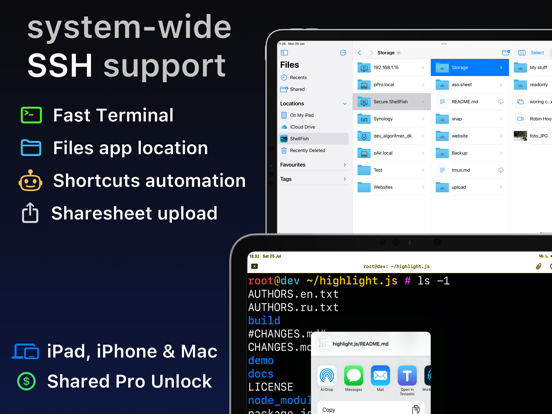
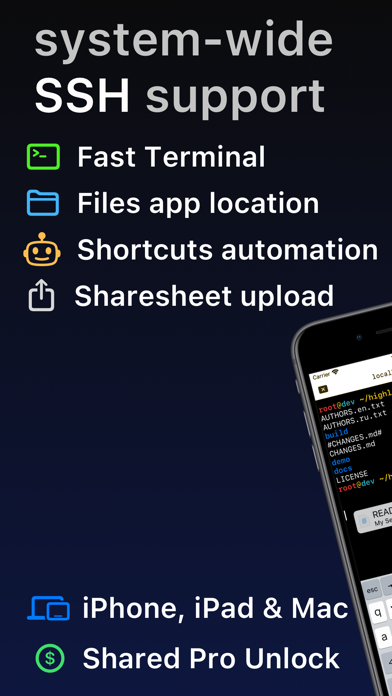
Lightning fast SSH terminal with remote file access. No other app fuses your SSH servers and iOS devices as well as Secure ShellFish. Tap Get and see for yourself.

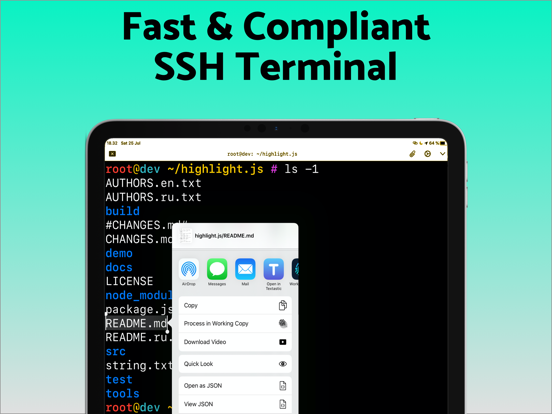
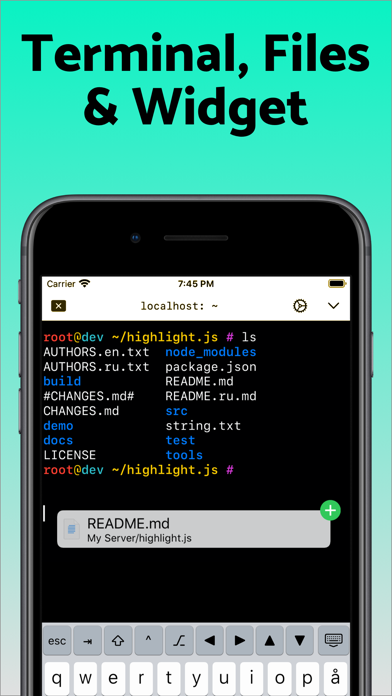
Terminal supports standard text editing gestures for selection, scrolling and copy/paste as well as custom gestures to send arrow keys and tabulator making shell entry and full screen editing with vim or emacs delightful. Bar above the keyboard makes it easy to type special keys and insert snippets.

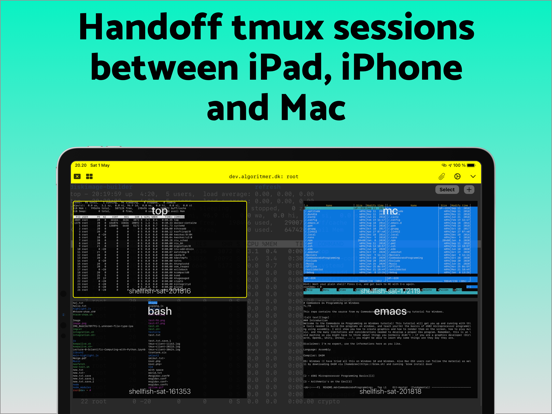
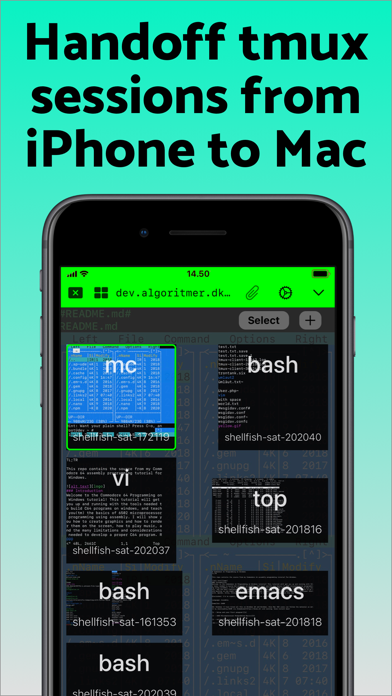
Select and drag filenames out of the terminal as actual files and drag files from other apps into the terminal to upload. Use built-in tmux support to persist terminal sessions if you lose Internet access, pick existing sessions with thumbnails and Handoff sessions between devices.

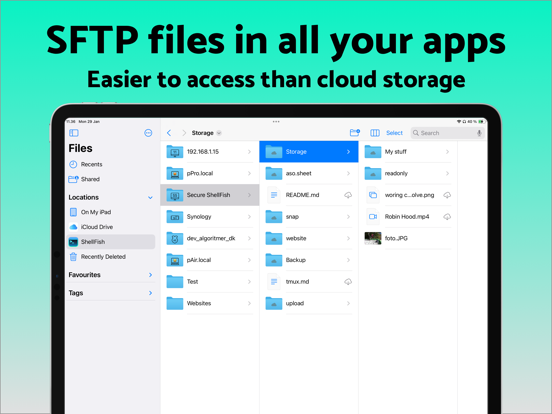
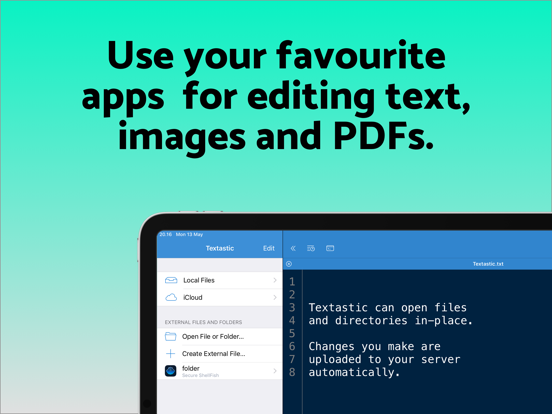
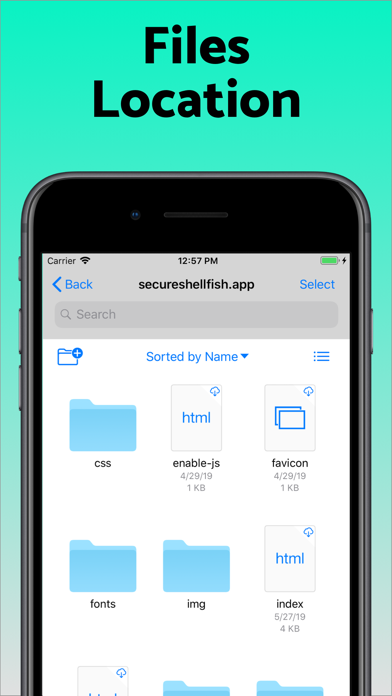
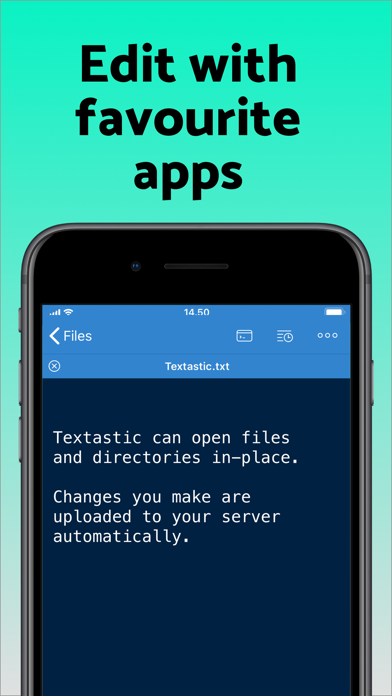
Server file system is available in the Files app and recently accessed files and directories are cached to make them available when offline. Use apps like Textastic and iA Writer for a native editing experience working on your remote server files.

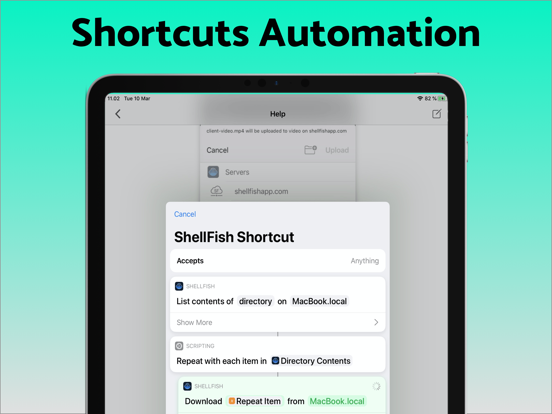
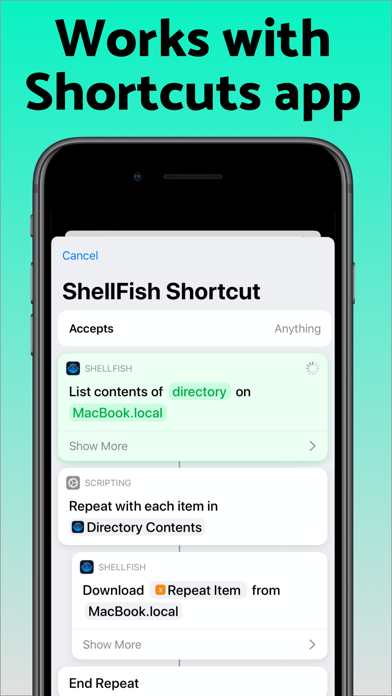
Upload files or entire directories from the share sheet with minimal friction as the last destination directory for each kind of file is remembered or automate file transfers in the Shortcuts app.

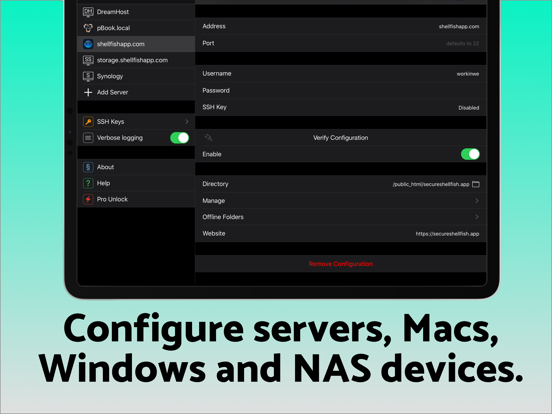
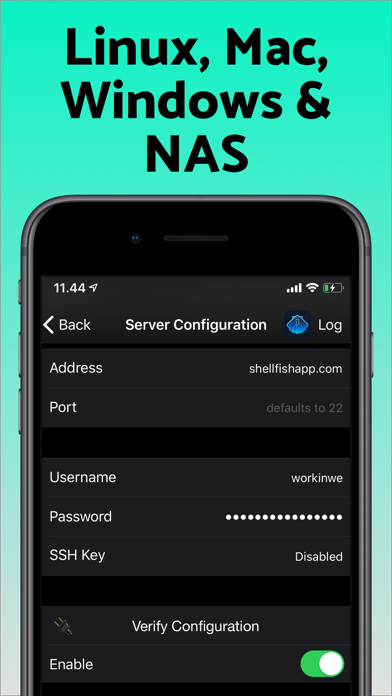
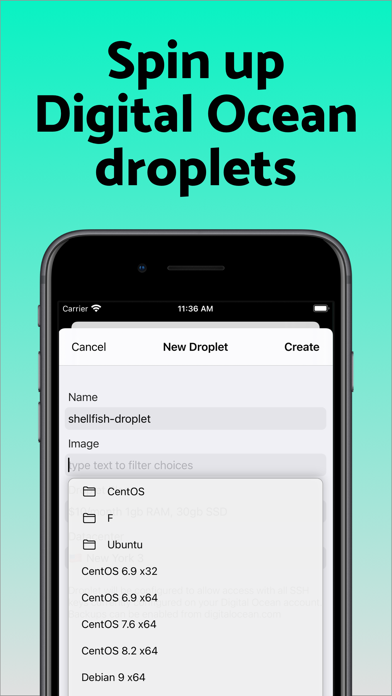
Connect to your Mac, Synology NAS and any other SSH server or create new Digital Ocean droplets right from the app.

Show More

What's New in the Latest Version 2026.18

Last updated on Jun 3, 2026
Old Versions
Tap "Scan clipboard" when configuring a new server to pull connection details out of a screenshot or text. Processing happens entirely on device making it exclusive to newer iPads, iPhones & Macs.
Show More
Version History
2026.18
Jun 3, 2026
Tap "Scan clipboard" when configuring a new server to pull connection details out of a screenshot or text. Processing happens entirely on device making it exclusive to newer iPads, iPhones & Macs.

ShellFish for Business FAQ

Click here to learn how to download ShellFish for Business in restricted country or region.
Check the following list to see the minimum requirements of ShellFish for Business.
iPhone
iPad

ShellFish for Business Alternative

You May Also Like

Get more from Anders Borum