StudentEd Connect
For Teachers & Institutes
Free
2.0.2for iPhone, iPod touch
Age Rating
StudentEd Connect Screenshots
About StudentEd Connect
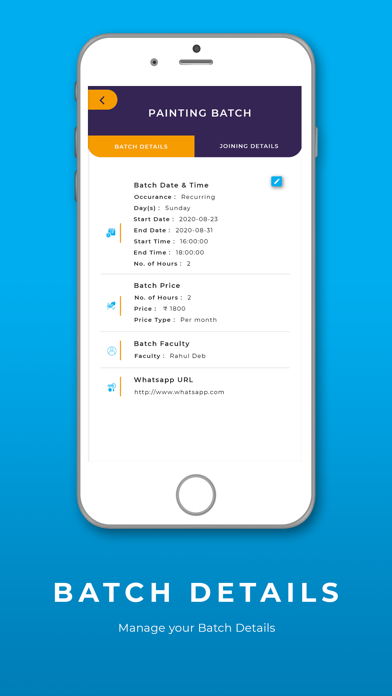
StudentEd Connect App is a complete online learning management system for Teachers, coach, trainers, institutes to offer Digital Learning experience to their students. The key features being:
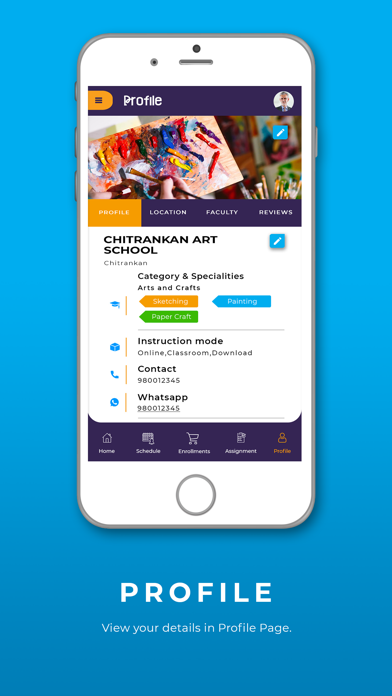
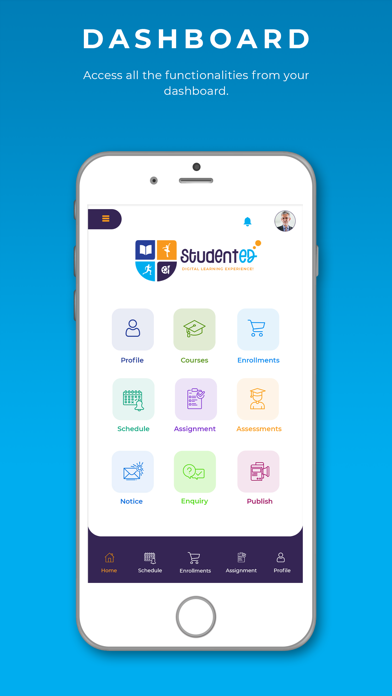
1. Create & Manage Profile - Teachers or Institutes can create their profile with details of learning categories, speciality, delivery modes, contact information, about their qualifications & experience, details of course offered and similar information. The profile will enable students to find the teacher on the StudentEd App for Students.
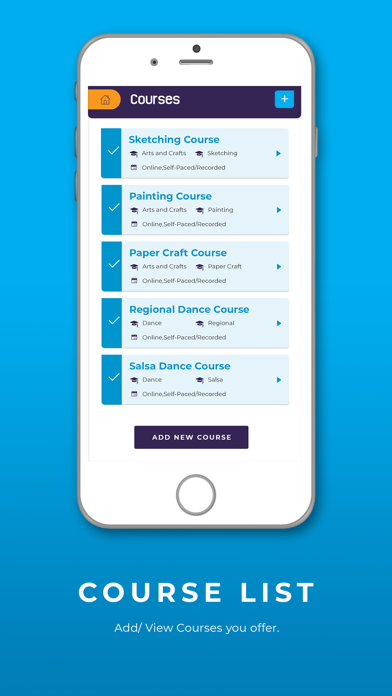
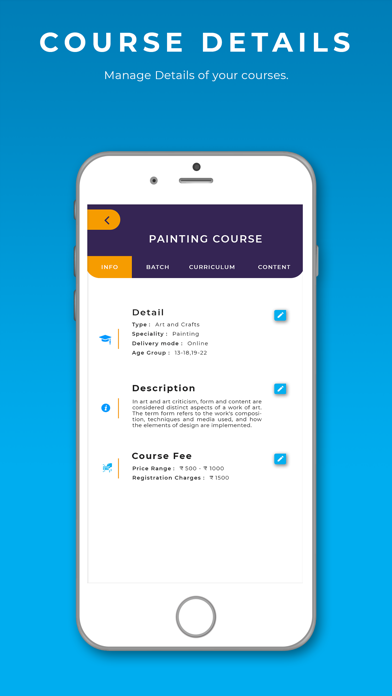
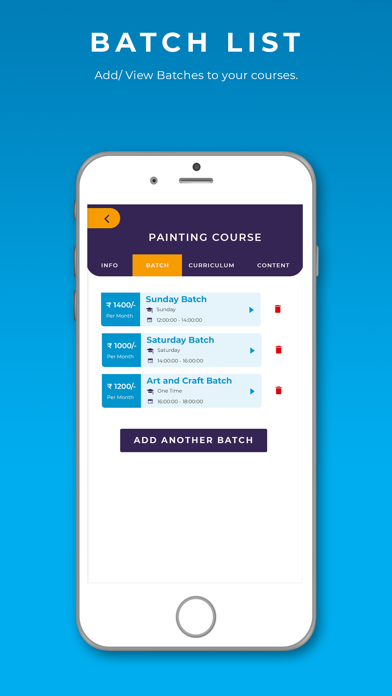
2. Create & Manage Courses Offered - Learning providers can setup the courses they offer with details like course type, speciality, delivery mode - online/classroom, course schedule, faculty details, course charges, course content like images, videos, documents or other relevant contents.
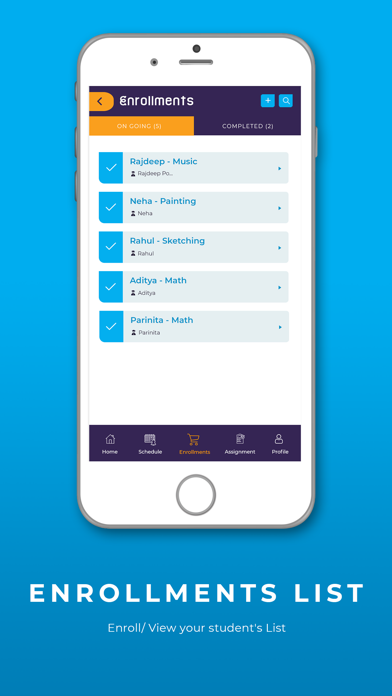
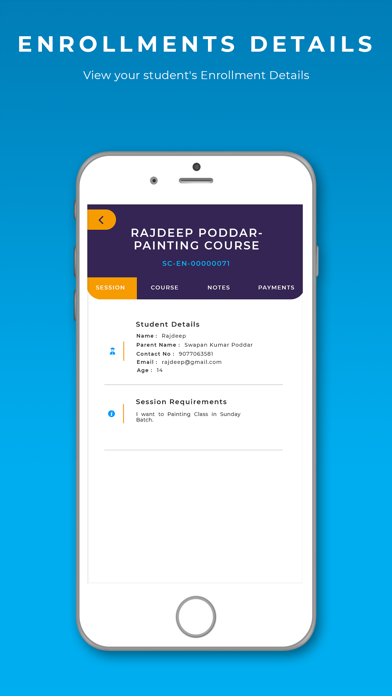
3. Create & Manage Enrollment - Teachers or Institutes can enrol students to course or receive online enrolment requests from students for a course. Students will be able to activate the enrolment in the StudentEd Students app using the activation code for enrolment and view all the details.
4. Create & Manage Enquiries - Teachers or Institutes can create or receive online enquiries from students for a course or lessons.
5. Manage Class Schedules - Teachers or Institutes will be able to view upcoming classes schedule or previous classes with joining details in a calendar view .
6. Create & Manage assignments/homework/tests - Teachers or Institutes can create assignments for their courses and send them to students attending the class/course. The assignments could be several types like homework, tests, Quiz, etc. Students can submit the assignment from Students Students app.
7. Students Assessment & Progress - Rate Student submissions, Assess Student progress and more.
8. Create & Manage announcements/notices - Teachers or Institutes can send notice or announcements to their students.
9. Publish content - Teachers or Institutes can publish contents like images, videos, blog links, pdfs, documents, etc. available to any interested students and get reviews from students.

1. Create & Manage Profile - Teachers or Institutes can create their profile with details of learning categories, speciality, delivery modes, contact information, about their qualifications & experience, details of course offered and similar information. The profile will enable students to find the teacher on the StudentEd App for Students.
2. Create & Manage Courses Offered - Learning providers can setup the courses they offer with details like course type, speciality, delivery mode - online/classroom, course schedule, faculty details, course charges, course content like images, videos, documents or other relevant contents.
3. Create & Manage Enrollment - Teachers or Institutes can enrol students to course or receive online enrolment requests from students for a course. Students will be able to activate the enrolment in the StudentEd Students app using the activation code for enrolment and view all the details.
4. Create & Manage Enquiries - Teachers or Institutes can create or receive online enquiries from students for a course or lessons.
5. Manage Class Schedules - Teachers or Institutes will be able to view upcoming classes schedule or previous classes with joining details in a calendar view .
6. Create & Manage assignments/homework/tests - Teachers or Institutes can create assignments for their courses and send them to students attending the class/course. The assignments could be several types like homework, tests, Quiz, etc. Students can submit the assignment from Students Students app.
7. Students Assessment & Progress - Rate Student submissions, Assess Student progress and more.
8. Create & Manage announcements/notices - Teachers or Institutes can send notice or announcements to their students.
9. Publish content - Teachers or Institutes can publish contents like images, videos, blog links, pdfs, documents, etc. available to any interested students and get reviews from students.
Show More
What's New in the Latest Version 2.0.2
Last updated on Mar 21, 2023
Old Versions
Bug fixes and performance improvements
Show More
Version History
2.0.2
Mar 21, 2023
Bug fixes and performance improvements
2.0.1
Apr 28, 2021
- Ability to convert Demo class to Enrolment
- Updates to Enrolment features
- Other fixes and improvements
- Updates to Enrolment features
- Other fixes and improvements
2.0.0
Mar 16, 2021
- Ability to search for available classes
- Ability to request demo class
- Minor bug fixes and UI improvements.
- Ability to request demo class
- Minor bug fixes and UI improvements.
1.0.61
Jan 9, 2021
Minor fixes in display
1.0.6
Jan 8, 2021
Minor fixes for text format and performance
1.0.5
Jan 3, 2021
- Ability to provide details of which class or grades you teach
- Ability to refer App and earn rewards
- other minor improvements & bug fixes
- Ability to refer App and earn rewards
- other minor improvements & bug fixes
1.0.4
Dec 21, 2020
- Ability to see new requirements post from students and reply
- Additional attributes for Teachers and coaching institute profile
- More categories and specialities
- Minor bug fixes
- Additional attributes for Teachers and coaching institute profile
- More categories and specialities
- Minor bug fixes
1.0.1
Oct 18, 2020
Updated Login & intro screens
1.1
Oct 11, 2020
Categories & Specialities enhancements
Enrolment activation updates
1.0
Sep 27, 2020
StudentEd Connect FAQ
Click here to learn how to download StudentEd Connect in restricted country or region.
Check the following list to see the minimum requirements of StudentEd Connect.
iPhone
Requires iOS 11.0 or later.
iPod touch
Requires iOS 11.0 or later.
StudentEd Connect supports English, Catalan, French, German, Italian, Polish, Portuguese, Simplified Chinese, Spanish