Study Timer - Multiple Tasks

Study Timer - Multiple Tasks


Free

1.1for iPhone, iPad
Age Rating
4+
Apps in this category do not contain restricted content.
9+
Apps in this category may contain mild or occasional cartoon, fantasy or real-life violence, as well as occasional or mild adult, sexually suggestive or horrifying content and may not be suitable for children under 9 years of age.
12+
Apps in this category may contain occasional mild indecent language, frequent or intense cartoon or real-life violence, minor or occasional adult or sexually suggestive material, and simulated gambling, and may be for children under 12 years of age.
17+
You must be at least 17 years old to access this App.
Apps in this category may contain frequent and intense offensive language; Frequent and intense cartoon, fantasy or realistic violence: frequent and intense adult, scary and sexually suggestive subjects: as well as sexual content, nudity, tobacco, alcohol and drugs, may not be suitable for children under 17 years of age.
Study Timer - Multiple Tasks Screenshots
Study Timer - Multiple Tasks posterStudy Timer - Multiple Tasks posterStudy Timer - Multiple Tasks poster

About Study Timer - Multiple Tasks

Set a timer according to your study schedule. Don't care about time. Let's focus on your study.

Do you care about the time when you study? Now let's forget how long you have studied, and concentrate on your study. We offer Study Timer. You can set a timer according to your study schedule.

Features
- Timer suitable for timed work when you have multiple tasks.
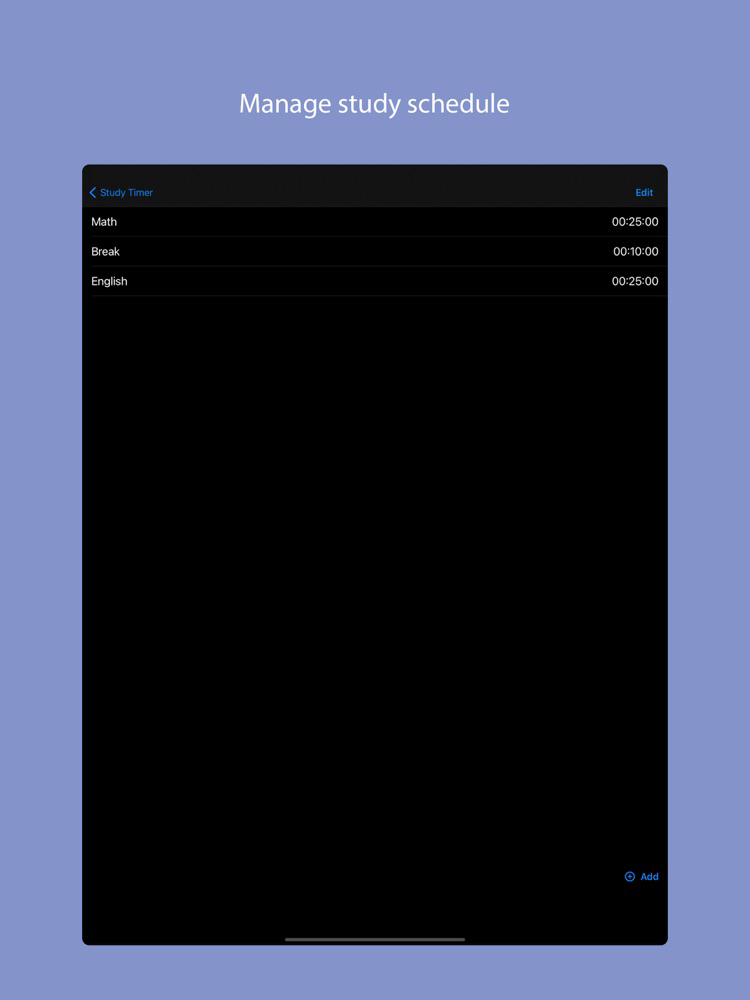
- Create pre-set of multiple tasks.
- Automatically move to the next task once the current task is done
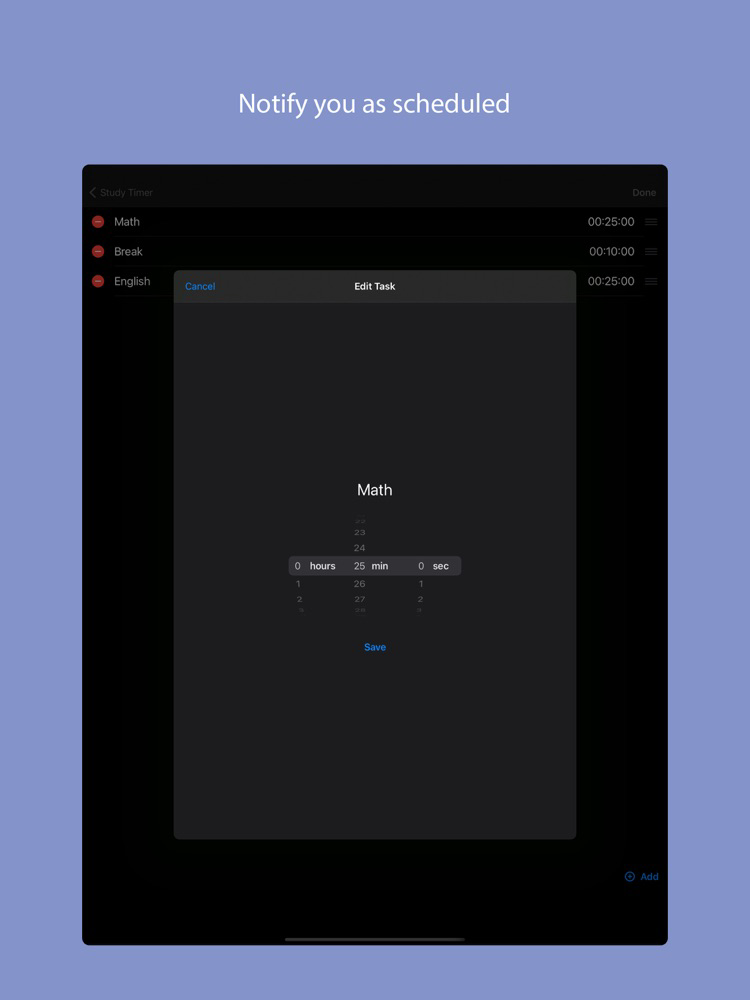
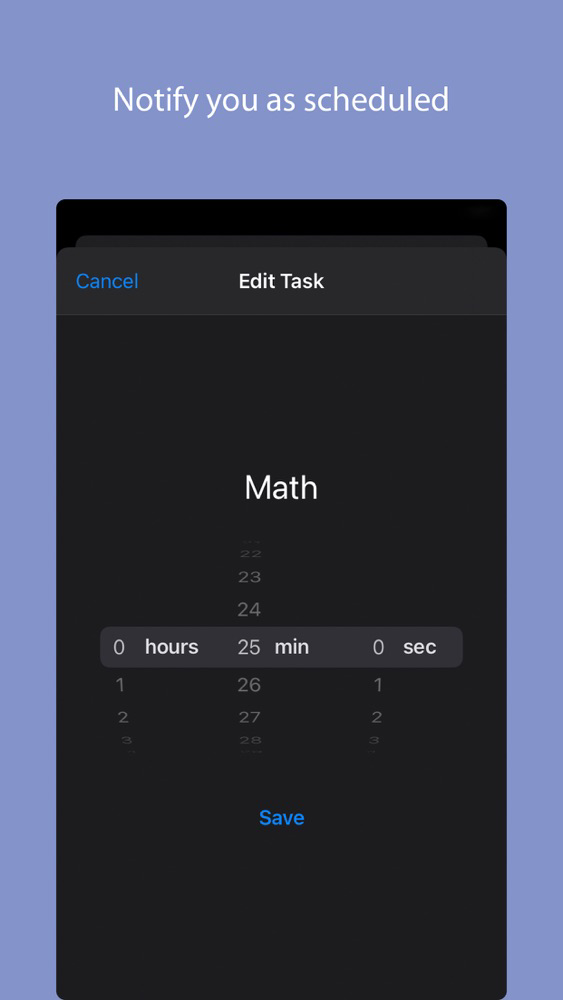
- You will be notified when the end time of each task is reached.
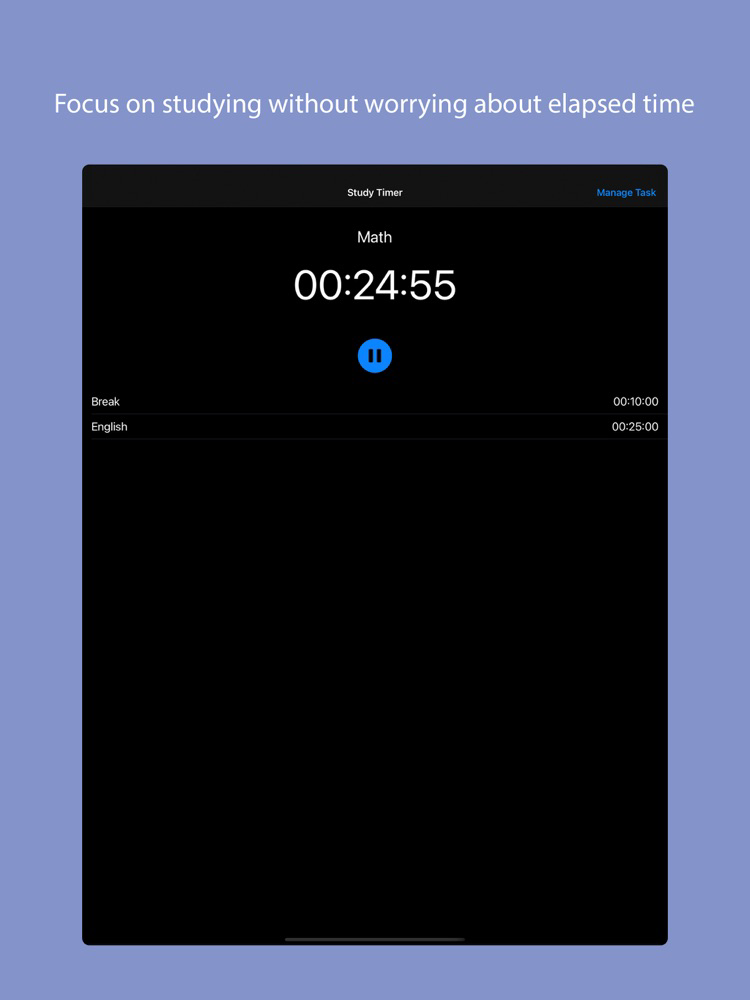
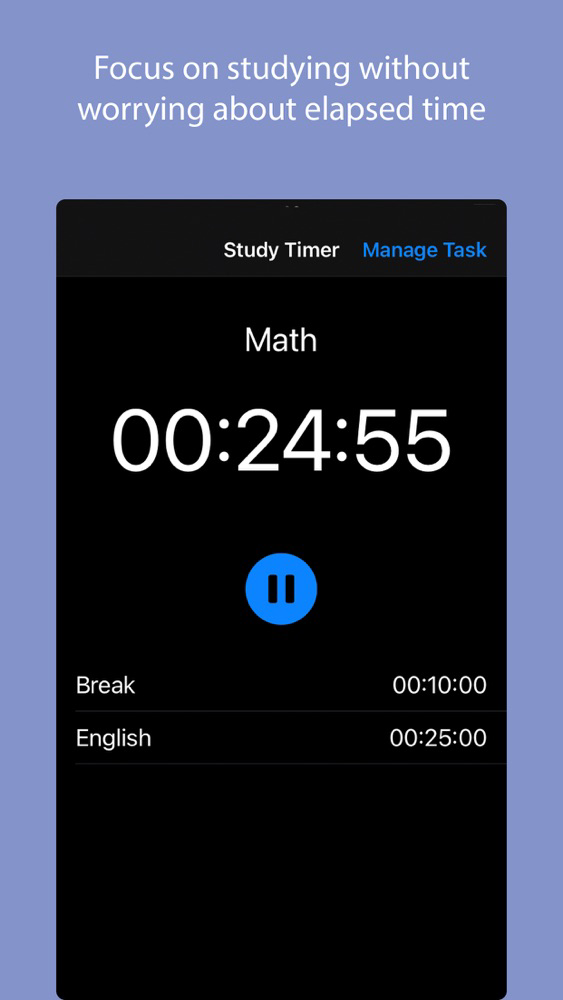
- The simple design gives you a quick glimpse of the time and tasks you have left.

Use Case
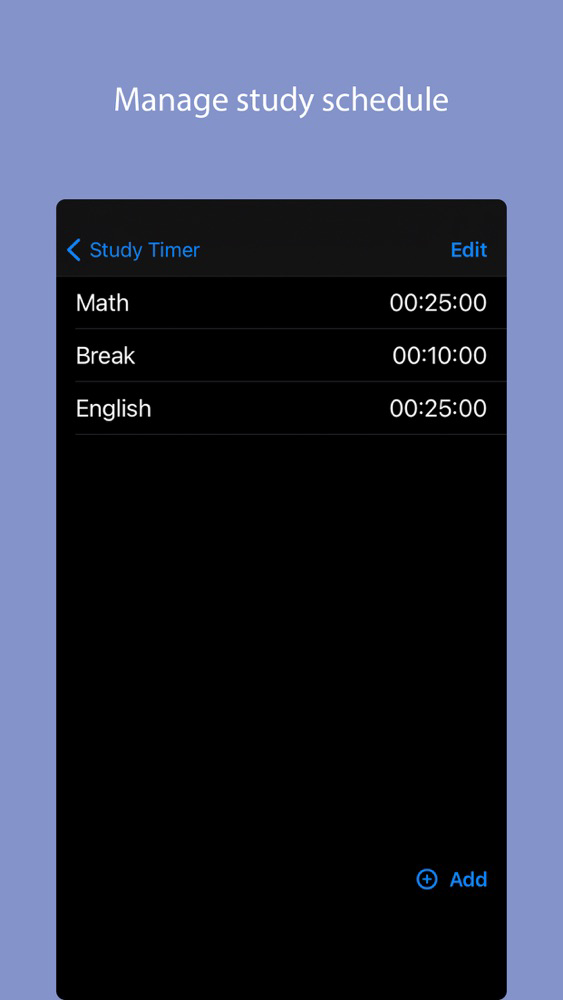
For example, set tasks in the task management screen as follows.

Mathematics 45 minutes
Break 10 minutes
English 45 minutes

In this way, if you set the study time and break time for each subject and start the timer, it will let you know when the time comes, and it will automatically move to the next task. All you have to do is follow your schedule, so you can concentrate without worrying about time.

Show More

What's New in the Latest Version 1.1

Last updated on Feb 11, 2021
Old Versions
Bugfix: reset the timer when moving to the background at the pausing status
Show More
Version History
1.1
Feb 11, 2021
Bugfix: reset the timer when moving to the background at the pausing status

Study Timer - Multiple Tasks FAQ

Click here to learn how to download Study Timer - Multiple Tasks in restricted country or region.
Check the following list to see the minimum requirements of Study Timer - Multiple Tasks.
iPhone
iPad
Study Timer - Multiple Tasks supports English, Japanese

Study Timer - Multiple Tasks Alternative

You May Also Like