Age Rating
4+
Apps in this category do not contain restricted content.
9+
Apps in this category may contain mild or occasional cartoon, fantasy or real-life violence, as well as occasional or mild adult, sexually suggestive or horrifying content and may not be suitable for children under 9 years of age.
12+
Apps in this category may contain occasional mild indecent language, frequent or intense cartoon or real-life violence, minor or occasional adult or sexually suggestive material, and simulated gambling, and may be for children under 12 years of age.
17+
You must be at least 17 years old to access this App.
Apps in this category may contain frequent and intense offensive language; Frequent and intense cartoon, fantasy or realistic violence: frequent and intense adult, scary and sexually suggestive subjects: as well as sexual content, nudity, tobacco, alcohol and drugs, may not be suitable for children under 17 years of age.
Uptrust Screenshots
Uptrust posterUptrust posterUptrust posterUptrust posterUptrust posterUptrust posterUptrust posterUptrust poster
Uptrust posterUptrust posterUptrust posterUptrust posterUptrust posterUptrust posterUptrust poster

About Uptrust

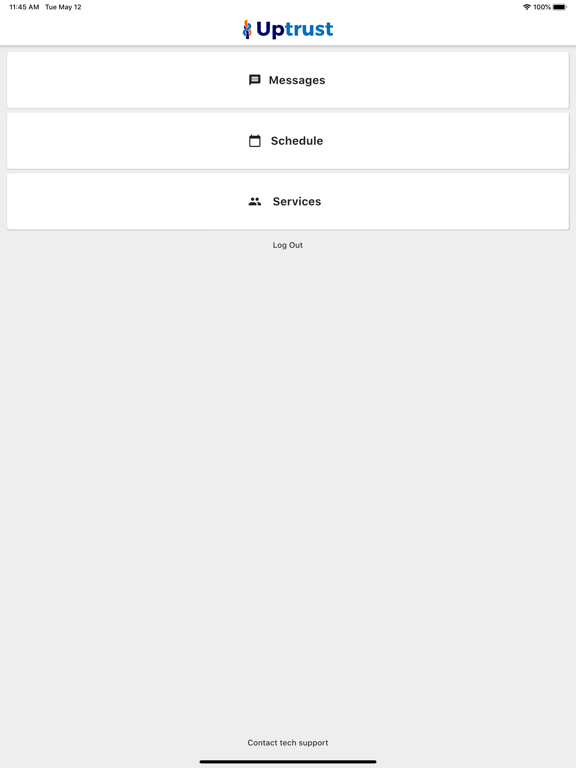
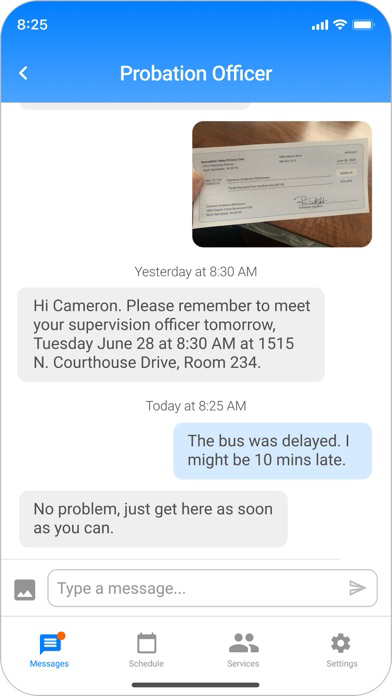
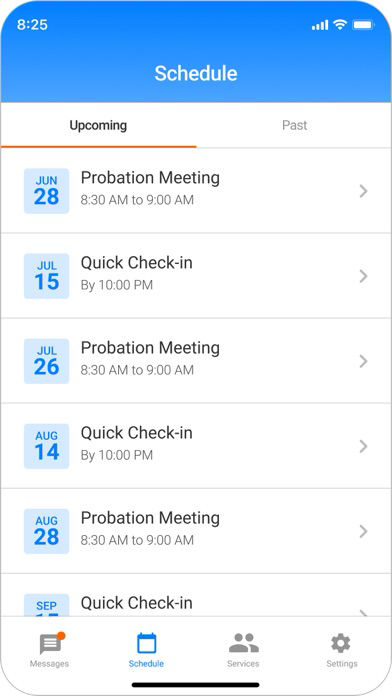
Uptrust helps you attend all court dates and mandatory appointments in the criminal justice system. We get you the help you need and never track your location.

Uptrust features:
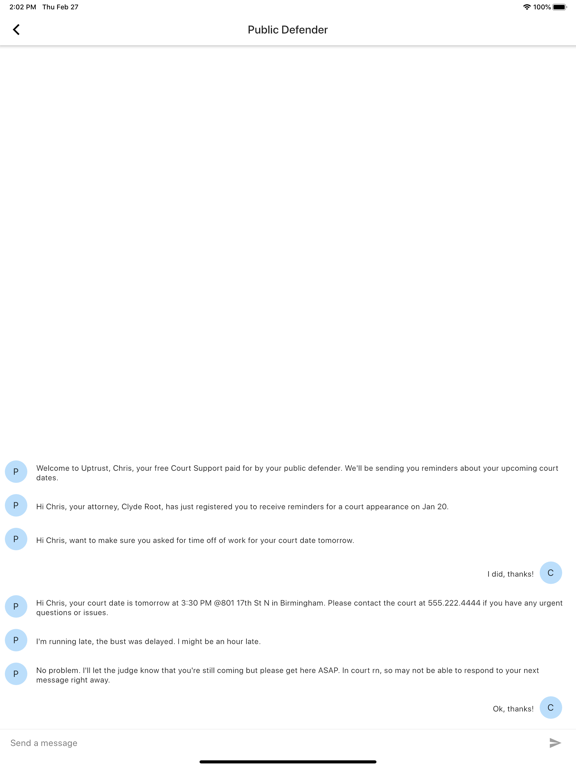
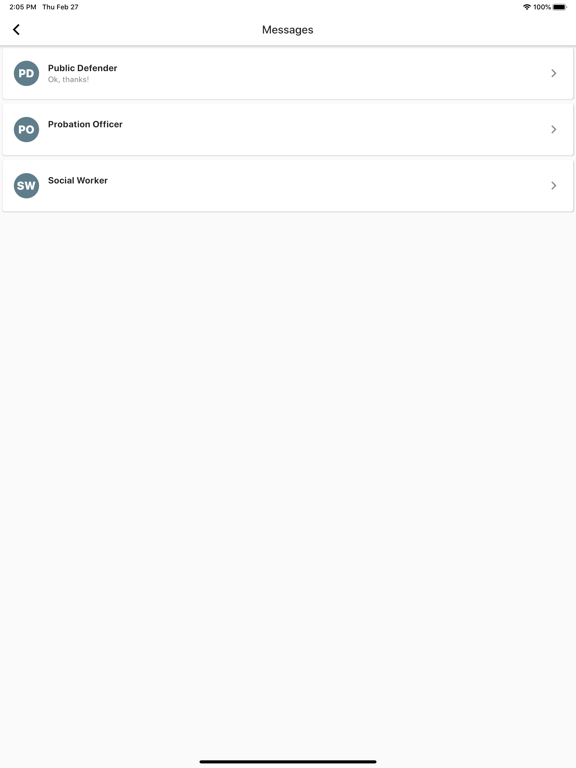
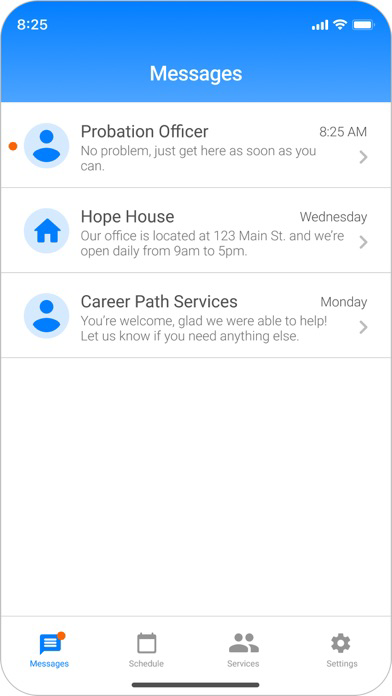
* two-way messaging with your public defender, social worker, and/or probation officer
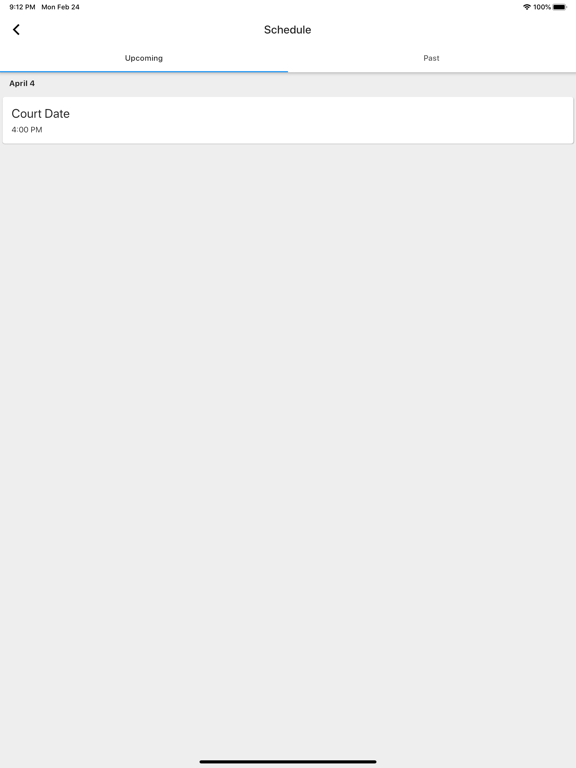
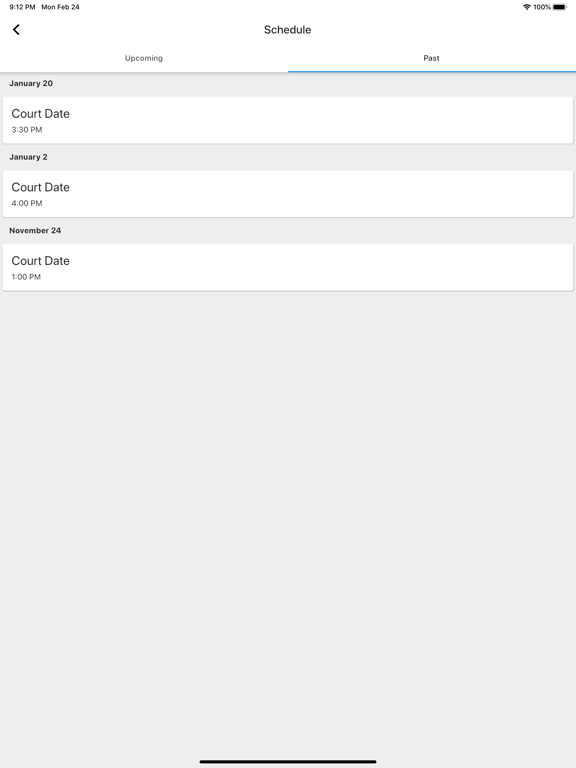
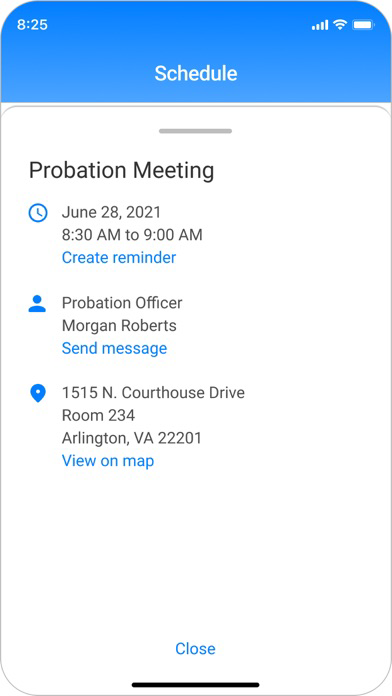
* view your upcoming court dates and appointments
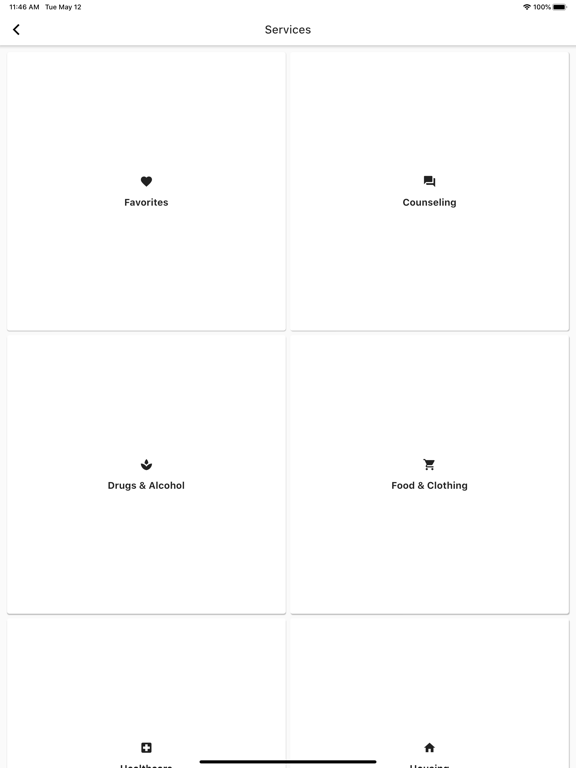
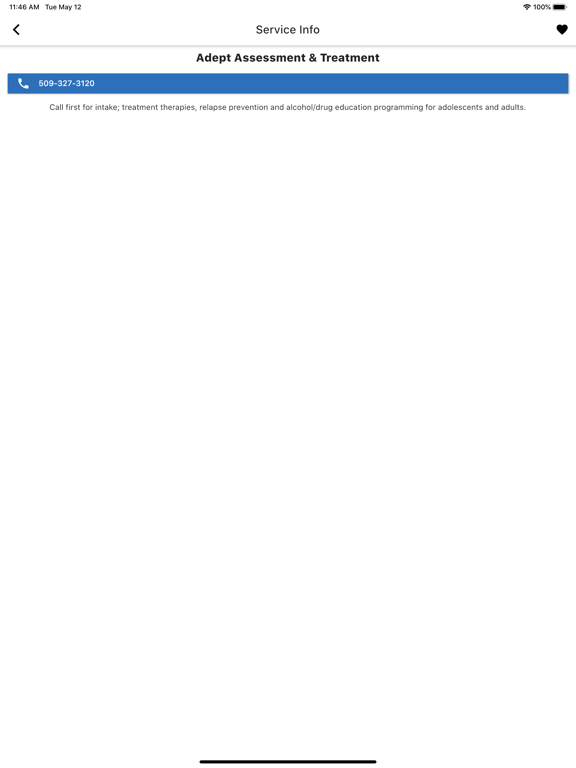
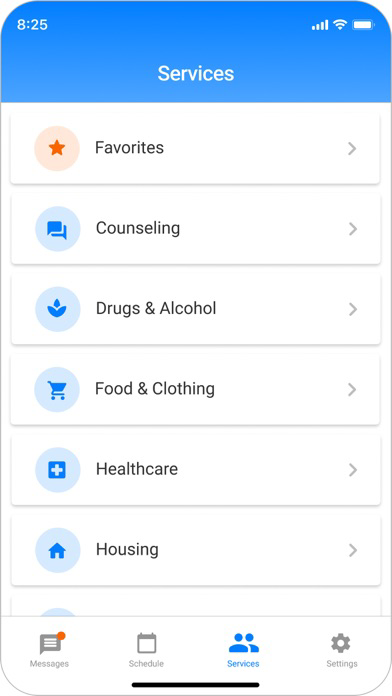
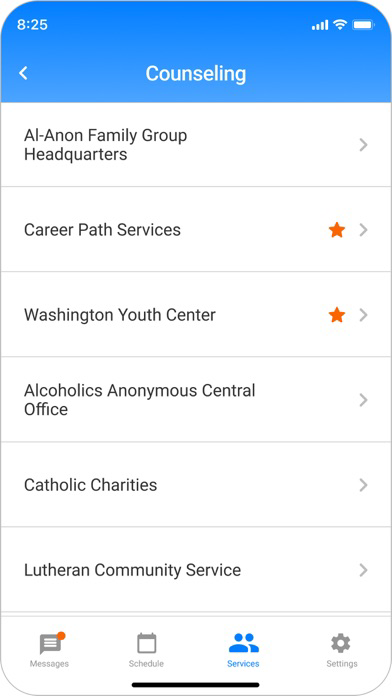
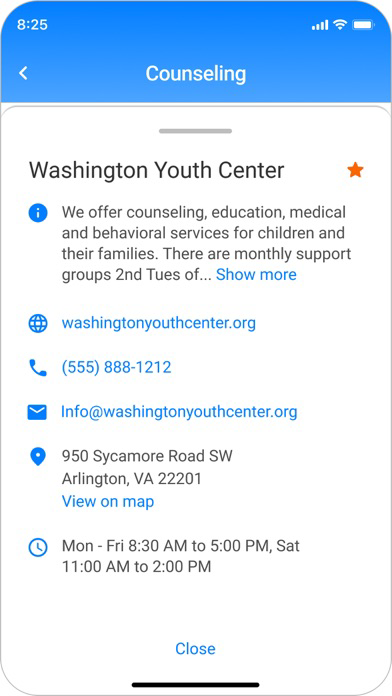
* find and connect with useful services in your area
Show More

What's New in the Latest Version 1.8.3

Last updated on Dec 4, 2024
Old Versions
Improvements to existing features
General library and framework updates to the app.

The app’s main framework, Flutter, has been updated to a more recent version

The libraries handling video meetings have been updated.

The libraries used for logging errors that occur in Uptrust Client have been updated.

Libraries used for login and registration have been updated.

New permission requests for video meetings have been added for network or bluetooth access.

On Android, this permission is required for the video meeting to work.

Improved error messages the user sees when an error occurs during login or user registration.

Error messages now have more information to the user as to what went wrong.

Error messages also include a time stamp that support teams can use to see when an error occurred.

Error messages now display an error code, which the support team can use to quickly understand what occurred and provide better support to customers.

Error logging for login and user registration now includes an error code and other information to make it easier to identify the user who was experiencing the error.

Bug fixes
Fixed the registration failure that occurred when verifying the verification code the user received through text message, which declares the registration a failure after 10 seconds and the user’s phone number has not been processed. This has been increased to 60 seconds.

Error messages have been added to inform the user of issues with login or registration, such as

When the user has been blocked from getting new verification codes due to requesting too many verification codes or failing to enter a valid code multiple times.

When a network/connection issue has occurred during registration (e.g. the device lost internet connection).

When the phone verification takes longer than 60 seconds and times out.

Show More
Version History
1.8.3
Dec 4, 2024
Improvements to existing features
General library and framework updates to the app.

The app’s main framework, Flutter, has been updated to a more recent version

The libraries handling video meetings have been updated.

The libraries used for logging errors that occur in Uptrust Client have been updated.

Libraries used for login and registration have been updated.

New permission requests for video meetings have been added for network or bluetooth access.

On Android, this permission is required for the video meeting to work.

Improved error messages the user sees when an error occurs during login or user registration.

Error messages now have more information to the user as to what went wrong.

Error messages also include a time stamp that support teams can use to see when an error occurred.

Error messages now display an error code, which the support team can use to quickly understand what occurred and provide better support to customers.

Error logging for login and user registration now includes an error code and other information to make it easier to identify the user who was experiencing the error.

Bug fixes
Fixed the registration failure that occurred when verifying the verification code the user received through text message, which declares the registration a failure after 10 seconds and the user’s phone number has not been processed. This has been increased to 60 seconds.

Error messages have been added to inform the user of issues with login or registration, such as

When the user has been blocked from getting new verification codes due to requesting too many verification codes or failing to enter a valid code multiple times.

When a network/connection issue has occurred during registration (e.g. the device lost internet connection).

When the phone verification takes longer than 60 seconds and times out.

Uptrust FAQ

Click here to learn how to download Uptrust in restricted country or region.
Check the following list to see the minimum requirements of Uptrust.
iPhone
iPad

Uptrust Alternative

You May Also Like

Get more from Uptrust