VirtualForest

VirtualForest


$2.99

1.0for iPhone, iPad
Age Rating
4+
Apps in this category do not contain restricted content.
9+
Apps in this category may contain mild or occasional cartoon, fantasy or real-life violence, as well as occasional or mild adult, sexually suggestive or horrifying content and may not be suitable for children under 9 years of age.
12+
Apps in this category may contain occasional mild indecent language, frequent or intense cartoon or real-life violence, minor or occasional adult or sexually suggestive material, and simulated gambling, and may be for children under 12 years of age.
17+
You must be at least 17 years old to access this App.
Apps in this category may contain frequent and intense offensive language; Frequent and intense cartoon, fantasy or realistic violence: frequent and intense adult, scary and sexually suggestive subjects: as well as sexual content, nudity, tobacco, alcohol and drugs, may not be suitable for children under 17 years of age.
VirtualForest Screenshots
VirtualForest poster

About VirtualForest

With VirtualForest you can create your own binaural audio! Even directly within your favorite audio workstation app, thanks to the bundled AUv3 Plugin.

This application simulates the acoustics of a forest and reproduces the sound signals for the two ears of a virtual listener inside the forest. Listening to these signals using headphones gives the impression of being inside the forest at the position of the listener. Please note that without headphones connected to your iOS device, this app may lead to unpleasant feedback noise.

When run for the first time, this application will install an Audio Unit v3 App Extension that can be used in various third party applications.

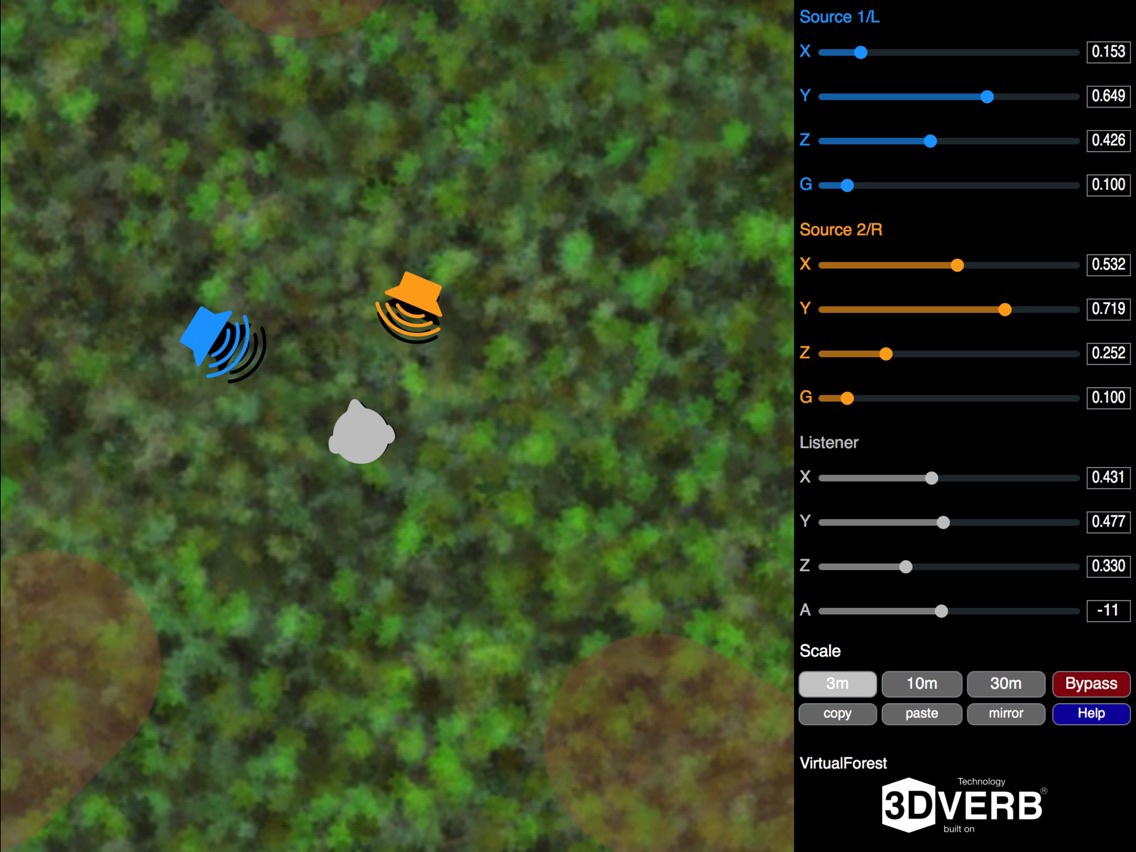
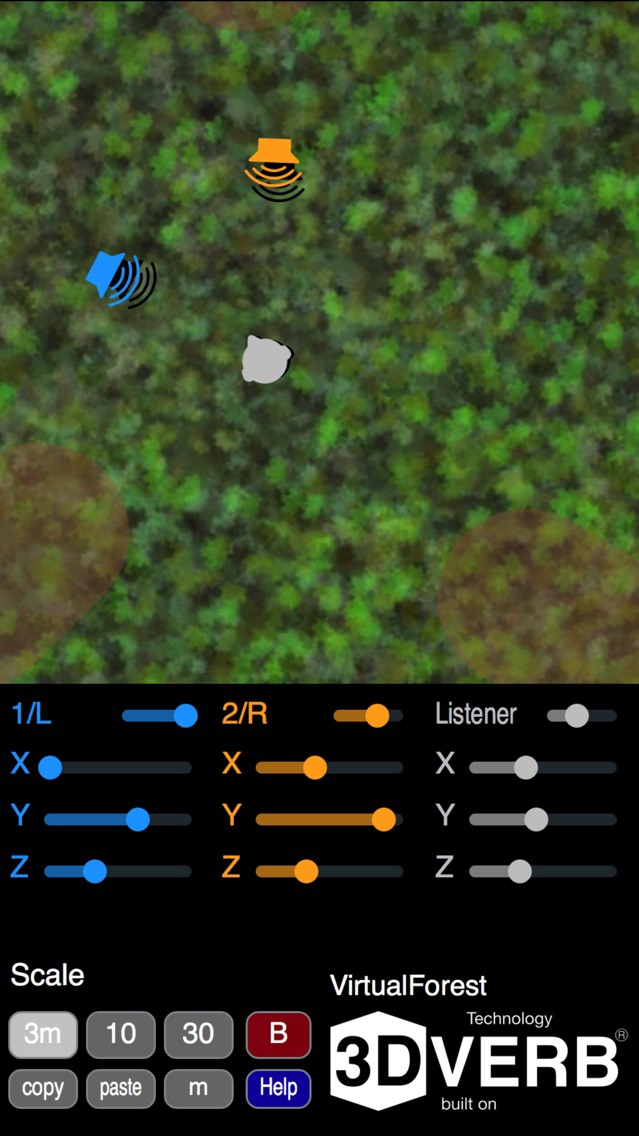
The sound sources take their signals from the left and right input channels (coming from a microphone, Inter-App Audio, or the AUv3 host application) and can be moved in real time by dragging the loudspeaker symbols on the screen. The listener can be moved by dragging the head symbol. Alternatively, sliders can be used to set the positions (including along the vertical Z dimension), as well as source gains and the listener azimuth.

Current settings can be copied in a text format to and from the clipboard.

The unique mirroring function lets you create a balanced stereo setup simply by pressing a button.

Show More

What's New in the Latest Version 1.0

Last updated on Nov 4, 2017
Version History
1.0
Nov 4, 2017

VirtualForest FAQ

Click here to learn how to download VirtualForest in restricted country or region.
Check the following list to see the minimum requirements of VirtualForest.
iPhone
iPad

VirtualForest Alternative

You May Also Like

Get more from MN Signal Processing