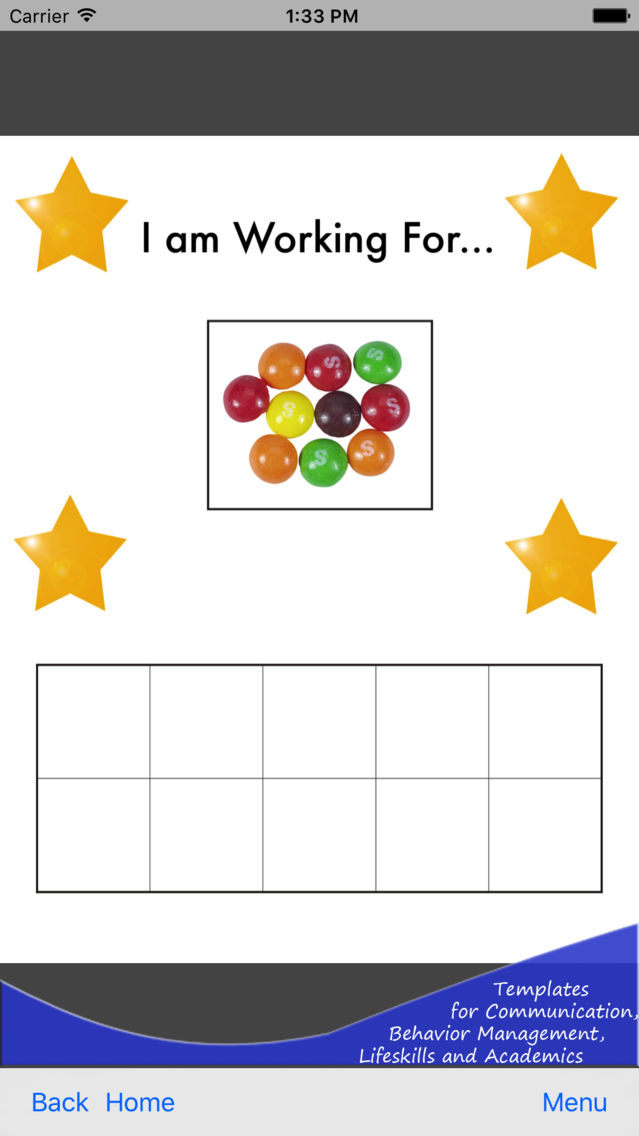
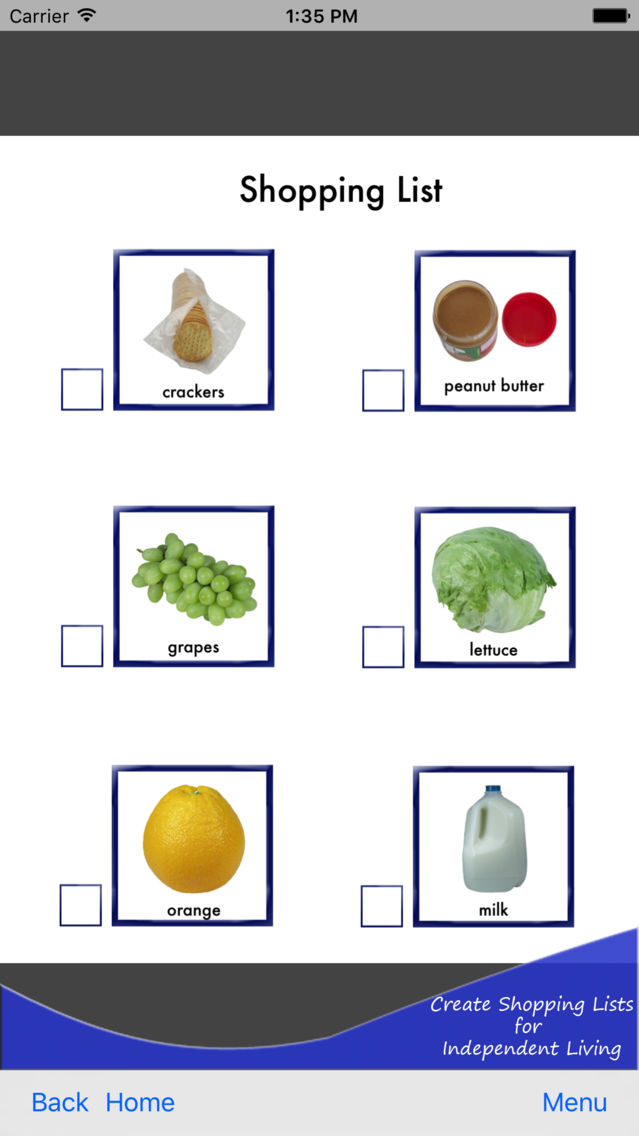
Use the Visual Creator on your iPad, iPod or iPhone to make visual aids such as:
Behavioral Charts
Communication Boards
Picture Exchange Cards
Picture Schedules
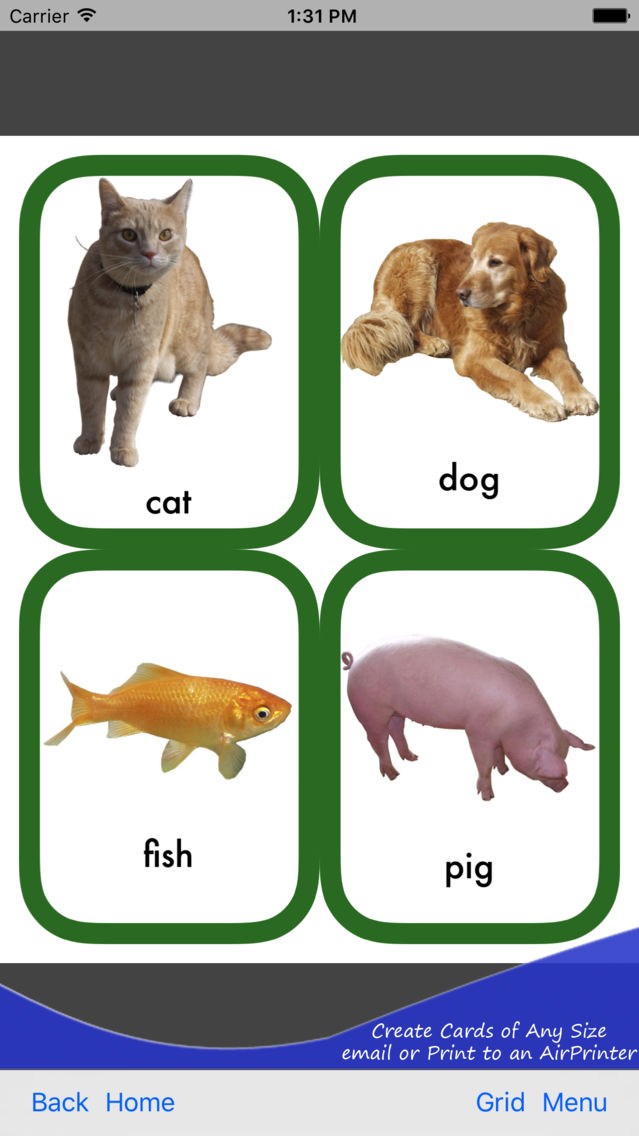
Photo Flash Cards
Sentence Strips
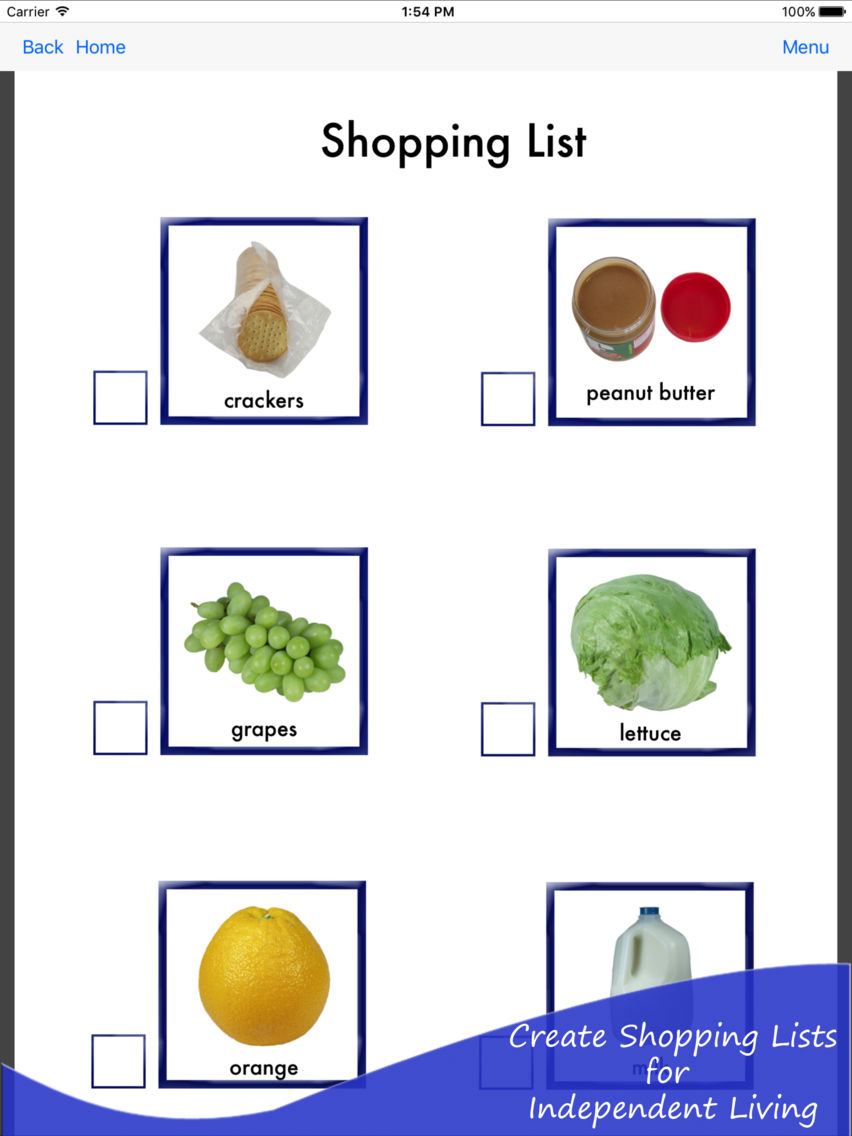
Shopping Lists
Task Lists
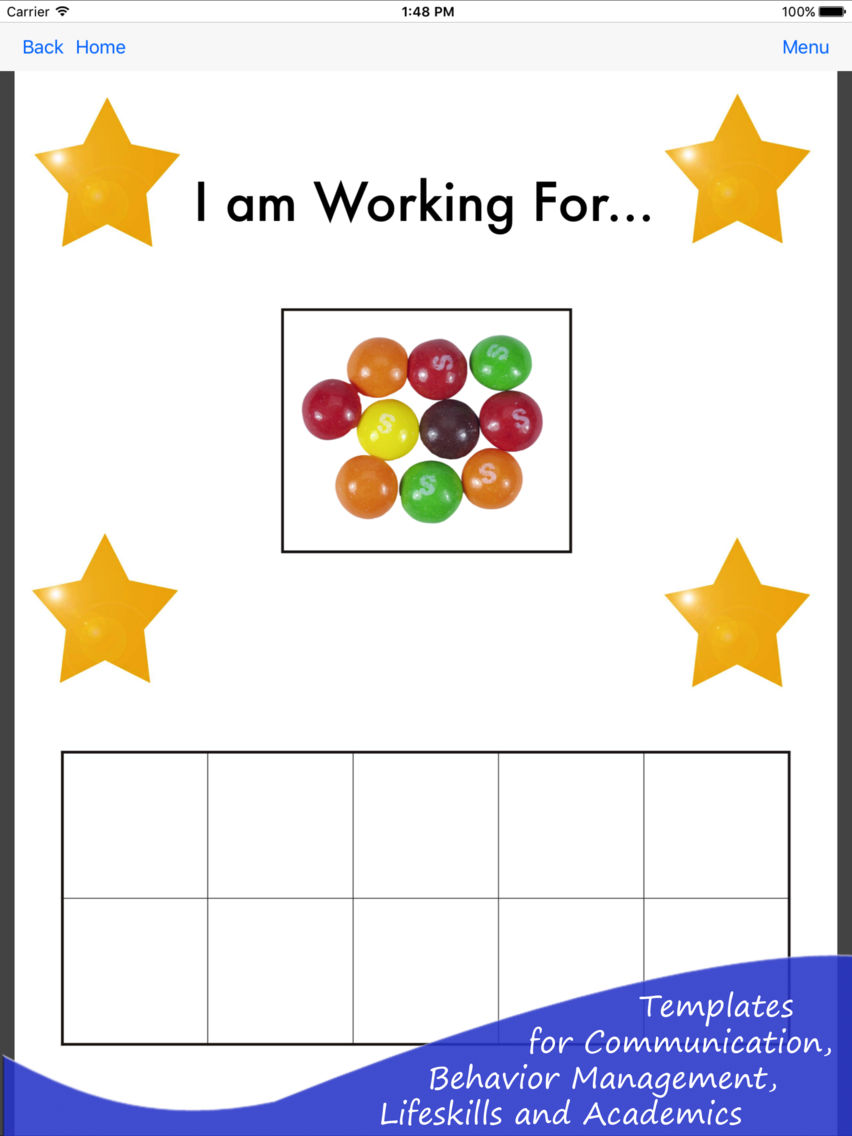
Token Boards
Visuals for Life Skills
Visual Reminders
Worksheets
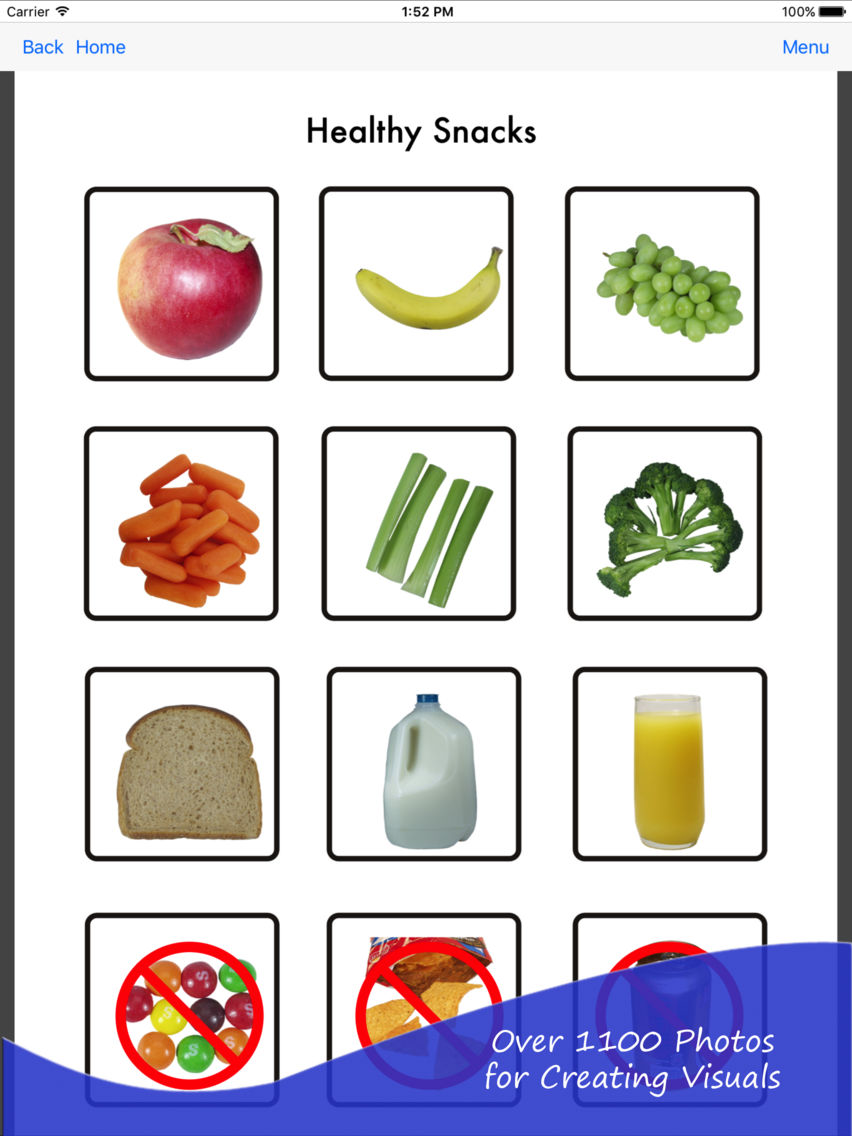
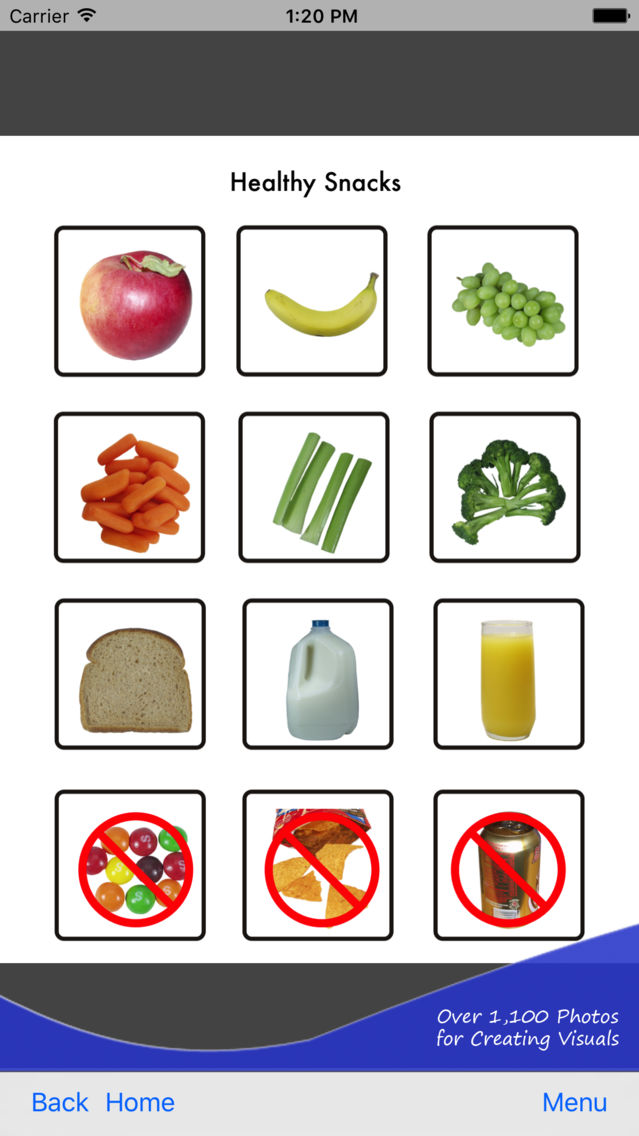
The Visual Creator includes over 1,100 photos with plain backgrounds specifically designed for education and special needs. The photos that are included with the app, are from the Silver Lining Multimedia Picture This photo collections. Many of the photos are also used in the Picture This for Boardmaker photo libraries. These photos have been successfully used since 1998 with thousands of students and clients worldwide. In addition to the photos that come with the app, you can add photos either from the camera, camera roll, or by pasting an image from your clipboard. For example, you could copy an image from the web or from an e-mail.
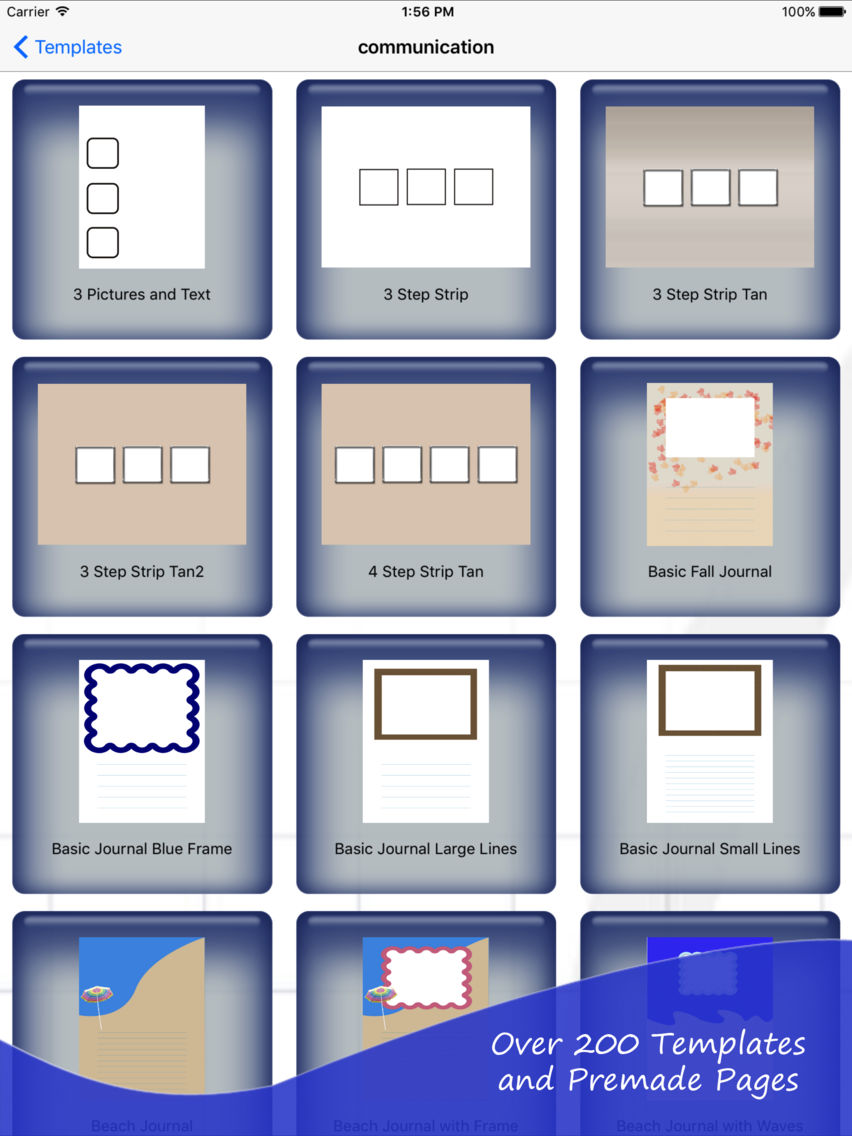
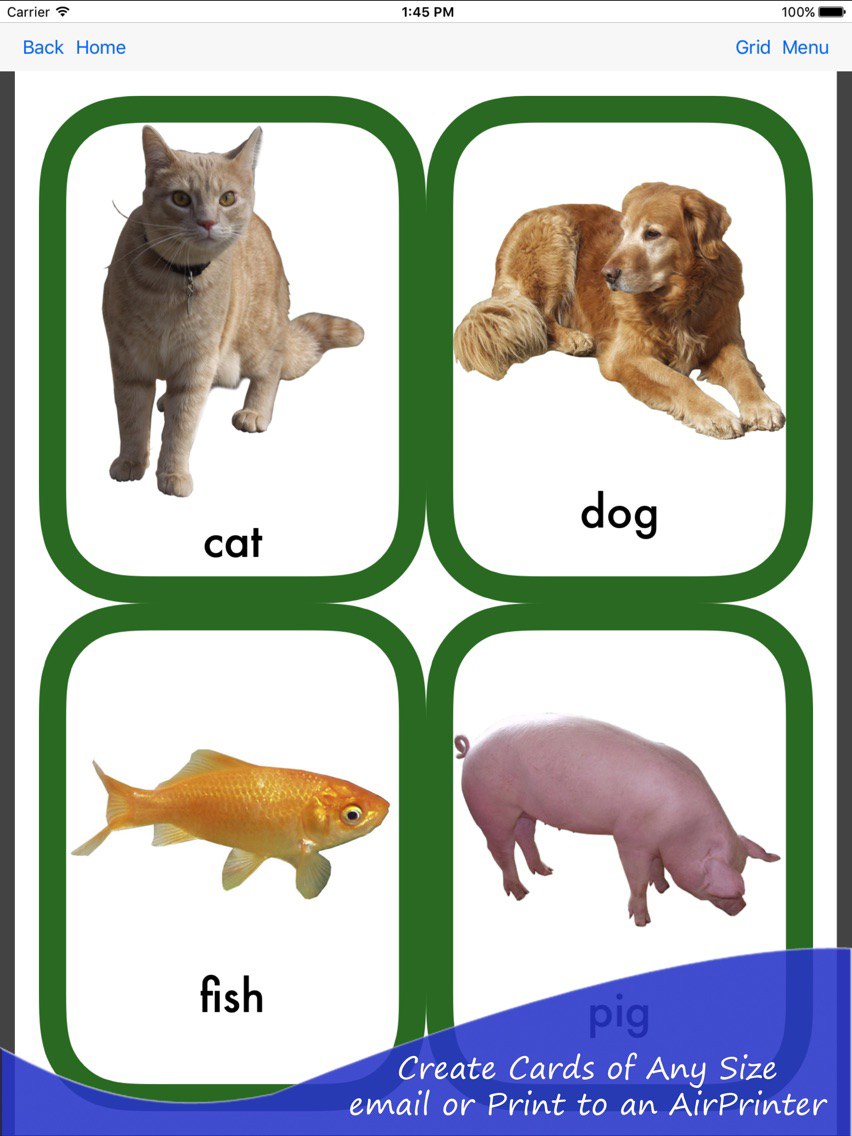
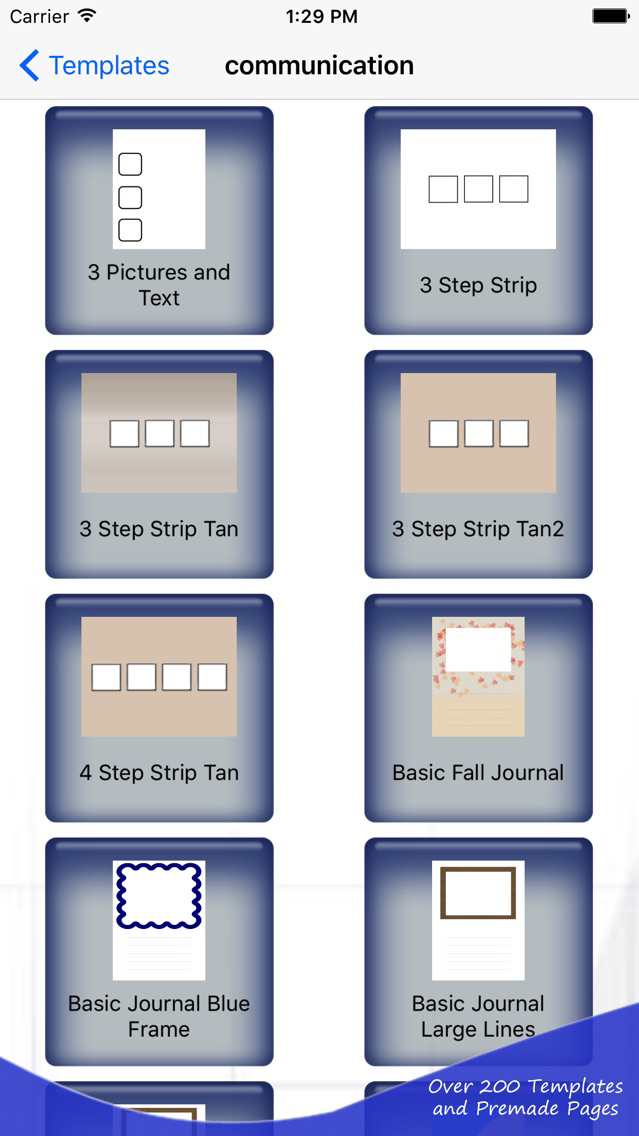
Also included with the app are over 200 templates and premade pages which you can customize for your students and clients. Using the templates, you can add your own pictures, rotate them and add your own text. You can adjust the color of the text and add a "no symbol" on top of any picture. In addition to the templates, there is a custom grid option which allows you to create any sized card with colored borders which can be rounded. The custom grids also have an option for cutting lines and text color.
If your iPad or iPod is near an AirPrint printer, you can print directly from your device. Otherwise, you can email a .pdf of the page to yourself, and then print the page from a computer that is attached to a printer.
This app is ideal for anyone who is a parent, educator or caregiver working with individuals who are visual learners that can benefit from using clear visuals, photo schedules, worksheets and visual aids.