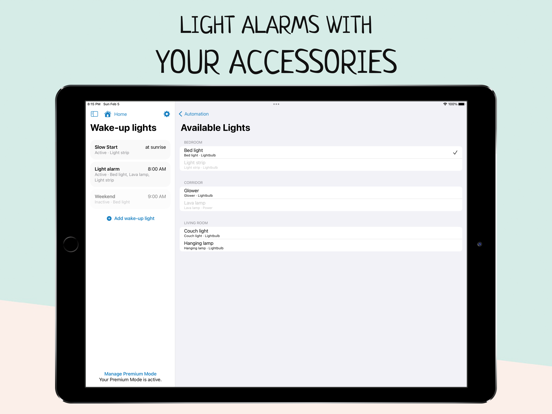
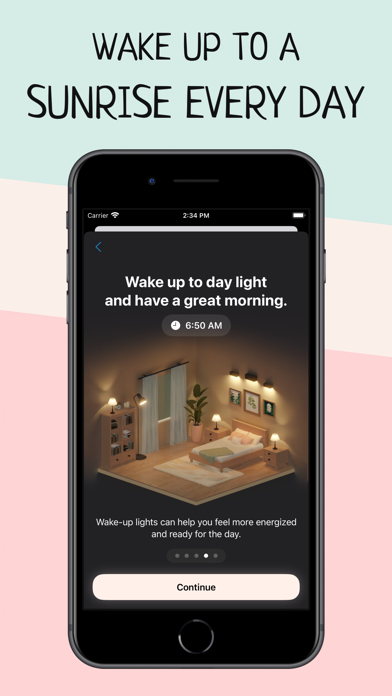
Wake up more naturally with your wake-up light based on your smart HomeKit lights, and improve your morning routine with Wake Up Light.
Are you tired in the morning? Does your body feel like it doesn't want to get up? Create an artificial dawn with Wake Up Light, so getting up in the morning feels easier and more natural. Built for use with HomeKit-enabled lights, now it’s easy to add a wake-up light alarm to the Apple Home app.
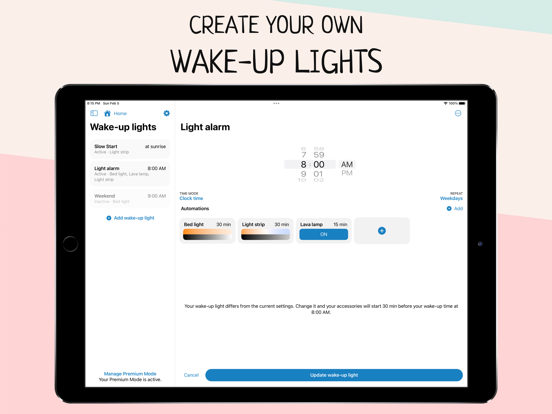
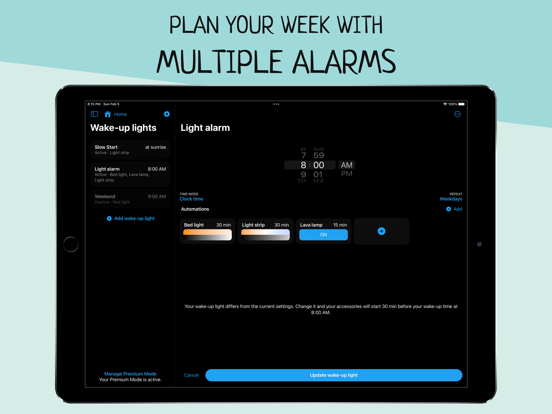
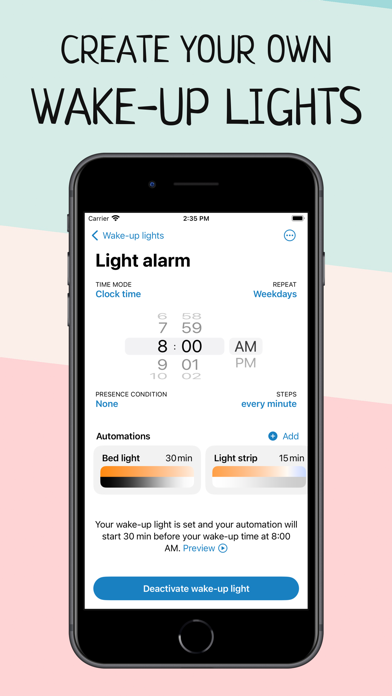
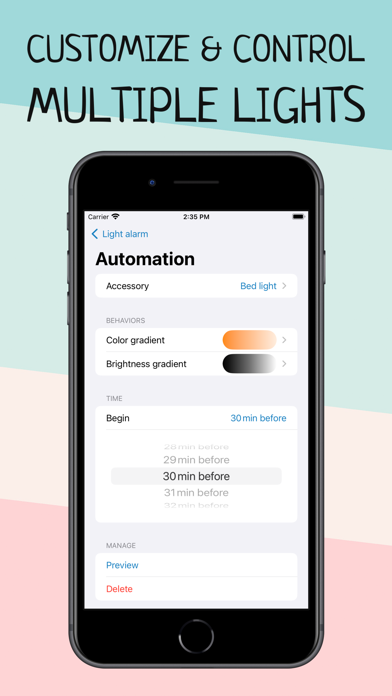
Say you want to wake up at 8:00 a.m. Use Wake Up Light to schedule your bed light to turn on at 7:30 am with its minimum brightness in a dark reddish color. Your light will then gradually increase its brightness and change its color to daylight white until it reaches its full brightness at 8:00 a.m. Got smart blinds? Let them gradually open 20 minutes before your wake-up time. Coffee machine plugged into a smart outlet? Let it turn on 15 minutes before your alarm goes off.
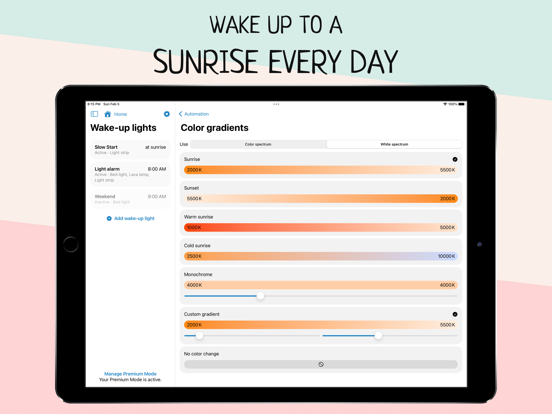
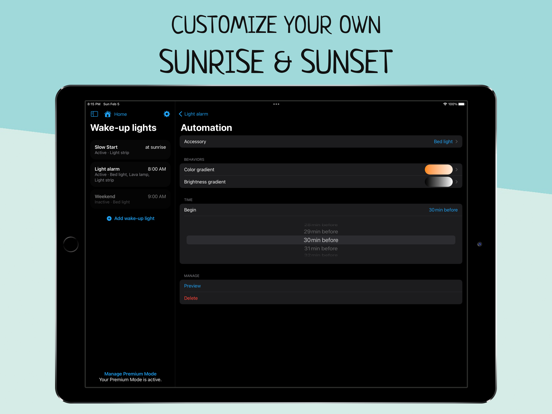
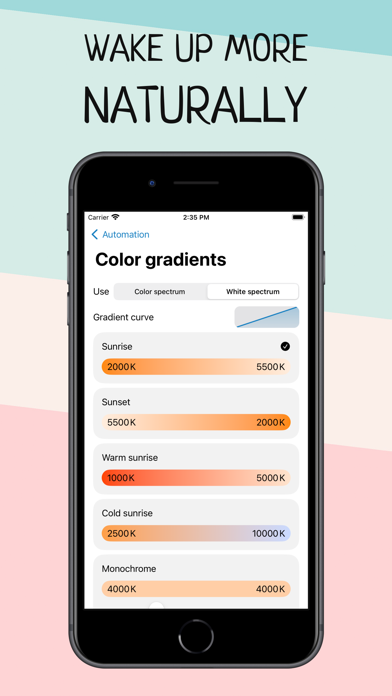
Set a light alarm that starts your day before your desired wake-up time (a recommended duration is something between 30 and 60 minutes). Your light brightens to its maximum intensity by the time you’ve set it, shifting from dim, warm red to bright and cold white after its light-up duration. The brighter the light, the better the effect will be on your body. The goal is to put you into a lighter sleep so that you awaken easier.
FEATURES
– Alarms that turn on lights and change colors as they brighten
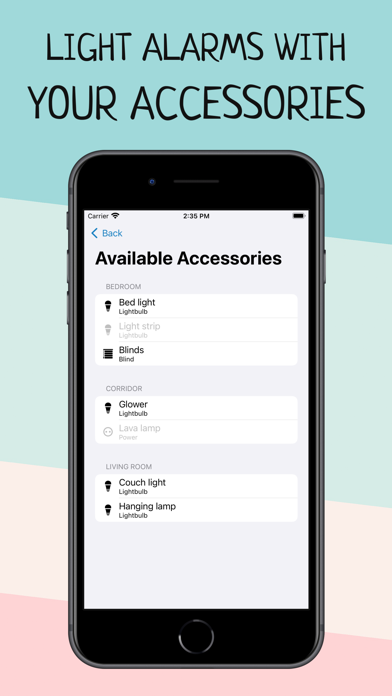
– Support for all HomeKit-enabled lights, blinds and outlets
– Alarms are shared with everyone who has access to the same home
– There is no need to keep your iPhone connected (or even on)
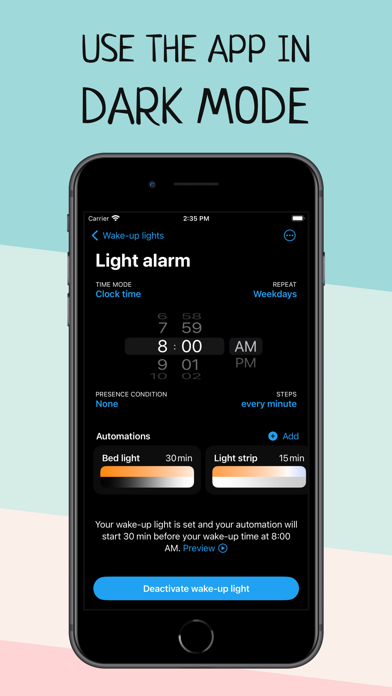
– Set the days your wake-up light should wake you
– Combine lightbulbs, power outlets, and smart blinds
– Shortcuts and Siri support to activate, reschedule and deactivate your alarms
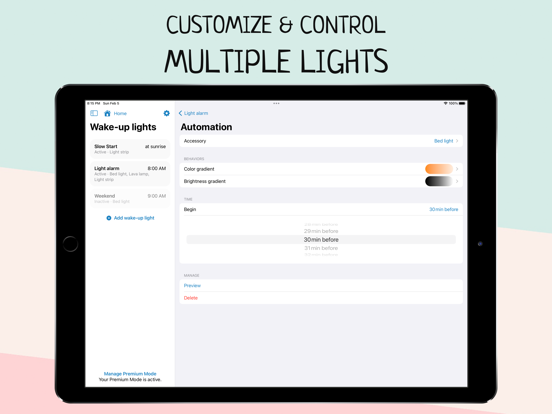
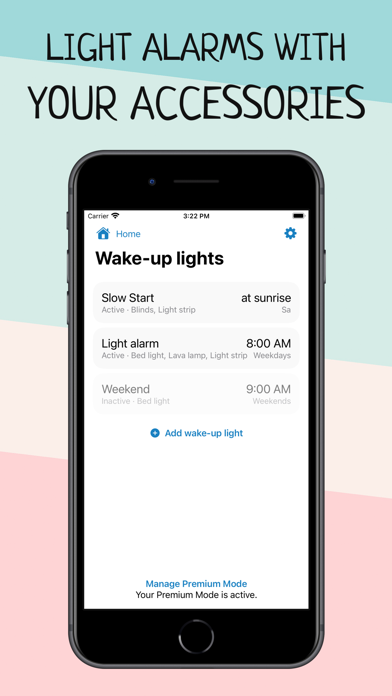
– Create multiple wake-up lights and control multiple accessories per alarm
– Preview your wake-up light
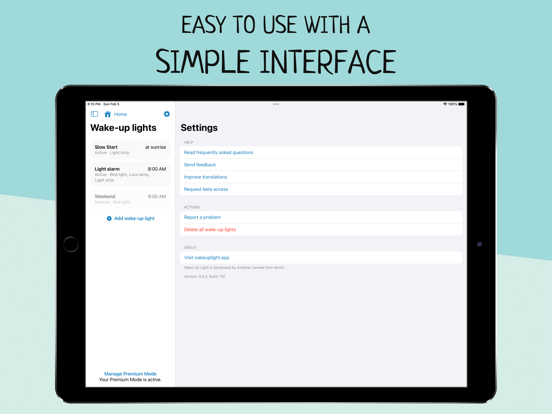
Wake Up Light lets you easily create wake-up lights that fit your needs. Just select your light and preferred wake-up time, and Wake Up Light will create HomeKit automation for you, turning your lights on gradually over time.
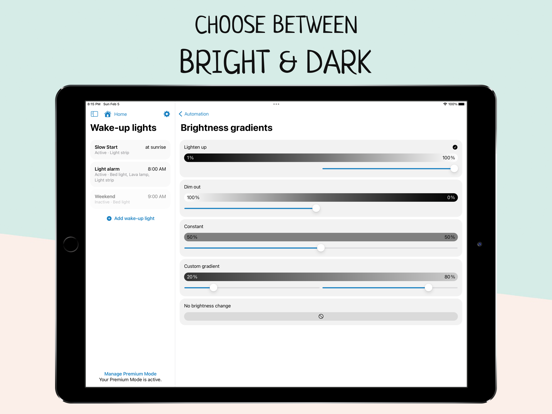
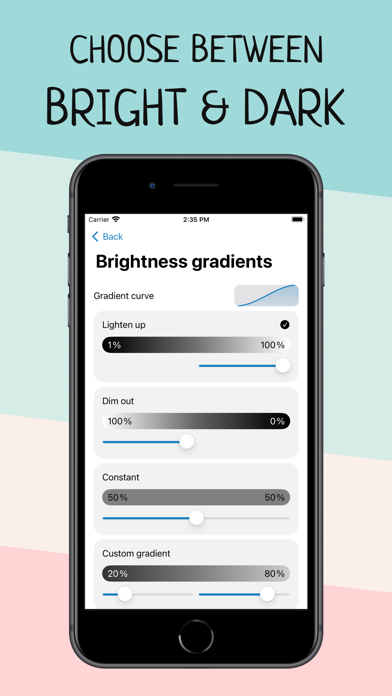
Adjust the duration of the brightening phase (between 30 and 60 minutes is recommended) and choose the brightness your lights should reach. Your light then brightens to its maximum intensity by the time you have chosen, shifting from dim, warm red to bright and cold white after its light-up duration (if supported by the light bulb).
Add multiple wake-up lights to your weekly schedule. Control different lights with their own custom time, duration and brightness. Everyone in the same house can control the wake-up lights, too – thanks to HomeKit.
HOW DOES IT WORK?
A wake-up light alarm clock brings you slowly into shallower states of sleep by gradually increasing the brightness in your room. The light travels through your closed eyelids, notifying your body the same way as a natural sunrise. This gradual transition from deeper to shallower states of sleep has been found to wake you more naturally and boost your mood, energy and productivity for the whole day.
Let your lights brighten your morning.
App preview music is Haven by Nihilore: http://www.nihilore.com/license
Terms of Use: https://wakeuplight.app/terms-of-use/