Weave Chat AAC

Weave Chat AAC


Free

1.23.9for iPhone, iPad
Age Rating
4+
Apps in this category do not contain restricted content.
9+
Apps in this category may contain mild or occasional cartoon, fantasy or real-life violence, as well as occasional or mild adult, sexually suggestive or horrifying content and may not be suitable for children under 9 years of age.
12+
Apps in this category may contain occasional mild indecent language, frequent or intense cartoon or real-life violence, minor or occasional adult or sexually suggestive material, and simulated gambling, and may be for children under 12 years of age.
17+
You must be at least 17 years old to access this App.
Apps in this category may contain frequent and intense offensive language; Frequent and intense cartoon, fantasy or realistic violence: frequent and intense adult, scary and sexually suggestive subjects: as well as sexual content, nudity, tobacco, alcohol and drugs, may not be suitable for children under 17 years of age.
Weave Chat AAC Screenshots
Weave Chat AAC posterWeave Chat AAC posterWeave Chat AAC posterWeave Chat AAC posterWeave Chat AAC posterWeave Chat AAC posterWeave Chat AAC posterWeave Chat AAC poster

About Weave Chat AAC

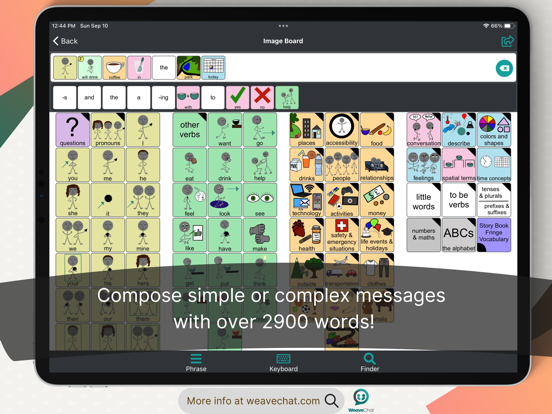
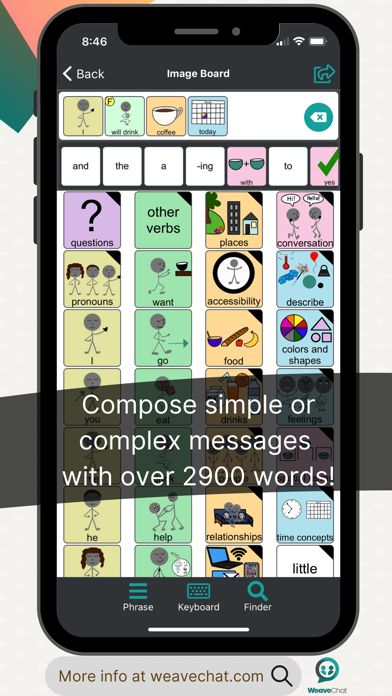
Weave Chat AAC is a free, dynamic, and completely customizable AAC app that is available to a variety of devices.

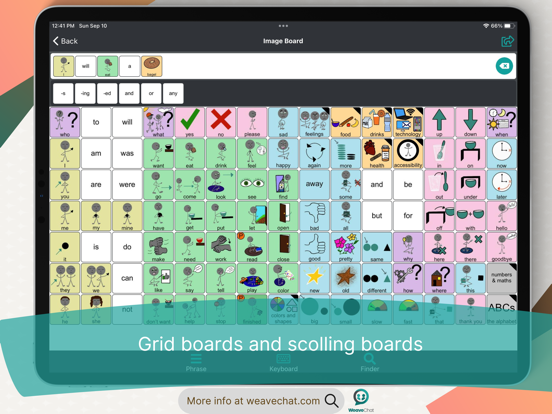
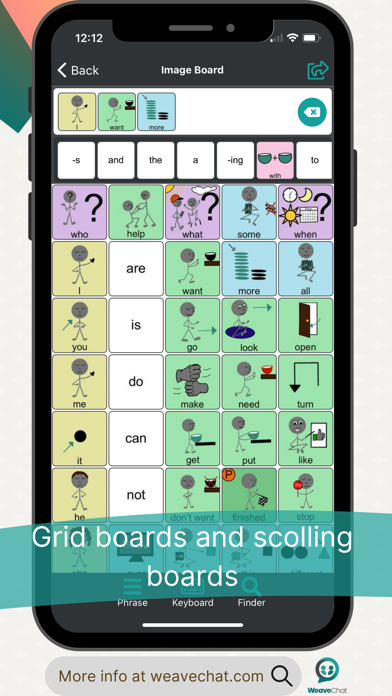
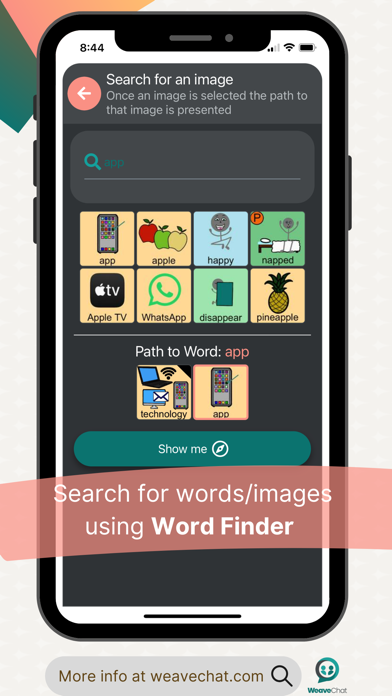
Weave Chat AAC offers a large variety of verbs (green), pronouns (yellow), questions (purple), nouns (tan/orange), adjectives (blue), and conversational words (pink). All color choices were made based on the Fitzgerald Key and new vocabulary is added weekly.

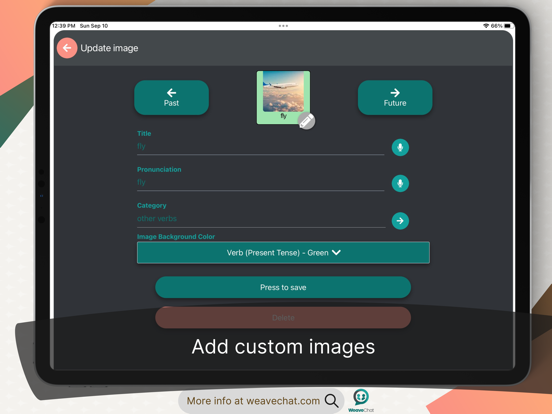
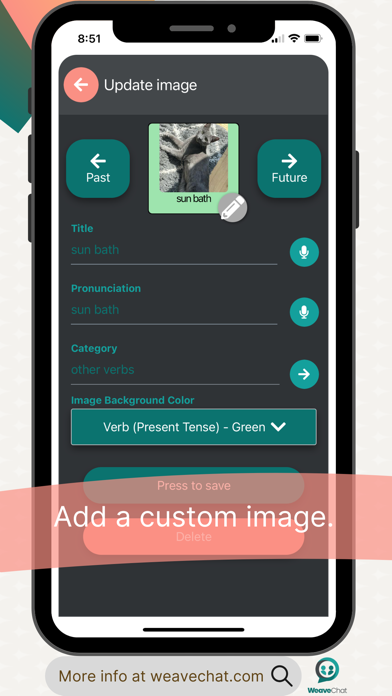
Users can add their own custom images and categories in Settings —> Manage Custom Images.

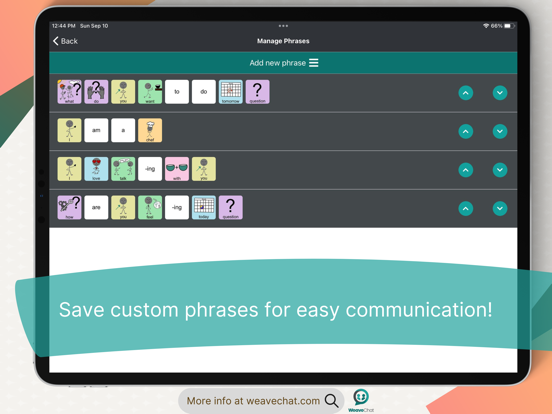
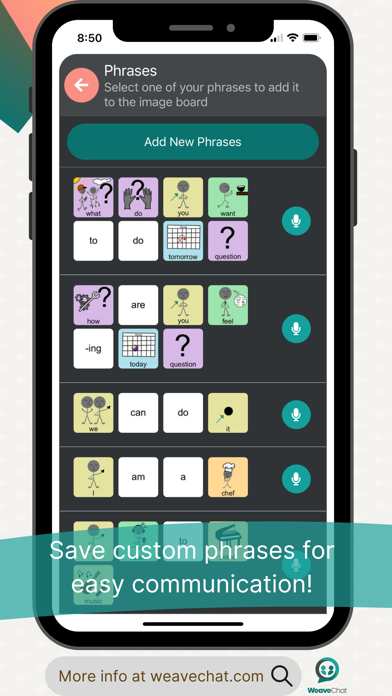
In addition, users can add their own custom phrases that can easily be accessed from their board; to add phrases, go to Settings —> Manage Phrases.

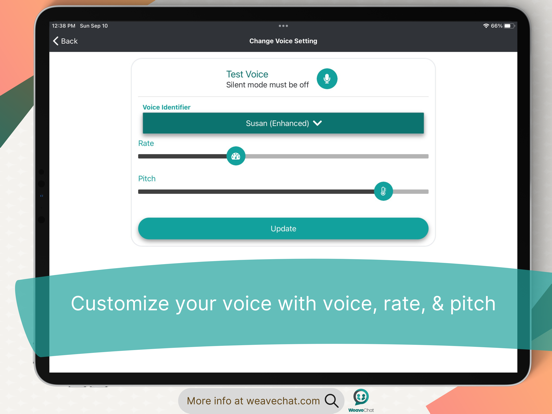
Users can select a synthetic voice (dependent on their device settings) from Settings —> Change Voice Settings - here you can select your voice, vocal pitch, and rate of speech.

Image and text size can be personalized from Settings —> Change Image & Text Size (select from default - small, medium, and large). Settings —> Configure Image Keyboard allows the user to turn on/off features that allow for the category text to be read aloud (synthetic voice for categories), to keep the user in the category after a image has been selected (stay on category after image selection), and disable the speech output for individual words so that it only reads aloud when the white text screen is touched (synthetic voice disabled for individual words).

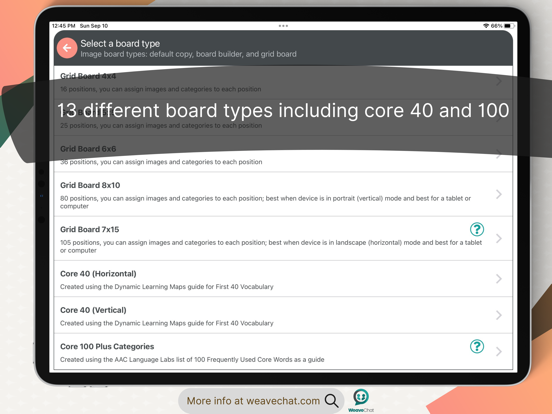
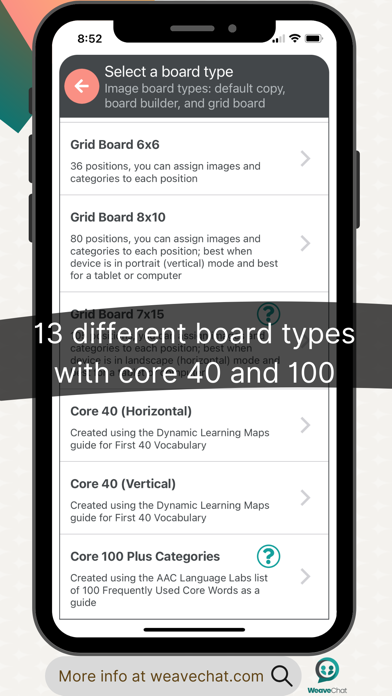
The AAC board can be modified in Settings —> Manage Board Builder. Here, the user can select from the default board (you must make a copy to edit it - to do this select “Add new keyboard” and then select “Hide Images” for Type of Keyboard); grid position boards (ranging in size from 1x2 - 7x15 rows/columns); and Board Builder (gives you the option to build a board from scratch). All boards are completely editable and all custom images and categories can be used from all boards.

Lastly, Manage Pin Configuration allows the user to set a pin over all (or just some) aspects of customization to lock down features as needed.

Feature List:
- Dynamic, customizable, AAC boards
- Large variety of verbs, nouns, and adjectives with additional vocabulary added weekly
- Add custom images and custom categories
- Create and save phrases
- Select a synthetic voice (as available per your device settings)
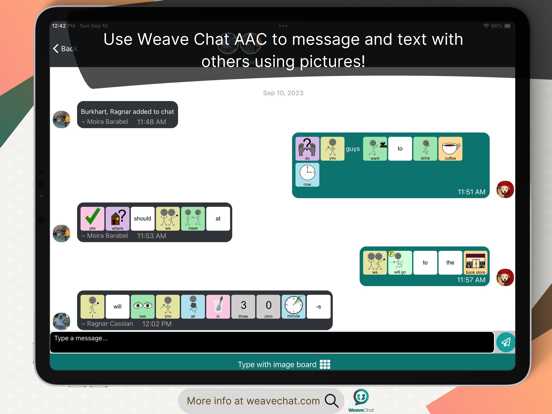
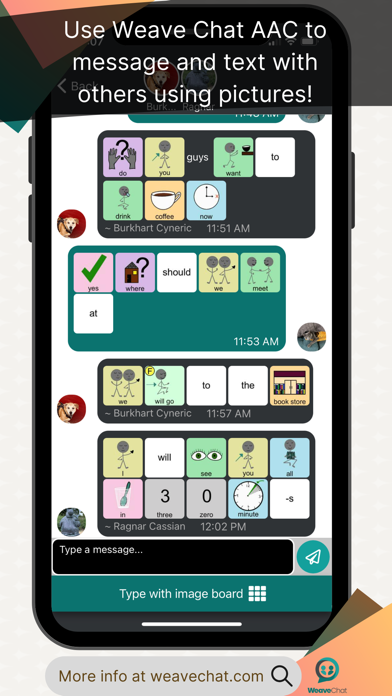
- Copy & Paste AAC picture icon messages via “share”
- Create and/or modify AAC boards via 3 options: grid position boards (ranging from 1x2 - 7x15), hide images, and/or create a new board from scratch
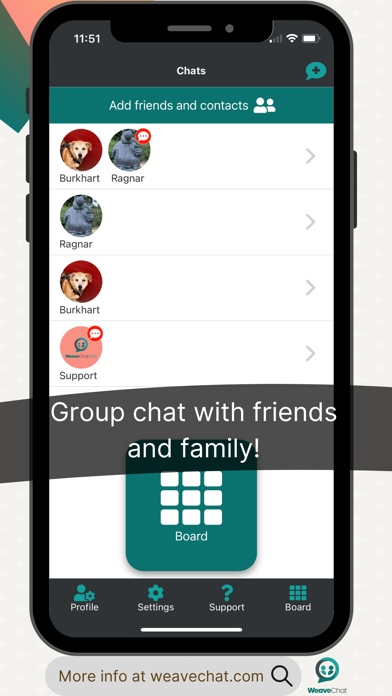
- “Text” others who have the app using AAC picture icons
- Set a passcode to lock down features as needed
- Weave Chat AAC currently only has English buttons/images

Show More

What's New in the Latest Version 1.23.9

Last updated on Jun 4, 2026
Old Versions
- Added a sentence manager, so you can swap between different sentence building sessions by pressing and holding on the whitespace within your sentence bar.
- Added support for a new Action Button called "Speak Only", so that it does not add a word to your sentence bar and only triggers the speech for that word / phrase.
- Added the ability to suppress the speech of an Action Button when setting it up.
- Added the ability to increase or decrease the size of text in the Share modal.
- Fixed bugs when adding new buttons to a brand new folder.
- Fixed an issue when combining certain prefixes to words.
Show More
Version History
1.23.9
Jun 4, 2026
- Added a sentence manager, so you can swap between different sentence building sessions by pressing and holding on the whitespace within your sentence bar.
- Added support for a new Action Button called "Speak Only", so that it does not add a word to your sentence bar and only triggers the speech for that word / phrase.
- Added the ability to suppress the speech of an Action Button when setting it up.
- Added the ability to increase or decrease the size of text in the Share modal.
- Fixed bugs when adding new buttons to a brand new folder.
- Fixed an issue when combining certain prefixes to words.

Weave Chat AAC FAQ

Click here to learn how to download Weave Chat AAC in restricted country or region.
Check the following list to see the minimum requirements of Weave Chat AAC.
iPhone
iPad

Weave Chat AAC Alternative

You May Also Like