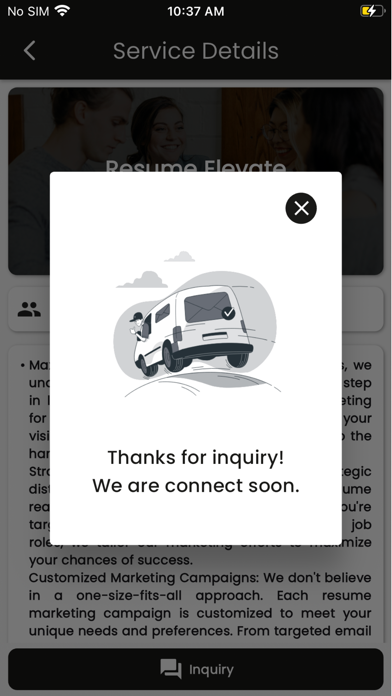
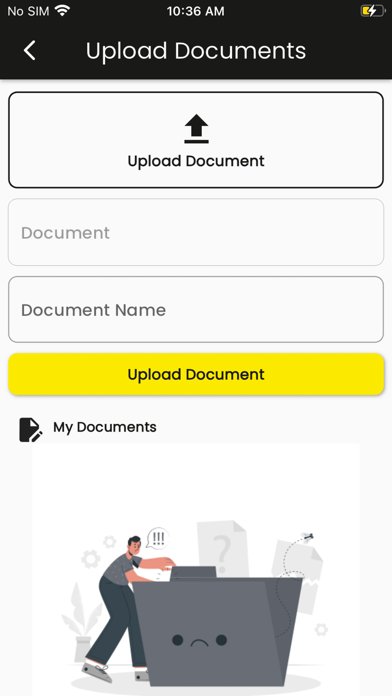
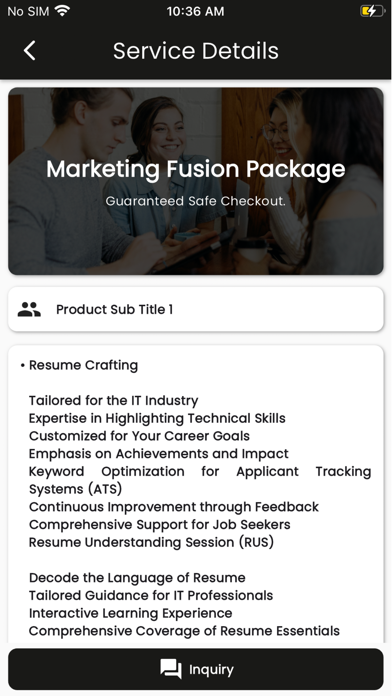
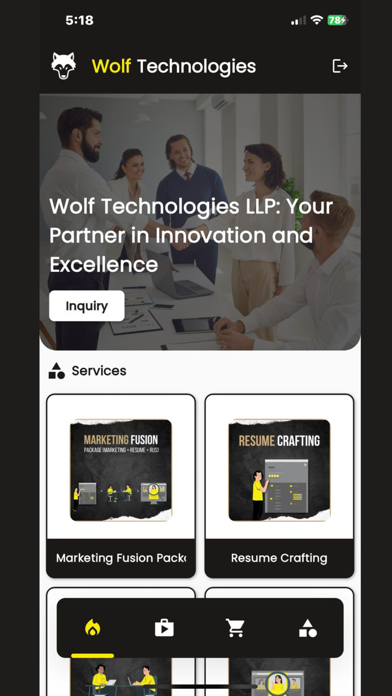
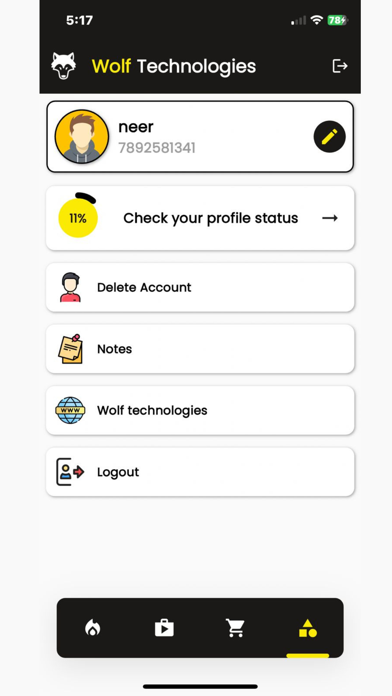
Our app is designed to serve professionals in the IT recruitment. we require users to create a profile by entering their name, email, contact number, password, and current country. and login with contact/email with password. then user can show services provide by our company and services details page in details page you have two options inquiry and add to cart. in this app ww have a profile screen for user details in this user details we collect user name, contact, email, birth date, zip code, current address information, bachelor degree and also master degree basic data like degree start date, end date, university name, university location, then collect technical information, then address history and other marketing and inquiry information. with that we have provide option to delete user account for delete all this user associated data with user. on profile screen we have show percentage of user profile complete.after in profile screen we have add notes option for user then after profile company website link for more information then we have logout option. after user add product in cart then they have to option for checkout after check out product user can show product list and apply coupon code if available after that when click o pay then go for billing details form then after click on pay open payoneer payment getway for payment details after that show success and reject payment status. if user can paid successfully then they have more options in home screen and in profile screen in home screen user have option for how purchased services banner with billing date when click on that user show their services steps then show same similar shortcut available on home screen, user basic details, current service department and daily updates and in bottom user have four option profile, documents, agent, and services in profile it can jump to add profile screen, in document screen user can upload documents, in gent user can show assigned agent for their services and day to day updates, in services user can show billing details. in profile screen we have same options like home screen.