Write & Record
Free
2.1.0for iPad
Age Rating
Write & Record Screenshots
About Write & Record
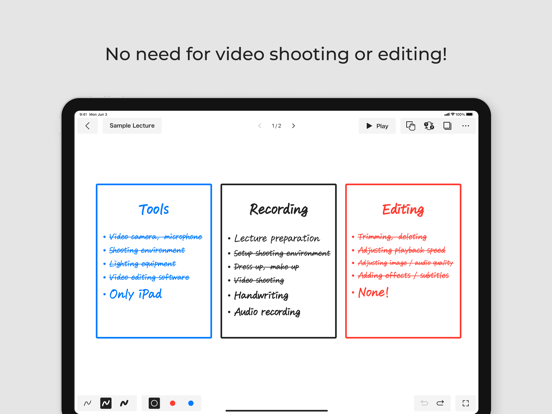
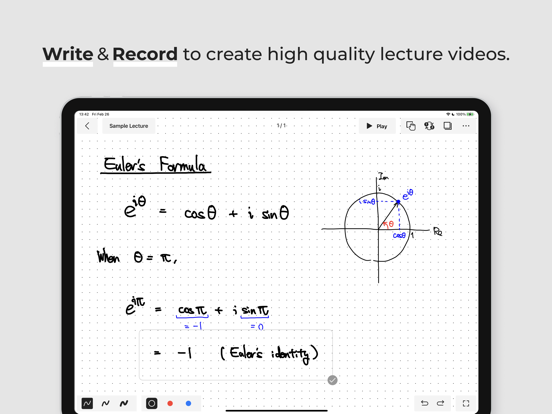
Create animated whiteboard videos without spending any time on video shooting and editing.
-- Simple 3 steps for video production --
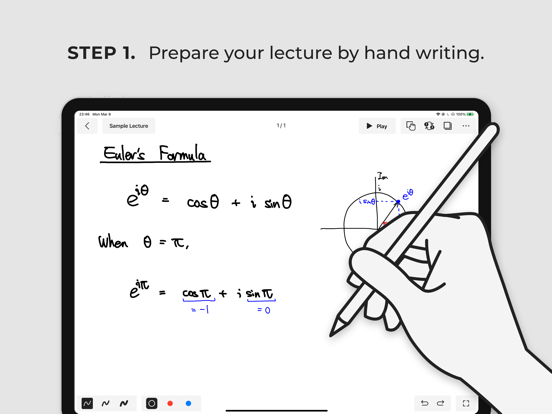
Step 1. Write: create your lecture as you do on a whiteboard.
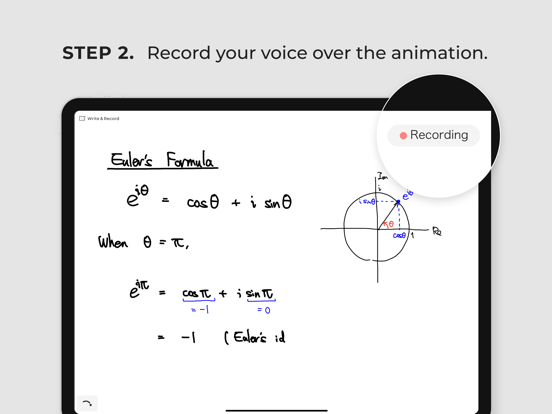
Step 2. Record: record your voice while animating the lecture.
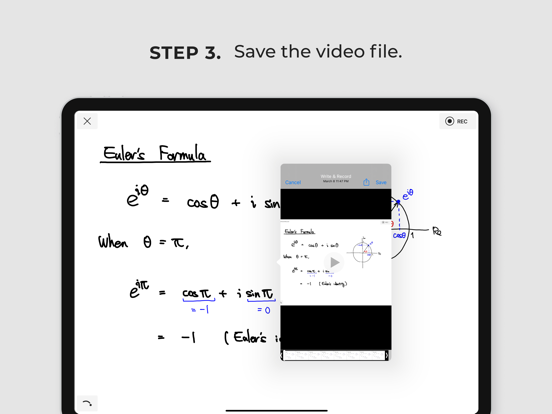
Step 3. Save: get the video file! (mp4)
-- Product benefits --
* No need for video shooting tools or skills.
* Super simple UI.
* Effective production process.
-- Product features --
* Create a lecture by hand.
* Animate your handwritten texts.
* Adjust the speed of the animation.
* Record your voice, and export as a video.
* Export lecture as pdf.
Privacy Policy: https://www.write-rec.app/privacy
Terms of Use: https://write-rec.app/terms

-- Simple 3 steps for video production --
Step 1. Write: create your lecture as you do on a whiteboard.
Step 2. Record: record your voice while animating the lecture.
Step 3. Save: get the video file! (mp4)
-- Product benefits --
* No need for video shooting tools or skills.
* Super simple UI.
* Effective production process.
-- Product features --
* Create a lecture by hand.
* Animate your handwritten texts.
* Adjust the speed of the animation.
* Record your voice, and export as a video.
* Export lecture as pdf.
Privacy Policy: https://www.write-rec.app/privacy
Terms of Use: https://write-rec.app/terms
Show More
What's New in the Latest Version 2.1.0
Last updated on Jan 29, 2024
Old Versions
Added supported languages.
Show More
Version History
2.1.0
Jan 29, 2024
Added supported languages.
Write & Record FAQ
Click here to learn how to download Write & Record in restricted country or region.
Check the following list to see the minimum requirements of Write & Record.
iPad