Xtracta

Xtracta


Free

1.5.2for iPhone, iPad
Age Rating
4+
Apps in this category do not contain restricted content.
9+
Apps in this category may contain mild or occasional cartoon, fantasy or real-life violence, as well as occasional or mild adult, sexually suggestive or horrifying content and may not be suitable for children under 9 years of age.
12+
Apps in this category may contain occasional mild indecent language, frequent or intense cartoon or real-life violence, minor or occasional adult or sexually suggestive material, and simulated gambling, and may be for children under 12 years of age.
17+
You must be at least 17 years old to access this App.
Apps in this category may contain frequent and intense offensive language; Frequent and intense cartoon, fantasy or realistic violence: frequent and intense adult, scary and sexually suggestive subjects: as well as sexual content, nudity, tobacco, alcohol and drugs, may not be suitable for children under 17 years of age.
Xtracta Screenshots
Xtracta posterXtracta posterXtracta posterXtracta posterXtracta posterXtracta posterXtracta posterXtracta poster

About Xtracta

Disclaimer: This app can only be used by Xtracta Limited customers who already have a Xtracta account.

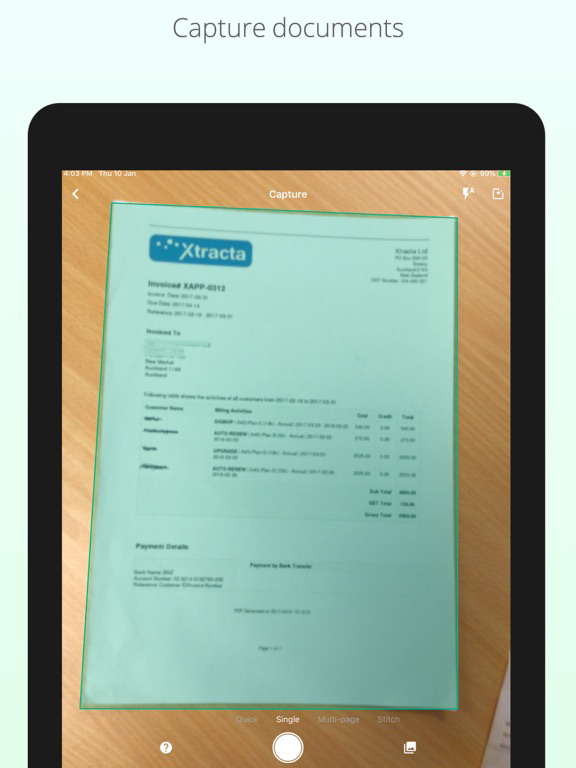
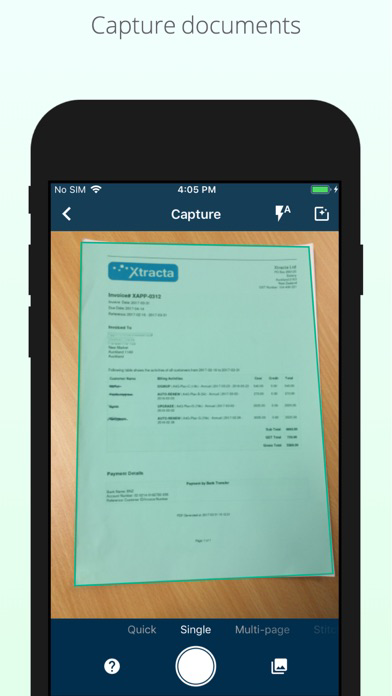
The app allows users to take photographs of documents such as invoices, receipts, orders or virtually any business document they wish to bring into Xtracta for data extraction. The app allows users to add text such as note(s) as per their Xtracta workflow configuration to submit their documents.

Features include:
*Login*
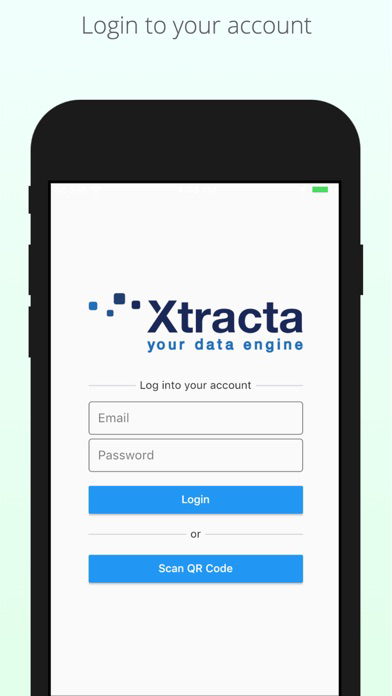
- Using Xtracta username/password
- By Scanning QR Code

*Capture*
Scanning document document in different modes:
- Single: Capturing a single page document.
- Quick: Capturing multiple single page documents one after another
- Multi-page: Scanning a multi-page document
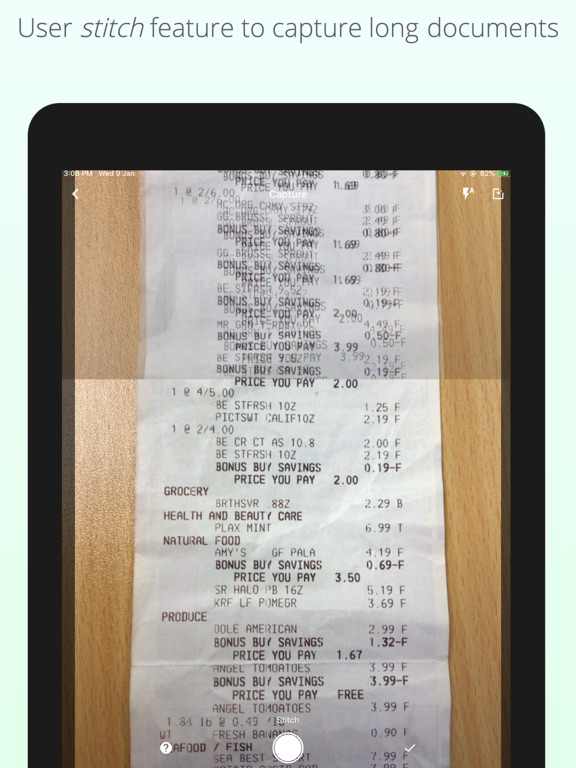
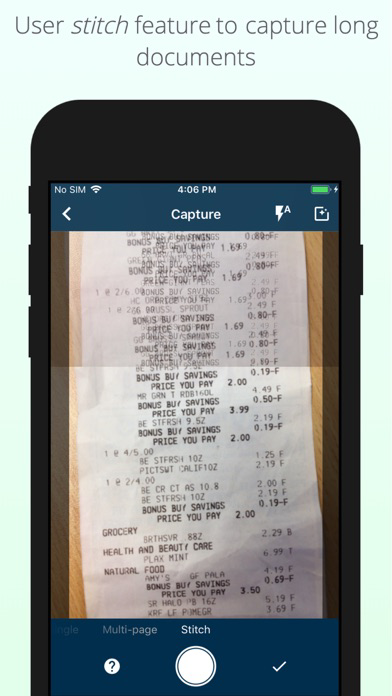
- Stitch: Capturing multiple photos of a long/large document and stitching them all together as one high quality document

*Upload*
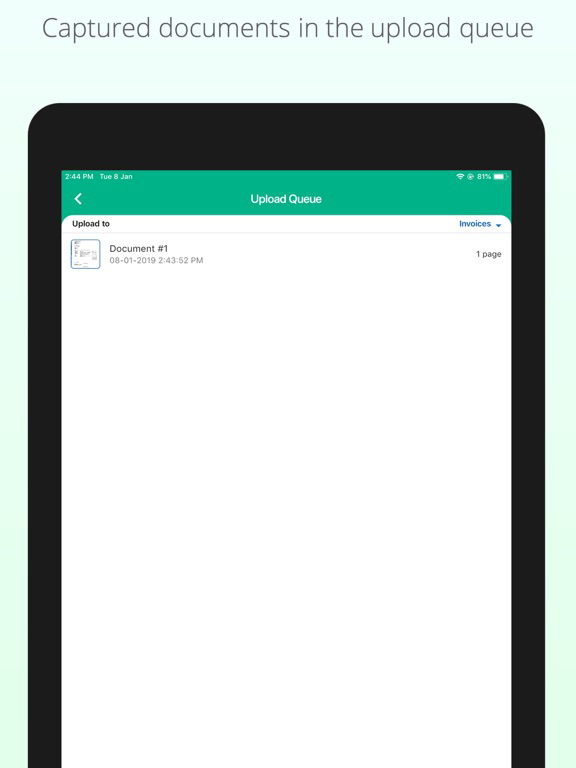
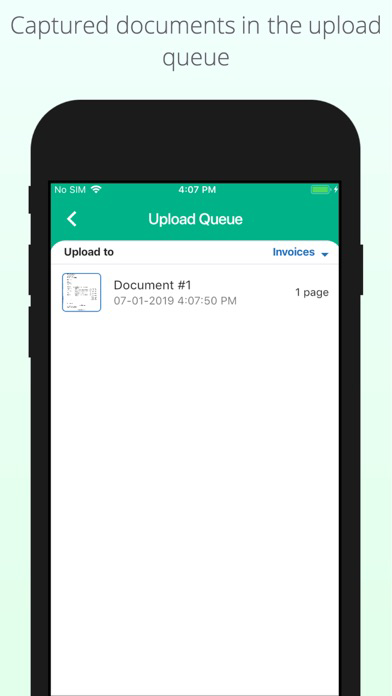
- Upload a document to a selected workflow
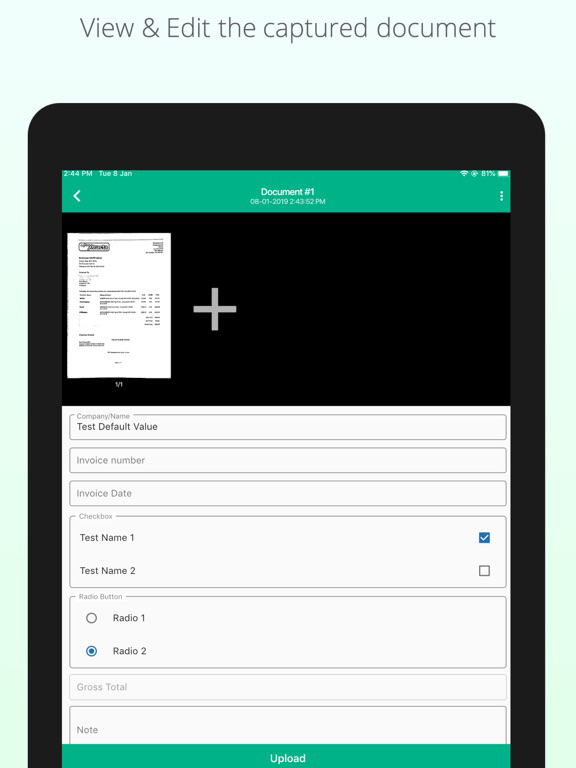
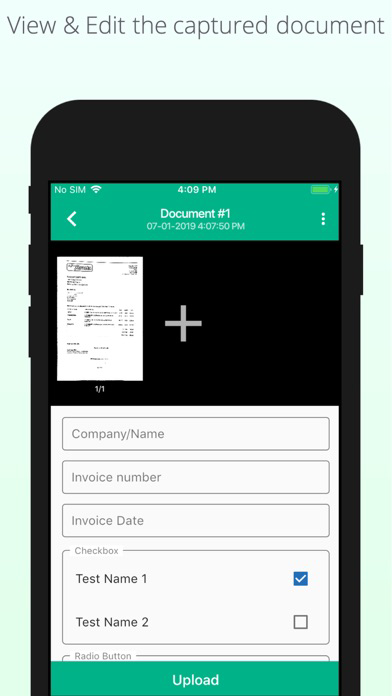
- Attaching field data during the upload

*Documents*
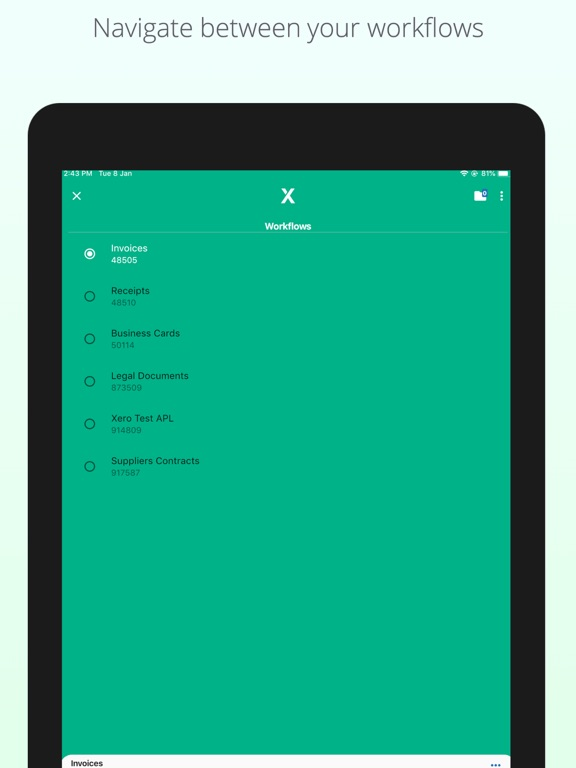
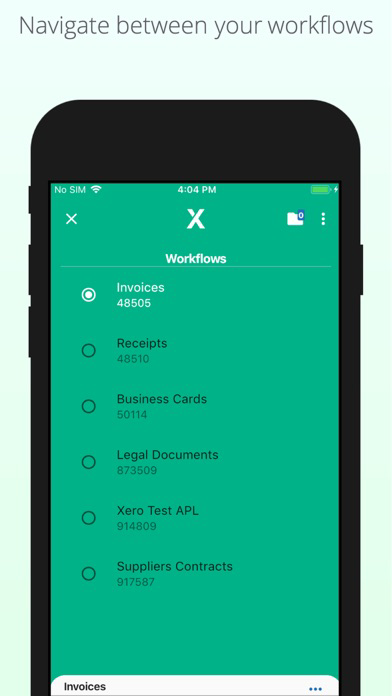
- Ability to navigate between the user's workflows
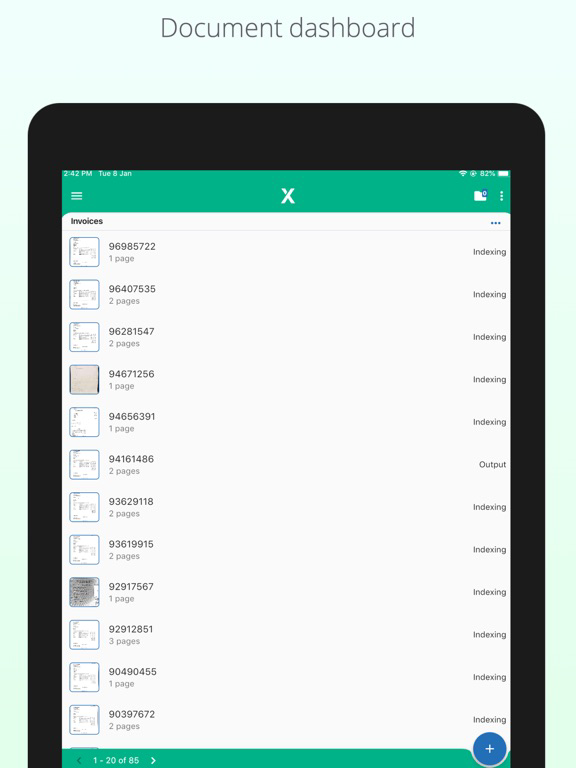
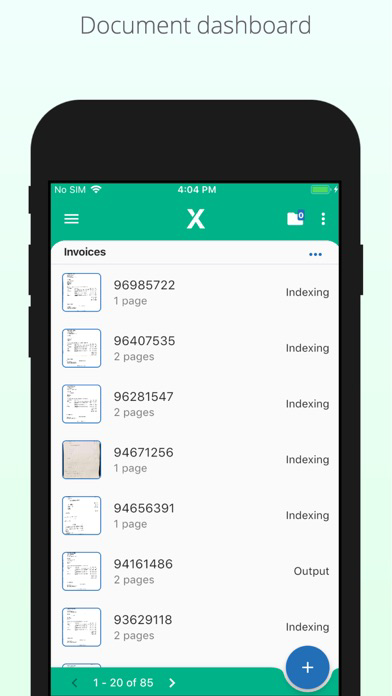
- Viewing a list of all documents that user has uploaded to Xtracta
- Ability to filter those documents based on their status
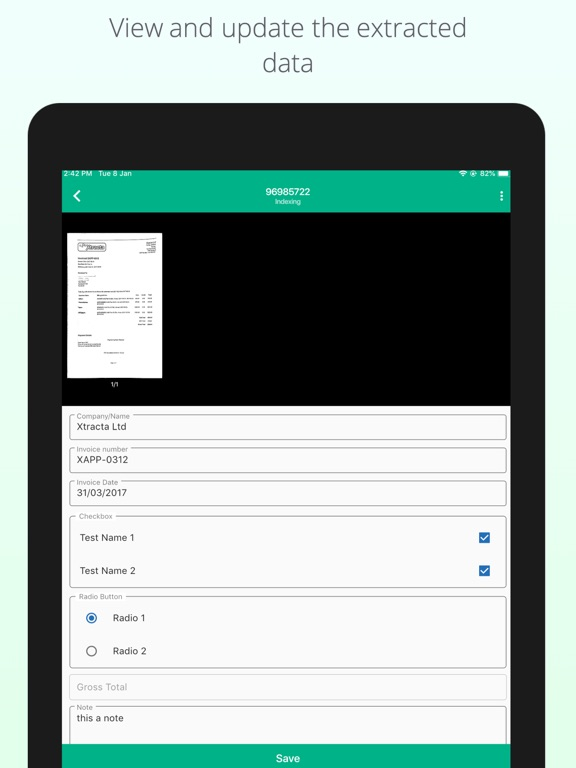
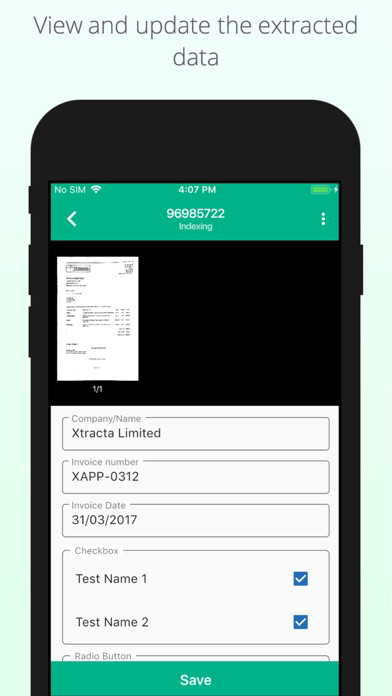
- Ability to edit/update the documents extracted data
- Ability to Output, Reject, Send to Indexing and Send to QA statuses
- Ability to re-assign a document to another workflow
- Ability to delete a document

Any user of Xtracta can make use of this app, however, each user must have a relevant user account within Xtracta assigned to the workflows they wish to submit to. Xtracta partners can provide this access and the required login details.

The app is compatible with all re-branded Xtracta deployments with custom partner branding.

Show More

What's New in the Latest Version 1.5.2

Last updated on Oct 31, 2025
Old Versions
App bar action icons and text color change to white.
Always keep the camera's flash on, if users don't change flash settings when capturing images.
Fix checkboxes not being able to be checked when pressing/tapping.
Show More
Version History
1.5.2
Oct 31, 2025
App bar action icons and text color change to white.
Always keep the camera's flash on, if users don't change flash settings when capturing images.
Fix checkboxes not being able to be checked when pressing/tapping.

Xtracta FAQ

Click here to learn how to download Xtracta in restricted country or region.
Check the following list to see the minimum requirements of Xtracta.
iPhone
iPad

Xtracta Alternative

You May Also Like