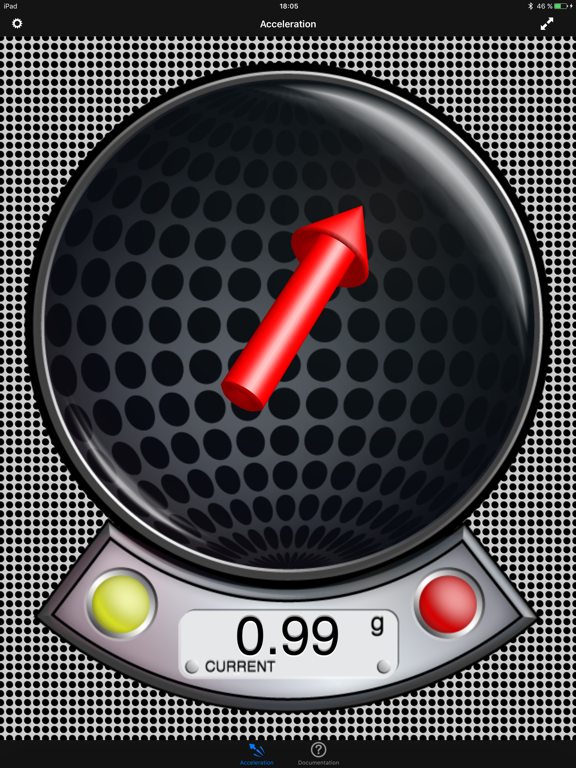
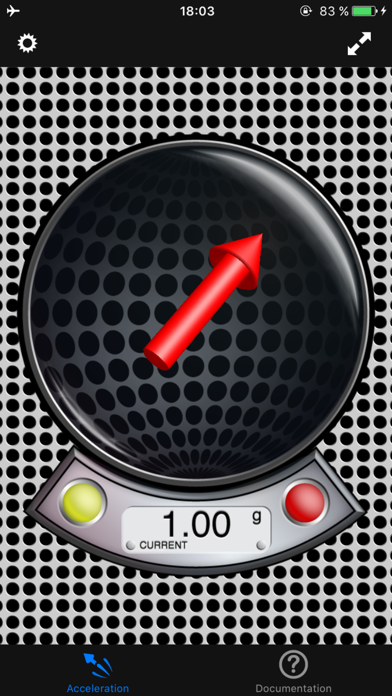
First and only 3D-graphical Vector Accelerometer in App Store: Smoothly visualize and measure the current acceleration. It can be used on earth, on moon or in orbit (where relative would be equal to absolute mode - please prove) to visualize the direction and strength of the gravitation - or simply at home to measure the g-forces you reach while shaking your phone - however be warned if you tend to get to the limits! :-). A fun application is to place the iPhone/iPod steady in your car (or any other moving vehicle), go to relative mode, zero it once when you are standing and then see the current g-forces in effect while you drive (e.g. what g-force does your car get when you accelerate?).
The application has five different display modes for acceleration visualization:
- Absolute Mode: Displays the reverse acceleration of the iPhone (1g up when hold steady).
- X-Rotation - Y-Rotation - Z-Rotation: The arrow will display the rotation around the X-, Y- and Z-Axis of the iPhone. The digital indicator shows the angle numerically (-180° - +180°). A way to calibrate will be added with one of the next updates, so you could use this as a level.
- Relative Mode: This mode shows the relative strength (absolute minus compensation vector) of the acceleration.
For a detailed documentation, please visit our product homepage.
For recreational use only. However it CAN (!) be very accurate. The measurement is performed as good as possible (we try our best) by using the inbuilt accelerometer and magnetometer to their limits. The range of the accelerometer typically has a max of ±3g (~4.2g displayed here if combined). However, tell us your experience!
Check out all our products (free and paid) on www.plaincode.com