ClassLink Remote Login
Grátis
3.3for iPhone, iPad
Age Rating
ClassLink Remote Login Capturas de tela
About ClassLink Remote Login
ClassLink Remote Login is designed for anyone who wants to magically login to ClassLink from their mobile device, either for themselves, or for all the kids in their classroom.
With ClassLink Remote Login, you don’t have to type your username and password into the ClassLink signon screen. It’s easy and has a few benefits. For example, if you are somewhere using a public computer and prefer not to enter your username and password on a computer you don’t know, use ClassLink Remote Login. Also, if you are a teacher in a younger classroom and your students forget their logins, you can use ClassLink Remote Login to sign them in.
PLEASE NOTE… The following is required for this app to work:
Your school or organization must have ClassLink.
To use ClassLink Remote Login:
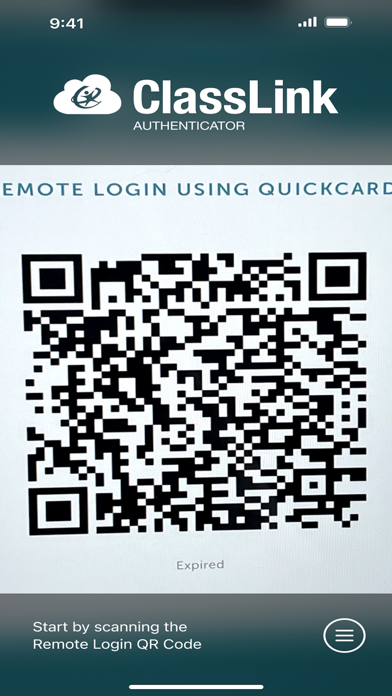
Go to your ClassLink login page and click ‘Remote Login’ near the bottom center. A QR code will appear on the screen identifying that specific computer.
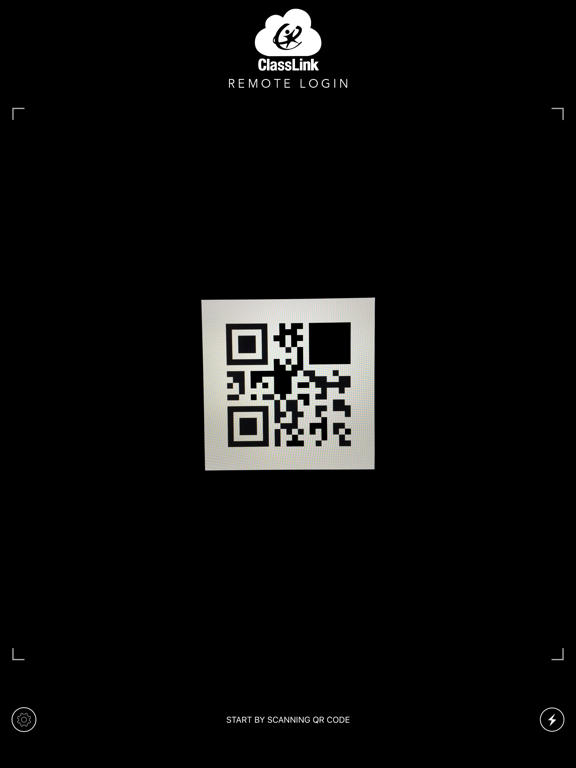
Launch ClassLink Remote Login on your phone and use your camera to take a picture of the QR Code.
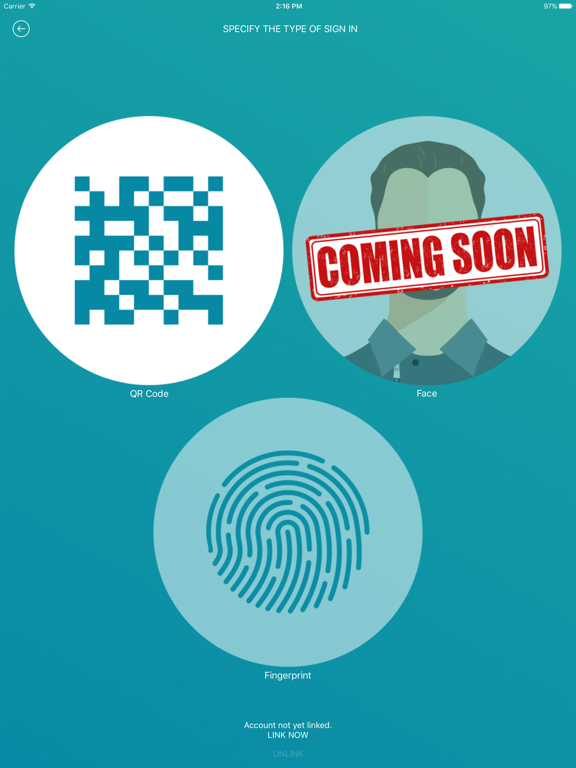
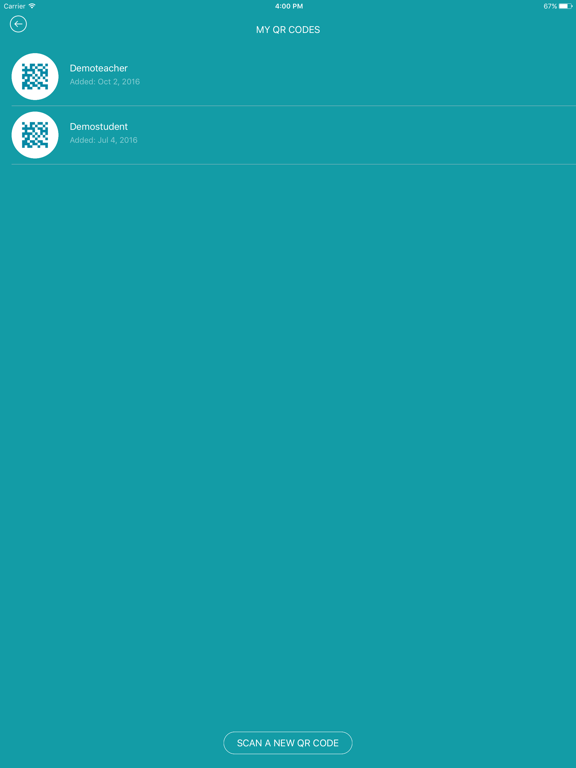
On your phone, select the person you want to sign in, either yourself, or maybe one of the kids in your classroom.
Watch as your computer magically signs you in directly to ClassLink.

With ClassLink Remote Login, you don’t have to type your username and password into the ClassLink signon screen. It’s easy and has a few benefits. For example, if you are somewhere using a public computer and prefer not to enter your username and password on a computer you don’t know, use ClassLink Remote Login. Also, if you are a teacher in a younger classroom and your students forget their logins, you can use ClassLink Remote Login to sign them in.
PLEASE NOTE… The following is required for this app to work:
Your school or organization must have ClassLink.
To use ClassLink Remote Login:
Go to your ClassLink login page and click ‘Remote Login’ near the bottom center. A QR code will appear on the screen identifying that specific computer.
Launch ClassLink Remote Login on your phone and use your camera to take a picture of the QR Code.
On your phone, select the person you want to sign in, either yourself, or maybe one of the kids in your classroom.
Watch as your computer magically signs you in directly to ClassLink.
Show More
Novidades da Última Versão 3.3
Last updated on Jul 24, 2025
Versões Antigas
Bug fixes and optimizations
Show More
Version History
3.3
Jul 24, 2025
Bug fixes and optimizations
ClassLink Remote Login FAQ
Clique aqui para saber como baixar ClassLink Remote Login em um país ou região restrita.
Confira a lista a seguir para ver os requisitos mínimos de ClassLink Remote Login.
iPhone
iPad