ClassLink Remote Login
免費
3.3for iPhone, iPad
Age Rating
ClassLink Remote Login 螢幕截圖
About ClassLink Remote Login
ClassLink Remote Login is designed for anyone who wants to magically login to ClassLink from their mobile device, either for themselves, or for all the kids in their classroom.
With ClassLink Remote Login, you don’t have to type your username and password into the ClassLink signon screen. It’s easy and has a few benefits. For example, if you are somewhere using a public computer and prefer not to enter your username and password on a computer you don’t know, use ClassLink Remote Login. Also, if you are a teacher in a younger classroom and your students forget their logins, you can use ClassLink Remote Login to sign them in.
PLEASE NOTE… The following is required for this app to work:
Your school or organization must have ClassLink.
To use ClassLink Remote Login:
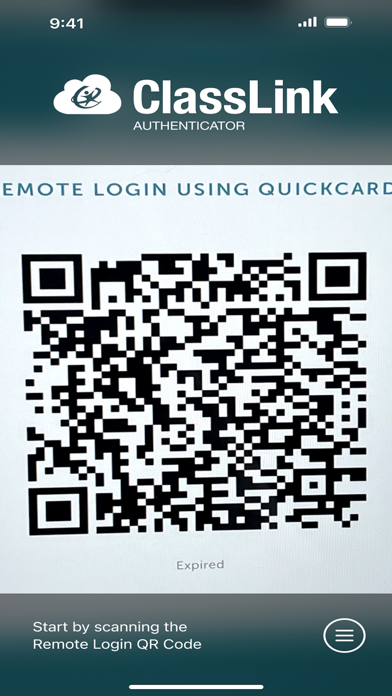
Go to your ClassLink login page and click ‘Remote Login’ near the bottom center. A QR code will appear on the screen identifying that specific computer.
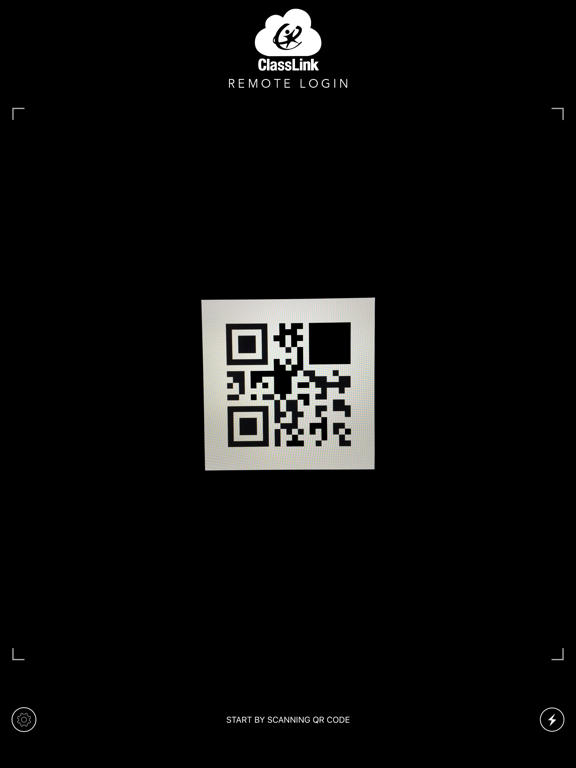
Launch ClassLink Remote Login on your phone and use your camera to take a picture of the QR Code.
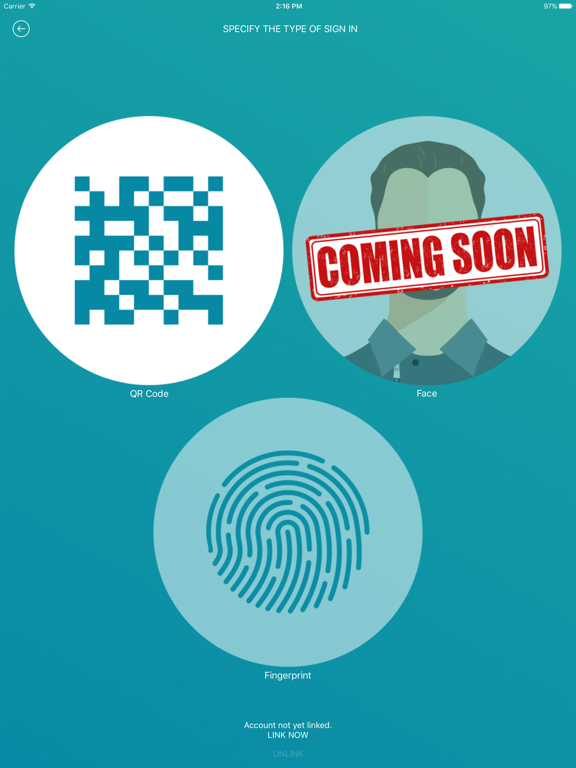
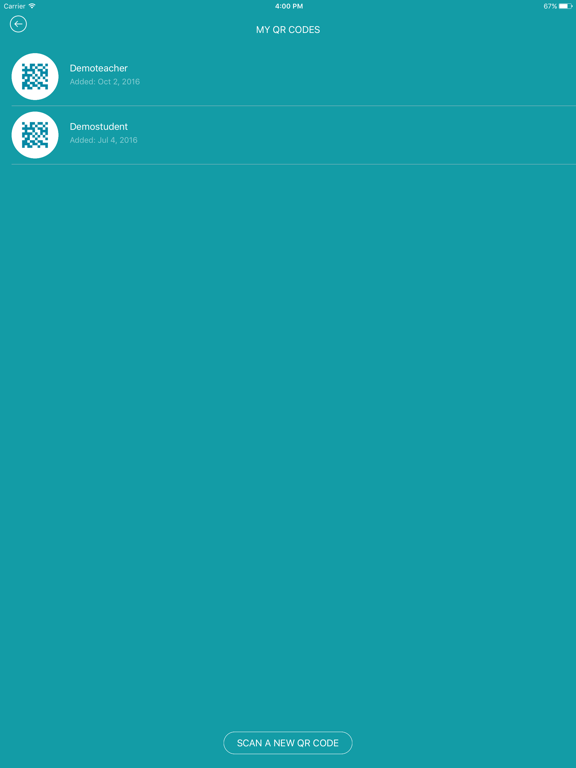
On your phone, select the person you want to sign in, either yourself, or maybe one of the kids in your classroom.
Watch as your computer magically signs you in directly to ClassLink.

With ClassLink Remote Login, you don’t have to type your username and password into the ClassLink signon screen. It’s easy and has a few benefits. For example, if you are somewhere using a public computer and prefer not to enter your username and password on a computer you don’t know, use ClassLink Remote Login. Also, if you are a teacher in a younger classroom and your students forget their logins, you can use ClassLink Remote Login to sign them in.
PLEASE NOTE… The following is required for this app to work:
Your school or organization must have ClassLink.
To use ClassLink Remote Login:
Go to your ClassLink login page and click ‘Remote Login’ near the bottom center. A QR code will appear on the screen identifying that specific computer.
Launch ClassLink Remote Login on your phone and use your camera to take a picture of the QR Code.
On your phone, select the person you want to sign in, either yourself, or maybe one of the kids in your classroom.
Watch as your computer magically signs you in directly to ClassLink.
Show More
最新版本3.3更新日誌
Last updated on 2025年07月24日
歷史版本
Bug fixes and optimizations
Show More
Version History
3.3
2025年07月24日
Bug fixes and optimizations
ClassLink Remote Login FAQ
點擊此處瞭解如何在受限國家或地區下載ClassLink Remote Login。
以下為ClassLink Remote Login的最低配置要求。
iPhone
iPad