ClassLink Remote Login

ClassLink Remote Login


무료

3.3for iPhone, iPad
Age Rating
4+
Apps in this category do not contain restricted content.
9+
Apps in this category may contain mild or occasional cartoon, fantasy or real-life violence, as well as occasional or mild adult, sexually suggestive or horrifying content and may not be suitable for children under 9 years of age.
12+
Apps in this category may contain occasional mild indecent language, frequent or intense cartoon or real-life violence, minor or occasional adult or sexually suggestive material, and simulated gambling, and may be for children under 12 years of age.
17+
You must be at least 17 years old to access this App.
Apps in this category may contain frequent and intense offensive language; Frequent and intense cartoon, fantasy or realistic violence: frequent and intense adult, scary and sexually suggestive subjects: as well as sexual content, nudity, tobacco, alcohol and drugs, may not be suitable for children under 17 years of age.
ClassLink Remote Login 스크린 샷
ClassLink Remote Login 포스터ClassLink Remote Login 포스터ClassLink Remote Login 포스터ClassLink Remote Login 포스터ClassLink Remote Login 포스터
ClassLink Remote Login 포스터

About ClassLink Remote Login

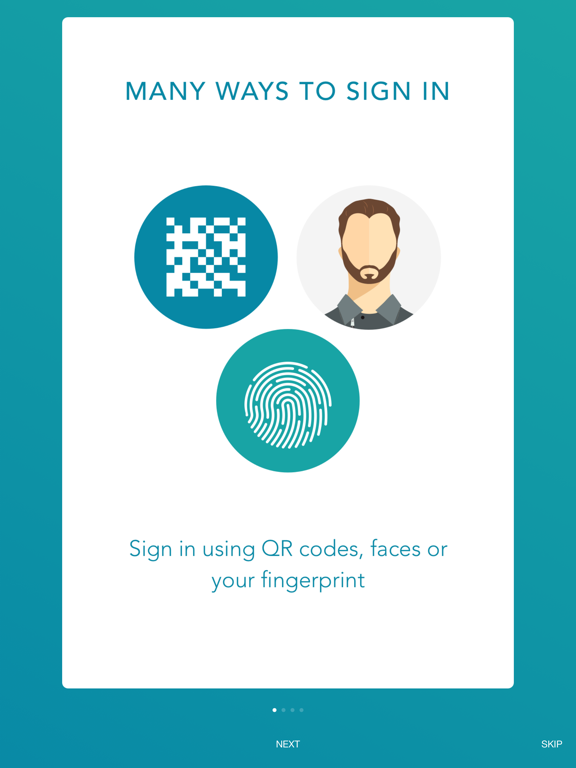
ClassLink Remote Login is designed for anyone who wants to magically login to ClassLink from their mobile device, either for themselves, or for all the kids in their classroom.

With ClassLink Remote Login, you don’t have to type your username and password into the ClassLink signon screen. It’s easy and has a few benefits. For example, if you are somewhere using a public computer and prefer not to enter your username and password on a computer you don’t know, use ClassLink Remote Login. Also, if you are a teacher in a younger classroom and your students forget their logins, you can use ClassLink Remote Login to sign them in.

PLEASE NOTE… The following is required for this app to work:
Your school or organization must have ClassLink.

To use ClassLink Remote Login:
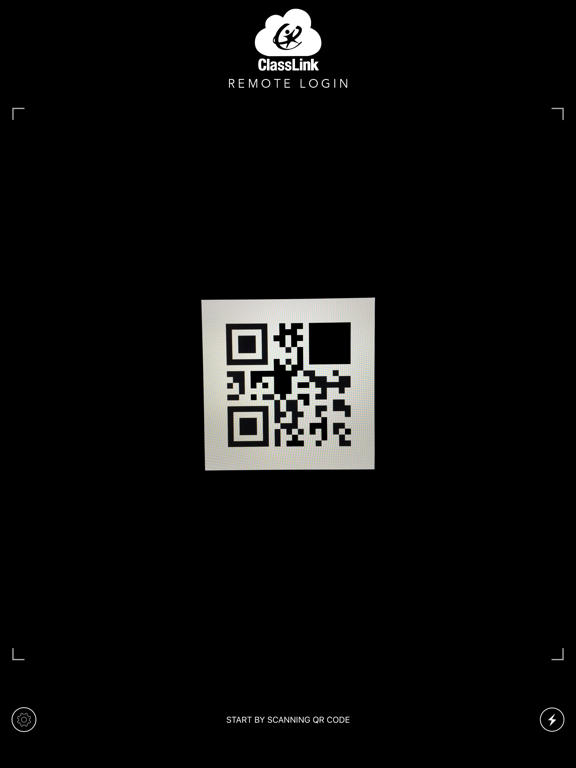
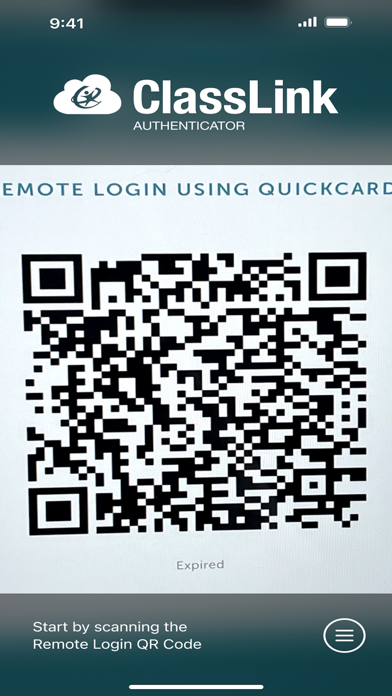
Go to your ClassLink login page and click ‘Remote Login’ near the bottom center. A QR code will appear on the screen identifying that specific computer.
Launch ClassLink Remote Login on your phone and use your camera to take a picture of the QR Code.
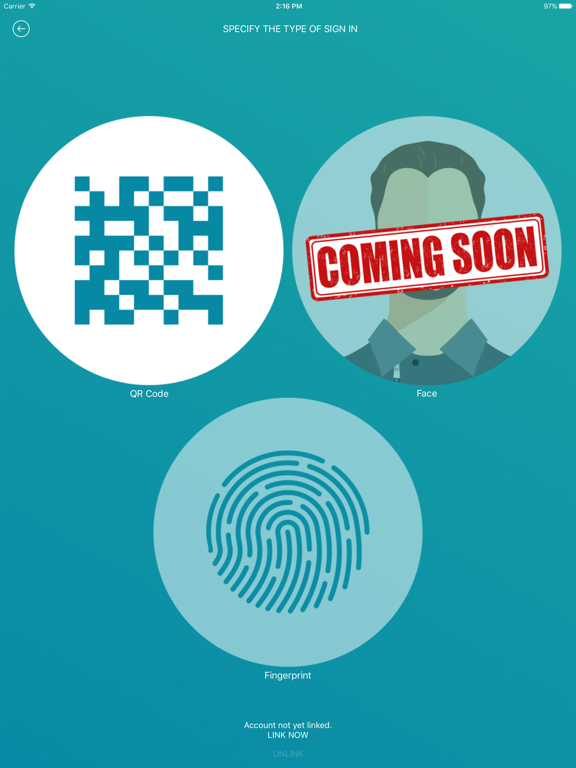
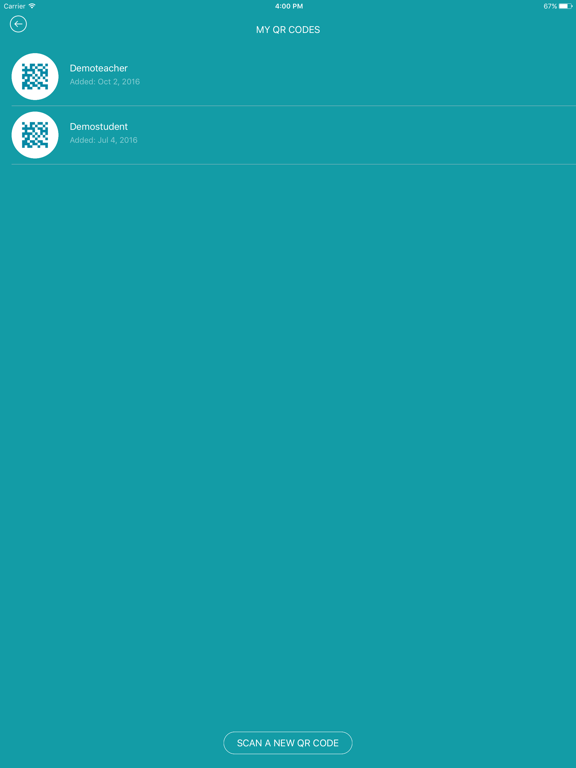
On your phone, select the person you want to sign in, either yourself, or maybe one of the kids in your classroom.
Watch as your computer magically signs you in directly to ClassLink.

Show More

최신 버전 3.3의 새로운 기능

Last updated on Jul 24, 2025
오래된 버전
Bug fixes and optimizations
Show More
Version History
3.3
Jul 24, 2025
Bug fixes and optimizations

ClassLink Remote Login FAQ

제한된 국가 또는 지역에서 ClassLink Remote Login를 다운로드하는 방법을 알아보려면 여기를 클릭하십시오.
ClassLink Remote Login의 최소 요구 사항을 보려면 다음 목록을 확인하십시오.
iPhone
iPad

ClassLink Remote Login 대안

당신은 또한 좋아할 수도 있습니다

ClassLink, Inc에서 더 많은 것을 얻기