NetDocuments
Grátis
2.8for iPhone, iPad
Age Rating
NetDocuments Capturas de tela
About NetDocuments
NetDocuments is a cloud content management service for businesses of all sizes to securely create, store, manage and share their document work anywhere, anytime. If you are a NetDocuments customer, simply install this iPad or iPhone app for free, and you will have access to all your documents while you are on the go.
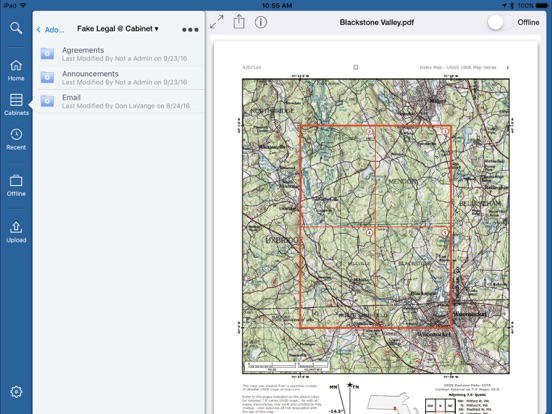
NetDocuments was designed for mobility. The NetDocuments app takes advantage of the local operating system and storage capabilities of the iPad or iPhone. With this app you can:
• Bring your documents with you when you are on the go.
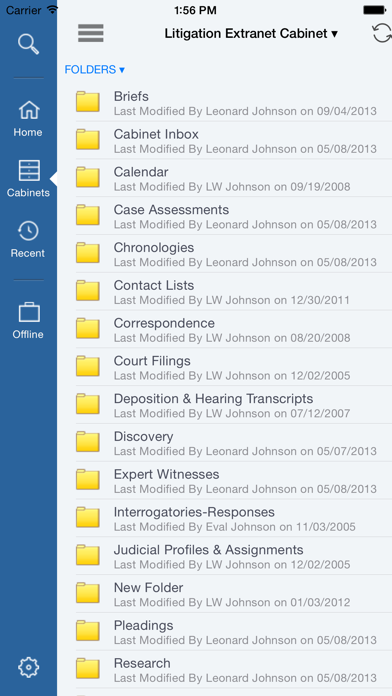
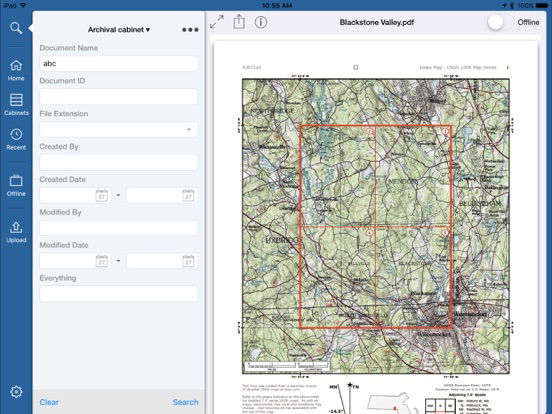
• Find any documents using full-text search or by navigating through folders, filters and workspaces.
• Email copies of documents or documentlinks to others.
• Create subfolders.
• Upload photos from your photo library.
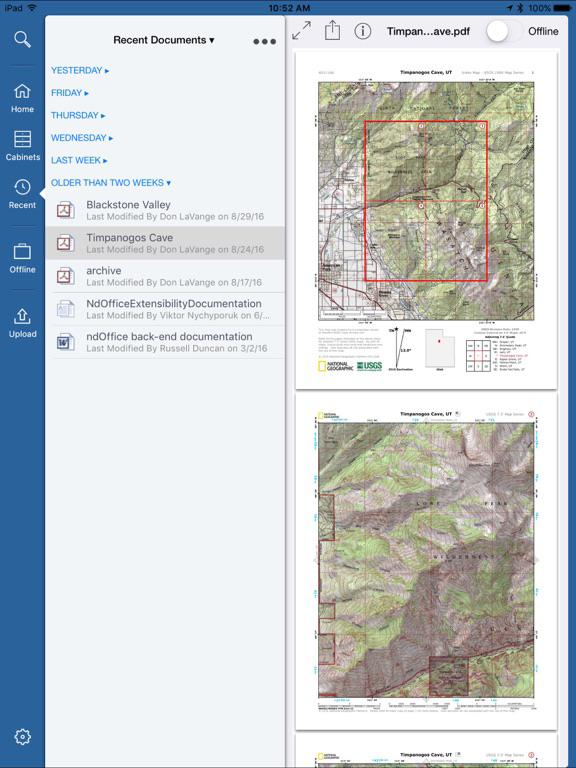
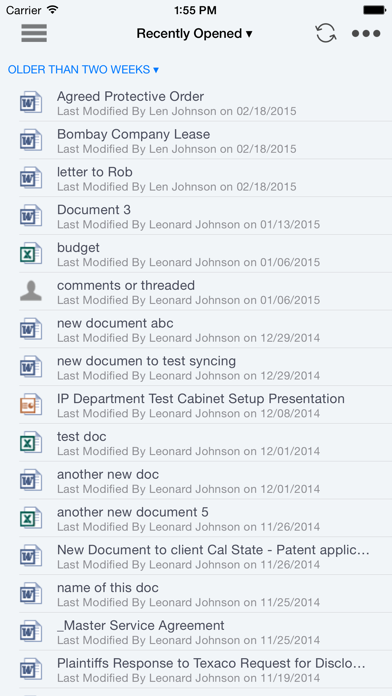
• View your personal home page or 40 most recently opened, edited or added documents.
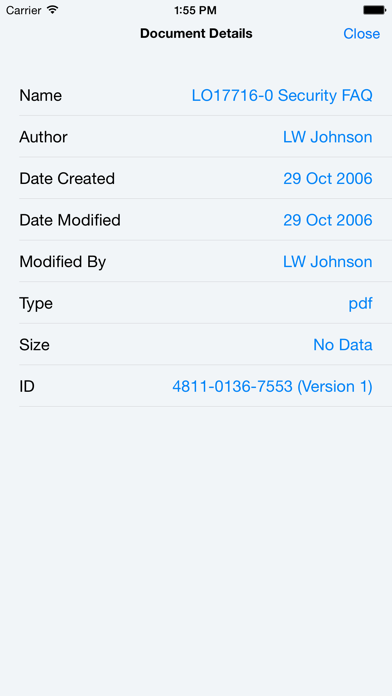
• View document profiles.
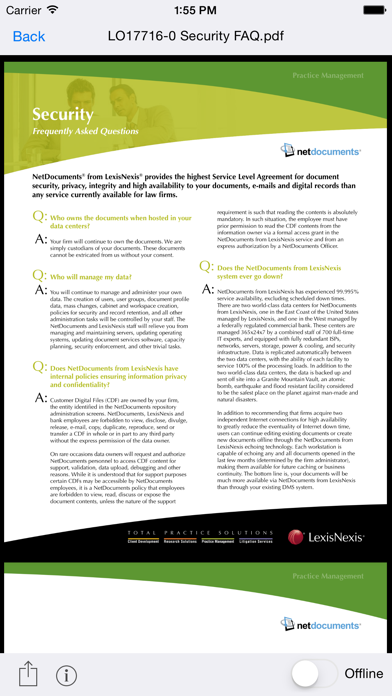
• Download documents for offline access when not connected and for quick access.
• Create a passcode for further security and protection, or use Touch ID.
• Access your contacts list for emailing document links or attachments.
• Upload documents to third-party editing apps.
• • Print documents using a Wifi printer or Breezy printing services.
• Use your organization’s login services such as ADFS, OKTA, OneLogin and other supported federated identity providers.
• Edit documents directly with Office365 apps, with appropriate licenses.
The NetDocuments app integrates out-of-the-box with any "WebDAV" or "Open in" compliant apps such as Documents To Go, Pages, GoodReader, etc.
ShareSpaces cannot be accessed from this app.
NetDocuments is fully integrated with Salesforce.com and is the leading cloud content management service for law firms and financial advisors. The company has been in business since 1998 with a feature-rich, enterprise-level content management service with business continuity built-in. All documents are encrypted in transmission and at rest. Documents are stored in highly secured, world-class data centers with full redundancy, backup and protection.

NetDocuments was designed for mobility. The NetDocuments app takes advantage of the local operating system and storage capabilities of the iPad or iPhone. With this app you can:
• Bring your documents with you when you are on the go.
• Find any documents using full-text search or by navigating through folders, filters and workspaces.
• Email copies of documents or documentlinks to others.
• Create subfolders.
• Upload photos from your photo library.
• View your personal home page or 40 most recently opened, edited or added documents.
• View document profiles.
• Download documents for offline access when not connected and for quick access.
• Create a passcode for further security and protection, or use Touch ID.
• Access your contacts list for emailing document links or attachments.
• Upload documents to third-party editing apps.
• • Print documents using a Wifi printer or Breezy printing services.
• Use your organization’s login services such as ADFS, OKTA, OneLogin and other supported federated identity providers.
• Edit documents directly with Office365 apps, with appropriate licenses.
The NetDocuments app integrates out-of-the-box with any "WebDAV" or "Open in" compliant apps such as Documents To Go, Pages, GoodReader, etc.
ShareSpaces cannot be accessed from this app.
NetDocuments is fully integrated with Salesforce.com and is the leading cloud content management service for law firms and financial advisors. The company has been in business since 1998 with a feature-rich, enterprise-level content management service with business continuity built-in. All documents are encrypted in transmission and at rest. Documents are stored in highly secured, world-class data centers with full redundancy, backup and protection.
Show More
Novidades da Última Versão 2.8
Last updated on Dec 1, 2022
Versões Antigas
This version contains many user interface bug fixes, a few back end updates and other enhancements behind the scenes. Functionality remains largely the same.
Show More
Version History
2.8
Dec 1, 2022
This version contains many user interface bug fixes, a few back end updates and other enhancements behind the scenes. Functionality remains largely the same.
NetDocuments FAQ
Clique aqui para saber como baixar NetDocuments em um país ou região restrita.
Confira a lista a seguir para ver os requisitos mínimos de NetDocuments.
iPhone
iPad