Scan QR Code - QuickMark Barcode Reader

Scan QR Code - QuickMark Barcode Reader


Gratis

4.8.5for iPhone, iPad
Age Rating
4+
Apps in this category do not contain restricted content.
9+
Apps in this category may contain mild or occasional cartoon, fantasy or real-life violence, as well as occasional or mild adult, sexually suggestive or horrifying content and may not be suitable for children under 9 years of age.
12+
Apps in this category may contain occasional mild indecent language, frequent or intense cartoon or real-life violence, minor or occasional adult or sexually suggestive material, and simulated gambling, and may be for children under 12 years of age.
17+
You must be at least 17 years old to access this App.
Apps in this category may contain frequent and intense offensive language; Frequent and intense cartoon, fantasy or realistic violence: frequent and intense adult, scary and sexually suggestive subjects: as well as sexual content, nudity, tobacco, alcohol and drugs, may not be suitable for children under 17 years of age.
Scan QR Code - QuickMark Barcode Reader Screenshots
Scan QR Code - QuickMark Barcode Reader PlakatScan QR Code - QuickMark Barcode Reader PlakatScan QR Code - QuickMark Barcode Reader PlakatScan QR Code - QuickMark Barcode Reader Plakat

About Scan QR Code - QuickMark Barcode Reader

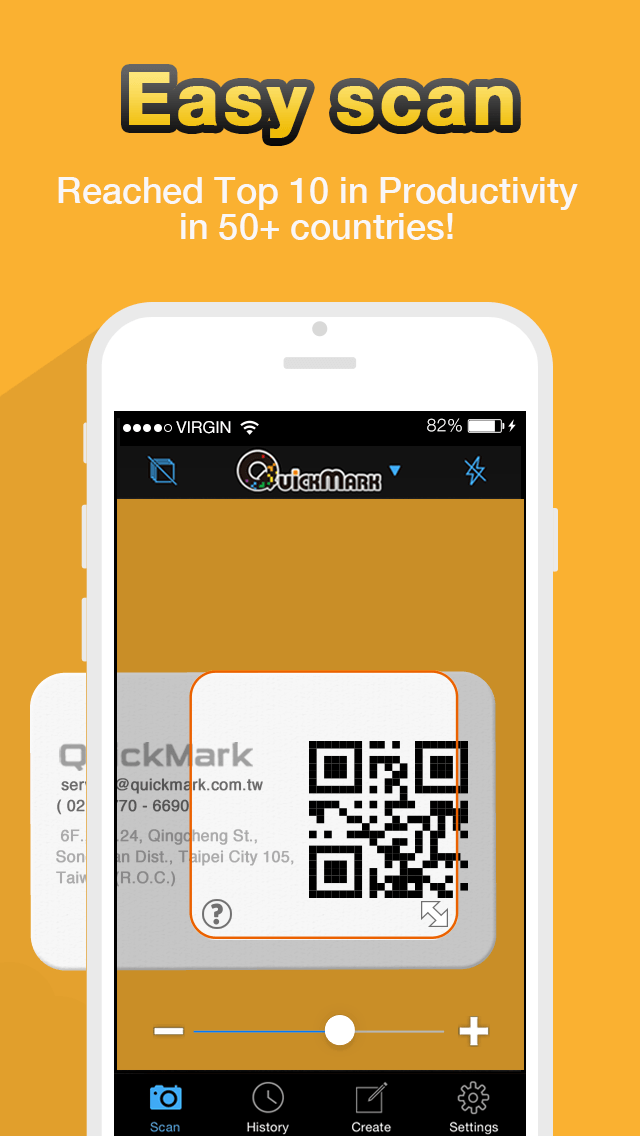
The most powerful yet simple to use QR Code reader and generator.

* QuickMark is Google's recommended barcode reader and selected partner for Google's Favorite Places campaign! http://Qck.mk/N9fLa

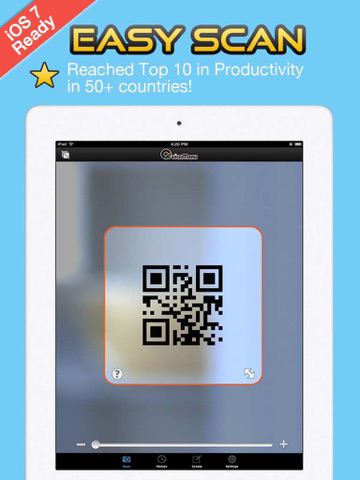
Simply launch QuickMark, locate the barcode within the camera viewfinder to read its contents.

Supported barcode formats:
- 2D barcodes: QR Code, Data Matrix, Quick Code.
- 1D barcodes: EAN8/13 (Products, Books), Code 39 (Bills), Code 128 (Packages).

Things you can do by reading a QR Code:
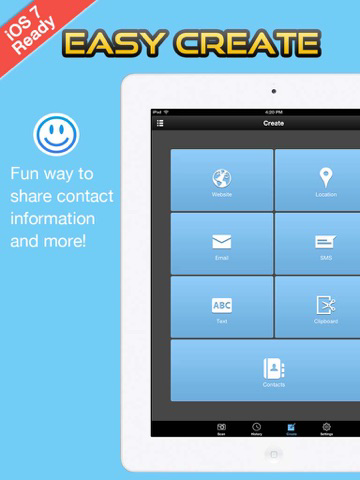
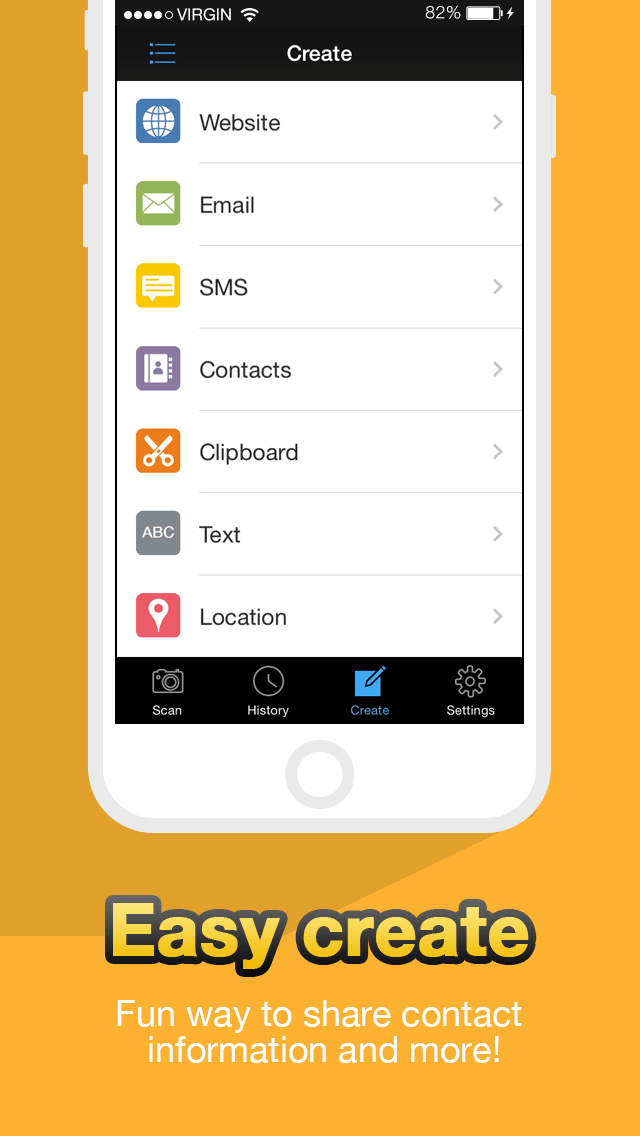
- Access a web link
- Make a phone call
- Send an email
- Add a phone contact
- Navigate Google Maps to a specific POI
- Add event to Calendar
- Supports Structured Append barcodes

Other notable features:
* Decode barcode images from Photo Album
* Send scanned results to connected MAC on same LAN via Wi-Fi
* Preview web links and maps
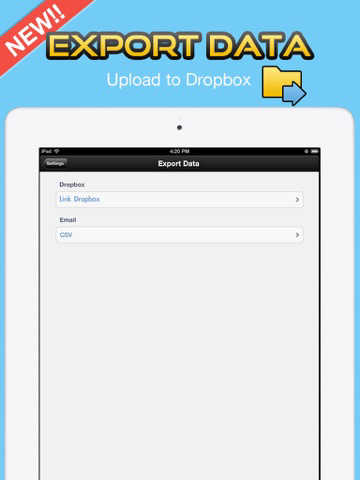
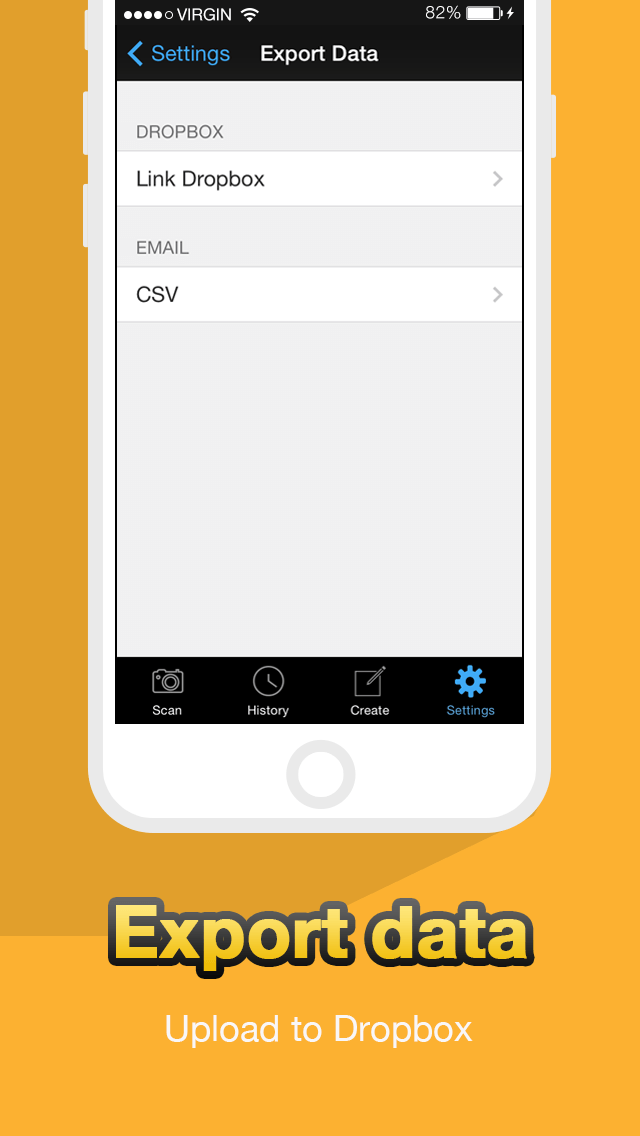
* Export scan history (.csv) to Dropbox
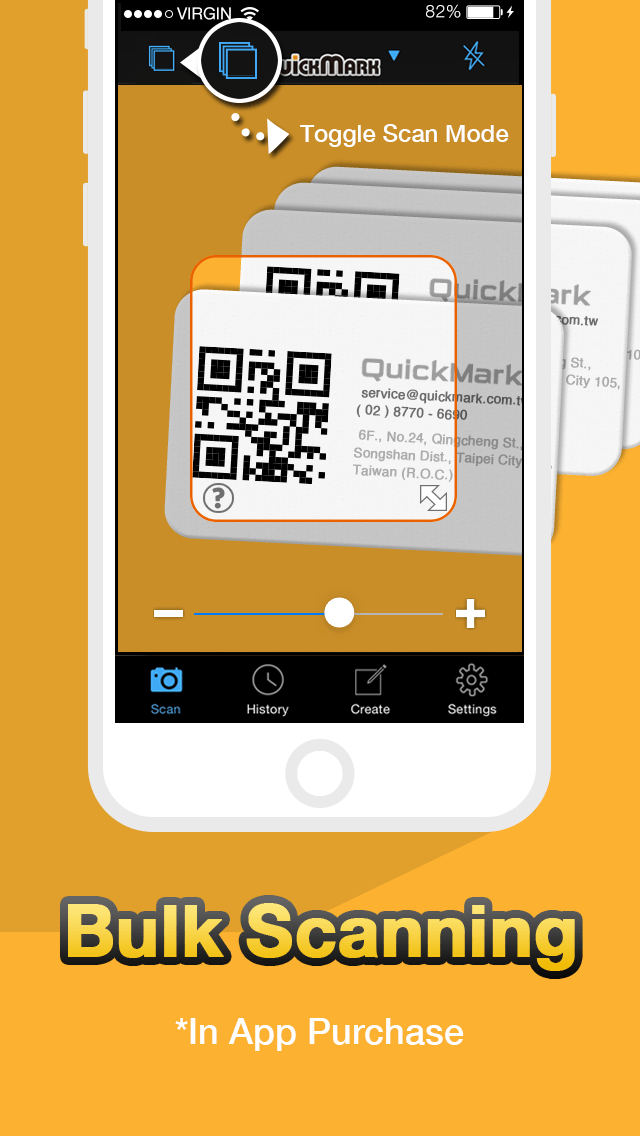
* Continuous (bulk) scanning (In-App Purchase)


QR Code is registered trademark of DENSO WAVE INCORPORATED

Show More

Was ist neu in der neuesten Version 4.8.5

Last updated on Mar 19, 2016
Alte Versionen
Dieses Update von Apple wird die Funktionalität der App verbessern. Es enthält keine neuen Features.

- Fix problem when restoring In-App Purchase
- Continuous Scan will ignore a barcode if its data is duplicate of last scanned barcode
- Restore option to open URL in Chrome
- Auto-Open URL will now work with Custom URL Settings
Show More
Version History
4.8.5
Mar 19, 2016
Dieses Update von Apple wird die Funktionalität der App verbessern. Es enthält keine neuen Features.

- Fix problem when restoring In-App Purchase
- Continuous Scan will ignore a barcode if its data is duplicate of last scanned barcode
- Restore option to open URL in Chrome
- Auto-Open URL will now work with Custom URL Settings

Scan QR Code - QuickMark Barcode Reader FAQ

Klicken Sie hier, um zu erfahren, wie Sie Scan QR Code - QuickMark Barcode Reader in eingeschränkten Ländern oder Regionen herunterladen können.
Überprüfen Sie die folgende Liste, um die Mindestanforderungen von Scan QR Code - QuickMark Barcode Reader zu sehen.
iPhone
iPad

Scan QR Code - QuickMark Barcode Reader Alternative

Das könnte Ihnen auch gefallen

Erhalte mehr von AngleTech Inc.