Scriptable is an automation tool that enables you to write scripts that integrates with native features of iOS such as files, calendars, reminders, documents and much more.
An extensive support for widgets enables you to write your own widgets using JavaScript and run the scripts on your Home Screen. Your widgets can show any data and be customised to look just the way you want.
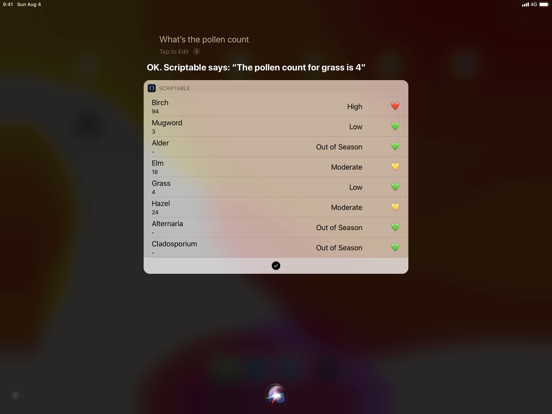
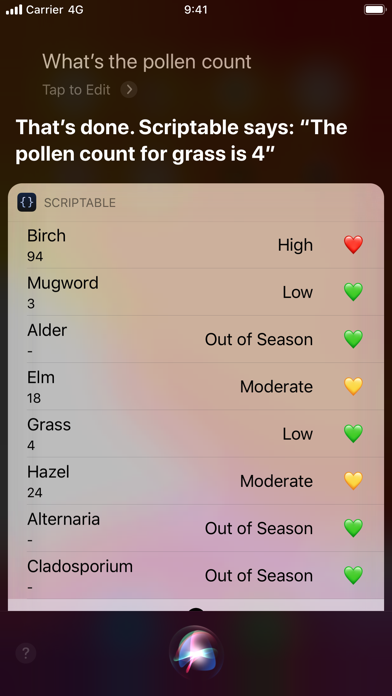
With Siri Shortcuts you can present images, tables and more in Siri as well as making Siri read out loud a text when you run a script from a Siri Shortcut.
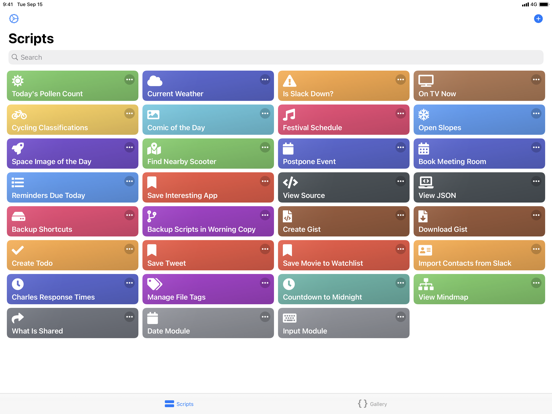
There's a growing gallery of scripts to get you started with Scriptable.
Here’s a few examples of scripts you can create:
- Ask Siri whether a web service is down.
- Create a widget that shows data from your weather station.
- Postpone the next event in your calendar half an hour.
- Check what is currently on TV.
- Manage a list of movies you would like to watch.
- Upload files to an image optimizer and store a URL to the optimized image.
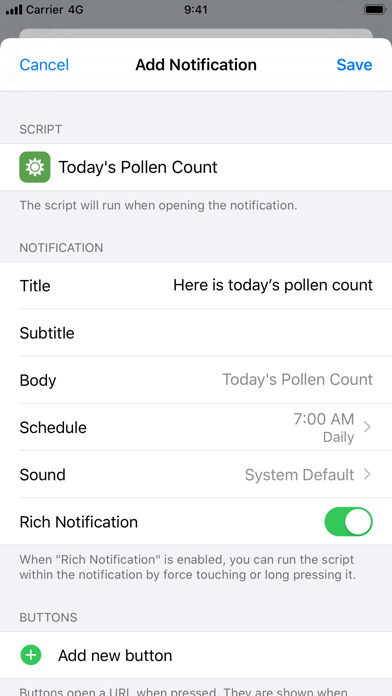
- Receive a notification with the weather report every morning.
- Create todos with prefilled data in your favorite todo app using URL schemes.
Features include:
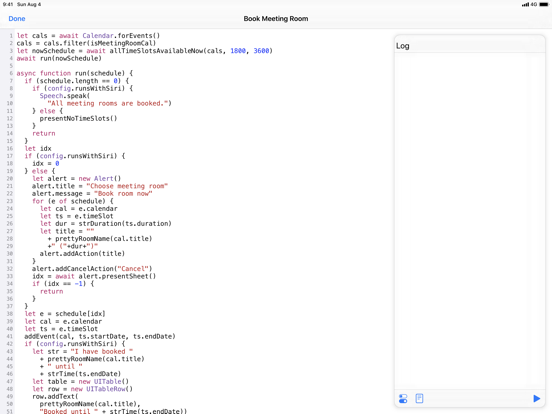
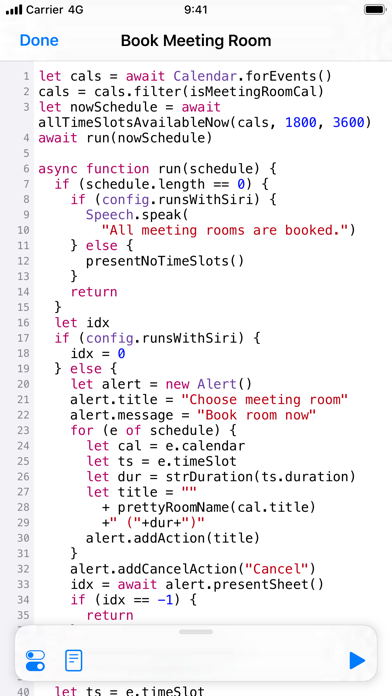
- Write and run JavaScript.
- Auto complete of variable names, functions, keywords and properties as you type.
- Access lots of native iOS features from your JavaScript code, including managing files, calendars, reminders, contacts, photos, location, pasteboard, web views and more.
- Create your own widgets. Your scripts run on the Home Screen without needing to open the app.
- Siri Shortcuts enabling you to present images, tables, websites, HTML and more in Siri as well as making Siri read out loud a text.
- Support for input and output parameters in Siri Shortcuts.
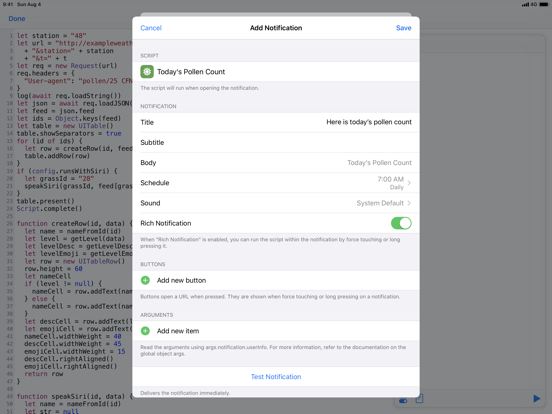
- Easily schedule rich notifications to run your scripts periodically.
- Work with files and directories from third party apps using File Bookmarks.
- Synchronise scripts to all of your devices using iCloud Drive.
- Scripts are stored as plain JavaScript files and can be browsed using the Files app.
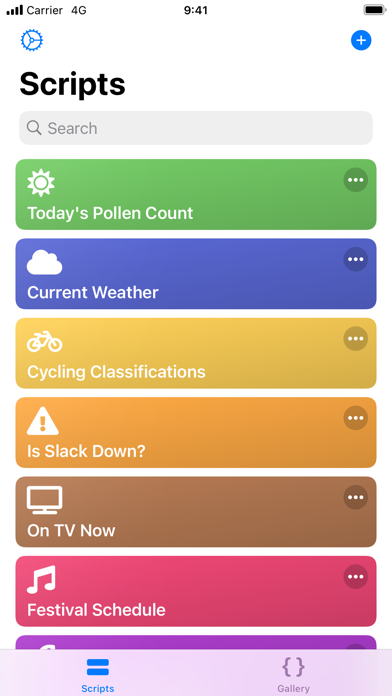
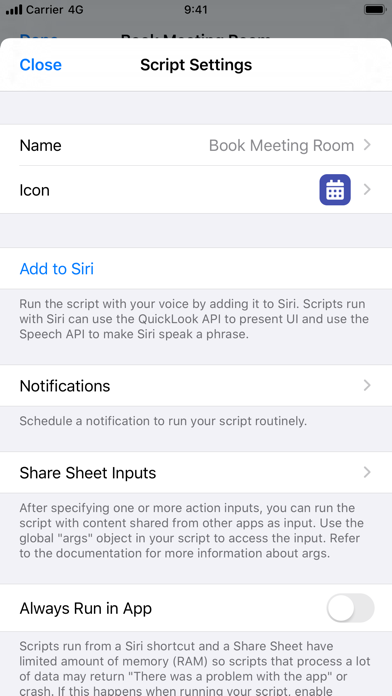
- Assign one of over 800 glyphs and a color to a script to easily identify it in your directory of scripts.
- Run scripts directly on your Lock Screen and Home Screen using widgets.
- Run a script by 3D touching the app icon.
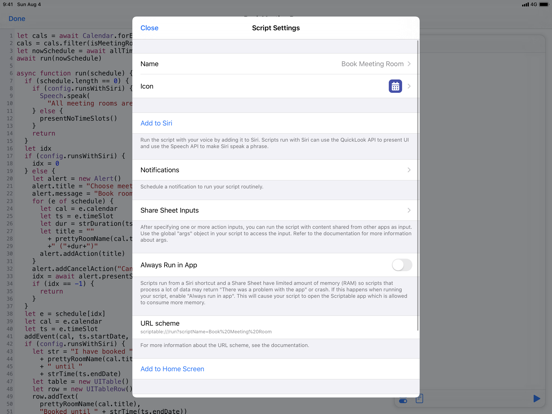
- Run a script from a share sheet and process the inputs.
- Schedule notifications and run a script directly from a notification.
- URL schemes enabling you to run scripts from other apps.
- Support for x-callback-url enabling advanced integration with other apps that support x-callback-url.
- Export and share scripts.
- Example scripts helping you get started creating your own scripts.
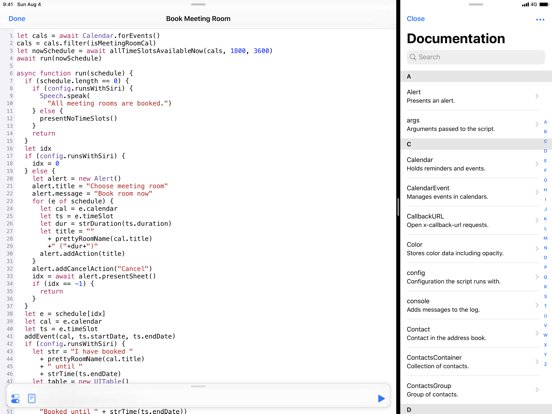
- Extensive documentation for all the native APIs you can use in your scripts. Available offline in the app and online on docs.scriptable.app.
- View the documentation in a separate window on iPad.
- Support for dark mode.
- Customise the editor to your liking.