Data Jar
Gratis
1.1.4for iPhone, iPad
Age Rating
Data Jar Screenshots
About Data Jar
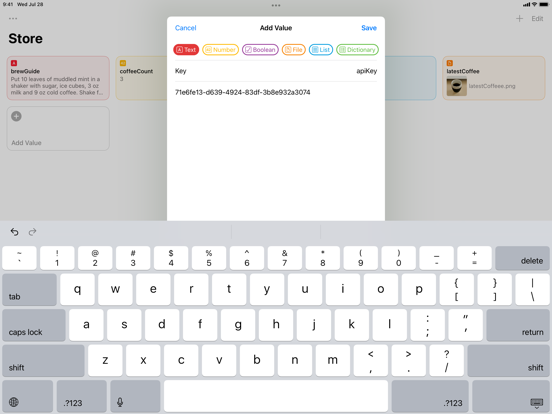
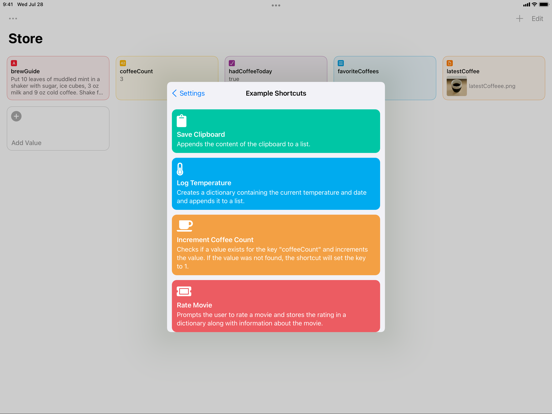
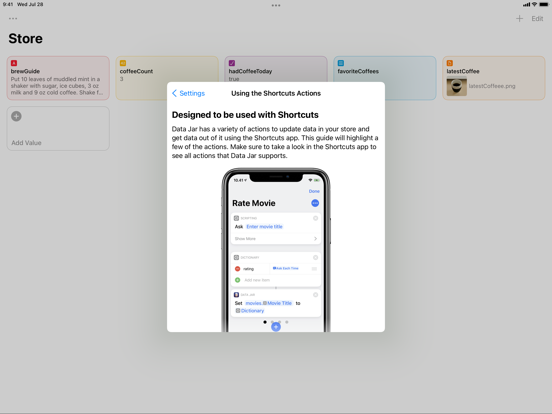
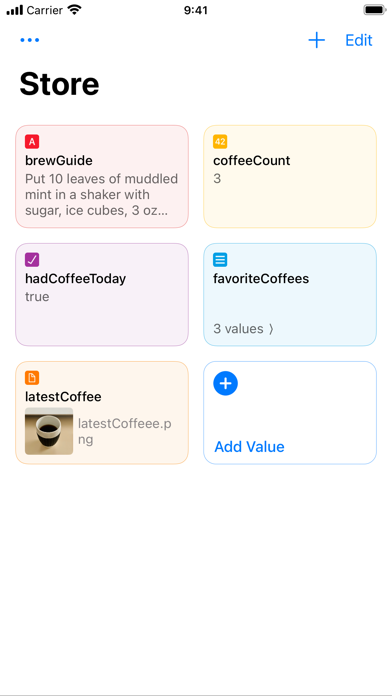
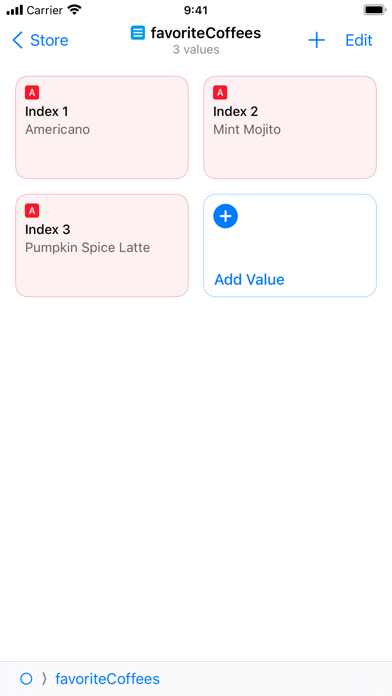
Data Jar is a data store designed to be used with Shortcuts. The data store lets you persist key-value pairs.
If you have used dictionaries and lists in Shortcuts, then you’ll find that the data format used by Data Jar is very similar.
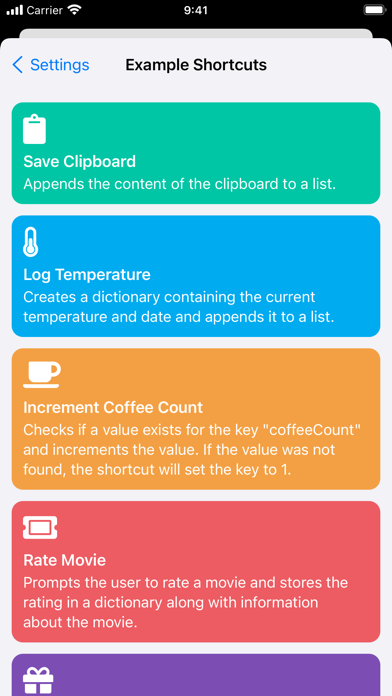
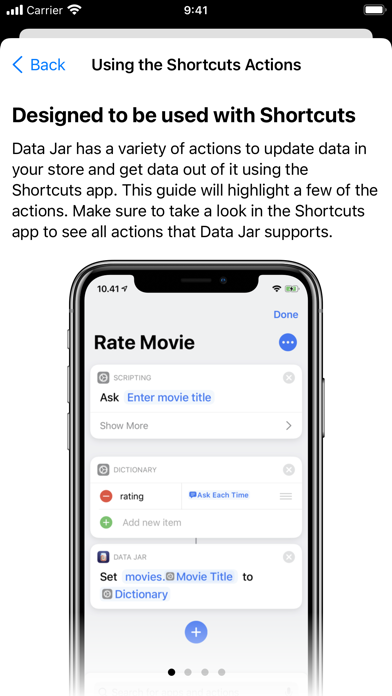
- Extensive support for Shortcuts, enabling you to read and update data directly from Shortcuts.
- Store text, numbers, booleans, lists, dictionaries and even files.
- Files are stored in iCloud Drive and can be accessed from the Files app.
- Support for multiple windows and drag and drop on the iPad.
- Synchronisation between devices using iCloud.
Data Jar is free to use but contains a tip jar where users can pay a few bucks to support the developer.

If you have used dictionaries and lists in Shortcuts, then you’ll find that the data format used by Data Jar is very similar.
- Extensive support for Shortcuts, enabling you to read and update data directly from Shortcuts.
- Store text, numbers, booleans, lists, dictionaries and even files.
- Files are stored in iCloud Drive and can be accessed from the Files app.
- Support for multiple windows and drag and drop on the iPad.
- Synchronisation between devices using iCloud.
Data Jar is free to use but contains a tip jar where users can pay a few bucks to support the developer.
Show More
Was ist neu in der neuesten Version 1.1.4
Last updated on Jan 11, 2022
Alte Versionen
- Improves the stability of Shortcuts actions.
- Disables auto-capitalization and auto-correction when entering a text value.
- Navigation wouldn’t work after long pressing a dictionary or array to preview and then committing the preview.
- Disables auto-capitalization and auto-correction when entering a text value.
- Navigation wouldn’t work after long pressing a dictionary or array to preview and then committing the preview.
Show More
Version History
1.1.4
Jan 11, 2022
- Improves the stability of Shortcuts actions.
- Disables auto-capitalization and auto-correction when entering a text value.
- Navigation wouldn’t work after long pressing a dictionary or array to preview and then committing the preview.
- Disables auto-capitalization and auto-correction when entering a text value.
- Navigation wouldn’t work after long pressing a dictionary or array to preview and then committing the preview.
Data Jar FAQ
Klicken Sie hier, um zu erfahren, wie Sie Data Jar in eingeschränkten Ländern oder Regionen herunterladen können.
Überprüfen Sie die folgende Liste, um die Mindestanforderungen von Data Jar zu sehen.
iPhone
iPad