Cloudstore
Preservation and Sharing
無料
1.0for iPhone, iPad and more
Age Rating
Cloudstore スクリーンショット
About Cloudstore
Preservation and sharing of Aboriginal heritage.
The Cloudstore App is free to access and use by anyone. Please contact Cloudstore administrator or email cloudstoreapp@outlook.com to obtain the account to log in and use the App. Anyone around the world who is interested to help preservation and sharing of Aboriginal heritage can contact Cloudstore administrator for approval to access.
Please be aware that all material uploaded to Cloudstore will be accessible to system administrator. Please do not upload any material of a sensitive or offensive nature. Material will not be shown to the public until it is reviewed and approved by Cloudstore administrator. You can also choose not to show your files to the public. If you have concern about any material on the App please contact Cloudstore administrator. To start using the App please enable your internet or wireless setting, and log in with the user name and password provided.
Features
Upload
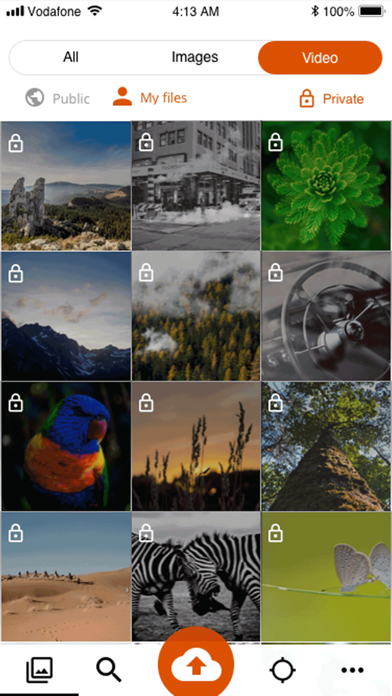
Select images, videos from your phone or mobile device to upload for sharing or archiving. Specify if you want to make them open to the public or only viewable by you. Enter information about the files when uploading.
Browse
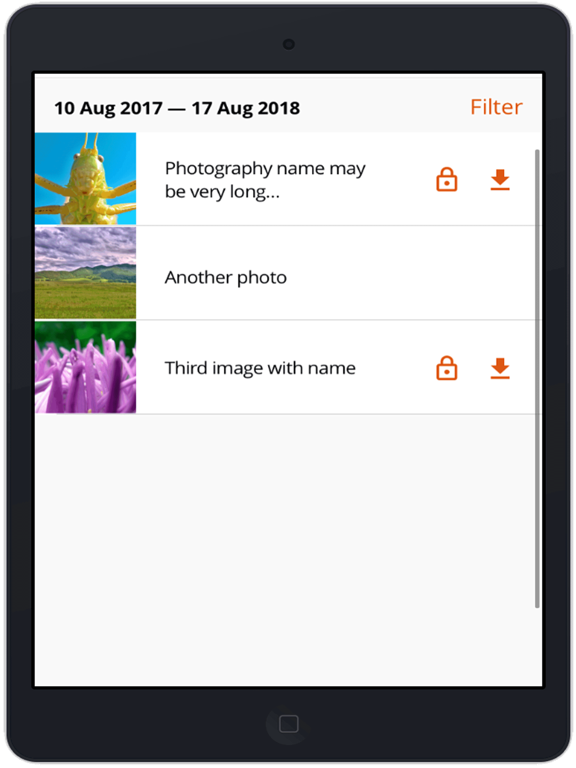
View files uploaded by you or others. Enter information about your own files. Download files to your phone or mobile device for viewing later.
Search
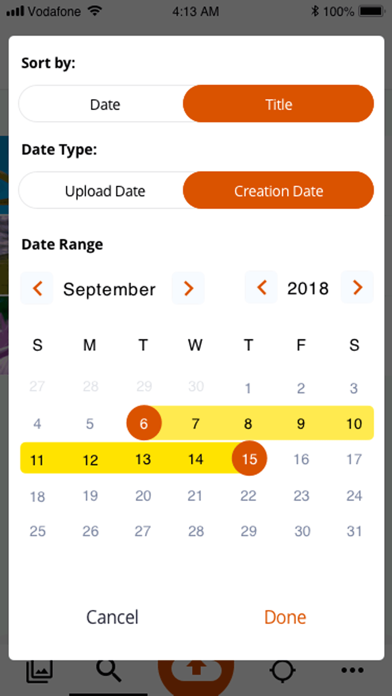
Search files by date, keywords or user.
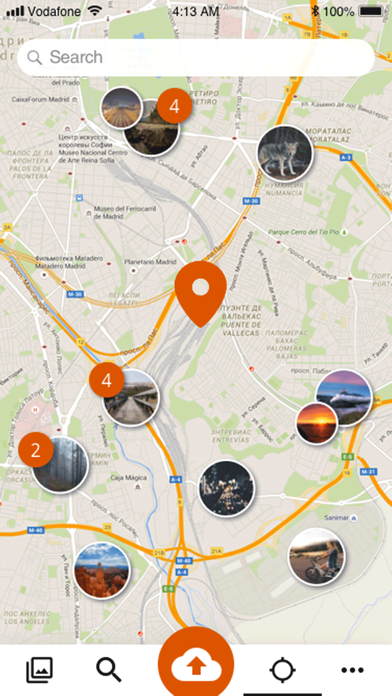
Map Search
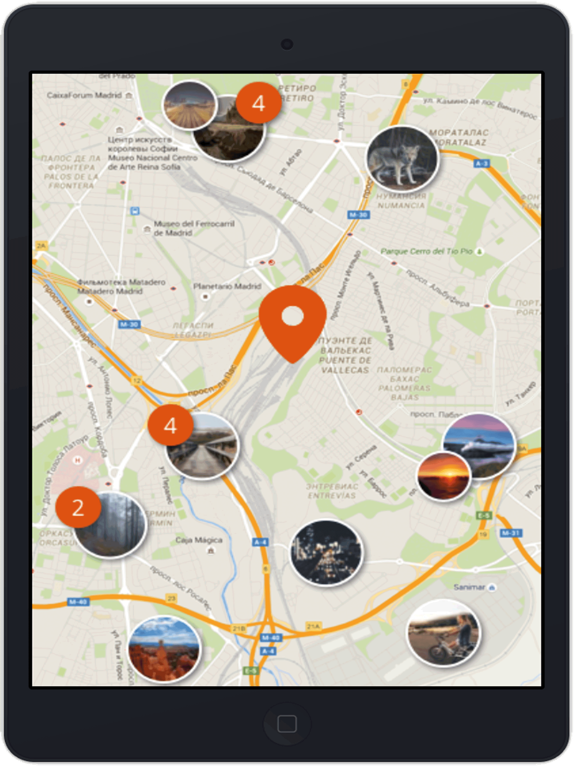
View files by navigating around the map or search by keywords.

The Cloudstore App is free to access and use by anyone. Please contact Cloudstore administrator or email cloudstoreapp@outlook.com to obtain the account to log in and use the App. Anyone around the world who is interested to help preservation and sharing of Aboriginal heritage can contact Cloudstore administrator for approval to access.
Please be aware that all material uploaded to Cloudstore will be accessible to system administrator. Please do not upload any material of a sensitive or offensive nature. Material will not be shown to the public until it is reviewed and approved by Cloudstore administrator. You can also choose not to show your files to the public. If you have concern about any material on the App please contact Cloudstore administrator. To start using the App please enable your internet or wireless setting, and log in with the user name and password provided.
Features
Upload
Select images, videos from your phone or mobile device to upload for sharing or archiving. Specify if you want to make them open to the public or only viewable by you. Enter information about the files when uploading.
Browse
View files uploaded by you or others. Enter information about your own files. Download files to your phone or mobile device for viewing later.
Search
Search files by date, keywords or user.
Map Search
View files by navigating around the map or search by keywords.
Show More
最新バージョン 1.0 の更新情報
Last updated on 2022年03月27日
Version History
1.0
2022年03月27日
Cloudstore FAQ
ここをクリック!地理的に制限されているアプリのダウンロード方法をご参考ください。
次のリストをチェックして、Cloudstoreの最低システム要件をご確認ください。
iPhone
iOS 11.0以降が必要です。
iPad
iPadOS 11.0以降が必要です。
iPod touch
iOS 11.0以降が必要です。
Cloudstoreは次の言語がサポートされています。 スペイン語, トルコ語, ドイツ語, ポルトガル語, 簡体字中国語, 英語