Data Jar
無料
1.1.4for iPhone, iPad
Age Rating
Data Jar スクリーンショット
About Data Jar
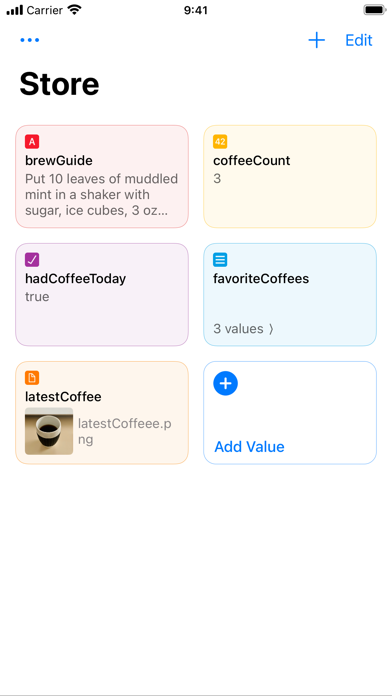
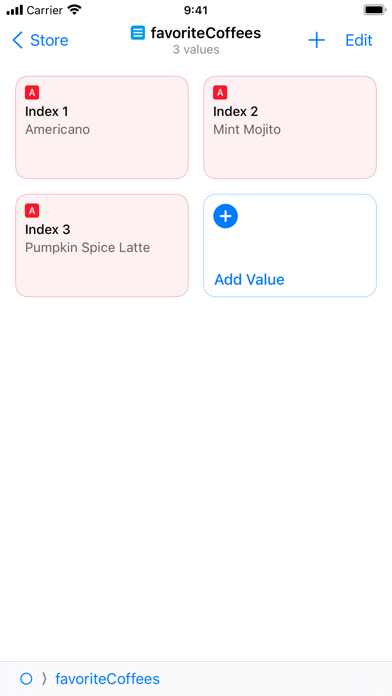
Data Jar is a data store designed to be used with Shortcuts. The data store lets you persist key-value pairs.
If you have used dictionaries and lists in Shortcuts, then you’ll find that the data format used by Data Jar is very similar.
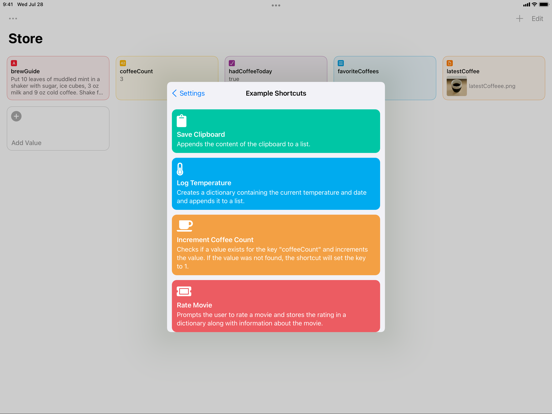
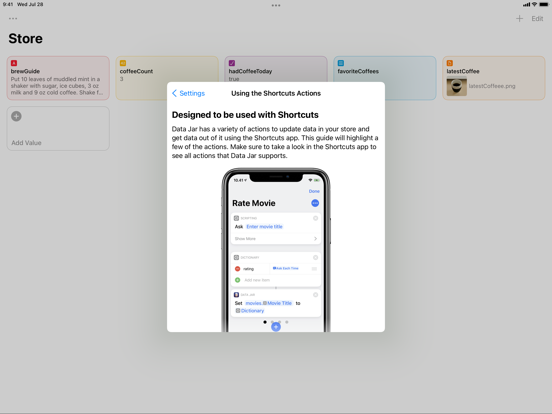
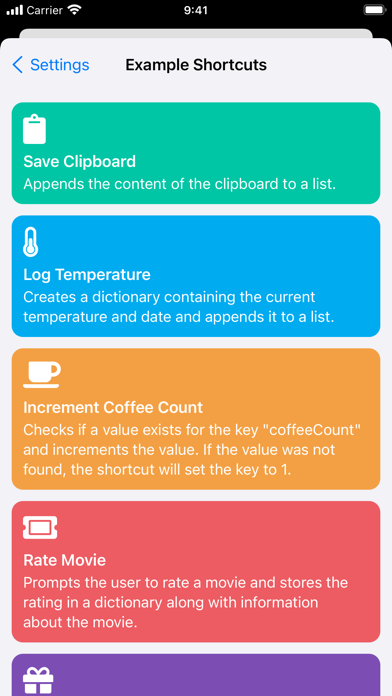
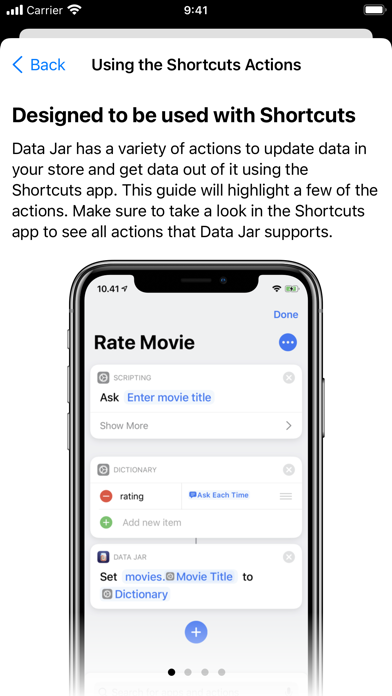
- Extensive support for Shortcuts, enabling you to read and update data directly from Shortcuts.
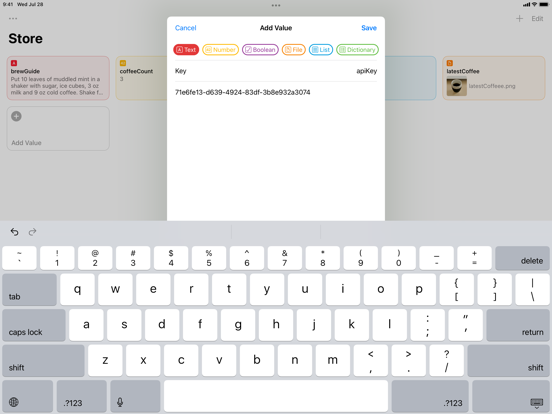
- Store text, numbers, booleans, lists, dictionaries and even files.
- Files are stored in iCloud Drive and can be accessed from the Files app.
- Support for multiple windows and drag and drop on the iPad.
- Synchronisation between devices using iCloud.
Data Jar is free to use but contains a tip jar where users can pay a few bucks to support the developer.

If you have used dictionaries and lists in Shortcuts, then you’ll find that the data format used by Data Jar is very similar.
- Extensive support for Shortcuts, enabling you to read and update data directly from Shortcuts.
- Store text, numbers, booleans, lists, dictionaries and even files.
- Files are stored in iCloud Drive and can be accessed from the Files app.
- Support for multiple windows and drag and drop on the iPad.
- Synchronisation between devices using iCloud.
Data Jar is free to use but contains a tip jar where users can pay a few bucks to support the developer.
Show More
最新バージョン 1.1.4 の更新情報
Last updated on 2022年01月11日
旧バージョン
- Improves the stability of Shortcuts actions.
- Disables auto-capitalization and auto-correction when entering a text value.
- Navigation wouldn’t work after long pressing a dictionary or array to preview and then committing the preview.
- Disables auto-capitalization and auto-correction when entering a text value.
- Navigation wouldn’t work after long pressing a dictionary or array to preview and then committing the preview.
Show More
Version History
1.1.4
2022年01月11日
- Improves the stability of Shortcuts actions.
- Disables auto-capitalization and auto-correction when entering a text value.
- Navigation wouldn’t work after long pressing a dictionary or array to preview and then committing the preview.
- Disables auto-capitalization and auto-correction when entering a text value.
- Navigation wouldn’t work after long pressing a dictionary or array to preview and then committing the preview.
Data Jar FAQ
ここをクリック!地理的に制限されているアプリのダウンロード方法をご参考ください。
次のリストをチェックして、Data Jarの最低システム要件をご確認ください。
iPhone
iPad