QuickLaunch Mobile
無料
3.4for iPhone, iPod touch
Age Rating
QuickLaunch Mobile スクリーンショット
About QuickLaunch Mobile
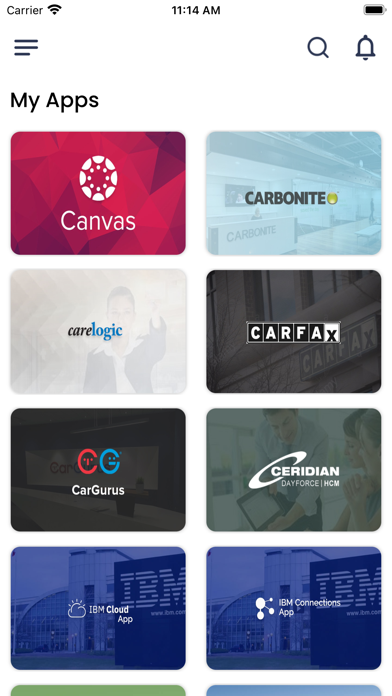
QuickLaunch Mobile enables users to securely access organization-wide applications from a mobile device using a single set of credentials, thereby improving the end user experience and enhancing productivity.
Top Features:
Custom Branding: Change theme color and logo to mirror your organisations’ brand image
Single Sign-On to Apps: Access organization-wide applications, from a single screen on a mobile device, using a single set of credentials to all authorized applications
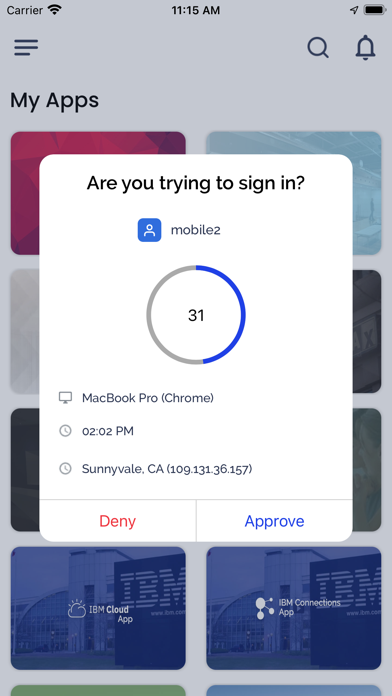
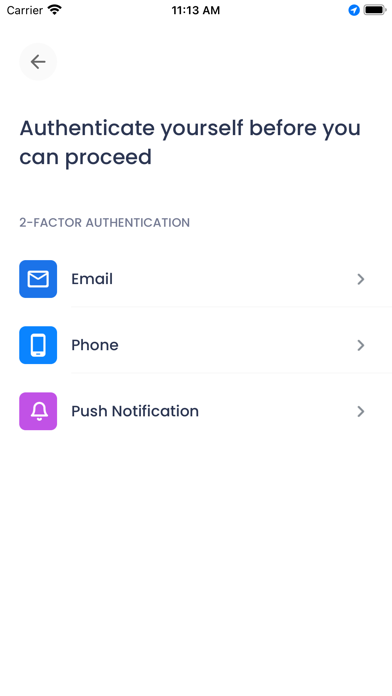
Two-Factor Login: Organization can enable two-factor authentication at the time of login based on predefined policies by the organization
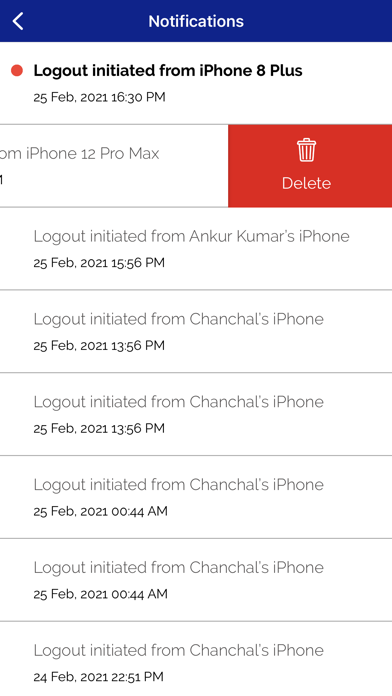
Get Push Notifications: Users receive push notifications displaying custom alerts and password expiry notifications
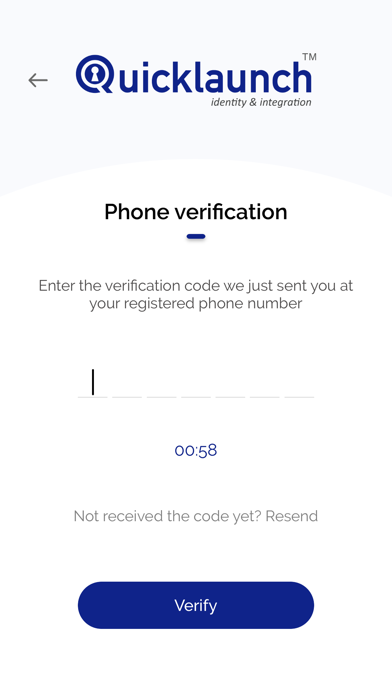
Prevent False Access: Prevent unauthorized access and protect the organization’s mission-critical applications by verifying identity at the time of login using multiple factors (Security Questions, SMS and Email)
Biometric App Lock: Lower the risk of unwanted breaches by enabling Face ID or Touch ID as one of the app-locking mechanisms
Reset Lost/Forgotten Password from Mobile: Reset lost/forgotten passwords using multiple factors (Security Questions, SMS and Email)
Change Password: Instantly change password on-demand
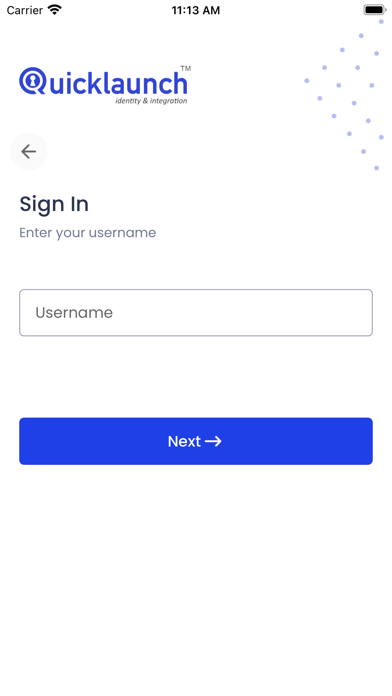
Forgot Username: Retrieve lost/forgotten usernames using Mobile app
First-Time User Registration: New users to the organization can set up their password instantly
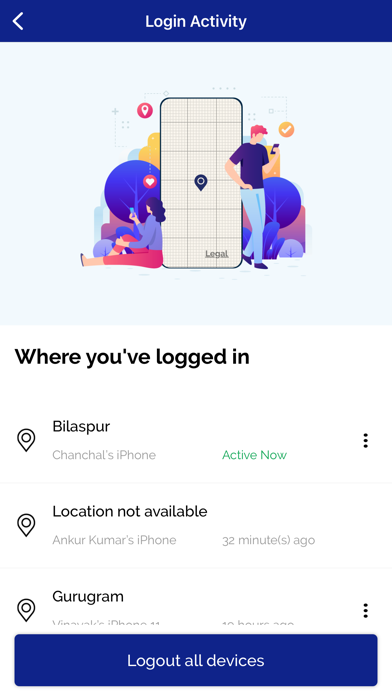
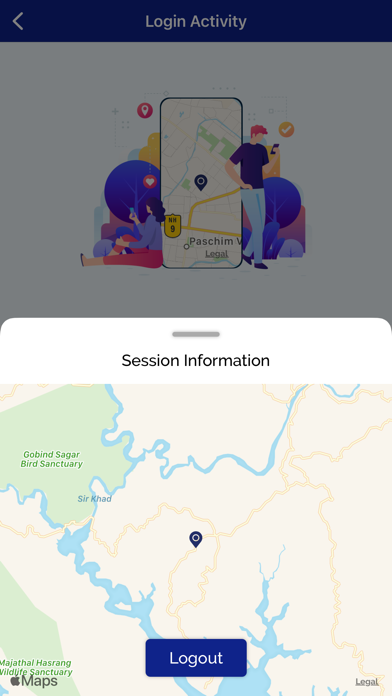
Login Activities: Enabled support for multi-device access and visibility to Login activity with Geolocation
To learn more, visit - https://quicklaunch.io/mobile/

Top Features:
Custom Branding: Change theme color and logo to mirror your organisations’ brand image
Single Sign-On to Apps: Access organization-wide applications, from a single screen on a mobile device, using a single set of credentials to all authorized applications
Two-Factor Login: Organization can enable two-factor authentication at the time of login based on predefined policies by the organization
Get Push Notifications: Users receive push notifications displaying custom alerts and password expiry notifications
Prevent False Access: Prevent unauthorized access and protect the organization’s mission-critical applications by verifying identity at the time of login using multiple factors (Security Questions, SMS and Email)
Biometric App Lock: Lower the risk of unwanted breaches by enabling Face ID or Touch ID as one of the app-locking mechanisms
Reset Lost/Forgotten Password from Mobile: Reset lost/forgotten passwords using multiple factors (Security Questions, SMS and Email)
Change Password: Instantly change password on-demand
Forgot Username: Retrieve lost/forgotten usernames using Mobile app
First-Time User Registration: New users to the organization can set up their password instantly
Login Activities: Enabled support for multi-device access and visibility to Login activity with Geolocation
To learn more, visit - https://quicklaunch.io/mobile/
Show More
最新バージョン 3.4 の更新情報
Last updated on 2026年03月28日
旧バージョン
Bug Fixing and improvements
Show More
Version History
3.4
2026年03月28日
Bug Fixing and improvements
QuickLaunch Mobile FAQ
ここをクリック!地理的に制限されているアプリのダウンロード方法をご参考ください。
次のリストをチェックして、QuickLaunch Mobileの最低システム要件をご確認ください。
iPhone
Erfordert iOS 13.0 oder neuer.
iPod touch
Erfordert iOS 13.0 oder neuer.
QuickLaunch Mobileは次の言語がサポートされています。 Anglais