ClassLink Verify
무료
4.0.2for iPhone, iPad
Age Rating
ClassLink Verify 스크린 샷
About ClassLink Verify
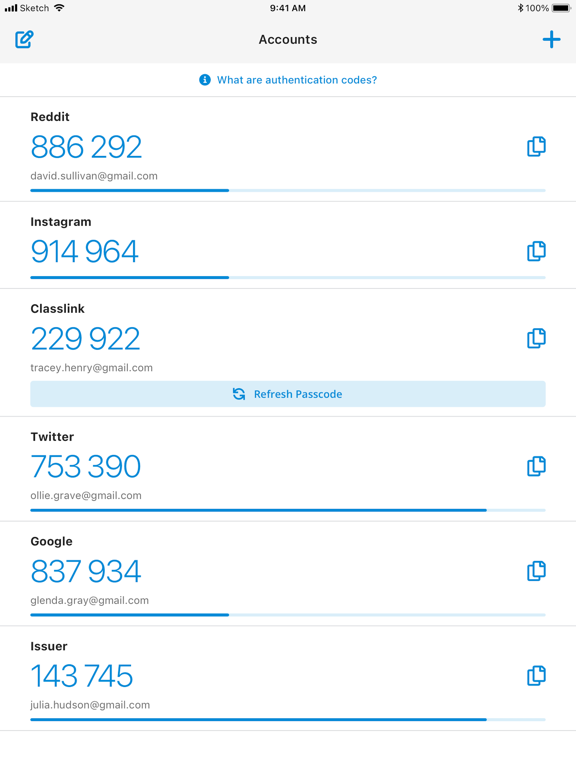
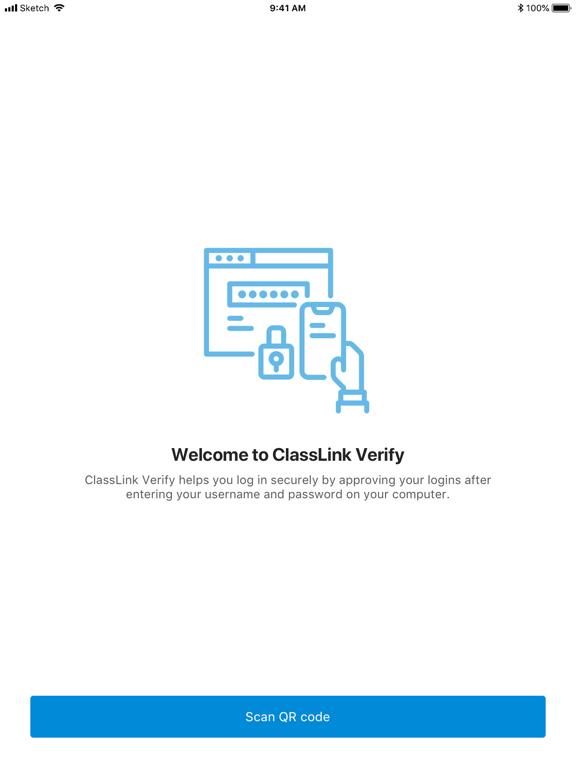
With ClassLink Verify you can generate verification codes to use in addition to your passwords when signing in to your account—adding an extra layer of data security.
ClassLink Verify works with any application requiring 2-Step Verification to sign in to your account.
Features include:
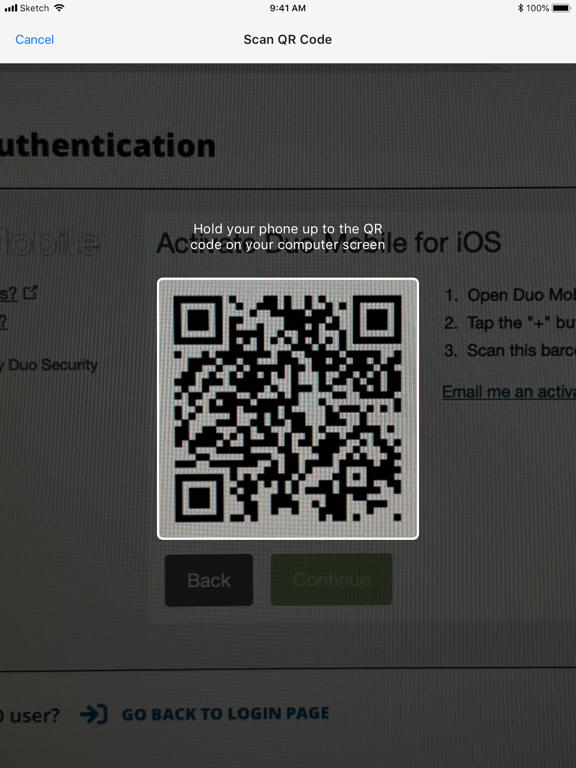
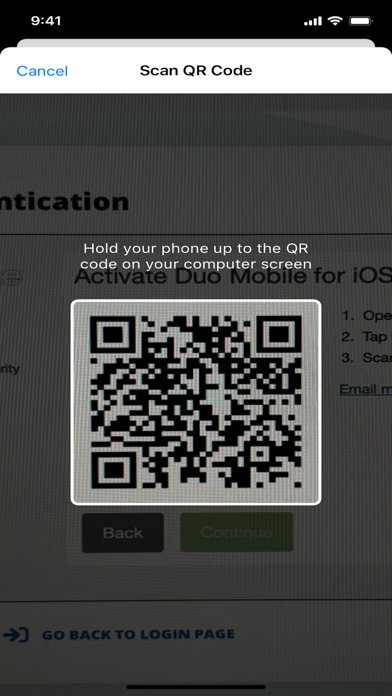
- Automatic setup via QR code
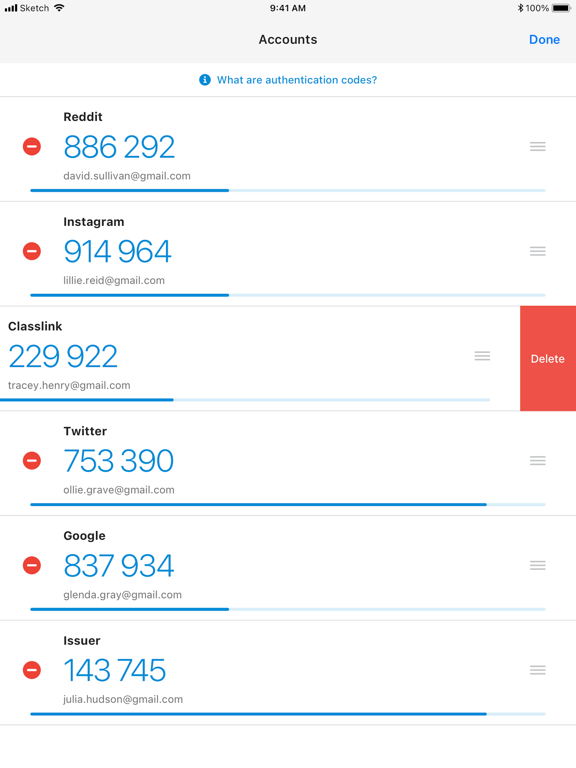
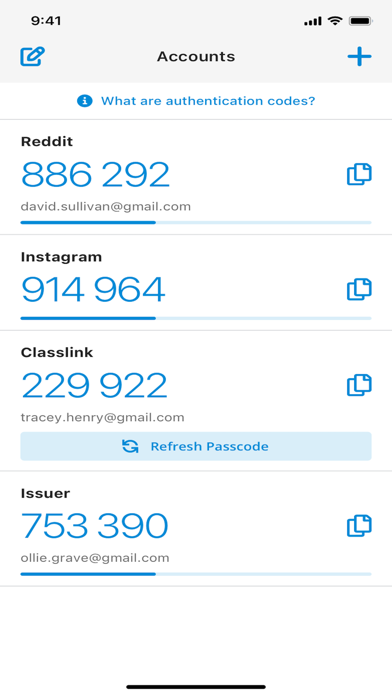
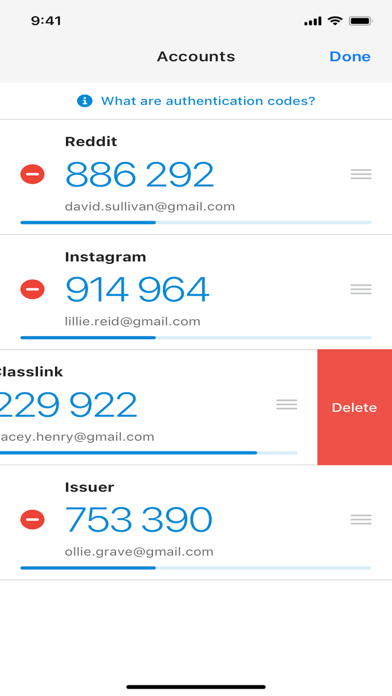
- Support for multiple accounts
- Support for TOTP and HOTP algorithms
To use Verify with ClassLink LaunchPad, you will need to enable 2-Step Verification on your ClassLink Account. Visit https://help.classlink.com/s/article/Two-Factor-Authentication to get started.

ClassLink Verify works with any application requiring 2-Step Verification to sign in to your account.
Features include:
- Automatic setup via QR code
- Support for multiple accounts
- Support for TOTP and HOTP algorithms
To use Verify with ClassLink LaunchPad, you will need to enable 2-Step Verification on your ClassLink Account. Visit https://help.classlink.com/s/article/Two-Factor-Authentication to get started.
Show More
최신 버전 4.0.2의 새로운 기능
Last updated on May 22, 2026
오래된 버전
Bug fixes and optimizations
Show More
Version History
4.0.2
May 22, 2026
Bug fixes and optimizations
ClassLink Verify FAQ
제한된 국가 또는 지역에서 ClassLink Verify를 다운로드하는 방법을 알아보려면 여기를 클릭하십시오.
ClassLink Verify의 최소 요구 사항을 보려면 다음 목록을 확인하십시오.
iPhone
iPad
관련 동영상
Latest introduction video of ClassLink Verify on iPhone