App improvements and bug fixes.
App improvements and bug fixes.
App improvements and bug fixes.
App improvements and bug fixes.
App improvements and bug fixes.
App improvements and bug fixes
• We added the possibility to add, view, and delete one or multiple attachments (max. 15 MB) inside the parts return form
• Preparations for container tickets
• Other bug fixes and improvements
NEW FEATURES
• You can now work on tickets in parallel
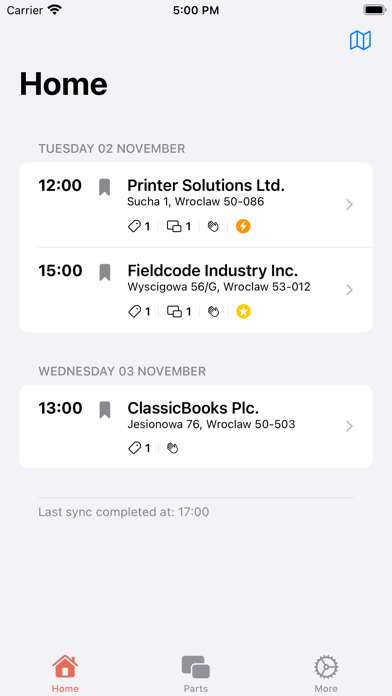
• The CNI is now directly displayed in “Home“
• The SLA field is now directly displayed in the Ticket overview
• The “Menu“ is now called “More“
• The “More“ menu got a big design overhaul
• New accent colors and other color adjustments
• We aligned the size of our buttons to improve consistency
• We added a big package of new translations for our global users
• We adjusted and improved the footer menu icons
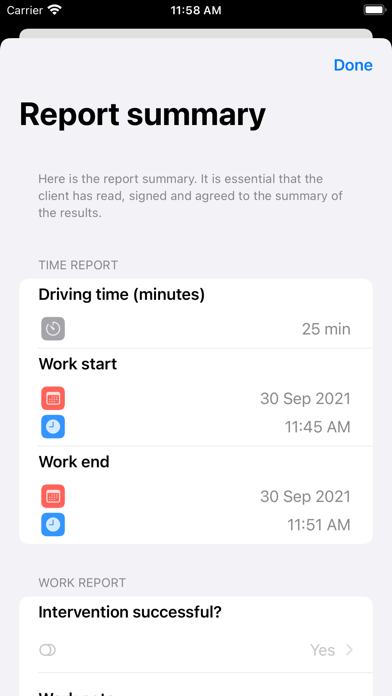
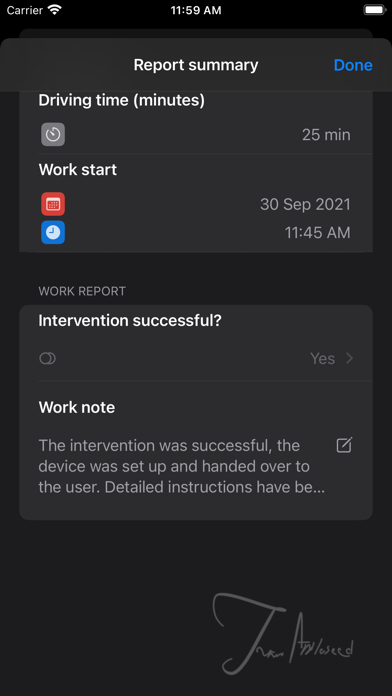
• We majorly improved the usability of the signature page
• We enabled a second signature option for specific projects
• Shipping contact data fields are now displayed Parts details
• Reporting with the help of multi-selection fields and multi-checkbox now works as intended
• We present you with all custom return options for an specific part
• We now validate returned parts that were customized
• We now display you a warning message if a file attachment is not uploaded automatically
IMPROVEMENTS
• Returned parts now stay visible in the app for 72 hours
• We now use the right formatting for the displayed CNI
• “Date“ and “Time“ custom fields now work as intended
• We fixed a problem regarding custom date and time fields not displaying content
• We fixed a problem that prevented custom checkboxes from showing up in the summary screen
• We fixed a problem that prevented custom filled date & time from saving the correct date
NEW FEATURES
• Custom fields created in Fieldcode admin panel are now displayed in Tickets/Device/Parts (item)
• You are now able to copy way more fields via long press or double-click
• Parts return options are now adapting better to return configuration
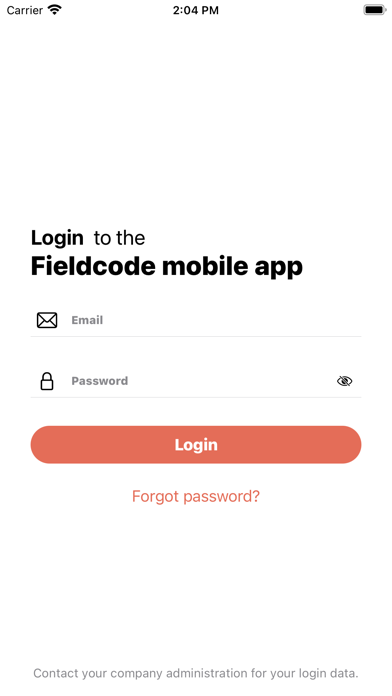
• You are now able to see the current app version on the login screen
IMPROVEMENTS
• We improved the fetching of parts
• We now inform you when a user is not existing while trying to log in
• We improved the location synchronization between dispatcher and engineer
• We addressed an issue where users would randomly getting logged out
• We addressed an issue where start work time was being saved as end time
• We further improved our error logging
NEW FEATURES
• You can now insert one time password codes on login screen (MFA)
• Your account name is now directly displayed on the home screen
• You will now get an info when trying to login with a deactivated account
• Deactivated users will be redirected to login screen
IMPROVEMENTS
• We improved how ticket infos are displayed inside the App
• We fixed synchronisation issues while reporting
• We improved our server-side synchronization process
• We improved our error logging
• We simplified our dynamic urls
NEW FEATURES
• We now give you the possibility to attach files
• You are now able to to insert a tracking code when returning parts
• We now let you group the parts list by location or by ticket
• We now display the ticket history for you
• We now display the ticket priority for you
IMPROVEMENTS
• We now hide the device block for you inside the ticket, if there is no device data available
• We now use the iOS formatting preference for displaying dates
• Typography improvements
• Translation improvements
IMPROVEMENTS
• We now display the expected delivery time to give you a more precise ETA
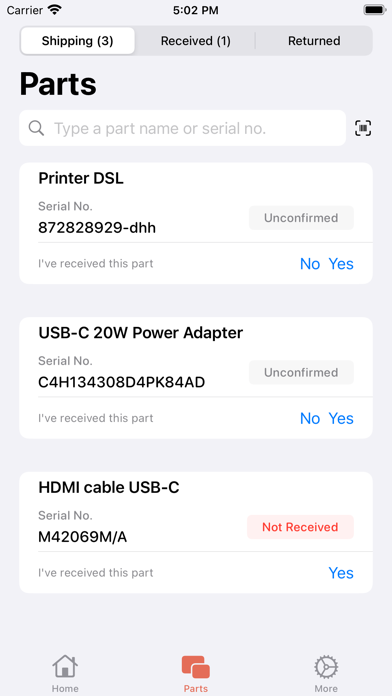
• A warning message will appear for unconfirmed parts now
• We now display the time passed since the last unsuccessful sync
• LSDT dates now also display the ticket local time
• We adjusted the visuals of our buttons
• Translation corrections
• We further optimized our application for iOS 15
FIXES
• We fixed an error that was affecting the call button
• Part received, not received now take over successfully
• Returned date, Returned by and Return option now take over successfully
• We have improved the app stability and fixed some bugs
• Ability for two-way communication via our new Ticketinfo functionality
• More data about the affected device is displayed to give you better ticket insights
• VIP status and Escalation flags are now displayed inside the application
• LSDT is displayed inside the application according to proper time zone
• Various frontend improvements
• Various backend improvements
• Various translation improvements
• We have added a new feature to make your daily work on the field even more productive: Parts Management
• We did some optimizations to be ready for iOS 15
• We have improved the app stability and fixed some bugs
• We have improved the app stability and fixed some bugs
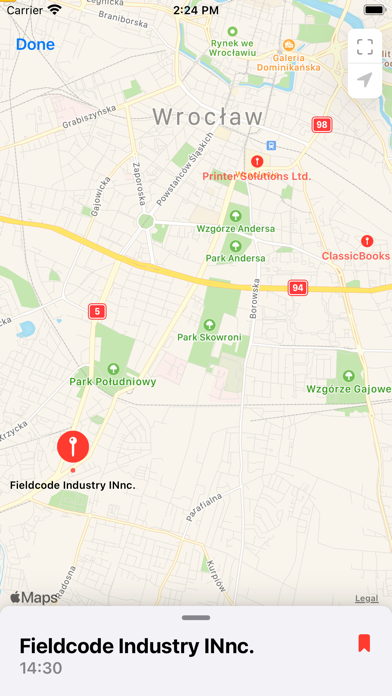
• You can now view scheduled tickets on a map
• You can now set notifications for appointment changes
• App background performance was improved
• App performance improvements
• Synchronization improvements
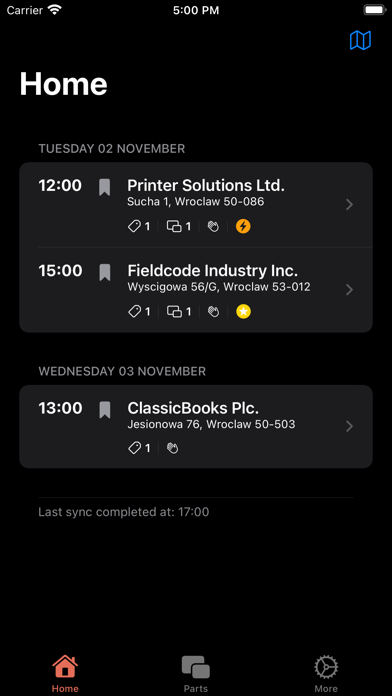
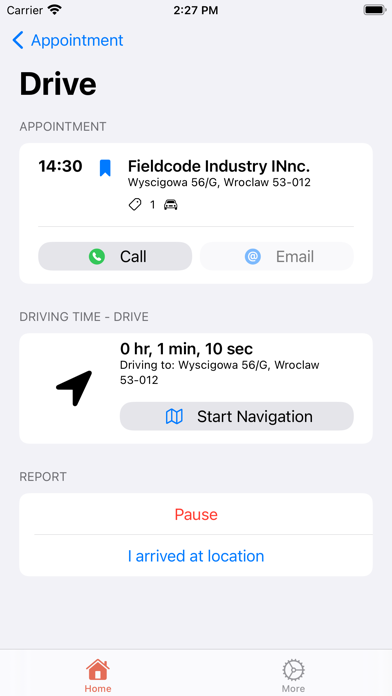
• New Home Screen
• Resolved an issue with fetching and processing data from dispatcher
• Fixed some issues with Reporting (Error handling, Validation, etc.)
• Simplified login process
• Added a new user onboarding, can also be found under the "More" menu
• UI improvements