TextCode Editor
직업적인 코드 구문 읽기 도구를 강조
무료Offers In-App Purchases
3.0for iPhone, iPad and more
Age Rating
TextCode Editor 스크린 샷
About TextCode Editor
## TextCode Editor - A Comfortable Text Editor for Code, Markup and Prose.
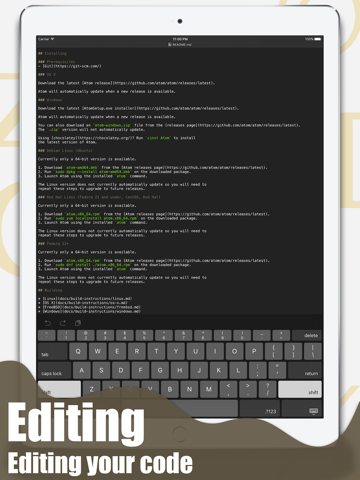
## Why Would You Need a More Advanced Text Editor? Developers use text editors to make code changes using HTML, CSS, JavaScript, or any other programming language. If you don’t know a file’s format, you can open it with the text editor to view the source code. The process is always difficult on mobile device, but TextCode Editor can make the process much easier.
## Some Features:
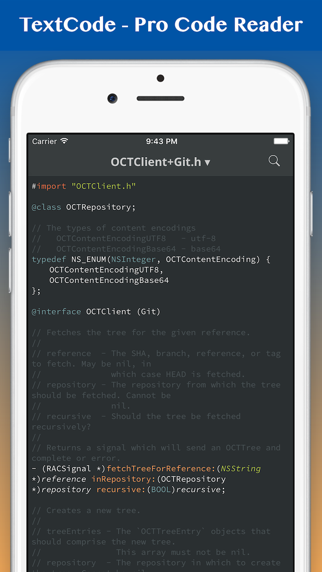
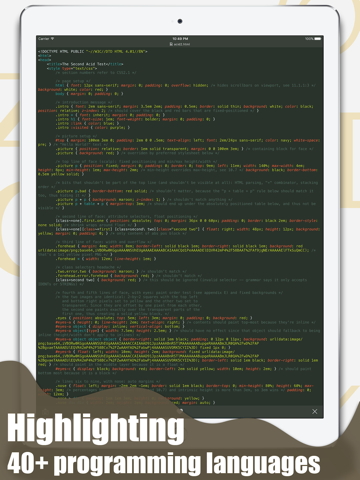
- Powerful Syntax Highlighting: C, C#, C++, CoffeeScript, CSS, D, Erlang, Fortran, Go, Groovy, Haskell, HTML, Java, JavaScript, LaTex, LESS, Markdown, Objective-C, Objective-C++, Pascal, Perl, PHP, Prolog, Python, R, Ruby, Shell Script, SQL, Swift and so on.
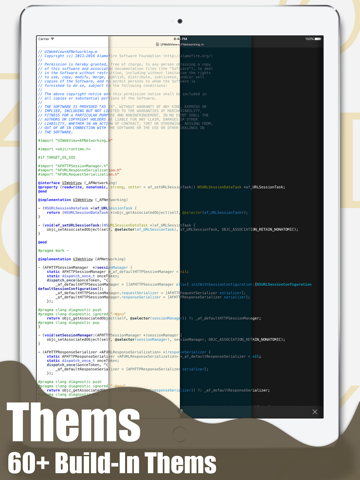
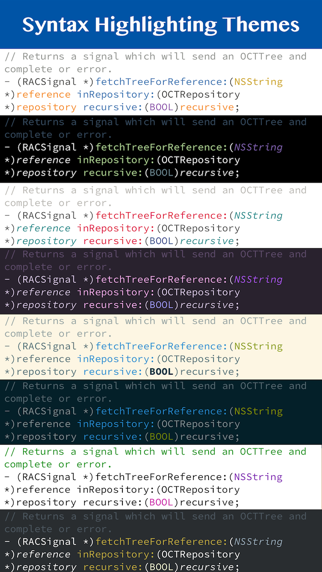
- Coloring Themes: Solarized, Tommorrow and so on.
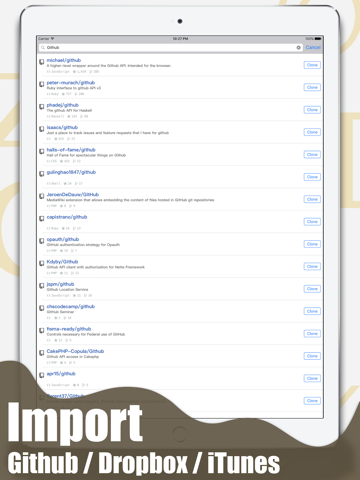
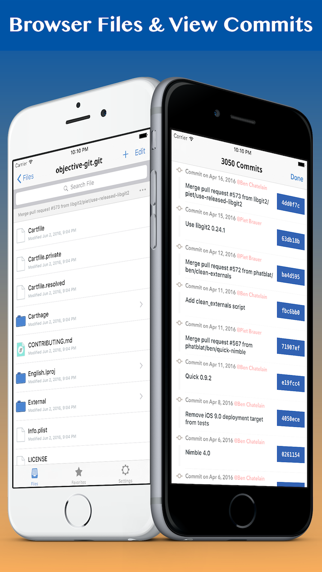
- Integrates with GitHub, Bitbucket and GitLab.
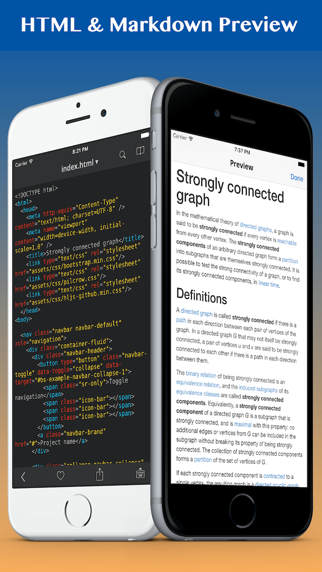
- Markdown & HTML Quick Preview.
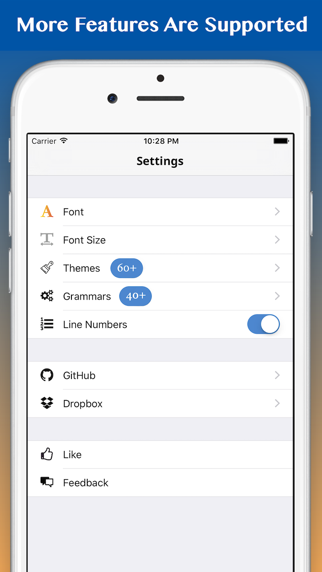
- Show Line Numbers.
- Regex Find & Search.
- Document Structure Display.
- Source Control Manager.

## Why Would You Need a More Advanced Text Editor? Developers use text editors to make code changes using HTML, CSS, JavaScript, or any other programming language. If you don’t know a file’s format, you can open it with the text editor to view the source code. The process is always difficult on mobile device, but TextCode Editor can make the process much easier.
## Some Features:
- Powerful Syntax Highlighting: C, C#, C++, CoffeeScript, CSS, D, Erlang, Fortran, Go, Groovy, Haskell, HTML, Java, JavaScript, LaTex, LESS, Markdown, Objective-C, Objective-C++, Pascal, Perl, PHP, Prolog, Python, R, Ruby, Shell Script, SQL, Swift and so on.
- Coloring Themes: Solarized, Tommorrow and so on.
- Integrates with GitHub, Bitbucket and GitLab.
- Markdown & HTML Quick Preview.
- Show Line Numbers.
- Regex Find & Search.
- Document Structure Display.
- Source Control Manager.
Show More
최신 버전 3.0의 새로운 기능
Last updated on Feb 6, 2023
오래된 버전
BUG FIXES
Show More
Version History
3.0
Feb 6, 2023
BUG FIXES
2.0
Apr 12, 2021
+ Full Text Searching.
+ Readonly mode supported.
1.0.5
Mar 23, 2020
• NEW Show file changes in history. NOW can checkout & reset a commit.
• FIXED Syntax highlighting code block in Markdown file.
1.0.4
Feb 20, 2020
+ Performance Optimization.
+ Bug Fixes.
+ Bug Fixes.
1.0.3
Jan 15, 2020
+ 앱 기능 개선.
1.0.2
Oct 6, 2017
Updated Ads.
1.0.1
Oct 3, 2017
+ Bug fixes
+ Add Fetch,Pull,Push feature
+ Add (S)FTP support
+ Add Fetch,Pull,Push feature
+ Add (S)FTP support
1.0
Jun 4, 2016
TextCode Editor FAQ
제한된 국가 또는 지역에서 TextCode Editor를 다운로드하는 방법을 알아보려면 여기를 클릭하십시오.
TextCode Editor의 최소 요구 사항을 보려면 다음 목록을 확인하십시오.
iPhone
iOS 14.0 이상 필요
iPad
iPadOS 14.0 이상 필요
iPod touch
iOS 14.0 이상 필요
TextCode Editor은 다음 언어를 지원합니다. 한국어, 독일어, 러시아어, 베트남어, 스페인어, 아랍어, 영어, 이탈리아어, 일본어, 중국어(간체), 중국어(번체), 튀르키예어, 프랑스어
TextCode Editor에는 인앱 구매가 포함되어 있습니다. 아래 요금제를 확인하세요.
Unlock All Themes
$7.99
Java Syntax Highlighting
$2.99
JavaScript Syntax Highlighting
$2.99
C# Syntax Highlighting
$2.99
PHP Syntax Highlighting
$2.99
Go Syntax Highlighting
$2.99
Swift Syntax Highlighting
$2.99
R Syntax Highlighting
$2.99
VHDL Syntax Highlighting
$1.99
SCSS Syntax Highlighting
$1.99