TextCode Editor
プロのコード構文の強調表示の読書ツール
無料Offers In-App Purchases
3.0for iPhone, iPad and more
Age Rating
TextCode Editor スクリーンショット
About TextCode Editor
## TextCode Editor - A Comfortable Text Editor for Code, Markup and Prose.
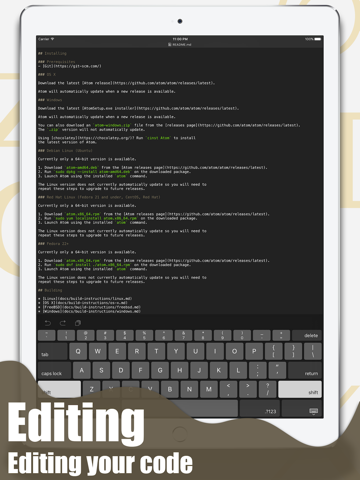
## Why Would You Need a More Advanced Text Editor? Developers use text editors to make code changes using HTML, CSS, JavaScript, or any other programming language. If you don’t know a file’s format, you can open it with the text editor to view the source code. The process is always difficult on mobile device, but TextCode Editor can make the process much easier.
## Some Features:
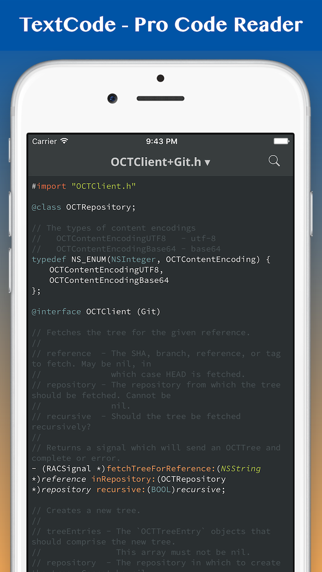
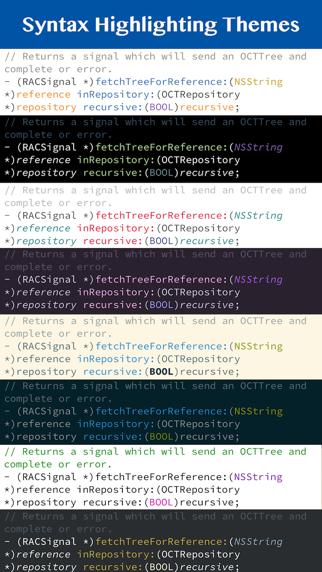
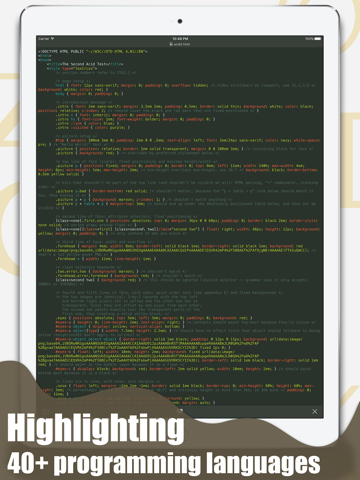
- Powerful Syntax Highlighting: C, C#, C++, CoffeeScript, CSS, D, Erlang, Fortran, Go, Groovy, Haskell, HTML, Java, JavaScript, LaTex, LESS, Markdown, Objective-C, Objective-C++, Pascal, Perl, PHP, Prolog, Python, R, Ruby, Shell Script, SQL, Swift and so on.
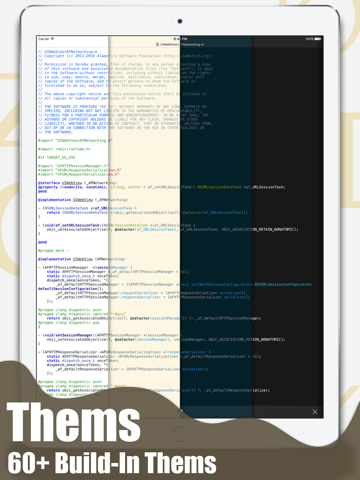
- Coloring Themes: Solarized, Tommorrow and so on.
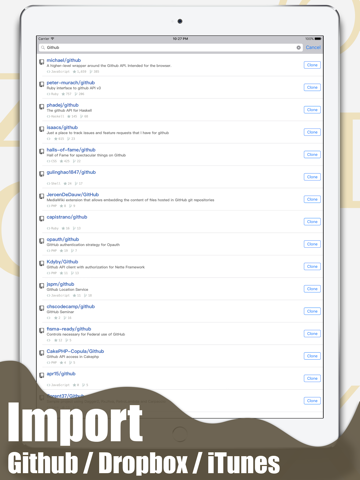
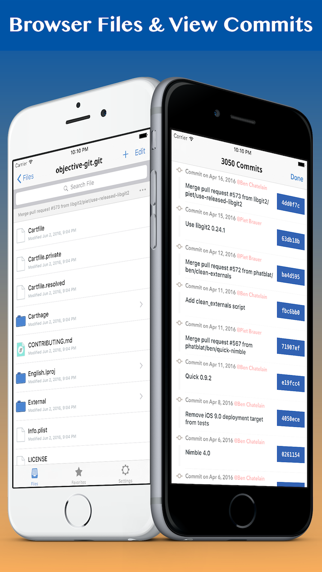
- Integrates with GitHub, Bitbucket and GitLab.
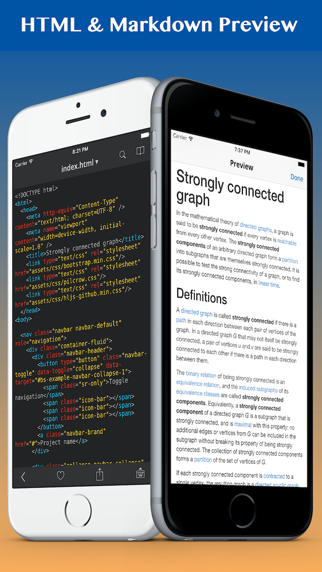
- Markdown & HTML Quick Preview.
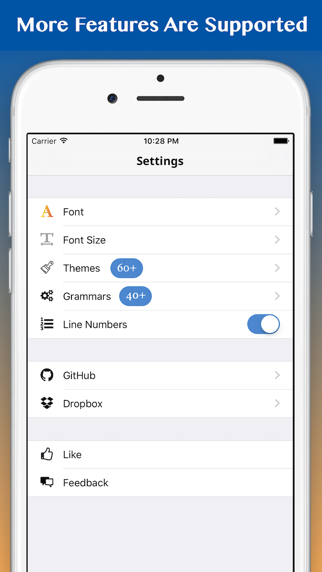
- Show Line Numbers.
- Regex Find & Search.
- Document Structure Display.
- Source Control Manager.

## Why Would You Need a More Advanced Text Editor? Developers use text editors to make code changes using HTML, CSS, JavaScript, or any other programming language. If you don’t know a file’s format, you can open it with the text editor to view the source code. The process is always difficult on mobile device, but TextCode Editor can make the process much easier.
## Some Features:
- Powerful Syntax Highlighting: C, C#, C++, CoffeeScript, CSS, D, Erlang, Fortran, Go, Groovy, Haskell, HTML, Java, JavaScript, LaTex, LESS, Markdown, Objective-C, Objective-C++, Pascal, Perl, PHP, Prolog, Python, R, Ruby, Shell Script, SQL, Swift and so on.
- Coloring Themes: Solarized, Tommorrow and so on.
- Integrates with GitHub, Bitbucket and GitLab.
- Markdown & HTML Quick Preview.
- Show Line Numbers.
- Regex Find & Search.
- Document Structure Display.
- Source Control Manager.
Show More
最新バージョン 3.0 の更新情報
Last updated on 2023年02月06日
旧バージョン
BUG FIXES
Show More
Version History
3.0
2023年02月06日
BUG FIXES
2.0
2021年04月12日
+ Full Text Searching.
+ Readonly mode supported.
1.0.5
2020年03月23日
• NEW Show file changes in history. NOW can checkout & reset a commit.
• FIXED Syntax highlighting code block in Markdown file.
1.0.4
2020年02月20日
+ Performance Optimization.
+ Bug Fixes.
+ Bug Fixes.
1.0.3
2020年01月15日
+ 再設計されたアプリ.
1.0.2
2017年10月06日
Updated Ads.
1.0.1
2017年10月03日
+ Bug fixes
+ Add Fetch,Pull,Push feature
+ Add (S)FTP support
+ Add Fetch,Pull,Push feature
+ Add (S)FTP support
1.0
2016年06月04日
TextCode Editor FAQ
ここをクリック!地理的に制限されているアプリのダウンロード方法をご参考ください。
次のリストをチェックして、TextCode Editorの最低システム要件をご確認ください。
iPhone
iOS 14.0以降が必要です。
iPad
iPadOS 14.0以降が必要です。
iPod touch
iOS 14.0以降が必要です。
TextCode Editorは次の言語がサポートされています。 日本語, アラビア語, イタリア語, スペイン語, トルコ語, ドイツ語, フランス語, ベトナム語, ロシア語, 簡体字中国語, 繁体字中国語, 英語, 韓国語
TextCode Editor二は内課金があります。課金要素と価格をご覧ください。
Unlock All Themes
$7.99
Java Syntax Highlighting
$2.99
JavaScript Syntax Highlighting
$2.99
C# Syntax Highlighting
$2.99
PHP Syntax Highlighting
$2.99
Go Syntax Highlighting
$2.99
Swift Syntax Highlighting
$2.99
R Syntax Highlighting
$2.99
VHDL Syntax Highlighting
$1.99
SCSS Syntax Highlighting
$1.99