Pedometer α - Step Counter
Free
1.1.63for iPhone, iPad
Age Rating
Pedometer α - Step Counter Screenshots
About Pedometer α - Step Counter
A free, easy-to-use Pedometer app!
Perfect for walking and dieting!
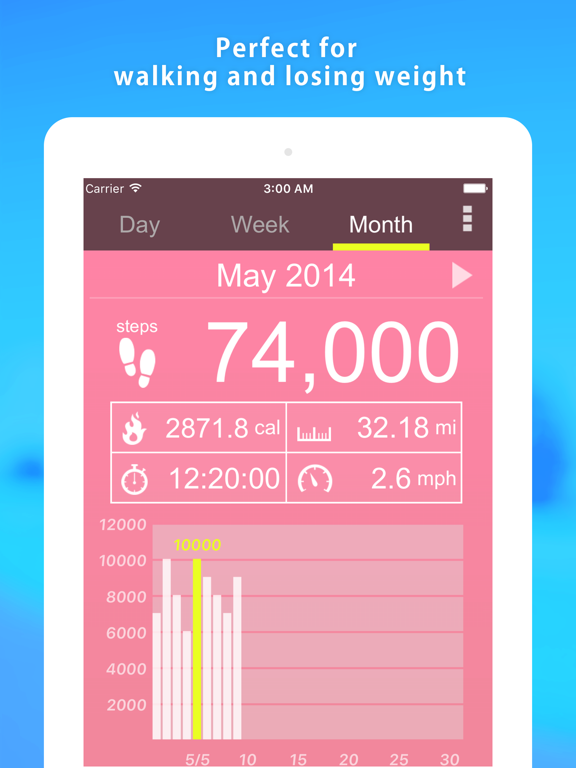
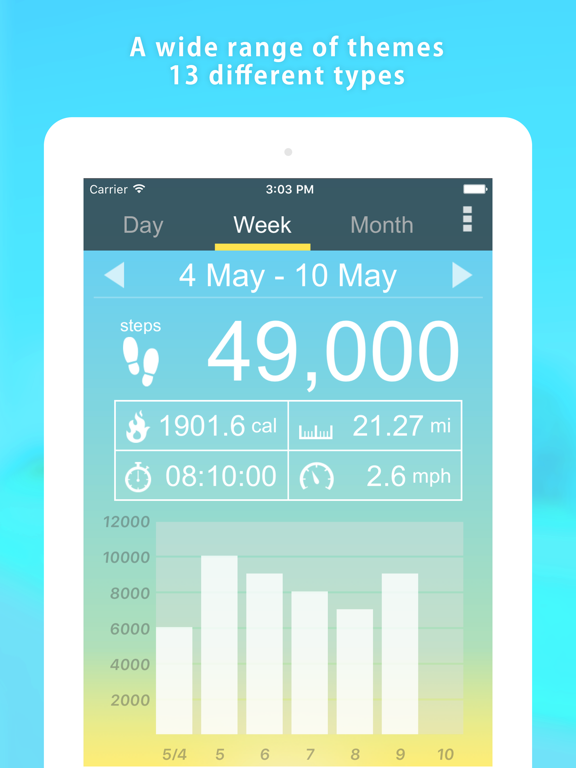
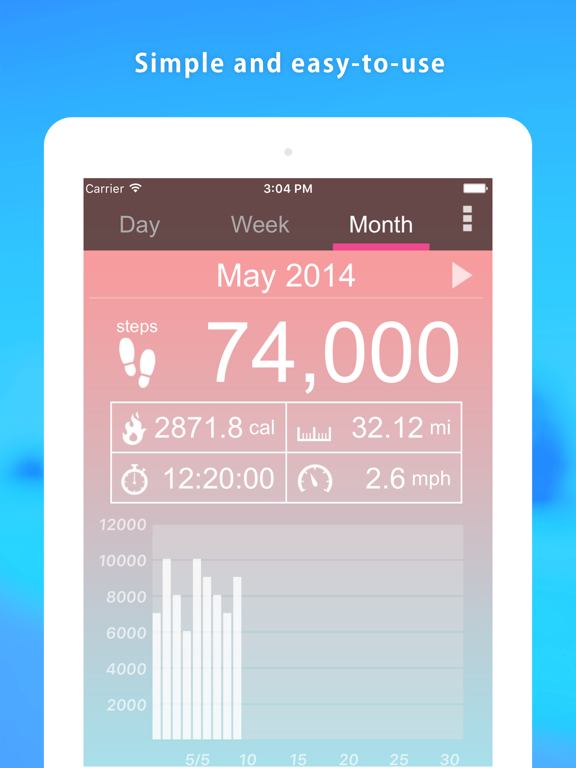
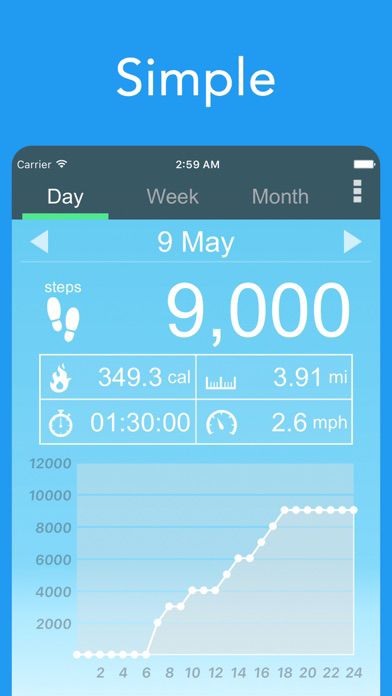
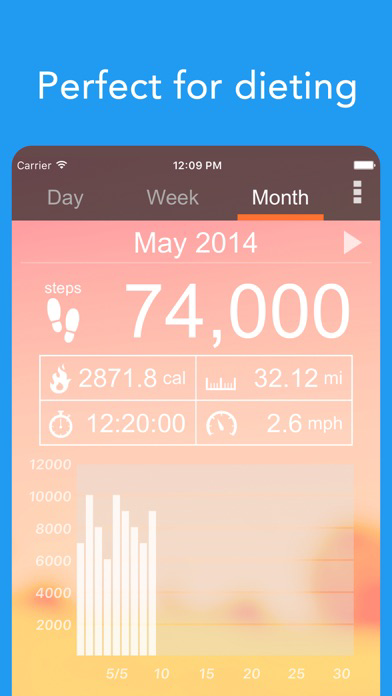
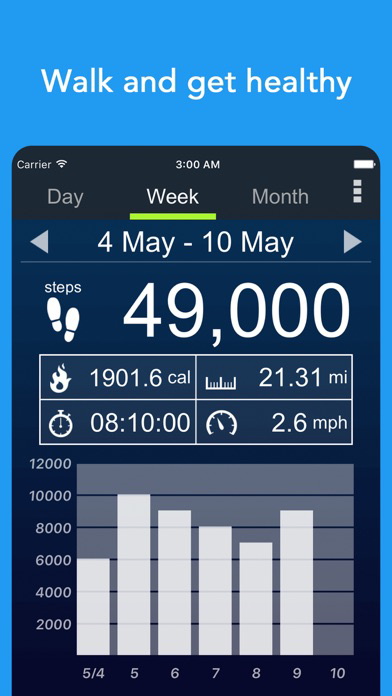
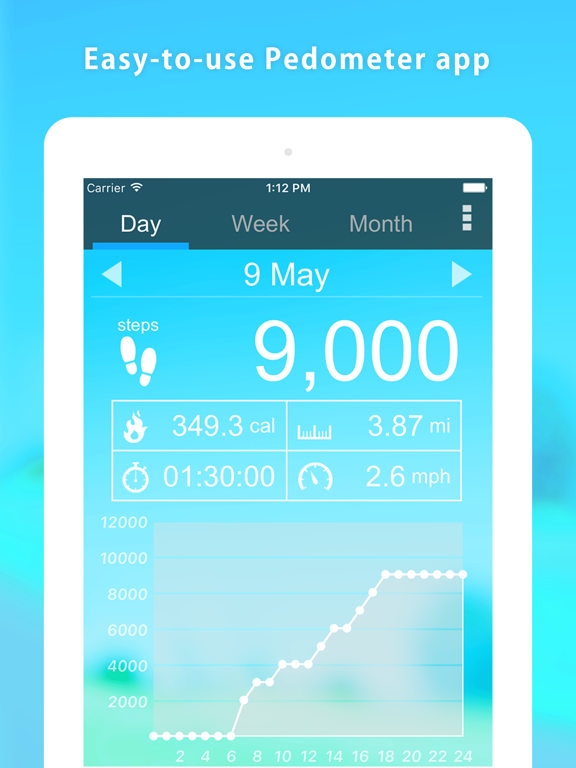
"Pedometer" records the number of steps you have walked and displays them again along with the number of calories that you have burned, distance, walking time and speed per hour.
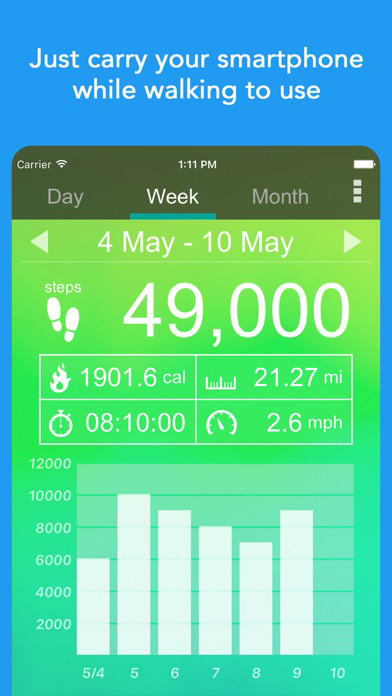
It is easy to use. Simply carry around your smartphone as you normally would.
Of course, it will continue to automatically record your steps even if you put it in your pocket or bag.
You can view a graph with the number of steps you have walked and all other information anytime.
Let's enjoy walking with this app!
How to use
- Touch on the number of steps, burned calories, distance, walking time, or speed to display the graph with that information.
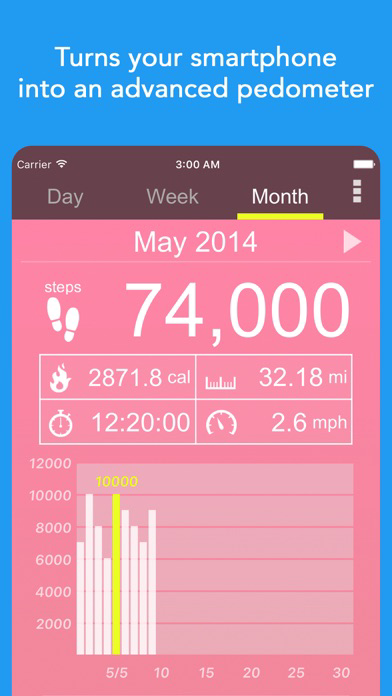
- Touch the graph to highlight information data for a specific time or date.
- Swipe to the left to see the data recorded until the previous day.
- If you want to change the look of the app, change the theme.
- In order to display the correct number of burned calories, please enter your age, gender, weight and step length accurately.
- In order to display the correct distance and speed, please enter your step length accurately.
Pedometer recommended for the following people
- If you want to check your step count.
- If you want to try using a pedometer.
- If you want to go on a diet.
- If you go on walks or strolls.
- If you go jogging.
- If you want to use a popular pedometer.
- If you want to post the pedometer screen to social media.
- If you walk a lot for your job.
- If you want an easy-to-use pedometer.
- If you want to walk more.
- If you want to form a habit of walking.
- If you feel out of shape.
- If you want to use a pedometer with a theme that you like.
- If you want to use your smartphone instead of carrying around a handheld pedometer.

Perfect for walking and dieting!
"Pedometer" records the number of steps you have walked and displays them again along with the number of calories that you have burned, distance, walking time and speed per hour.
It is easy to use. Simply carry around your smartphone as you normally would.
Of course, it will continue to automatically record your steps even if you put it in your pocket or bag.
You can view a graph with the number of steps you have walked and all other information anytime.
Let's enjoy walking with this app!
How to use
- Touch on the number of steps, burned calories, distance, walking time, or speed to display the graph with that information.
- Touch the graph to highlight information data for a specific time or date.
- Swipe to the left to see the data recorded until the previous day.
- If you want to change the look of the app, change the theme.
- In order to display the correct number of burned calories, please enter your age, gender, weight and step length accurately.
- In order to display the correct distance and speed, please enter your step length accurately.
Pedometer recommended for the following people
- If you want to check your step count.
- If you want to try using a pedometer.
- If you want to go on a diet.
- If you go on walks or strolls.
- If you go jogging.
- If you want to use a popular pedometer.
- If you want to post the pedometer screen to social media.
- If you walk a lot for your job.
- If you want an easy-to-use pedometer.
- If you want to walk more.
- If you want to form a habit of walking.
- If you feel out of shape.
- If you want to use a pedometer with a theme that you like.
- If you want to use your smartphone instead of carrying around a handheld pedometer.
Show More
What's New in the Latest Version 1.1.63
Last updated on May 24, 2026
Old Versions
Fixed some minor bugs
Show More
Version History
1.1.63
May 24, 2026
Fixed some minor bugs
Pedometer α - Step Counter FAQ
Click here to learn how to download Pedometer α - Step Counter in restricted country or region.
Check the following list to see the minimum requirements of Pedometer α - Step Counter.
iPhone
iPad