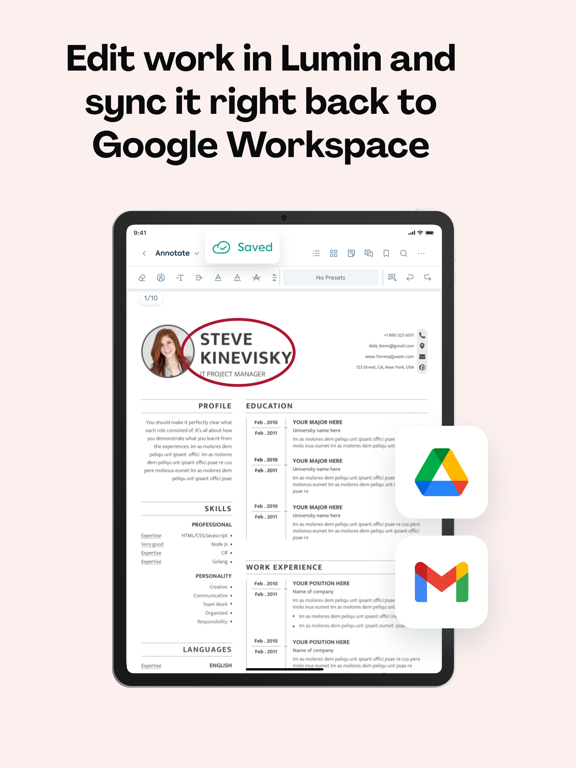
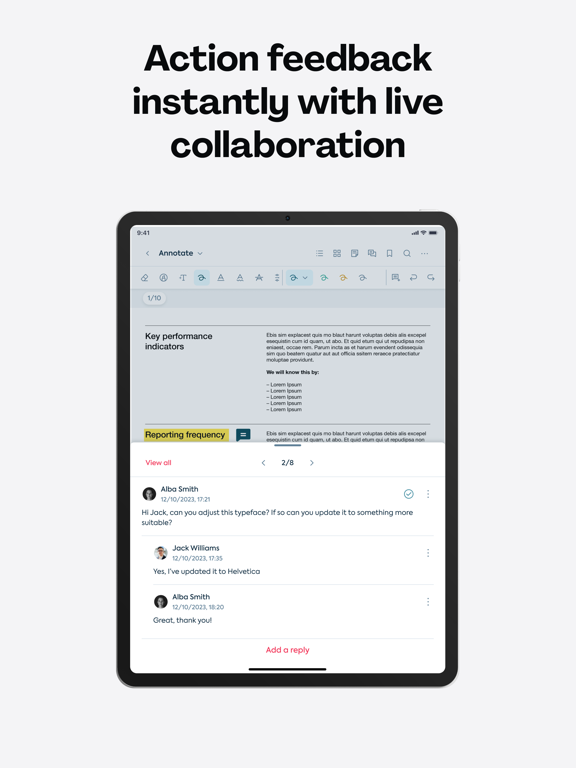
Lumin for iOS allows you to edit and sync to your Google documents in seconds. Collaborate with colleagues in real-time with a diverse set of editing tools.
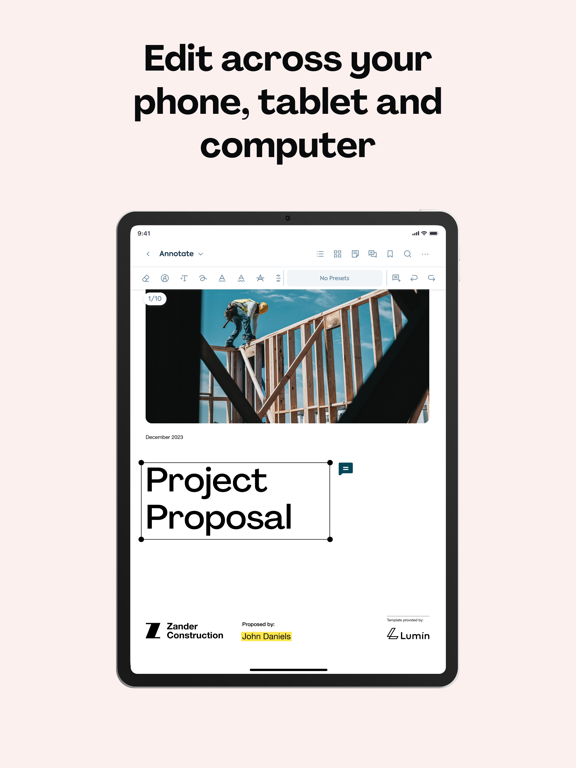
Lumin auto-saves your changes and syncs them to all your devices. Connect your Google account and stay on top of your documents. You can effortlessly view and share files with anybody via email or shareable links.
TRUSTED BY MILLIONS
Join over 100 million Lumin users worldwide who use our app to edit, share, and collaborate in the cloud. From note-taking and project management to client onboarding and legal document review, Lumin empowers you across industries.
KEY FEATURES
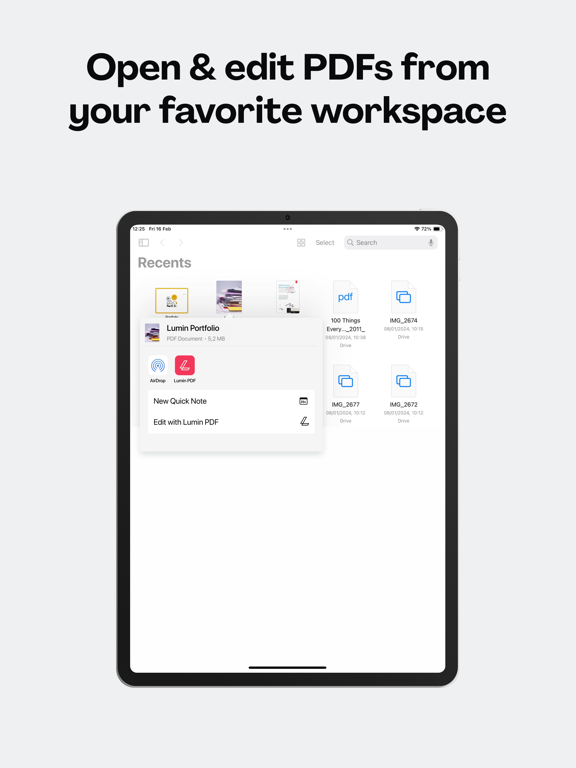
- Seamless document management: Import from your favorite storage (Dropbox, Google Drive, OneDrive), edit, and share PDFs effortlessly.
- Cloud integration: Automatically save changes and sync across devices.
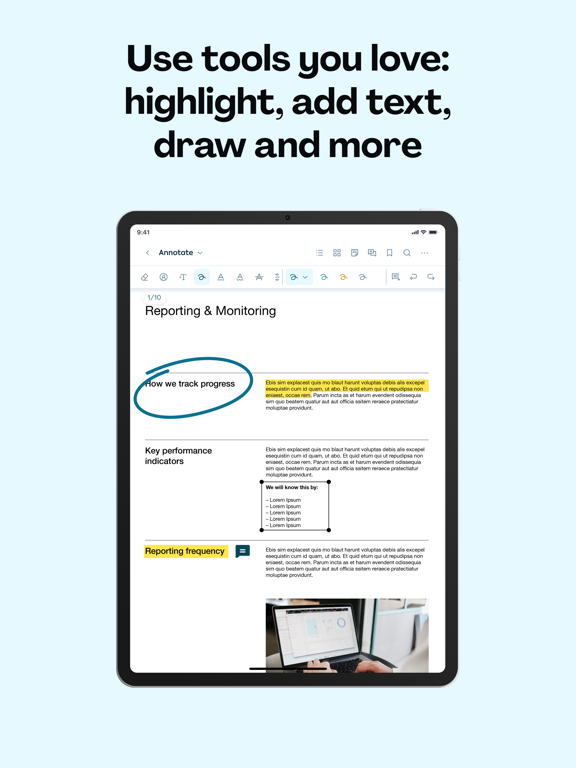
- Versatile editing tools: Highlight, annotate, draw on PDFs and more.
- Document organization: Organize, extract pages, merge files, convert to/from PDF,...
- Pre-designed templates: Choose from various templates for various purposes and industries, such as real estate, education, job application, etc.
- Collaboration: Share files and receive real-time notifications.
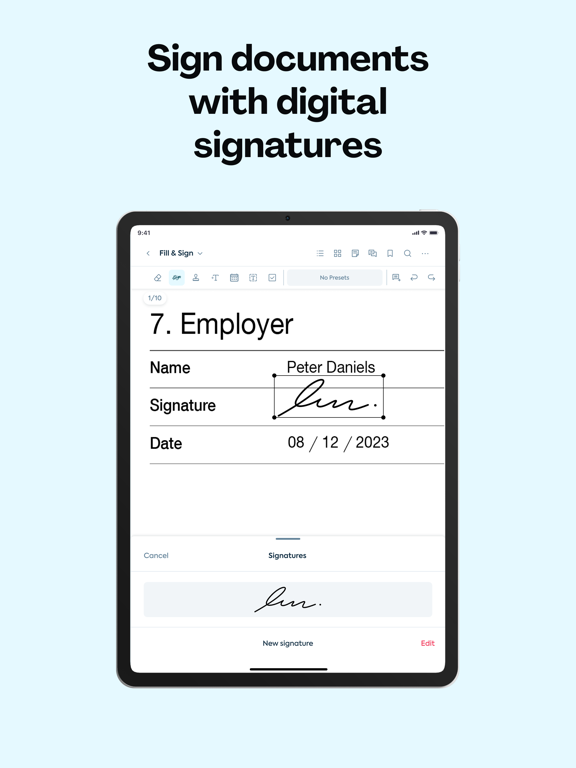
- eSignatures: Sign and fill out forms with ease.
- Scanning: Convert paper documents into portable PDFs.
LUMIN IN THE REVIEWS
“I use Lumin to mark up PDF drawings and send them to my subcontractors. In my role, time is of the essence. Lumin provides me with a tool to make collaboration and feedback easy.” – Construction site manager, US
“We have been using Lumin for a little over two years, and it's been amazing. Using Lumin on-the-go and in-office allows us better turnaround time for our patients' care.” – Director of Services and Operations, US
“It s very useful and handful for studying and I feel like they make good improvements with each upgrade. I use it for studying, it's cool that I can connect my university Google Drive to the Lumin account and I can edit, draw, write, highlight and add comments and they always get saved.” – Individual user
“Too loud. You can open and edit texts from any device, everything is saved automatically, quickly. Access is very fast. The options for editing documents are diverse.” – Individual user
Terms & conditions: https://www.luminpdf.com/terms-of-use/