WebForge IDE

WebForge IDE


免費

1.3.0for iPhone, iPad
Age Rating
4+
Apps in this category do not contain restricted content.
9+
Apps in this category may contain mild or occasional cartoon, fantasy or real-life violence, as well as occasional or mild adult, sexually suggestive or horrifying content and may not be suitable for children under 9 years of age.
12+
Apps in this category may contain occasional mild indecent language, frequent or intense cartoon or real-life violence, minor or occasional adult or sexually suggestive material, and simulated gambling, and may be for children under 12 years of age.
17+
You must be at least 17 years old to access this App.
Apps in this category may contain frequent and intense offensive language; Frequent and intense cartoon, fantasy or realistic violence: frequent and intense adult, scary and sexually suggestive subjects: as well as sexual content, nudity, tobacco, alcohol and drugs, may not be suitable for children under 17 years of age.
WebForge IDE 螢幕截圖
WebForge IDE 海報WebForge IDE 海報WebForge IDE 海報WebForge IDE 海報WebForge IDE 海報WebForge IDE 海報WebForge IDE 海報

About WebForge IDE

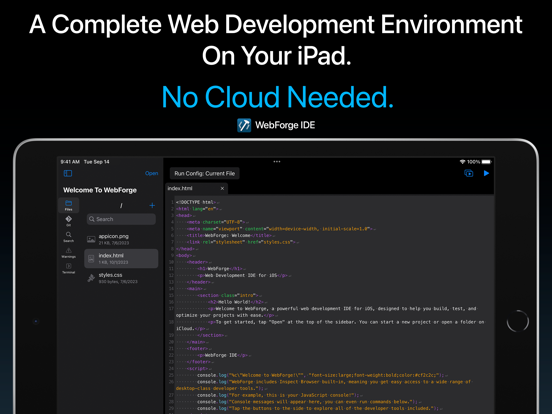
A complete, powerful web development environment for iOS.

WebForge includes everything you need to develop, run, and debug your web projects on your iPad or iPhone. No cloud needed.

Includes:
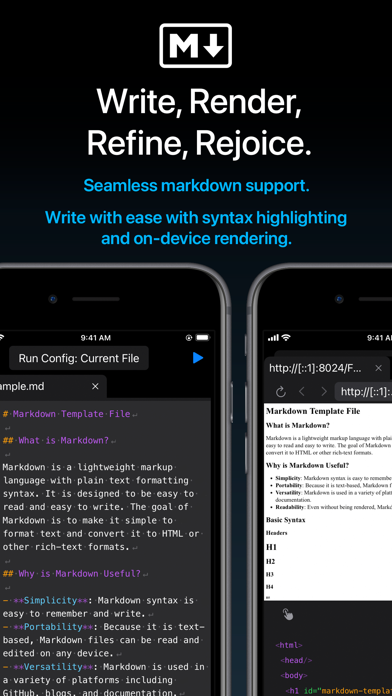
- Powerful code editor with syntax highlighting.
- Inspect Browser built-in, providing extensive desktop-class browser dev tools.
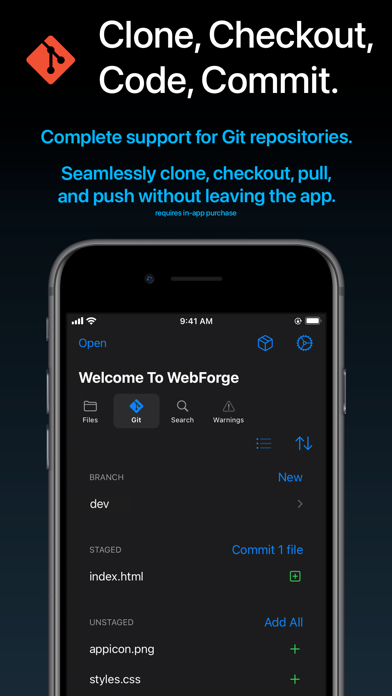
- Complete Git support - clone, branch, commit, pull, and push.
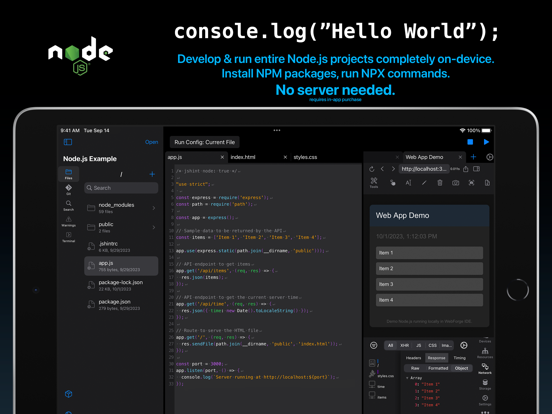
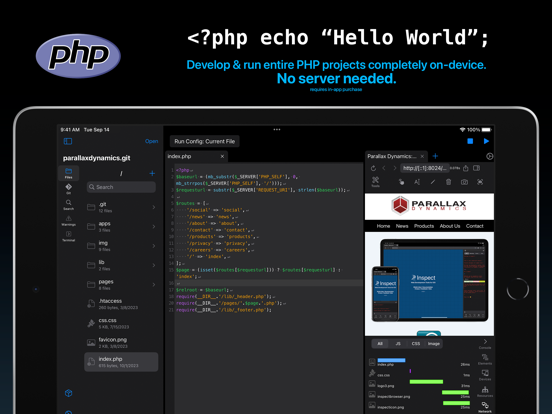
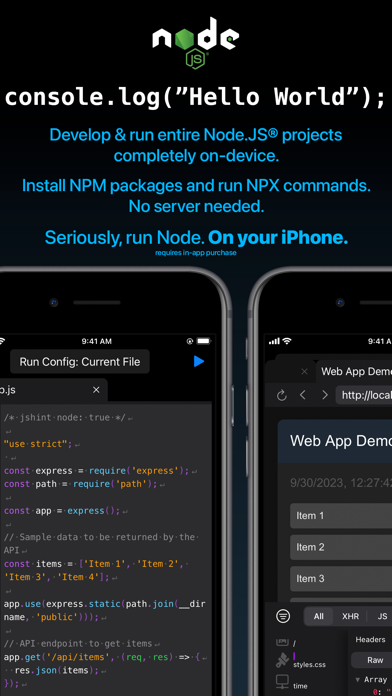
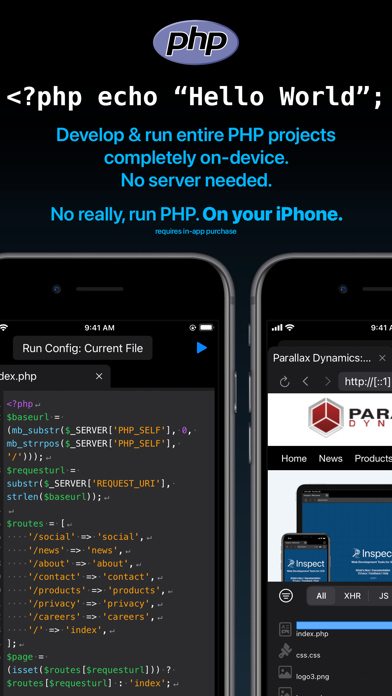
- Run entire NodeJS & PHP projects on-device. Support for includes and a wide variety of extensions. Run on your device in the built-in browser.
- Clone projects locally to your device or open code stored on iCloud.
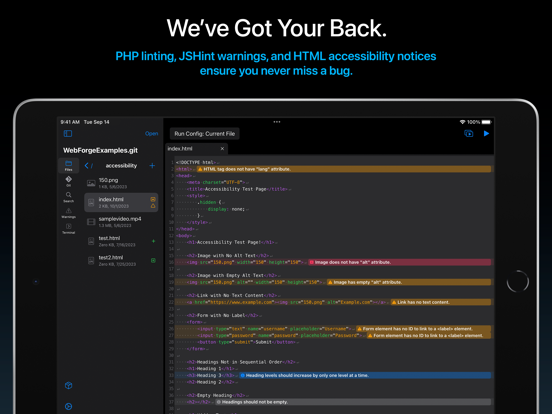
- Includes customizable and extensive code checking with in-editor notices to keep your code bug-free.
- No cloud needed, everything runs on your device.

Easily build fantastic web projects on your iPad and iPhone!

Privacy Policy: https://apps.pdyn.net/webforge/privacy
Terms of Service: https://apps.pdyn.net/webforge/terms

Show More

最新版本1.3.0更新日誌

Last updated on 2024年09月24日
歷史版本
Happy Fall 2024!

Here's what's new in v1.3:

- Added SSH Plugin: connect to remote systems over SSH from the terminal.

- NodeJS Plugin
- Added stepping debugger. Set breakpoints by tapping on the line number or adding the "debugger" keyword.
- Added debugger panel. See running session, start/stop execution, and step over/in/out when paused. View active call frames and scope variables.
- Added breakpoints panel. See all added breakpoints.
- Detect run configurations in package.json files and select them from the run menu. Run with single tap on the play button.
- Enhanced run environment, supporting Vite 5.4.x

- Bookmarks Plugin
- Added option to include a note for the bookmark. Notes will appear in the bookmark panel and in the editor as a line-level notice.
- Added icon in editor gutter to indicate bookmarked lines.
- Fixed bug causing some bookmarked lines to not appear in the panel.

- JSHint Plugin
- Default esversion changed to 6.

- Terminal
- Added support for multiple commands on a single line using &&.

- Code Editor
- Added syntax highlighting for TypeScript files.
Show More
Version History
1.3.0
2024年09月24日
Happy Fall 2024!

Here's what's new in v1.3:

- Added SSH Plugin: connect to remote systems over SSH from the terminal.

- NodeJS Plugin
- Added stepping debugger. Set breakpoints by tapping on the line number or adding the "debugger" keyword.
- Added debugger panel. See running session, start/stop execution, and step over/in/out when paused. View active call frames and scope variables.
- Added breakpoints panel. See all added breakpoints.
- Detect run configurations in package.json files and select them from the run menu. Run with single tap on the play button.
- Enhanced run environment, supporting Vite 5.4.x

- Bookmarks Plugin
- Added option to include a note for the bookmark. Notes will appear in the bookmark panel and in the editor as a line-level notice.
- Added icon in editor gutter to indicate bookmarked lines.
- Fixed bug causing some bookmarked lines to not appear in the panel.

- JSHint Plugin
- Default esversion changed to 6.

- Terminal
- Added support for multiple commands on a single line using &&.

- Code Editor
- Added syntax highlighting for TypeScript files.

WebForge IDE FAQ

WebForge IDE在以下限制國家以外的其他地區可用:
China,France
以下為WebForge IDE的最低配置要求。
iPhone
iPad
點擊此處瞭解如何在受限國家或地區下載WebForge IDE。

WebForge IDE相關應用

你可能還喜歡

Parallax Dynamics Inc. 開發者的更多應用