BookFolder

BookFolder


Free

1.1.3for iPhone, iPad
Molly Black
Developer
Jan 4, 2025
Update Date
Books
Category
Age Rating
4+
Apps in this category do not contain restricted content.
9+
Apps in this category may contain mild or occasional cartoon, fantasy or real-life violence, as well as occasional or mild adult, sexually suggestive or horrifying content and may not be suitable for children under 9 years of age.
12+
Apps in this category may contain occasional mild indecent language, frequent or intense cartoon or real-life violence, minor or occasional adult or sexually suggestive material, and simulated gambling, and may be for children under 12 years of age.
17+
You must be at least 17 years old to access this App.
Apps in this category may contain frequent and intense offensive language; Frequent and intense cartoon, fantasy or realistic violence: frequent and intense adult, scary and sexually suggestive subjects: as well as sexual content, nudity, tobacco, alcohol and drugs, may not be suitable for children under 17 years of age.
BookFolder Screenshots
BookFolder posterBookFolder posterBookFolder posterBookFolder posterBookFolder poster
BookFolder posterBookFolder posterBookFolder posterBookFolder posterBookFolder posterBookFolder poster

About BookFolder

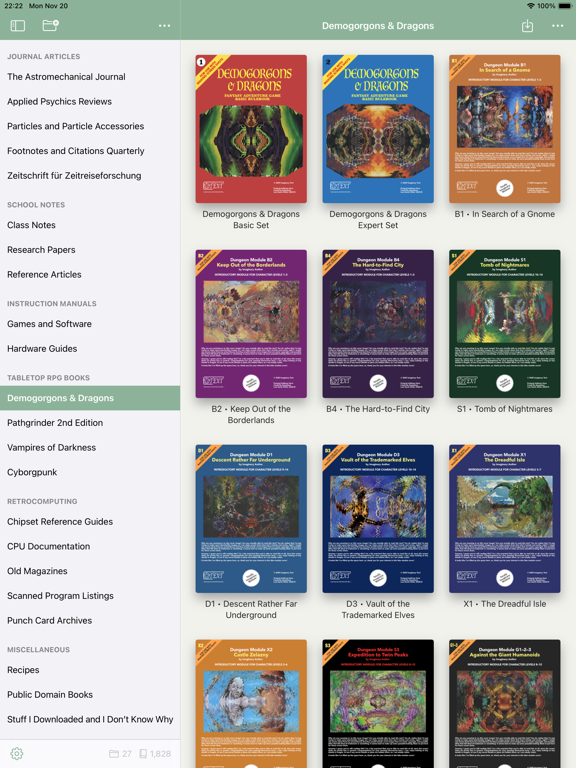
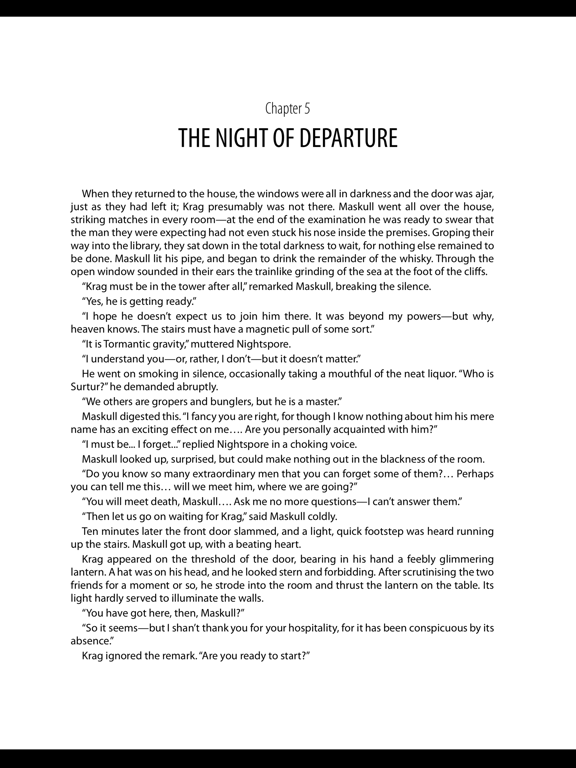
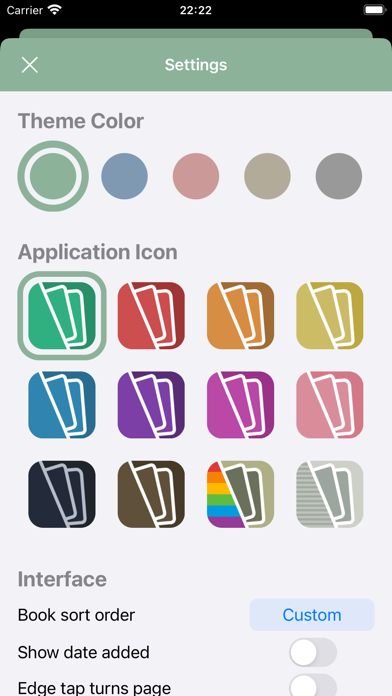
Organize your PDFs, set custom covers, and choose from several theme colors and icons, for a pleasant reading experience just the way you want it.

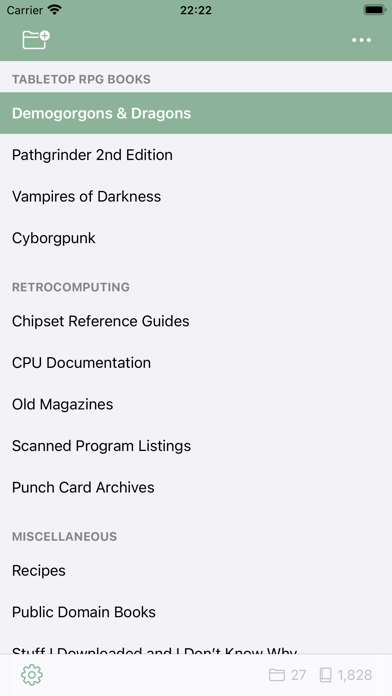
• Create folders and folder groups to keep your PDFs organized however you prefer. Rename and rearrange things as the mood takes you. Name every single book and folder the same thing, if you really want to! (I don’t recommend doing that, but nonetheless, that’s the sort of awesome power that you wield if you use BookFolder.)

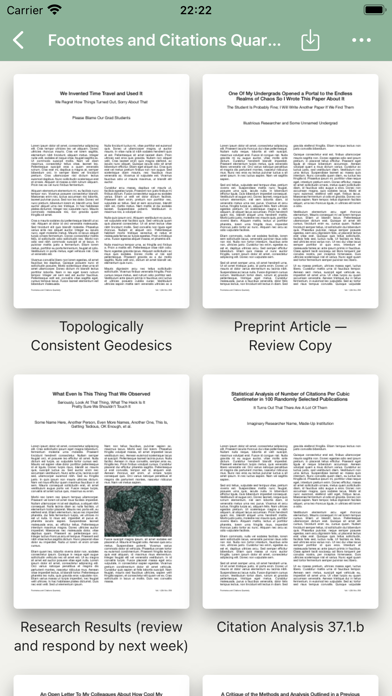
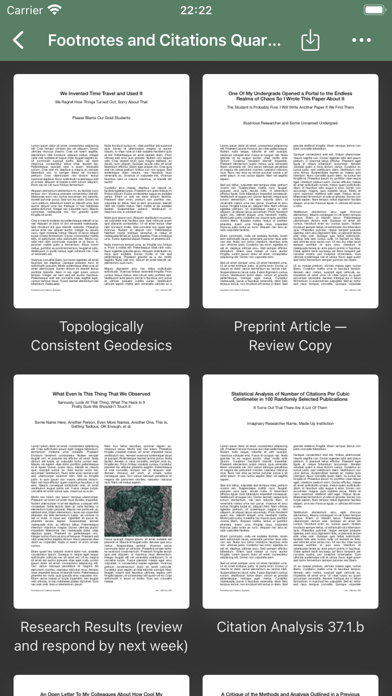
• Set custom cover images for every book (or stick with a book’s default cover, of course). Your library will look the way that you want it to! (And the underlying files remain pristine, so if you begin to regret choosing a photo of your cat for every book in your collection, you can always restore the originals and no one will know. Except your cat, who is judging you now.)

• Get wild on an iPad with split-screen multitasking support. Read two books at once (or the same book twice)! If that’s something that you want to do.

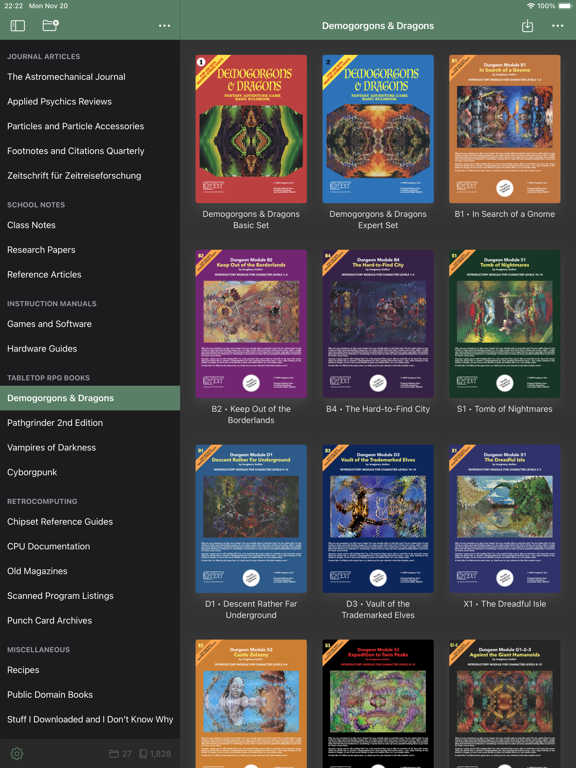
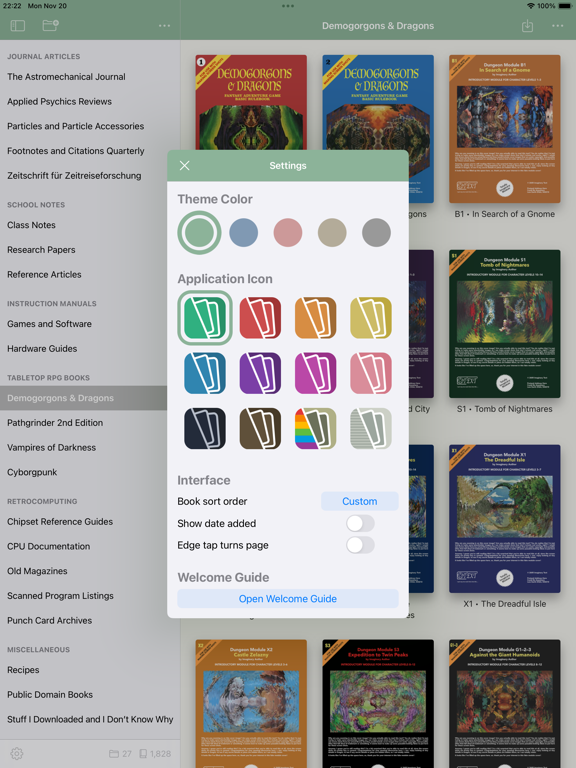
• Swap between five theme colors, for an interface that works best for you. (Dark Mode support, too, of course!)

• Choose from a dozen icons, from solid colors to subdued platinum to a retro rainbow look, to fit your mood and to ensure a harmonious home screen layout with your other apps. (I’m not the only one who arranges my icons by color and design… am I?)

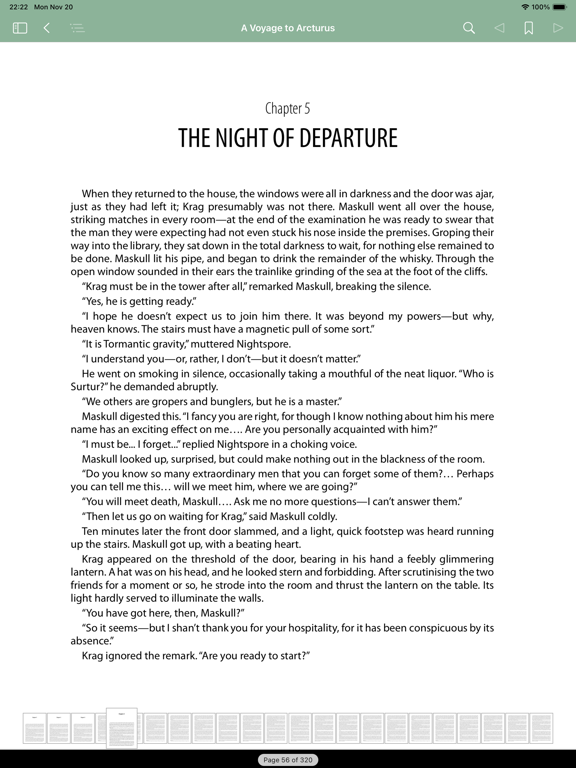
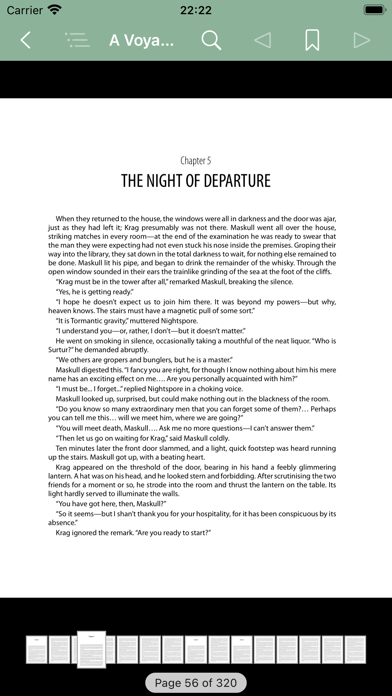
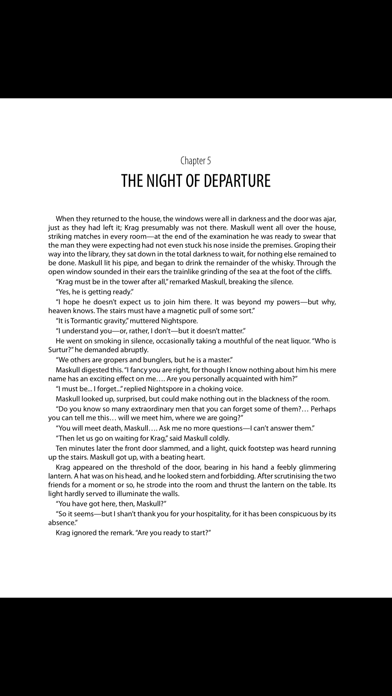
• You can use it to actually read the PDFs, too, of course. Mustn’t forget that part.

• Plus bookmarks, searching, and table-of-contents support, as one would expect.

• Also, it’s free, no in-app purchases, no tracking… just a nice PDF reader and library manager. I hope that you’ll enjoy it!

Show More

What's New in the Latest Version 1.1.3

Last updated on Jan 4, 2025
Old Versions
Fixed a visual issue that could occur under iOS 18.
Show More
Version History
1.1.3
Jan 4, 2025
Fixed a visual issue that could occur under iOS 18.

BookFolder FAQ

BookFolder is available in regions other than the following restricted countries:
China
Check the following list to see the minimum requirements of BookFolder.
iPhone
iPad
Click here to learn how to download BookFolder in restricted country or region.

BookFolder Alternative

You May Also Like

Get more from Molly Black