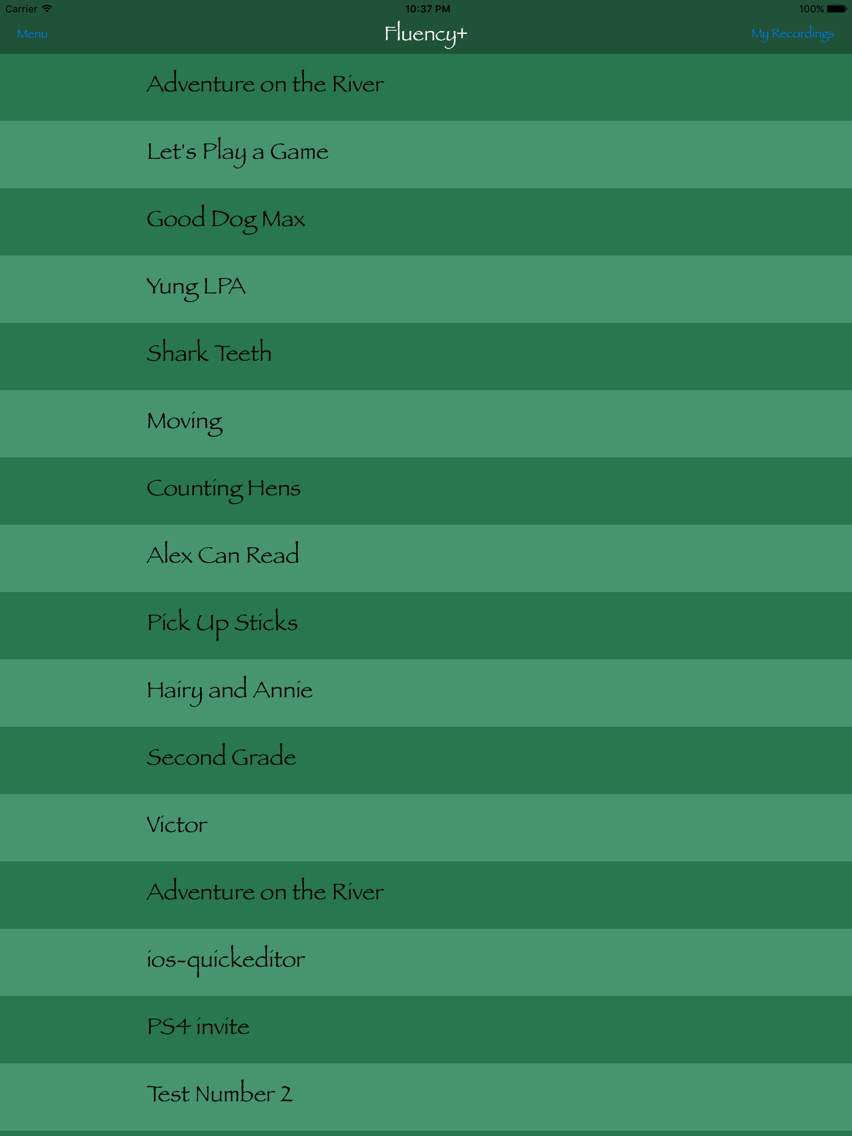
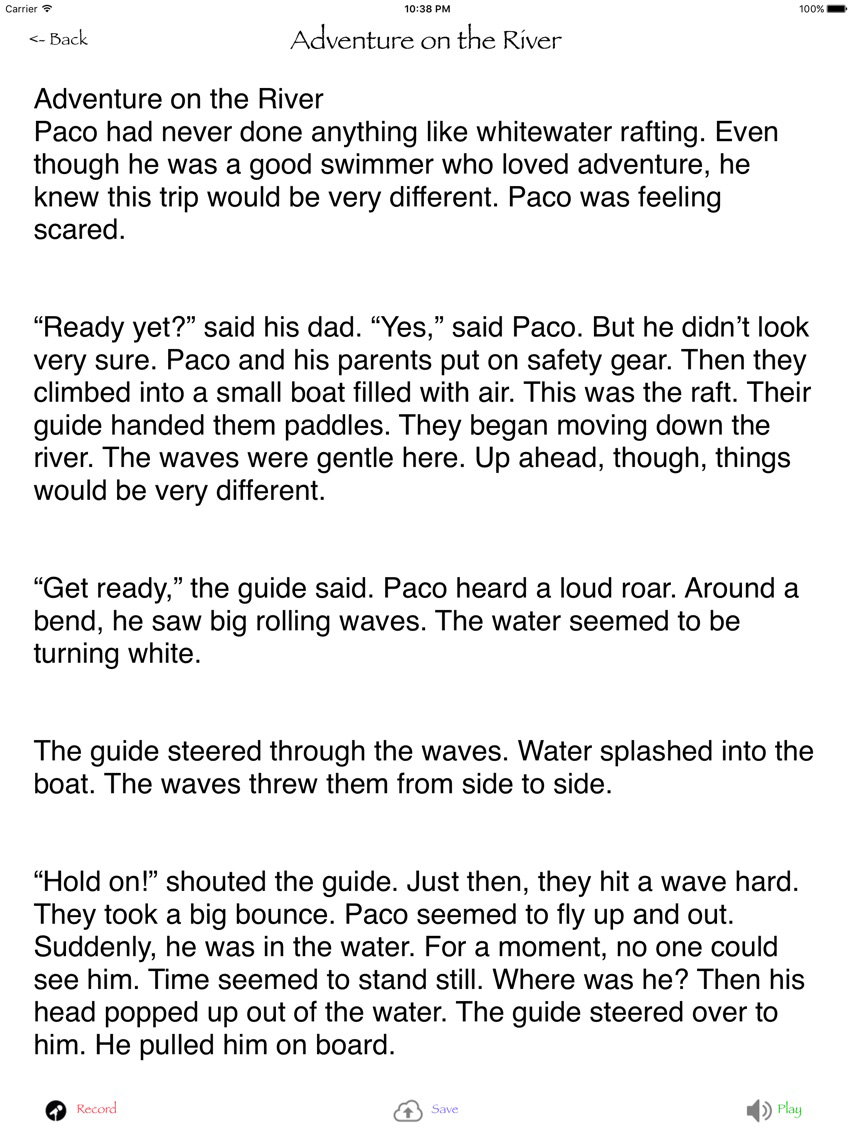
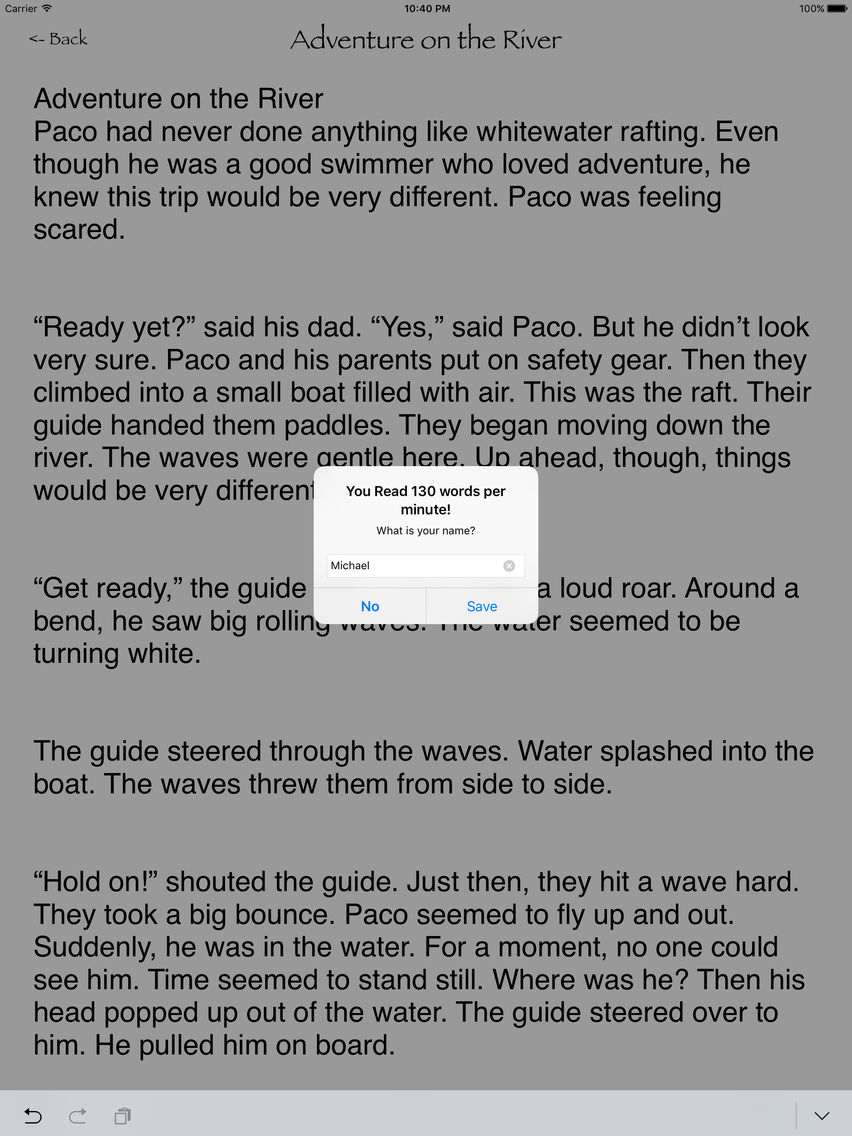
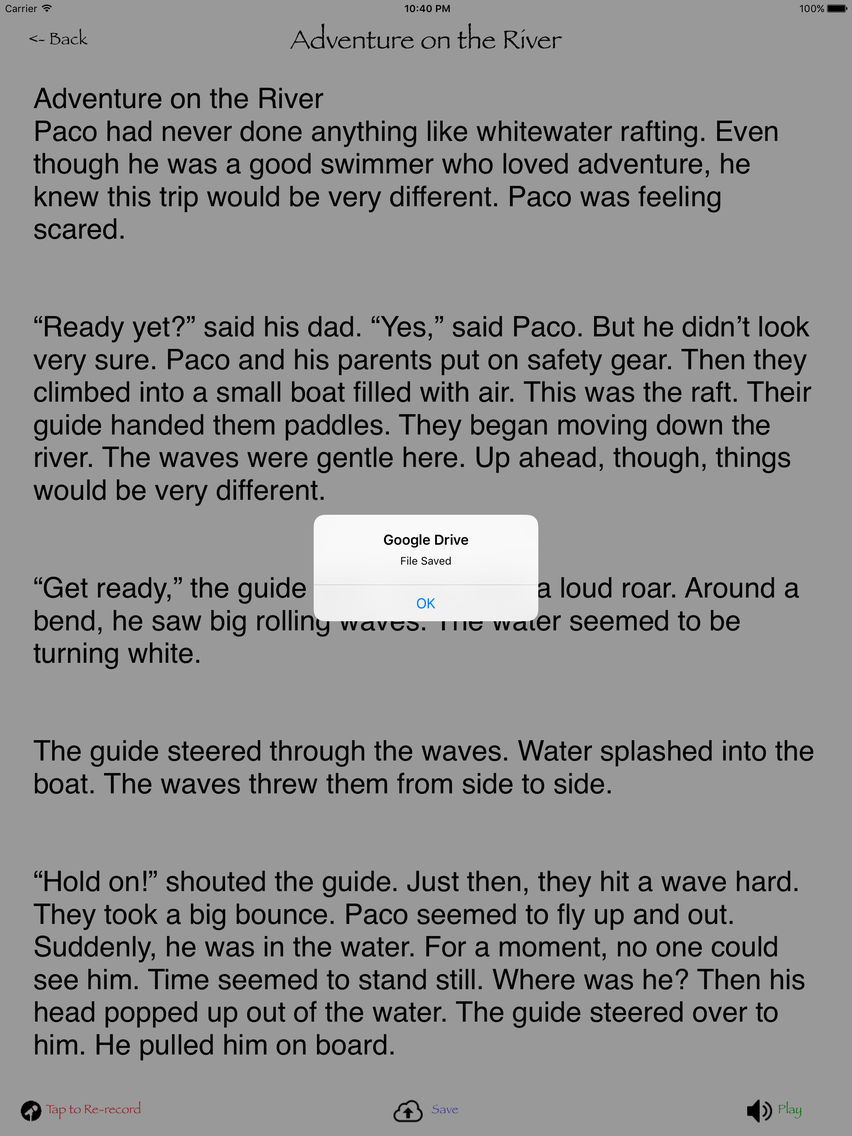
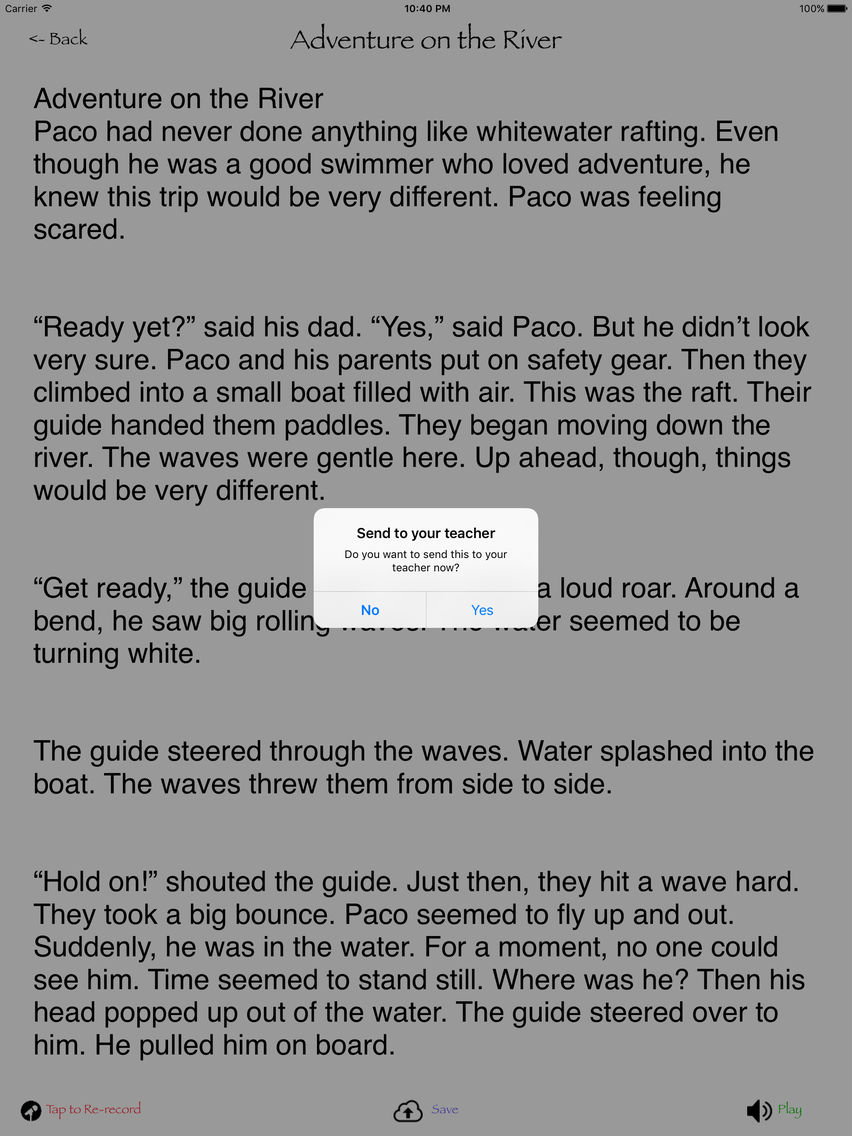
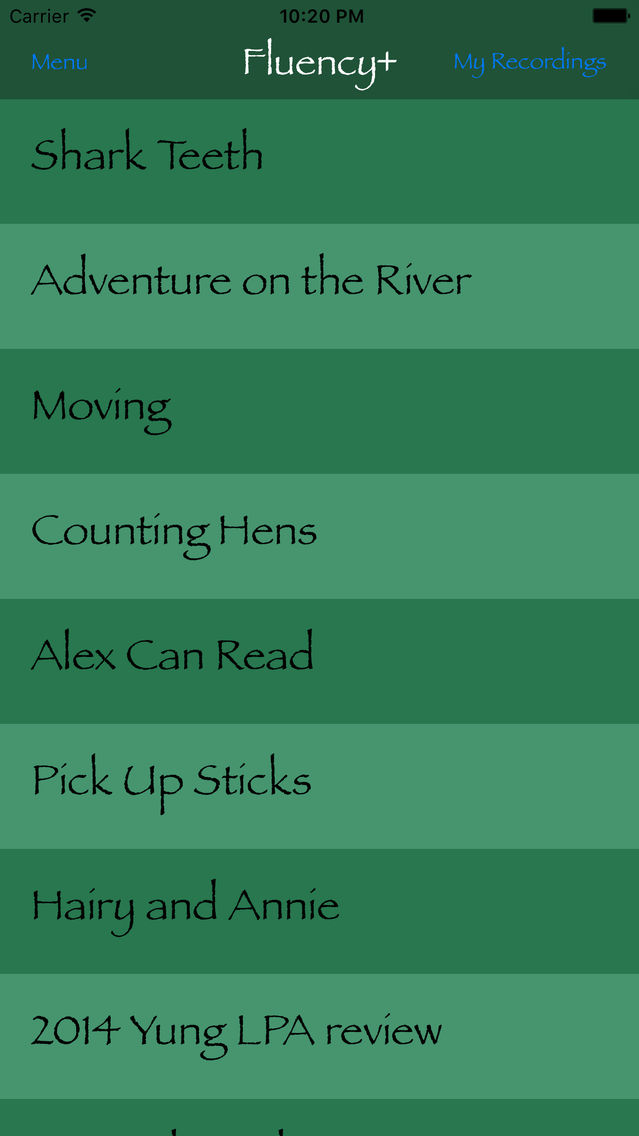
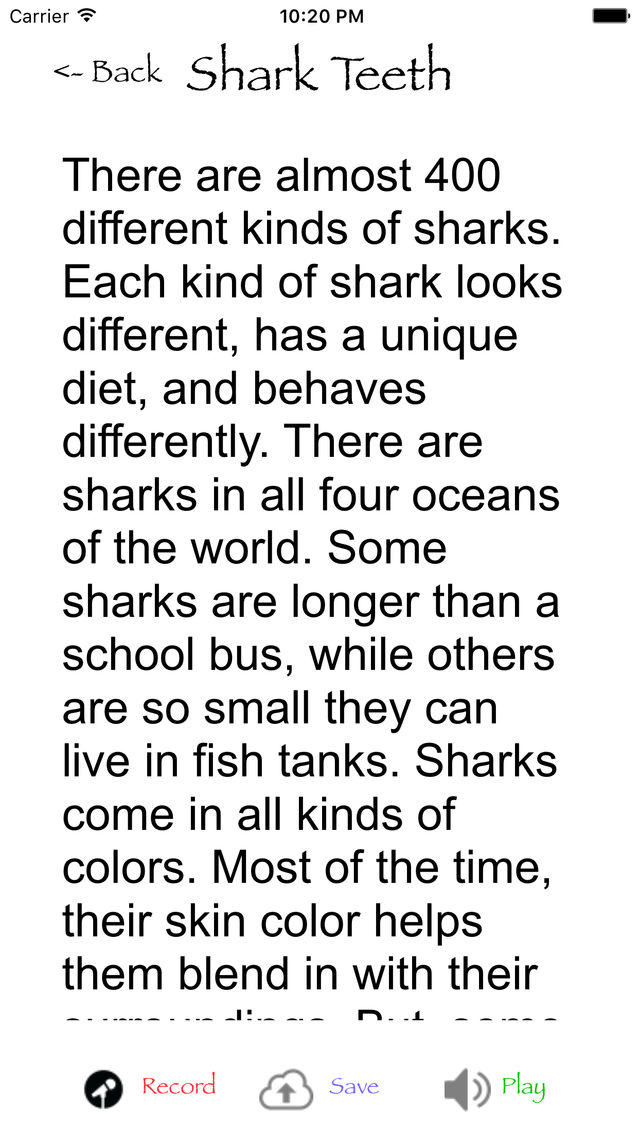
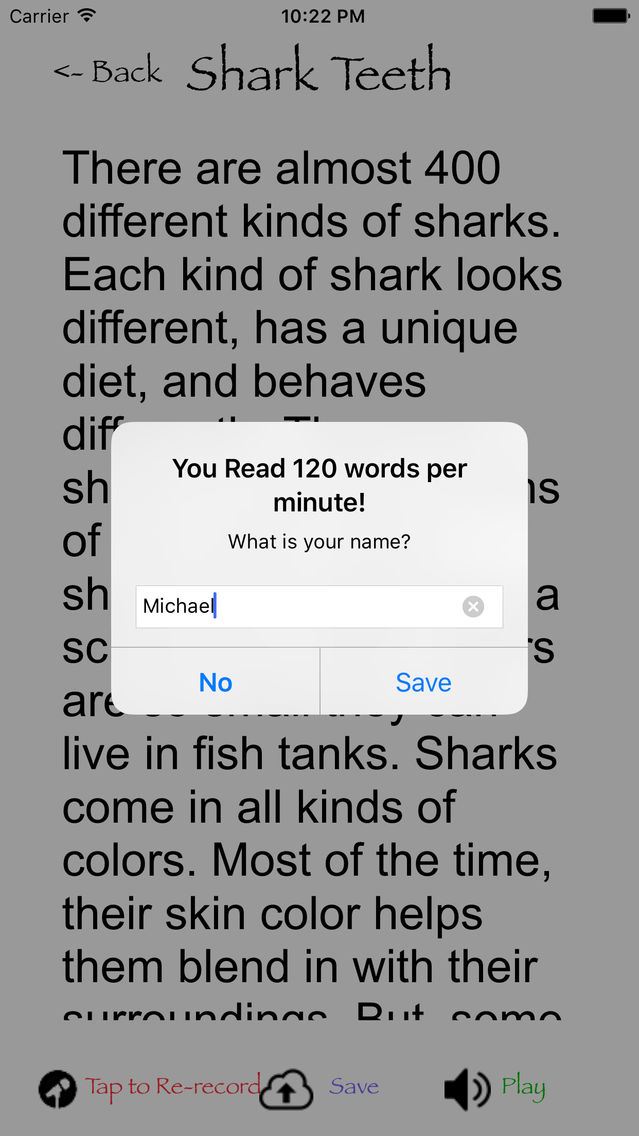
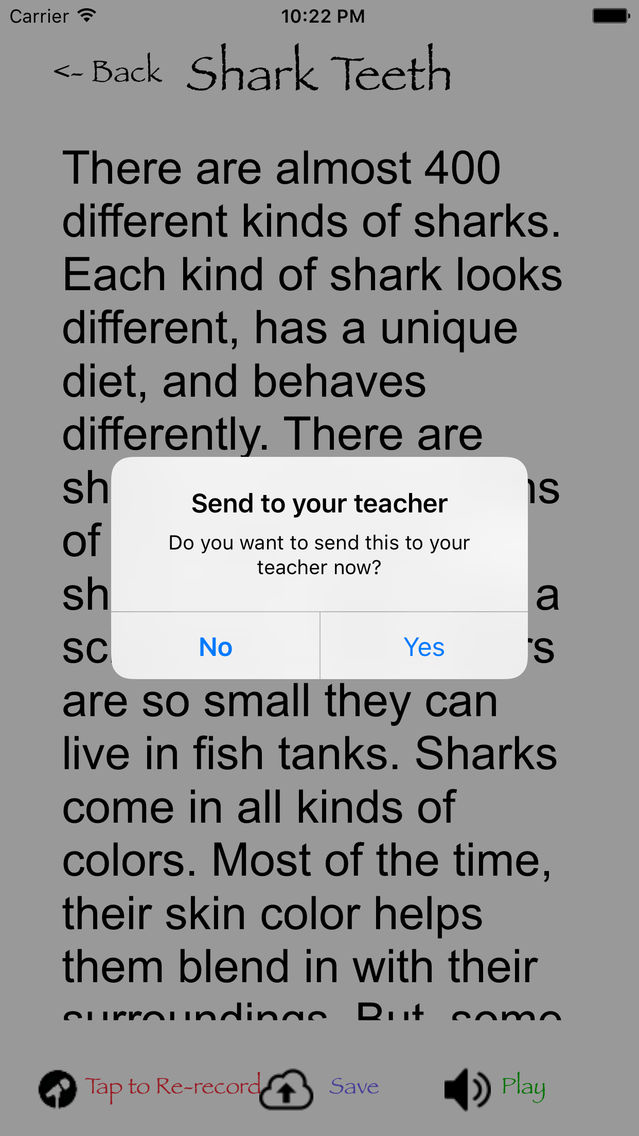
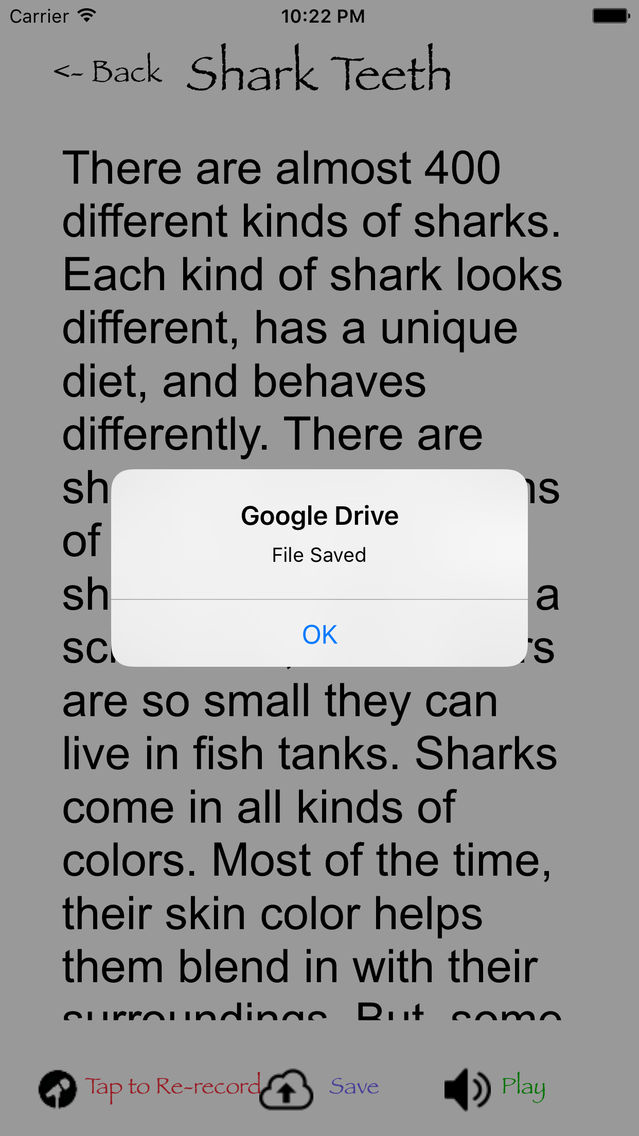
Teachers easily create and share reading scripts with Google Docs. After logging into Google Apps, students select a reading script, read and record it, then save it. Fluency+ calculates the words per minute then saves it the teacher's shared Google Drive folder for later use and review.
Summary:
An app that encourages young people to improve their reading fluency through a continued, directed focus on reading material aimed towards their abilities. Utilizing Google docs learners can have text and passages shared which they can use to improve their reading proficiency and then further share their progress with teachers or other educators.
Educational App Store Review:
The aim of this app is to help improve young children’s proficiency when it comes to reading. By accessing reading material that can be specifically set for the individual child, so geared towards their ability, the user can practice and be assessed on the progress they are making. This can then allow any teacher or adult to target further text and passages to maximize the learning potential when it comes to reading and reading proficiency/fluency.
The way a user accesses the system is via the app and also through a Google apps account. If being used in a classroom setting, students do not need to have a Google account as this can be done through the teacher. However in some establishments when the use of Google docs is common and part of the learning environment sharing documents for learning purposes is quite common.
Teachers can select passages that they wish students to practice or ones that they feel match the ability of the individual student. The student then accesses these texts and reads them through the app, recording them as they do so. Once they have done this they can then send this recording, along with the information on their fluency (a score is given with how many words they have read per minute) and then this can be assessed, along with the recording to then target any further texts or passages that might continue to aid fluency and proficiency. Text can be zoomed in by the usual pinching of the screen and this allows the reader to be able to adjust things to the right size. With the feature of being able to change the font also part of the system and a specific dyslexic friendly font it means that all readers can access the app.
The app and the way it works does seem to suit more of an educational purpose as it does allow a user to target specific passages they wish a student to access and means also that they can assess the student in a certain way. This doesn’t mean that the app can’t be accessed or used in a home setting just that there might be better ways of doing this for a parent with their child.
The app itself is easy to access and doesn’t require too much navigating. Users may find linking into Google docs a little more difficult however it is still quite simple to do so shouldn’t cause too many issues. Recordings can also be saved on the app and this gives users the ability to access these at any time. The app also a well laid out help option, accessed via the front page, where it explains exactly how the user can link to Google docs and how they solve and problems that might occur in sharing documents with other users.
I do like the app and think the potential for educators sharing documents in terms of helping young people improve their fluency and proficiency in reading is a good one. I can also see how a school could make use of targeting specific texts to specific students and receiving a score based on how well they have done. This can allow educators to be more targeted in any further interventions etc to help students. However it is quite narrow in its focus so can only really be used for this purpose. This is though fine if this type of app is what you are looking for.
Winner of Educational App Store 4 Star Certification.