Gridy
Free
1.1for iPhone, iPad
Age Rating
Gridy Screenshots
About Gridy
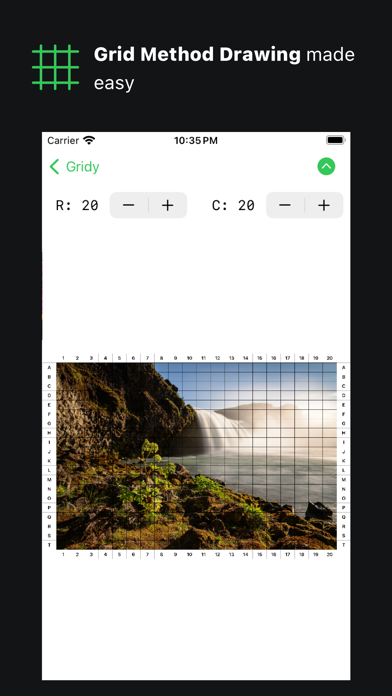
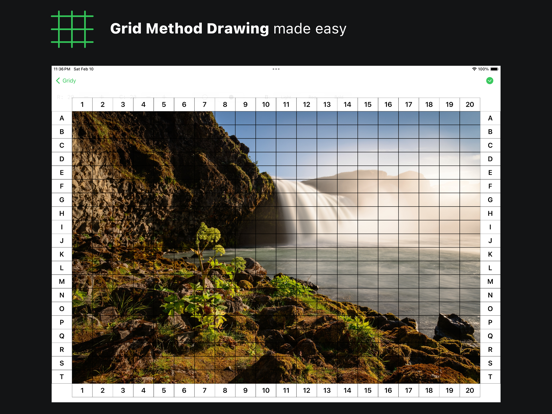
Gridy helps artists draw their digital images using Grid Method Drawing!
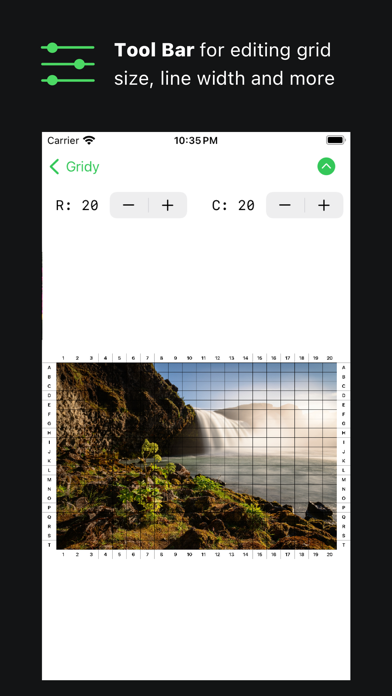
Gridy applies a grid to your image, and allows you to use it as a reference when drawing!
Starting a drawing will be easier, as you don’t have to find a complex solution to set up a grid reference on a digital image.
Gridy is here to help artists - from beginners to seasoned vets.
Some Features of Gridy
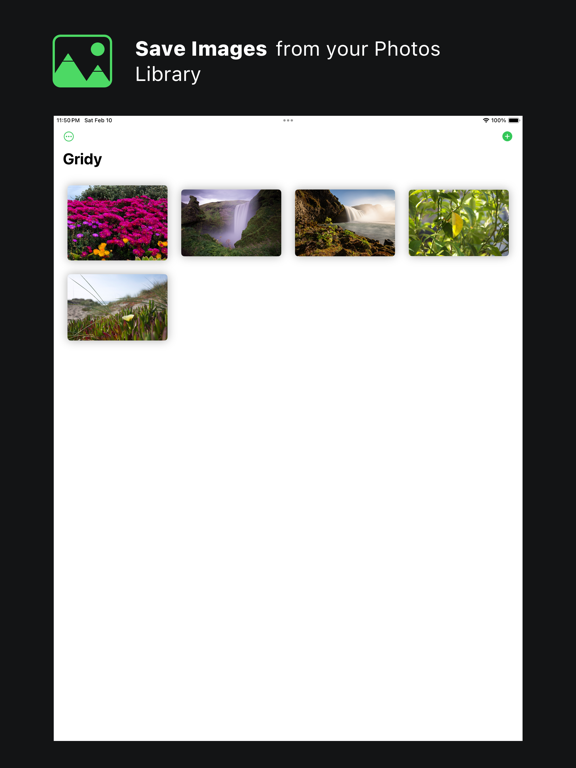
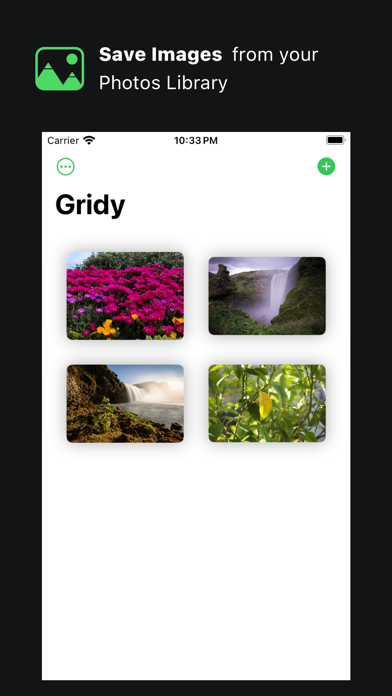
• Images are imported from Photos app
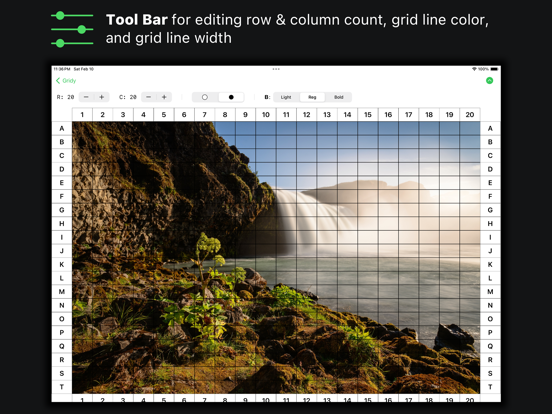
• Customization of grid row & column count, grid line color and grid line width
• iCloud sync between your iOS devices
• Works in landscape and portrait orientation
• Dark Mode
• Allows a max of 100 row/column count and a minimum of 5 row/column count

Gridy applies a grid to your image, and allows you to use it as a reference when drawing!
Starting a drawing will be easier, as you don’t have to find a complex solution to set up a grid reference on a digital image.
Gridy is here to help artists - from beginners to seasoned vets.
Some Features of Gridy
• Images are imported from Photos app
• Customization of grid row & column count, grid line color and grid line width
• iCloud sync between your iOS devices
• Works in landscape and portrait orientation
• Dark Mode
• Allows a max of 100 row/column count and a minimum of 5 row/column count
Show More
What's New in the Latest Version 1.1
Last updated on Feb 16, 2024
Old Versions
Updating for iOS 17
Show More
Version History
1.1
Feb 16, 2024
Updating for iOS 17
Gridy FAQ
Click here to learn how to download Gridy in restricted country or region.
Check the following list to see the minimum requirements of Gridy.
iPhone
Nécessite iOS 17.0 ou version ultérieure.
iPad
Nécessite iPadOS 17.0 ou version ultérieure.
Gridy supports Englisch