HighMark

HighMark


$10.99

2.1.0for iPhone, iPad and more
9.3
20 Ratings
Hal Broadhead
Developer
34.2 MB
Size
Sep 9, 2023
Update Date
Education
Category
4+
Age Rating
Age Rating
4+
Apps in this category do not contain restricted content.
9+
Apps in this category may contain mild or occasional cartoon, fantasy or real-life violence, as well as occasional or mild adult, sexually suggestive or horrifying content and may not be suitable for children under 9 years of age.
12+
Apps in this category may contain occasional mild indecent language, frequent or intense cartoon or real-life violence, minor or occasional adult or sexually suggestive material, and simulated gambling, and may be for children under 12 years of age.
17+
You must be at least 17 years old to access this App.
Apps in this category may contain frequent and intense offensive language; Frequent and intense cartoon, fantasy or realistic violence: frequent and intense adult, scary and sexually suggestive subjects: as well as sexual content, nudity, tobacco, alcohol and drugs, may not be suitable for children under 17 years of age.
HighMark Screenshots
HighMark posterHighMark posterHighMark posterHighMark posterHighMark posterHighMark posterHighMark posterHighMark poster

About HighMark

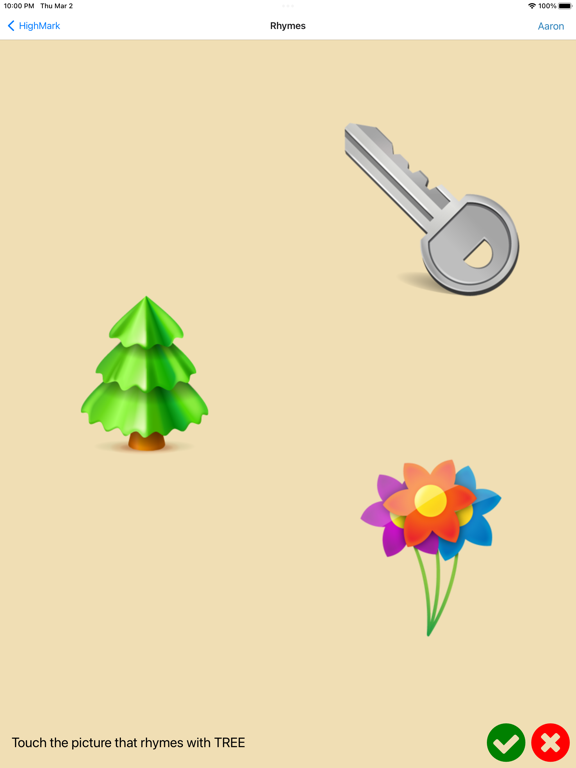
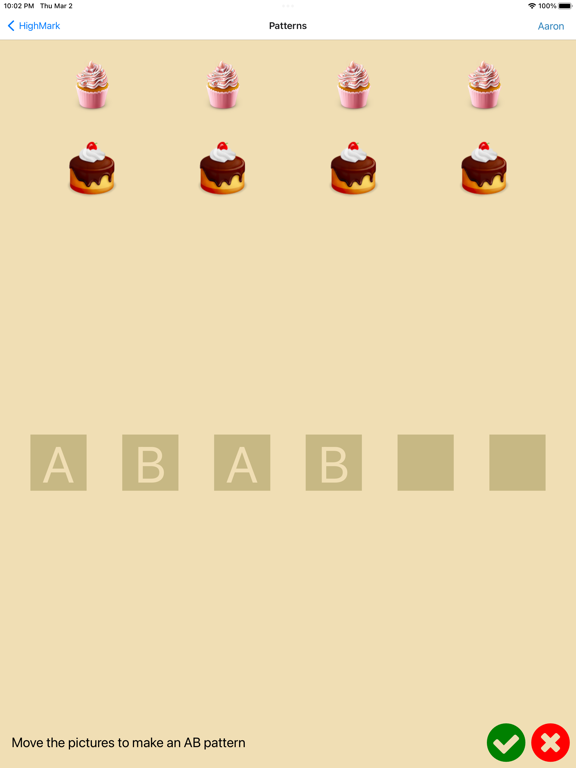
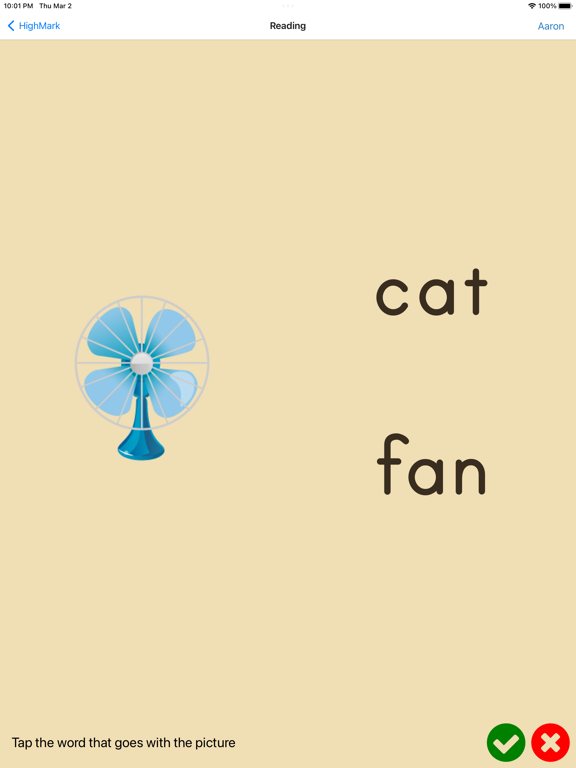
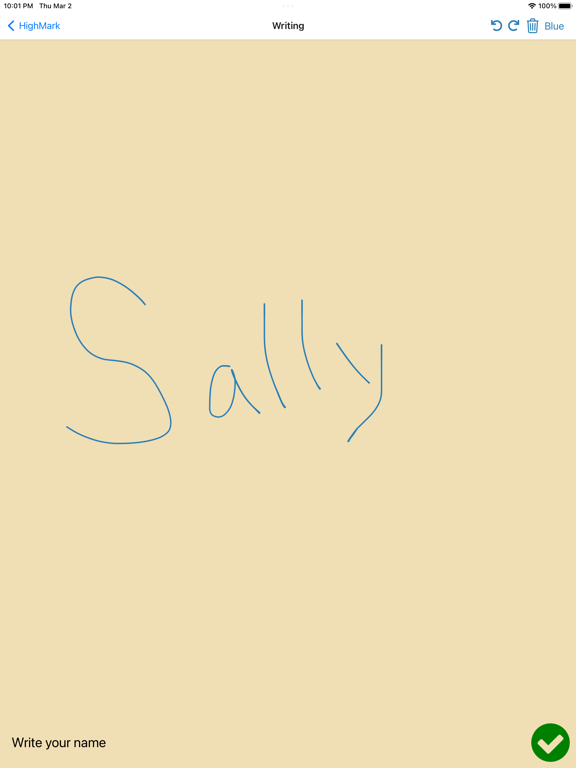
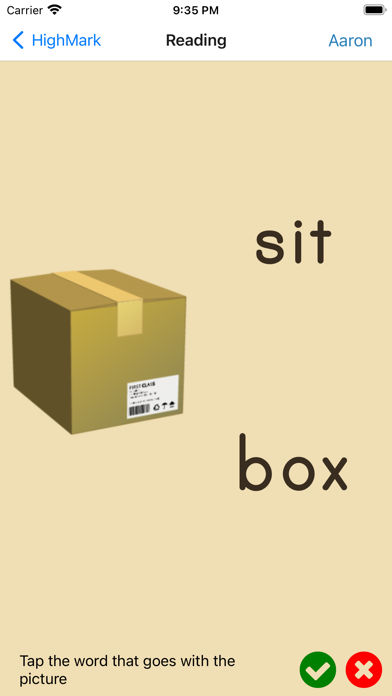
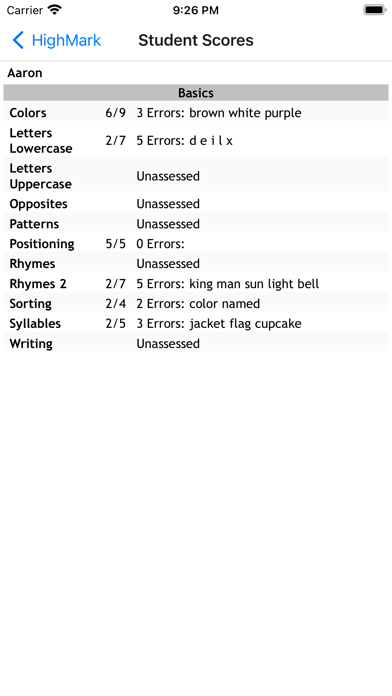
HighMark is a tool for educators to assess the skills and progress of students. It uses fun assessments that engage students and tracks their progress for later review. Educators can choose from 51 different assessments that are appropriate for pre schoolers through early elementary grades.

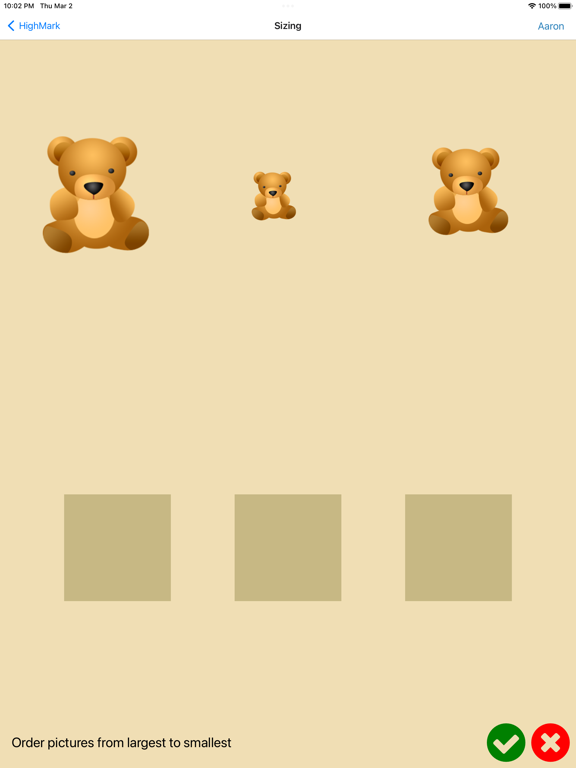
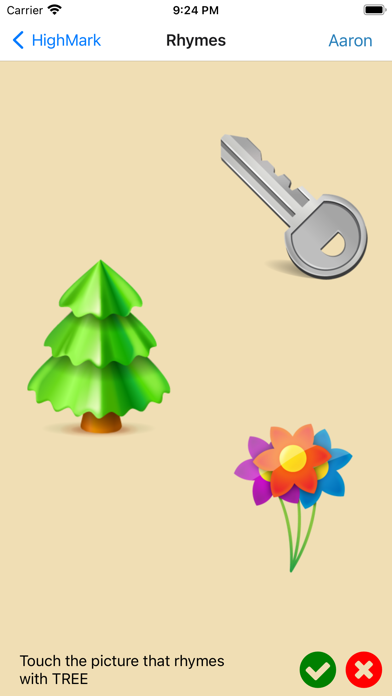
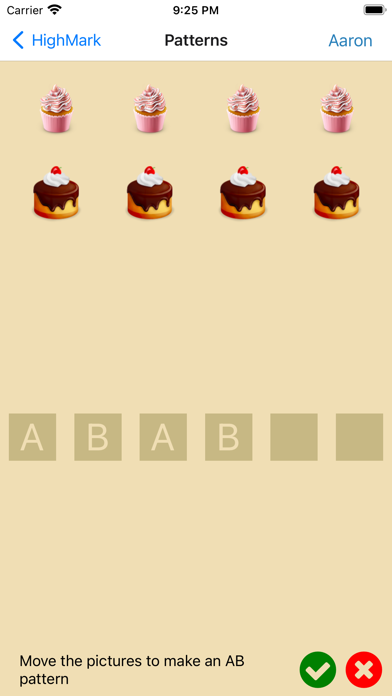
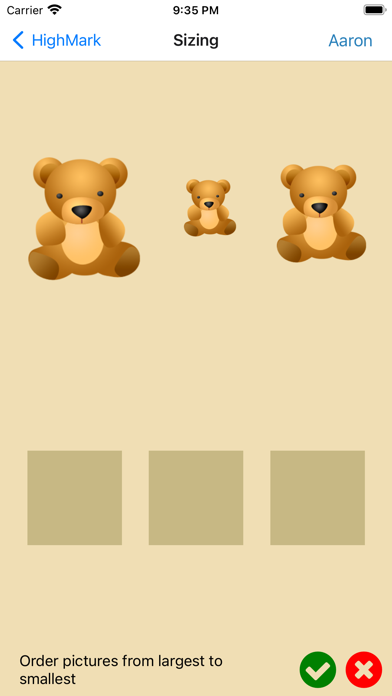
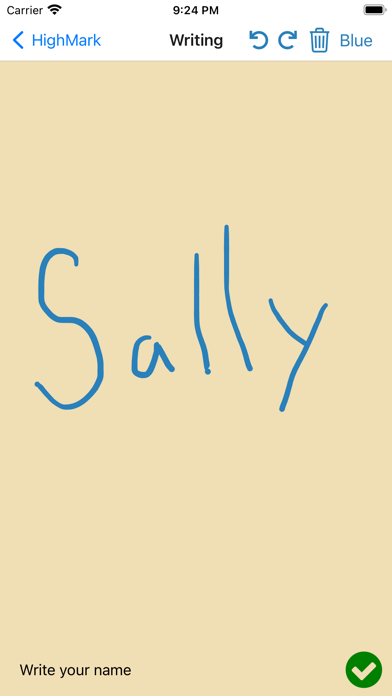
Assessment types include: colors, uppercase letters, lowercase letters, rhymes, opposites, positioning, sorting, syllables, handwriting, letter selection, begins with letter, reading, site words, blends, shapes, 3d shapes, numbers 0-100, patterns, sizing and counting.

Show More

What's New in the Latest Version 2.1.0

Last updated on Sep 9, 2023
Old Versions
On the main screen, you now have the option to hide students whose assessments are fully completed.
You can also hide all finished assessments.
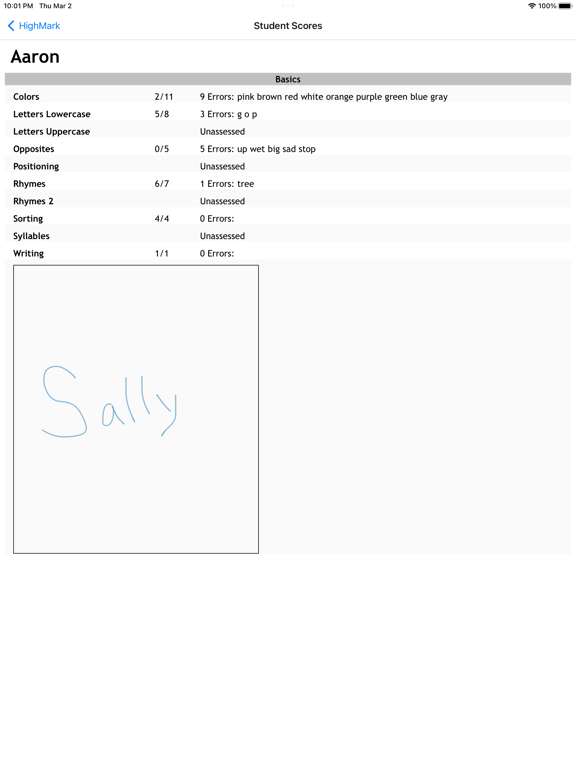
New interactive student, class and hot spot reports have been added.
- They simplify the report by showing a single assessment group with the option to select different groups.
- You can also hide the assessments that have not been finished.
Dark mode is now available!
Show More
Version History
2.1.0
Sep 9, 2023
On the main screen, you now have the option to hide students whose assessments are fully completed.
You can also hide all finished assessments.
New interactive student, class and hot spot reports have been added.
- They simplify the report by showing a single assessment group with the option to select different groups.
- You can also hide the assessments that have not been finished.
Dark mode is now available!
2.0.4
May 20, 2023
Fixed a problem on the configuration student list where long class names wreaked havoc on the displayed student name.
Added a link to the privacy policy
2.0.3
May 18, 2023
Fixed bugs with selection of assessment groups on the main page.
Added animations to the assessments.
Changed the icons for adding students, classes and assessment groups to be more clear as to what they are for.
When emailing reports, the writing images will not show in the body of the email message. They will be in an attached pdf.
2.0.2
Apr 25, 2023
New buttons on report screens make it easier to print, email & share.
Fixed the problem of printing tracing sheets.
Fixed a problem where sizing and pattern icons got stuck.
Various other minor bugs
2.0.1
Mar 14, 2023
Various updates and bug fixes
1.6
Oct 15, 2019
Added a new 'Shapes Basic' assessment
Added 10 new number assessments (ie: 1-10, 11-20, 21-30, etc)
Fixed the colors assessment to properly include blue and gray
Made lots of internal updates for iOS 13
1.5
Jan 28, 2019
Added blue and gray to colors assessment.
Fixed student configuration options, which among other things, was hiding the ability to delete a student. It is working now.
Fixed a problem when attempting to email the 'Hot spots' report.
Upgraded for iOS 12
1.4
Nov 10, 2017
iPhone X and iOS 11 are now fully supported.
When editing classes, students and assessment groups, your data is automatically saved for you. You don't need to tap the save button any more.
Swipe left to delete rows in the table view of classes, students and assessment group.
Sort the list of students when editing a class.
1.3
Sep 9, 2017
a few minor bug fixes
1.2
Jul 18, 2017
You can now export and import your data. This allows you to easily move your data to a new device.
The sorting assessment has 2 new questions: sorting by color and by shape.
The interface has been refined with more animations, new icons, and plenty of bug fixes.
1.1
Nov 3, 2016
Now fully compatible with iOS 10
Added ability to print a sheet of a student's name in dotted font for the student to practice writing
Long press on student opens menu with options to call, text, email, edit and show name tracing sheet
Added 2 new rhyme assessments: fox and bell
Snap images to center of drop area in Size and Pattern assessments
Added more options to the writing assessment
Show a student's class on the student list
Various bug fixes
1.0
Aug 15, 2016

HighMark FAQ

Click here to learn how to download HighMark in restricted country or region.
Check the following list to see the minimum requirements of HighMark.
iPhone
Requires iOS 13.0 or later.
iPad
Requires iPadOS 13.0 or later.
iPod touch
Requires iOS 13.0 or later.
HighMark supports English

HighMark Alternative

You May Also Like

Get more from Hal Broadhead