iQuick is one of the tools working towards ‘getting to know yourself': reaction time is a bedrock parameter in human experimental and cognitive psychology, and an important proxy for measuring one’s general fitness and abilities. Knowing your reaction time and factors affecting it can help you be at your best when you need it the most, and exercise extra caution or avoid certain activities, such as driving or operating machinery when your reaction time is negatively affected.
Using iQuick to measure reaction time at an early age may help detect predispositions to the professions requiring quick reaction, while using iQuick to monitor changes in reaction time can help detect an emergence of underlying conditions and gauge the effect of certain factors, such as alcohol, medication, sleep depravation, or their combinations.
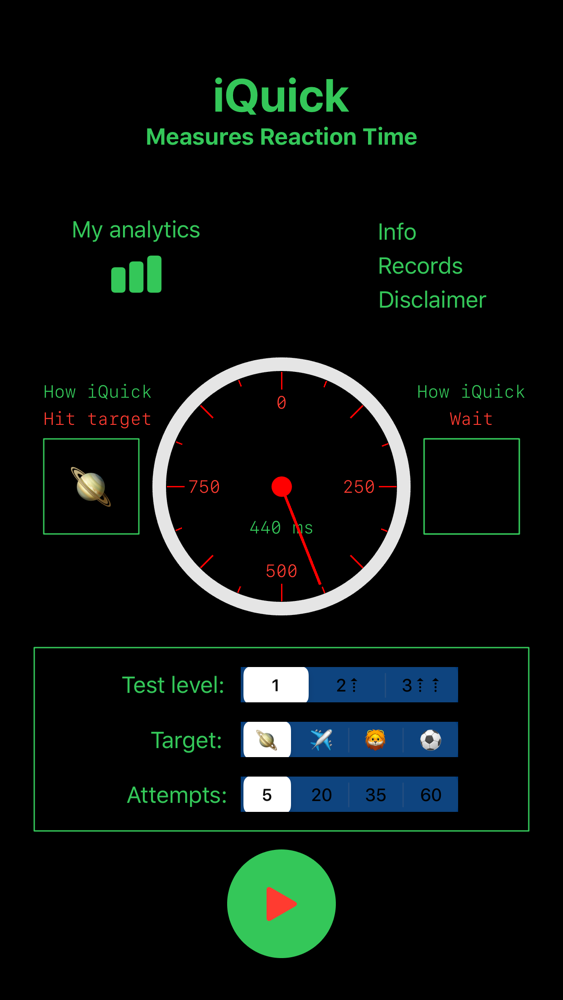
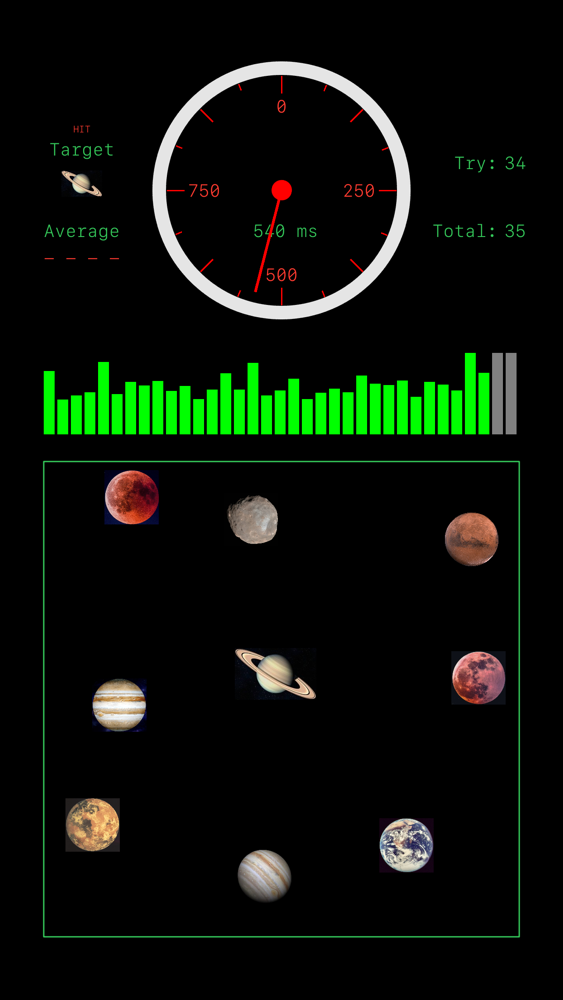
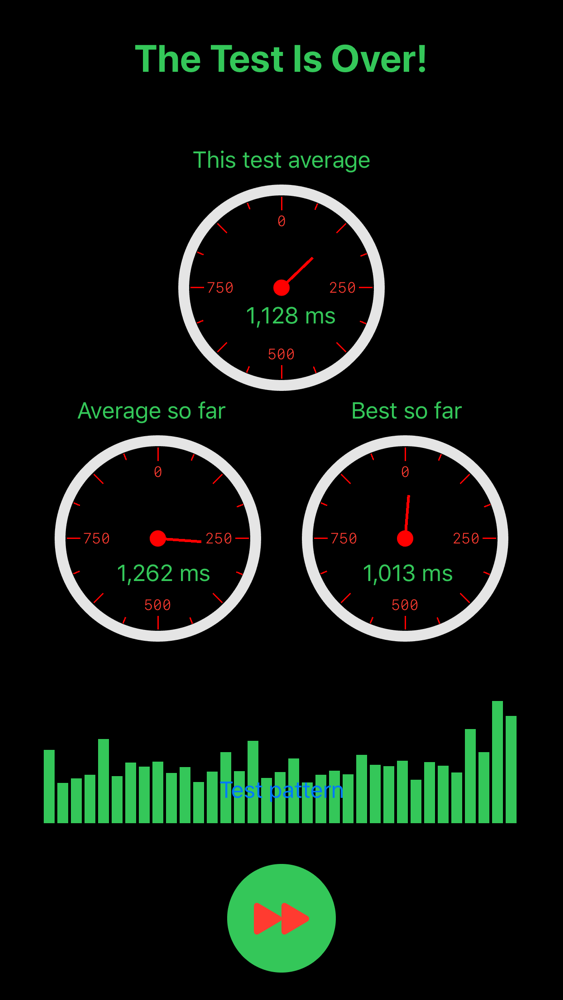
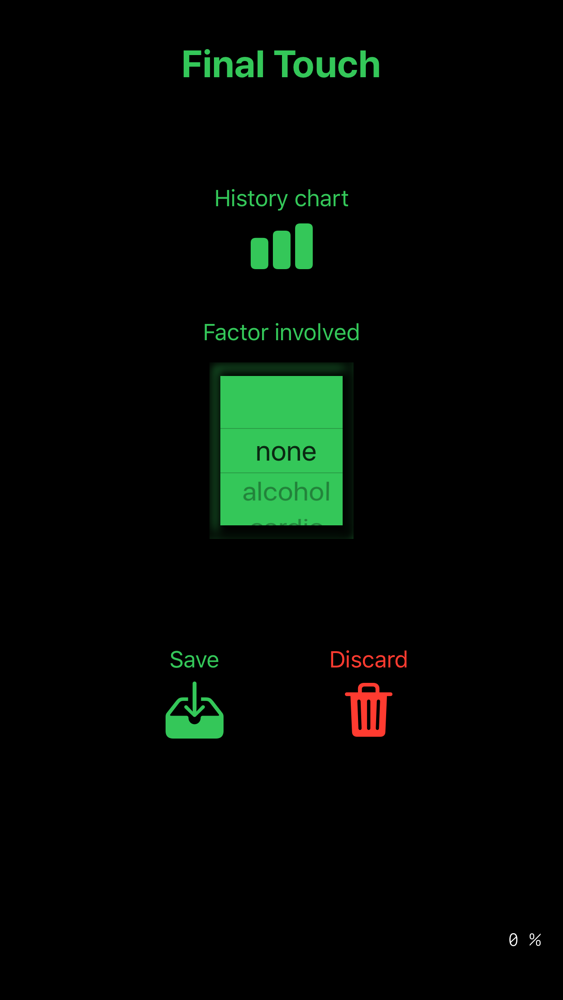
iQuick is carefully designed to run in the most effective and user-friendly manner. Before the test you will have a choice of three test levels, four scenes, and five test durations. The test will consist of several attempts in which you will try to tap on a target shape as soon as you can. After each attempt you will see a progress bar showing how you reacted compared to the previous attempts. On completion of the test, iQuick will show the results; you will then have an option to see a historic chart of your reaction times and compare your current result to the previous ones. Finally, you can identify a factor that could affect your result this time. After saving or discarding the results, you can access My Analytics, which will retrieve the database of your results stored so far for all test levels.
Additional information on the app functionality:
a) Test levels: there is one target shape at the first test level. Levels 2 and 3 introduce the 'noise' distracting your attention: at test level 2 three additional shapes will be scattered on screen, and at test level 3 there will be 8 additional shapes. The time between the screens is random to create an effect of unexpectancy.
b) Test duration: ranges from 5 to 60 attempts. Rapid tests could be used for warming up; the precision of the results will increase with the increase in the test duration.
c) Scene type: this ensures that you will have a choice of the test screen to your taste. Each scene will have a thematic set of shapes scattered on screen: aircrafts, planets, animals, or balls.
d) Running the test: stopwatch will take reaction time in each attempt, and the progress bar will update after each try.
e) Presenting the results: in case your reaction time was better than your average so far, the result and test pattern will turn green; otherwise, they will turn red. In case you broke your record, additional text to that effect will appear on screen.
f) Factors: you can select a factor that in your opinion could affect your performance this time. The app has a collection of pre-set factors, but you can also identify factors known only to you, under “mine 1, mine 2, or mine 3”. Those will appear in your personal database next to the respective test and reaction time value.
g) Saving the results: this will add the result to your personal database accessible via My Analytics.
h) My Analytics: this will retrieve the database of your results saved so far for all three test levels. You will be able to monitor trends over time, compare the results between the test levels, and identify your susceptibility to various factors.
i) Information: buttons on the setup screen will provide an access to additional information related to iQuick: general information about reaction time and world records