Label Maker: AI Design Creator
Free
2.4for iPhone, iPad
Age Rating
Label Maker: AI Design Creator Screenshots
About Label Maker: AI Design Creator
The AI Label Maker lets users create professional, unique Labels in minutes without any design skills. By entering a brand name, industry, and style preference, the AI instantly generates high-quality label concepts tailored to your brand identity.
The AI Logo Maker lets users create professional, unique logos in minutes without any design skills. By entering a brand name, industry, and style preference, the AI instantly generates high-quality logo concepts tailored to your brand identity.
1. Oh So Beautiful Label Design:
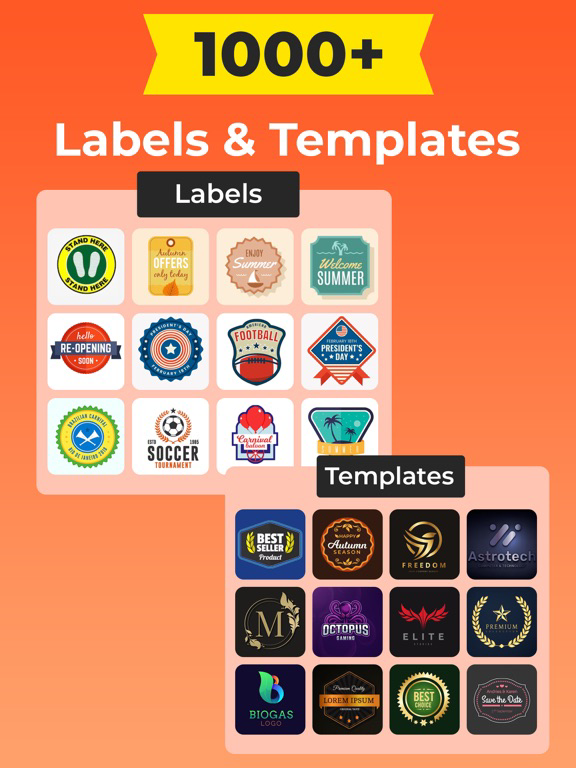
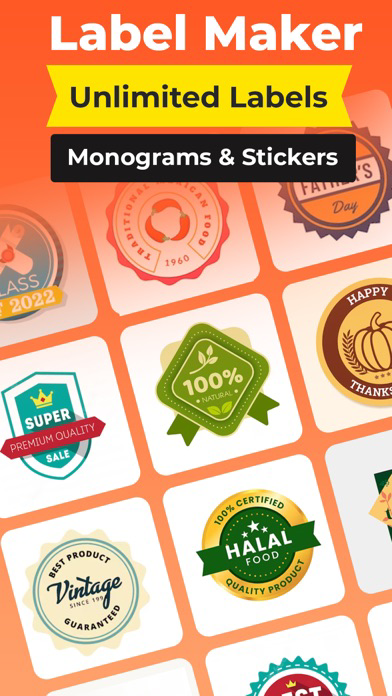
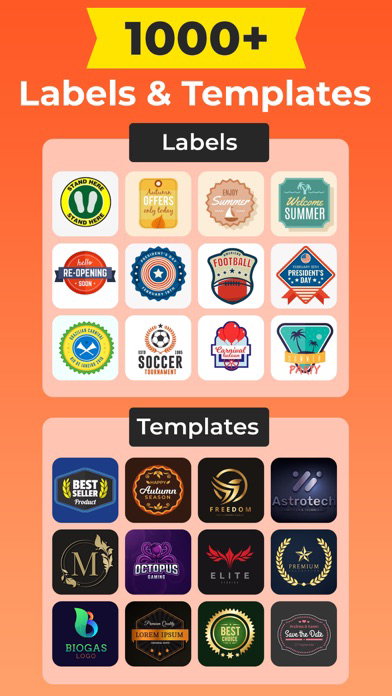
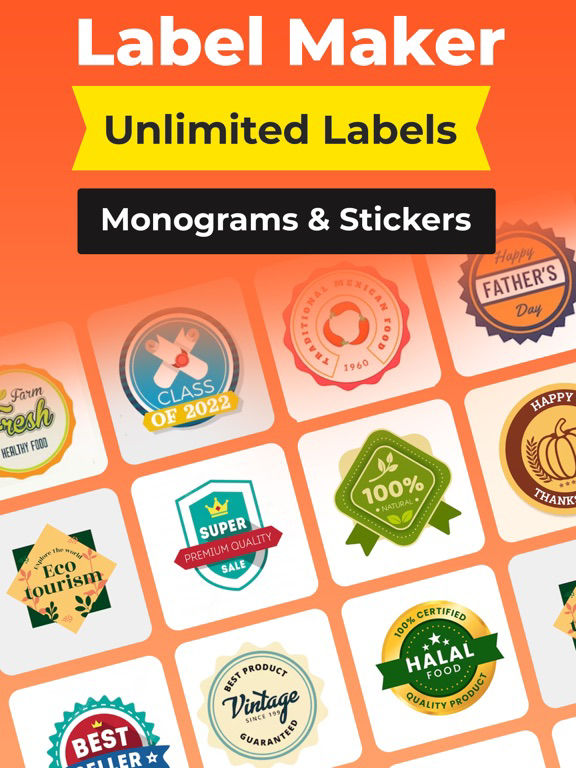
This label maker app gives you an easy interface to create beautiful and cute labels. You can create unique and beautiful labels for your products, creative projects, signature items or other content.
2. Powerful text and graphics tools:
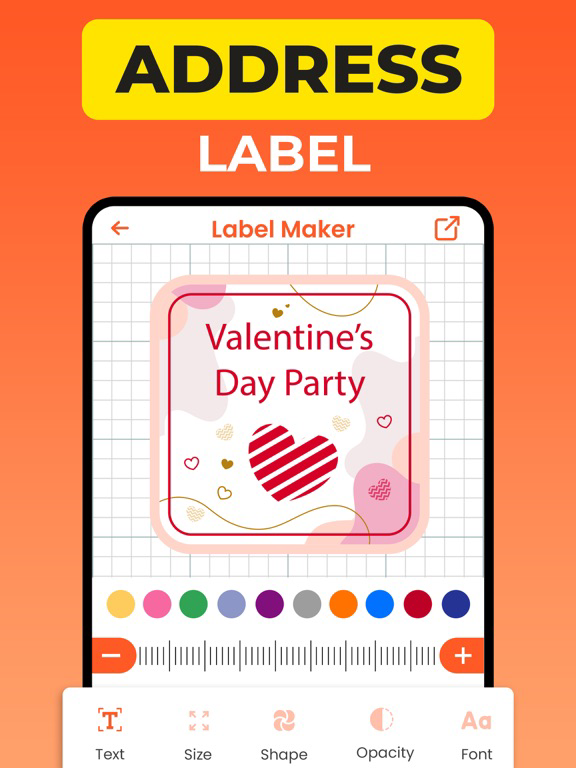
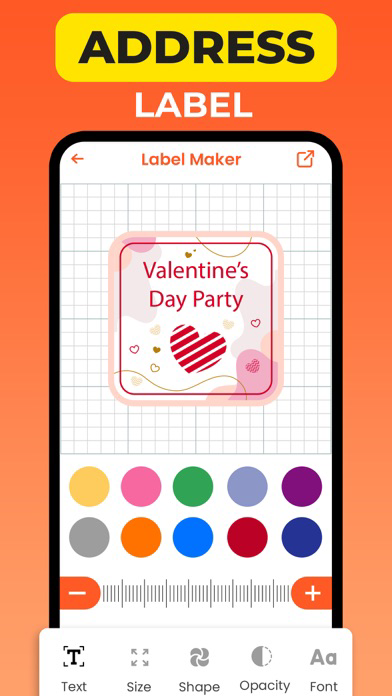
This app gives you specific tools to design text and add graphics and slogans. You can set your chosen fonts, colors, shades, and text size to make your labels easier to read.
3. Different Label Sizes:
You can choose different label sizes according to your needs. Whether you want small labels or large labels, this app gives you an easy way to create all kinds of labels.
4. Image Scenario:
You can see your label's shape and design from different angles by viewing the image view of your label to choose your favorite label.
5. Create advertising content:
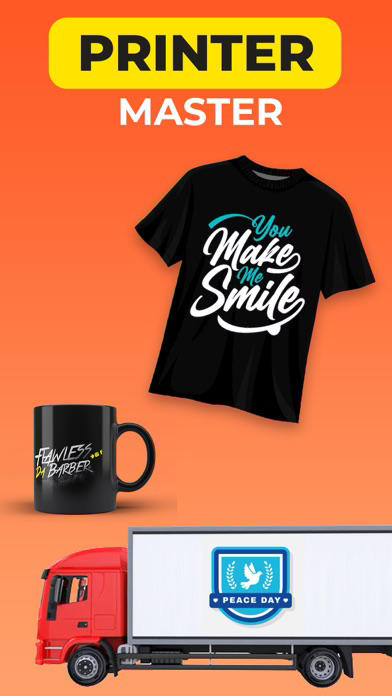
This app also allows you to create labels for advertising materials such as flyers, posters, and brochures. You can create advertising content to grow and spread your business.
6. Organize your career:
You can organize your labels into folders so that you don't have a hard time finding the label you need.
7. Online Advertising:
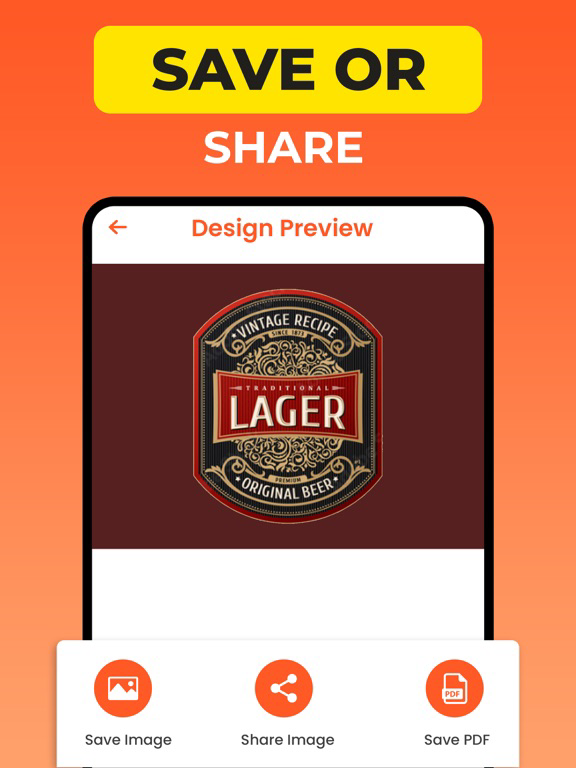
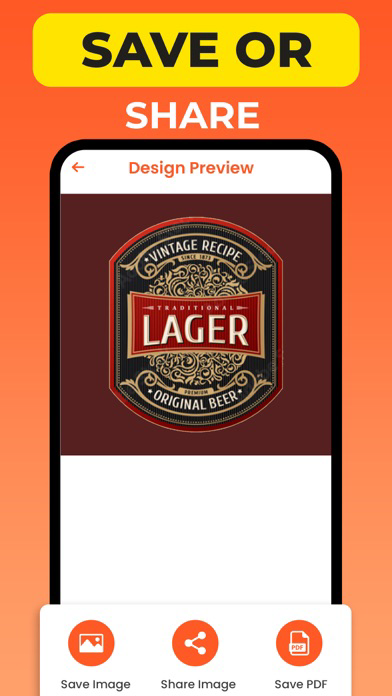
With this app you can also share your labels on online platforms so that your labels can be seen and appreciated by others.
This label maker app meets your daily needs and allows you to create self-confident labels. Use this app to easily create your fancy labels and make your products even more attractive.
Terms & Conditions
https://labelmakerandcreator.blogspot.com/p/terms-conditions.html
Privacy Policy
https://labelmakerandcreator.blogspot.com/p/privacy-policy.html

The AI Logo Maker lets users create professional, unique logos in minutes without any design skills. By entering a brand name, industry, and style preference, the AI instantly generates high-quality logo concepts tailored to your brand identity.
1. Oh So Beautiful Label Design:
This label maker app gives you an easy interface to create beautiful and cute labels. You can create unique and beautiful labels for your products, creative projects, signature items or other content.
2. Powerful text and graphics tools:
This app gives you specific tools to design text and add graphics and slogans. You can set your chosen fonts, colors, shades, and text size to make your labels easier to read.
3. Different Label Sizes:
You can choose different label sizes according to your needs. Whether you want small labels or large labels, this app gives you an easy way to create all kinds of labels.
4. Image Scenario:
You can see your label's shape and design from different angles by viewing the image view of your label to choose your favorite label.
5. Create advertising content:
This app also allows you to create labels for advertising materials such as flyers, posters, and brochures. You can create advertising content to grow and spread your business.
6. Organize your career:
You can organize your labels into folders so that you don't have a hard time finding the label you need.
7. Online Advertising:
With this app you can also share your labels on online platforms so that your labels can be seen and appreciated by others.
This label maker app meets your daily needs and allows you to create self-confident labels. Use this app to easily create your fancy labels and make your products even more attractive.
Terms & Conditions
https://labelmakerandcreator.blogspot.com/p/terms-conditions.html
Privacy Policy
https://labelmakerandcreator.blogspot.com/p/privacy-policy.html
Show More
What's New in the Latest Version 2.4
Last updated on Apr 7, 2026
Old Versions
Bug fixes
Show More
Version History
2.4
Apr 7, 2026
Bug fixes
Label Maker: AI Design Creator FAQ
Click here to learn how to download Label Maker: AI Design Creator in restricted country or region.
Check the following list to see the minimum requirements of Label Maker: AI Design Creator.
iPhone
iPad